电影级英雄海报
Prompt
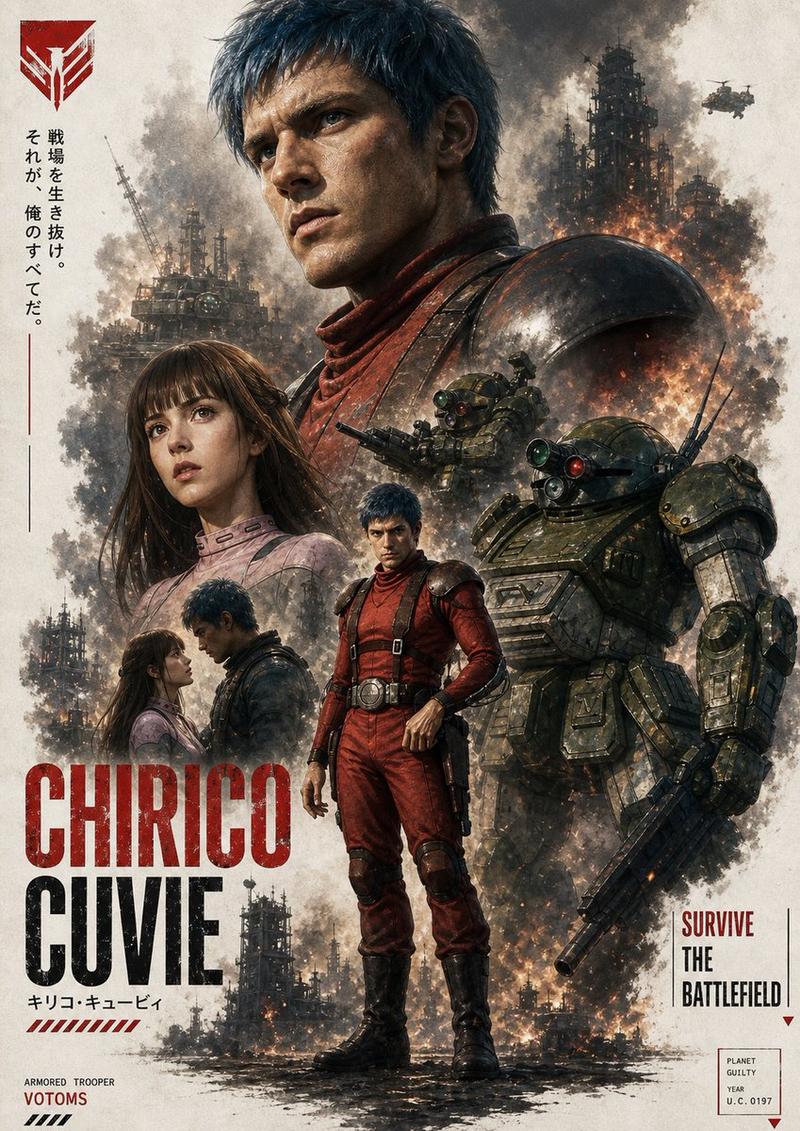
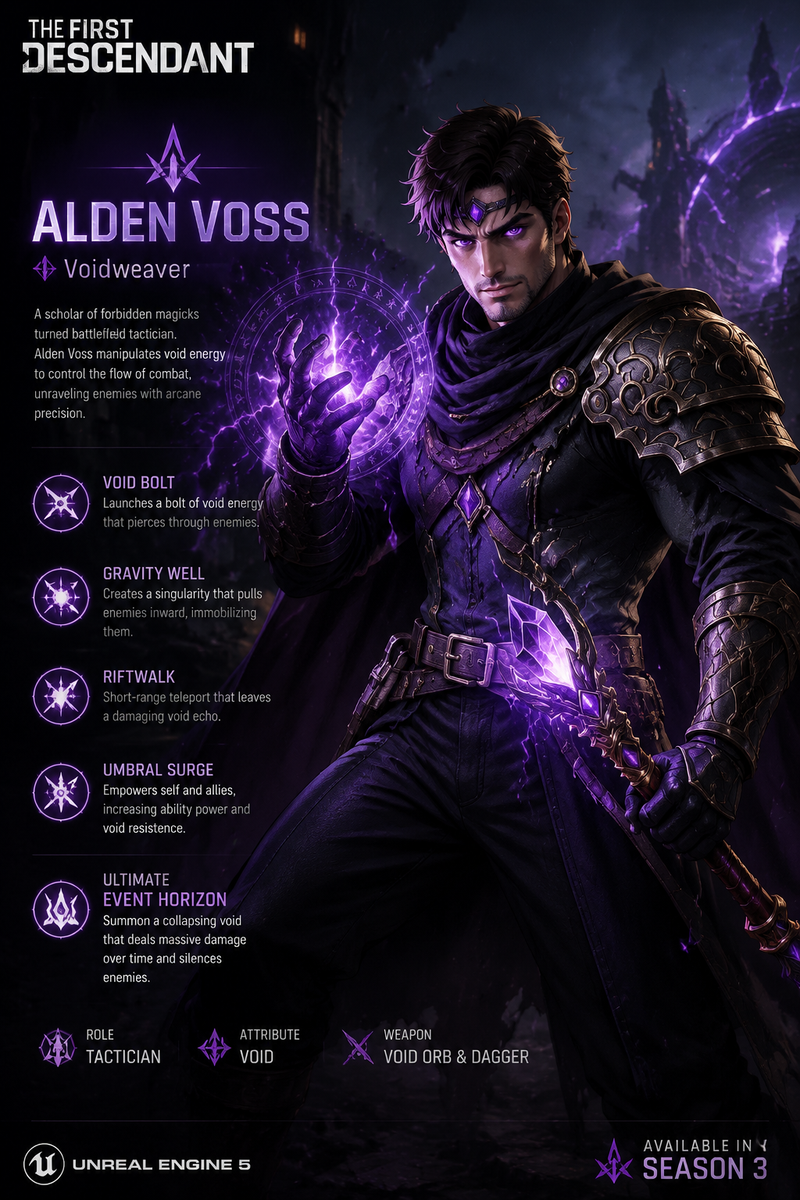
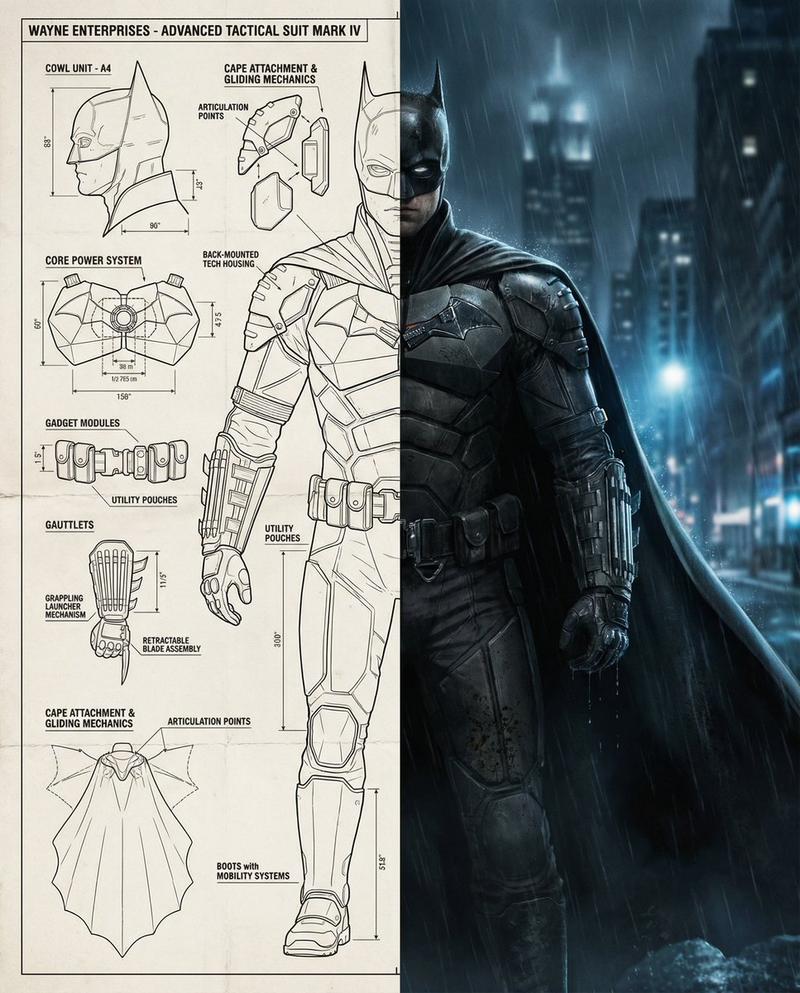
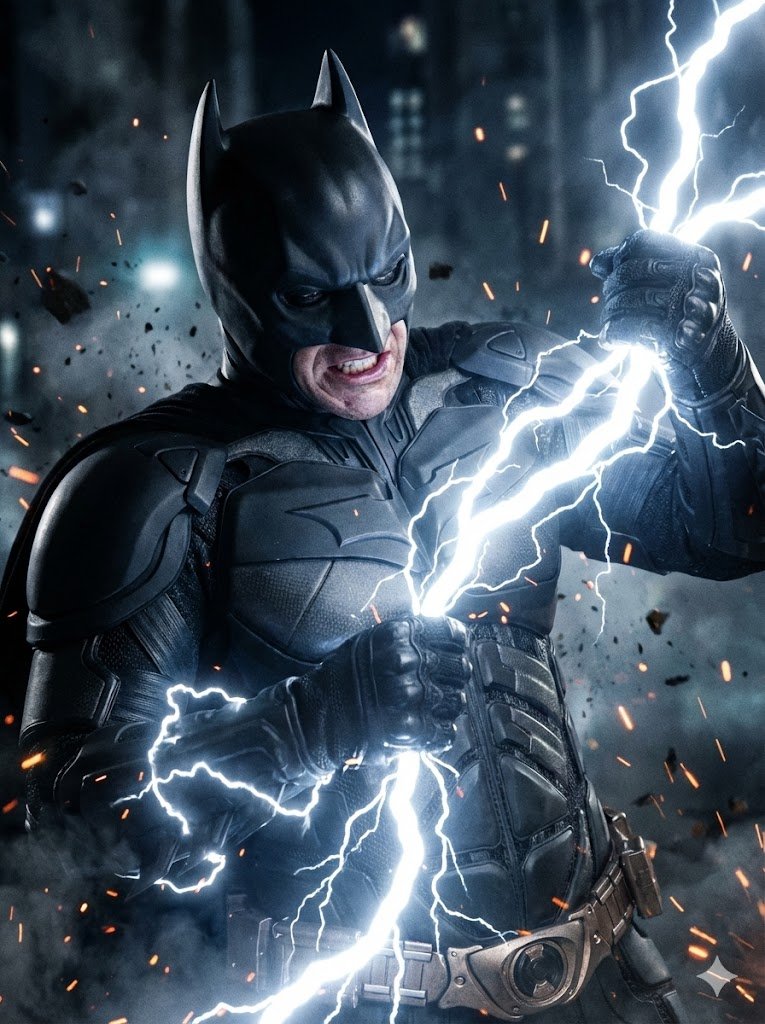
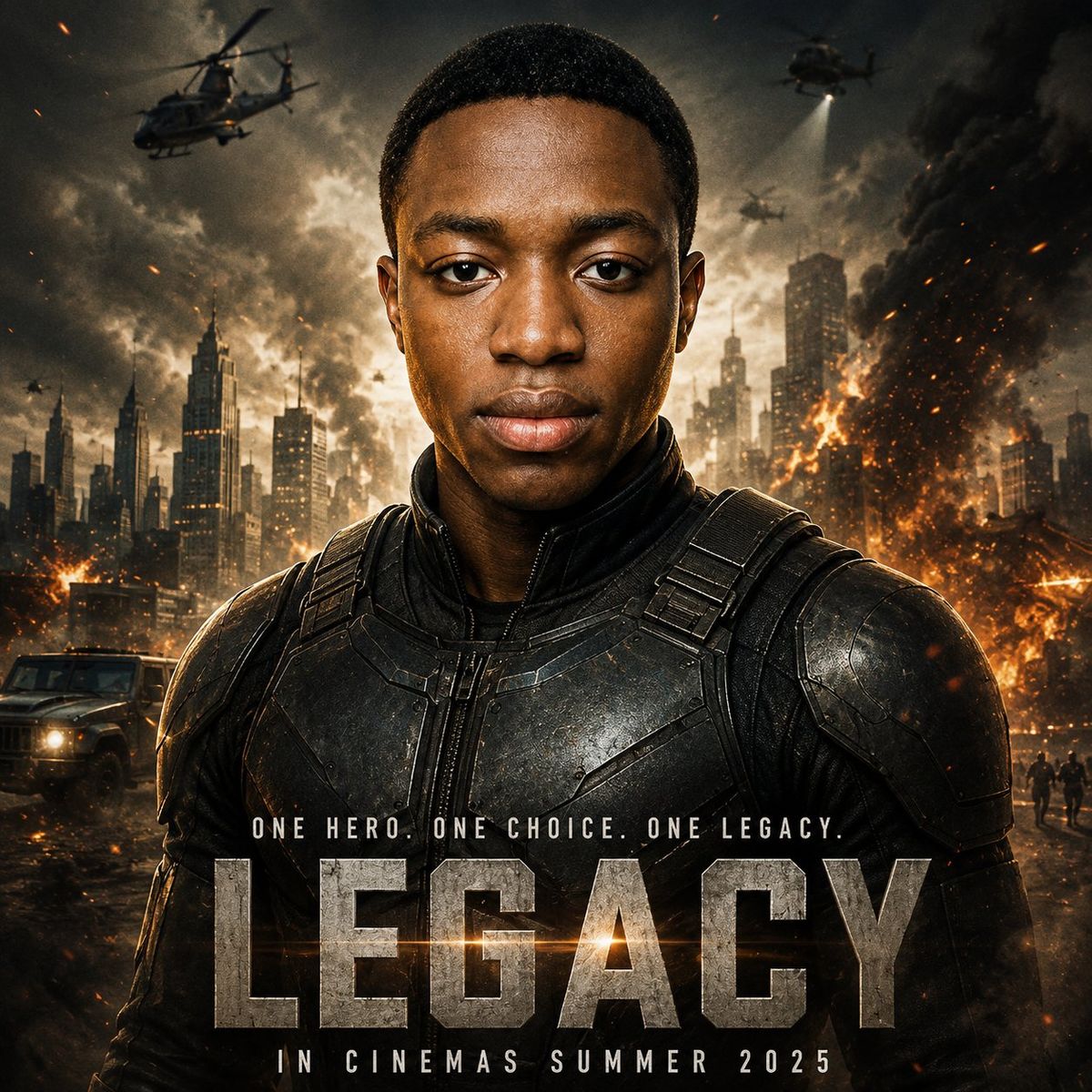
Create a cinematic blockbuster movie poster starring {argument name="character name" default="a young Black male hero"} centered in a tight heroic portrait, facing directly forward with a calm, determined expression. Preserve a realistic face with short cropped black hair, natural skin texture, symmetrical frontal lighting, and sharp eye contact. Dress him in a dark futuristic tactical armored suit with black metal chest plates, shoulder armor, straps, seams, scratches, and subtle battle wear. Behind him, show a devastated modern city skyline at dusk under a smoky storm sky, with burning buildings, orange fireballs, drifting embers, thick black smoke, searchlights, and three military helicopters in the sky. Add a rugged armored vehicle on the lower left and small silhouetted people or soldiers in the distant lower right for scale. Use dramatic Hollywood action-poster lighting: warm orange fire glow from the sides and background, cool dark shadows on the armor, high contrast, volumetric smoke, sparks, lens flare, gritty realism, ultra-detailed 8k photographic finish. Add movie-poster typography at the bottom: a small tagline reading {argument name="tagline" default="ONE HERO. ONE CHOICE. ONE LEGACY."}, a huge distressed stone-metal title reading {argument name="movie title" default="LEGACY"}, and a smaller release line reading {argument name="release line" default="IN CINEMAS SUMMER 2025"}. Keep the composition square, with the hero occupying the central vertical axis, title text layered across the lower torso, no extra logos, no credits block, no watermark.- Category
- Posters & Typography
- Model
- GPT Image 2
- Creator
- Abkr Sadiq
- Source ID
- 27506
- Published
- Jul 2, 2026
Views0