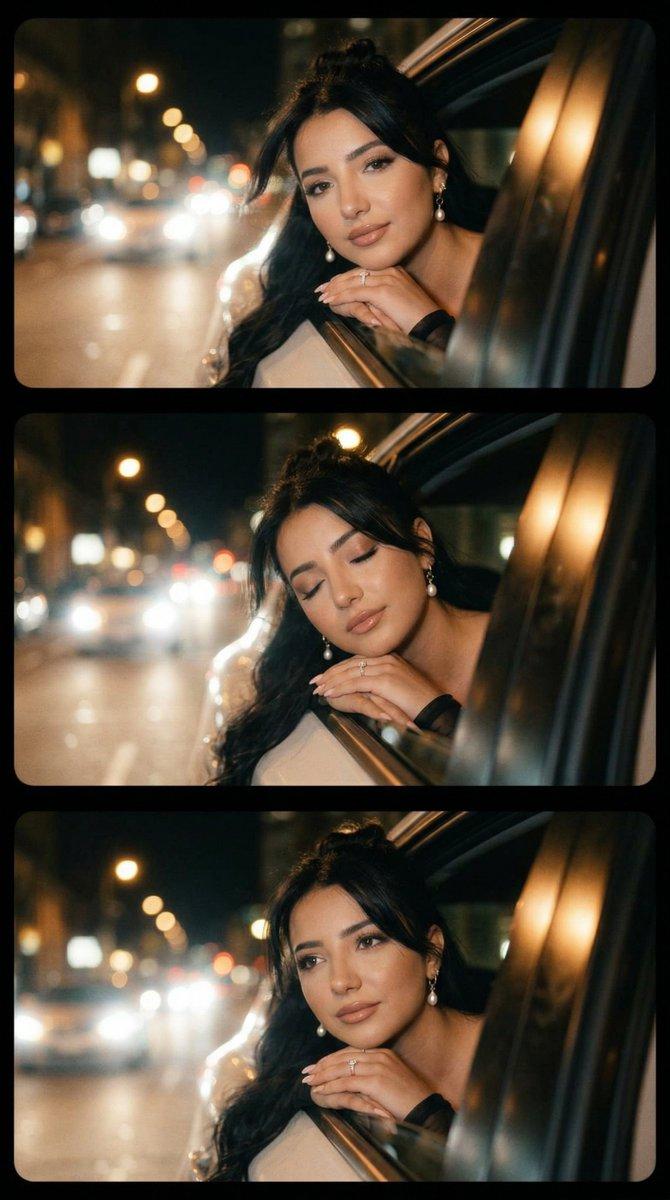
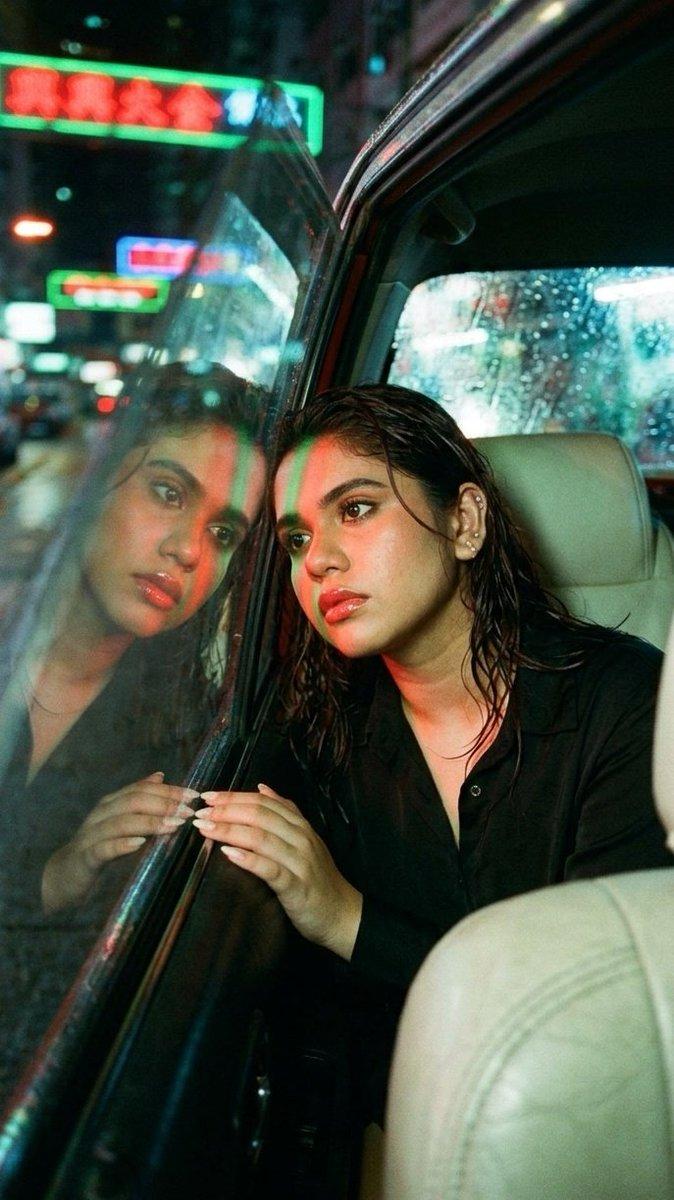
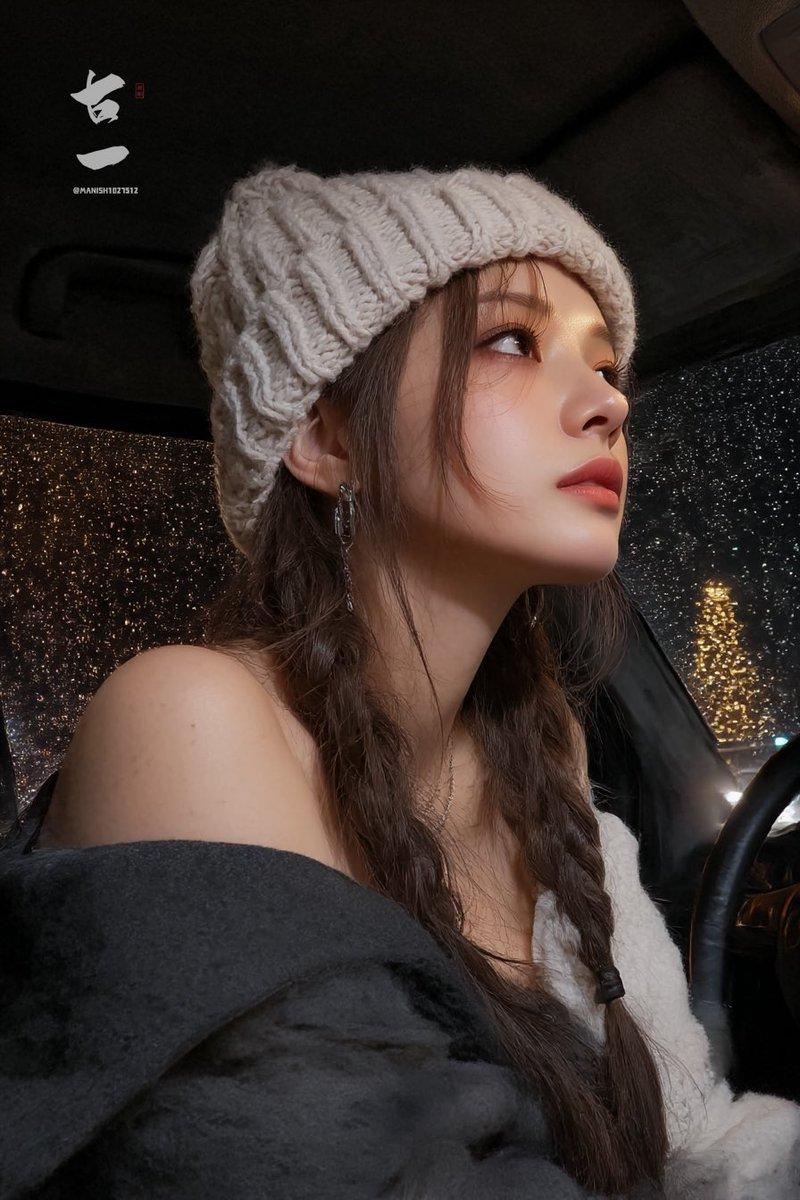
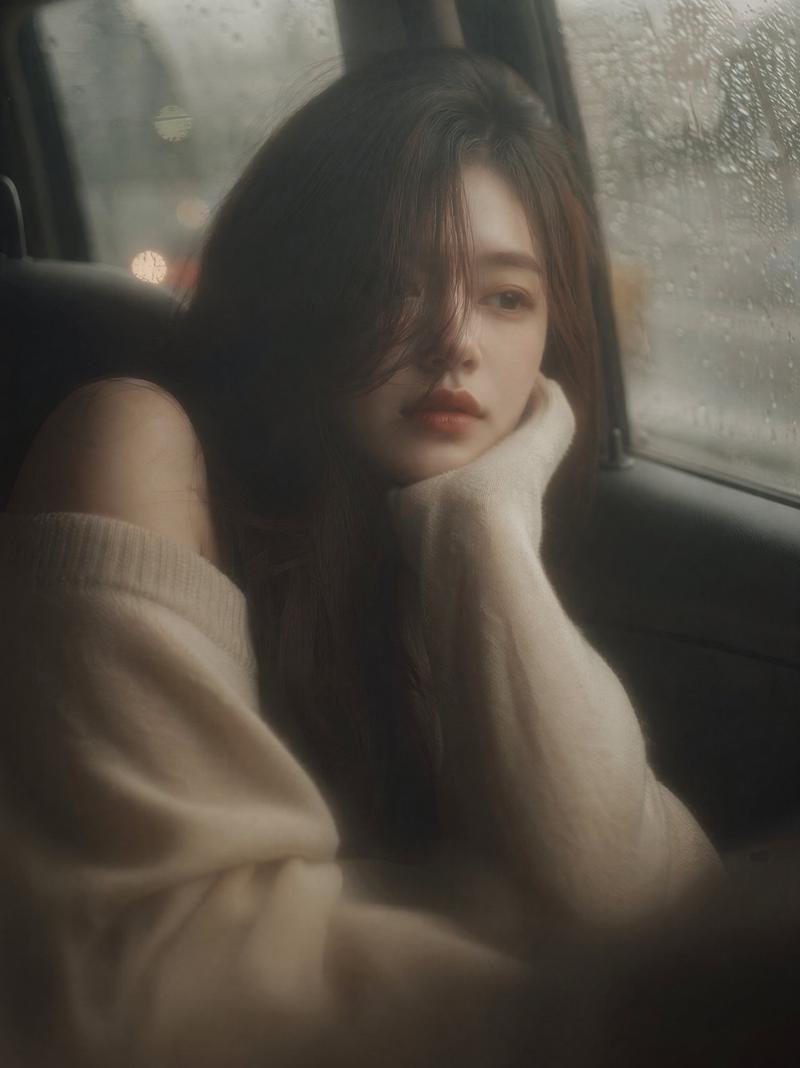
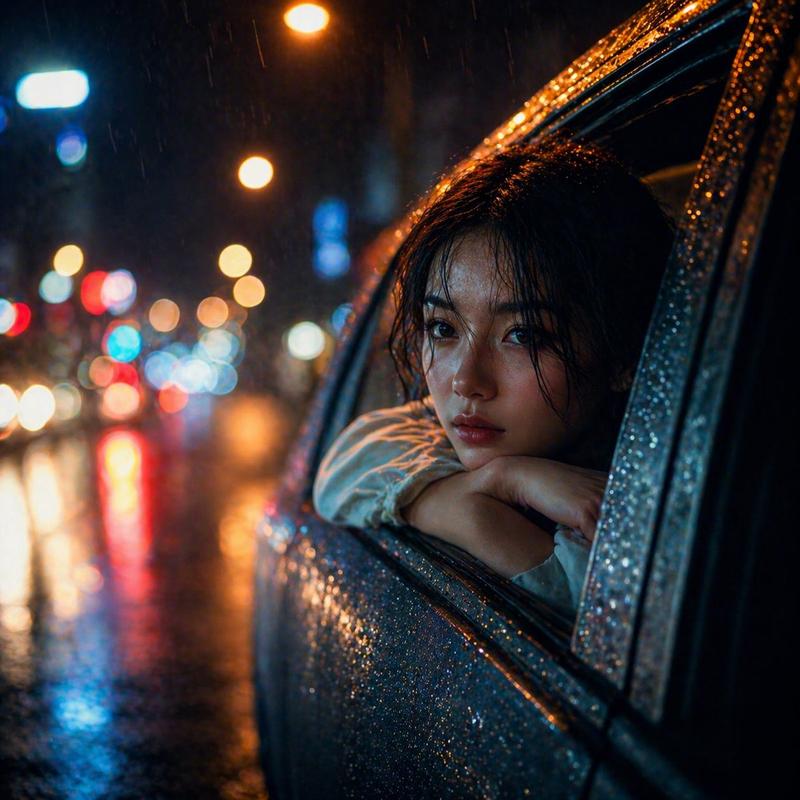
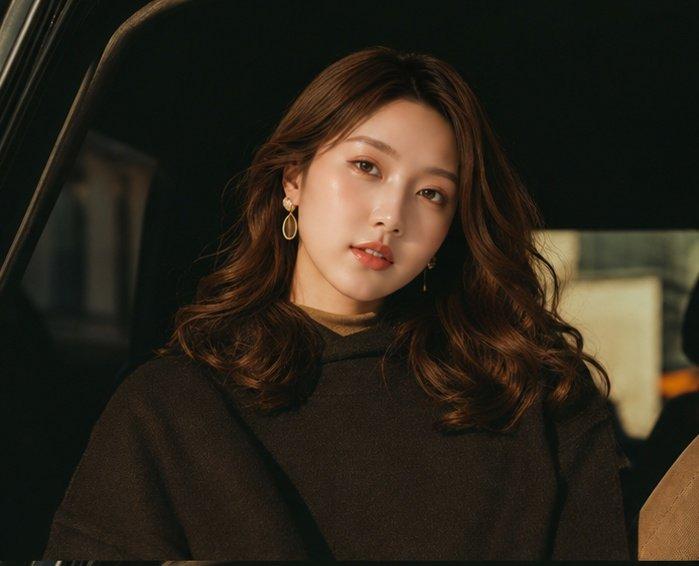
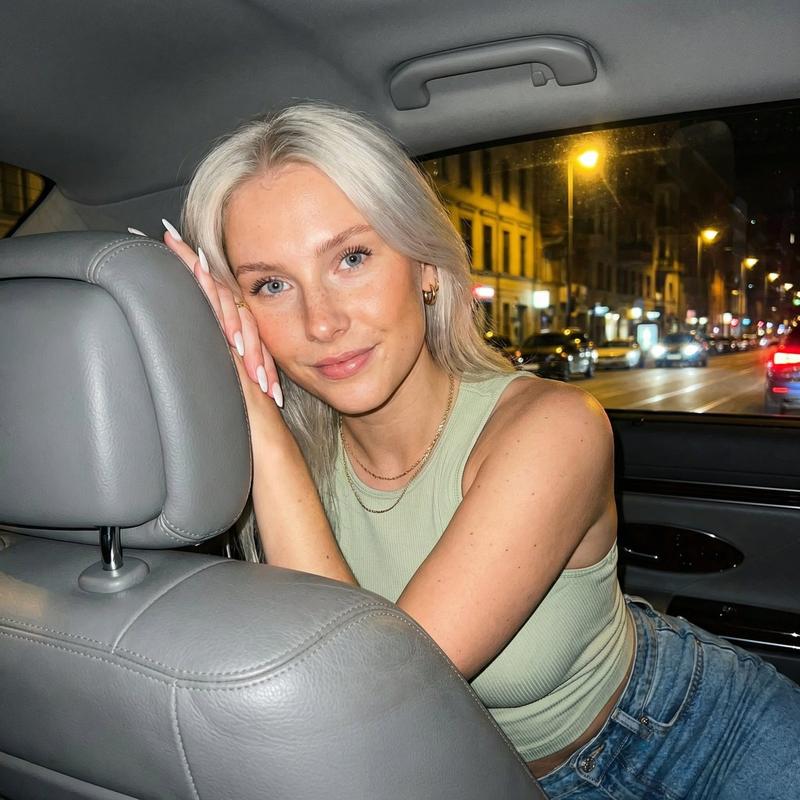
夜车窗畔的三帧微表情胶片
Prompt
{ "generation_request": { "meta_data": { "tool": "NanoBanana Pro", "task_type": "night_drive_filmstrip_3frame_micro_expression", "language": "en", "priority": "highest", "version": "v1.0_NIGHT_CAR_WINDOW_FILMSTRIP_3FRAME_WARM_BOKEH" }, "input": { "mode": "image_to_image", "reference_image_usage": "maximum", "preserve_identity": true, "preserve_facial_features": true, "preserve_hairstyle": true, "notes": "Use the reference as the primary anchor. Create a 3-frame horizontal film strip (three stacked widescreen frames). Same adult woman identity, same car window composition, same night street background. Only micro facial expression changes per frame. Warm tungsten streetlights, soft film grain, bokeh headlights, subtle lens flare. No text, no logos, no watermark." }, "output_settings": { "aspect_ratio": "9:16", "orientation": "portrait", "resolution_target": "ultra_high_res", "num_images": 1, "layout": { "type": "filmstrip", "frames": 3, "direction": "vertical_stack", "gutter": "thin_black", "outer_border": "none", "panel_consistency": "maximum" }, "sharpness": "soft_film", "grain": "true_film", "render_style": "cinematic_night_film" }, "scene": { "concept": "night drive cinematic filmstrip", "environment": "moving car at night, city street, distant headlights, streetlamp bokeh", "lighting": { "style": "warm night street lighting", "key_light": "tungsten streetlights + soft bounce from car body", "highlights": "gentle specular highlights on skin and car paint", "avoid": "flash, daylight, HDR" }, "camera": { "lens": "50mm cinematic", "look": "shallow depth of field, creamy bokeh, subtle anamorphic flare", "focus": "eyes and face sharp enough, background very soft" } }, "subject": { "type": "adult woman", "pose": "leaning out of the car window with forearms resting on the window frame, head resting on arms", "hair": "long dark hair loose, softly moving", "makeup": "natural warm makeup, soft lips", "anatomy_rules": "correct facial proportions, realistic arms and hands, no warped skin" }, "frame_directions": { "frame_01": "soft direct eye contact, calm dreamy expression", "frame_02": "eyes gently closed or half-closed, peaceful sleepy moment", "frame_03": "eyes open again, slightly more melancholic gaze, subtle micro-smile fade" }, "style": { "color_palette": "warm amber streetlights + deep teal night shadows", "contrast": "low-medium", "finish": "cinematic film scan: soft halation, grain, mild vignette" }, "quality_control": { "identity_lock": "strict", "composition_lock": "maximum", "avoid": [ "changin- Category
- Posters & Typography
- Model
- Nano Banana Pro
- Creator
- @astronomerozge1
- Source ID
- 13095
- Published
- Apr 3, 2026
Views98