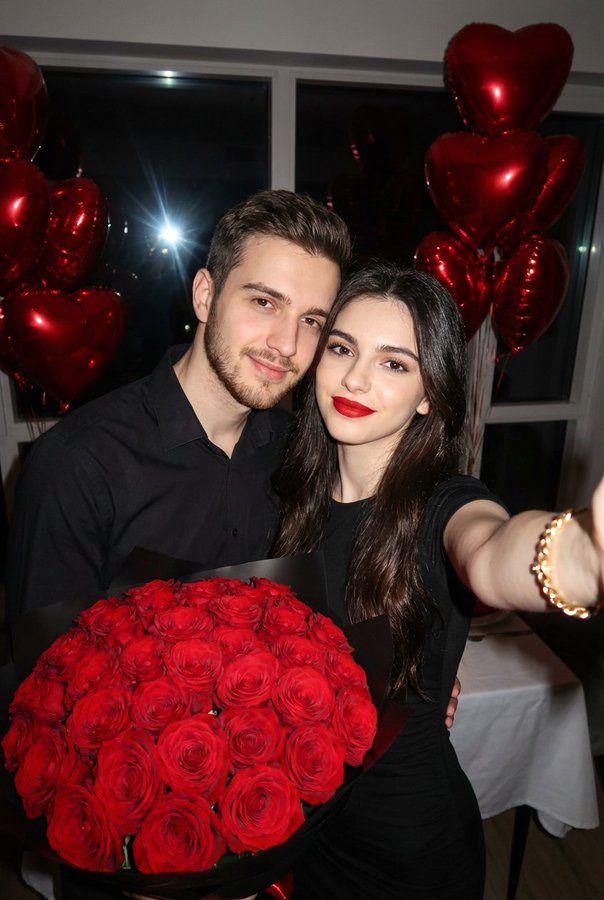
夜色中手持红玫瑰的甜蜜情侣自拍
Prompt
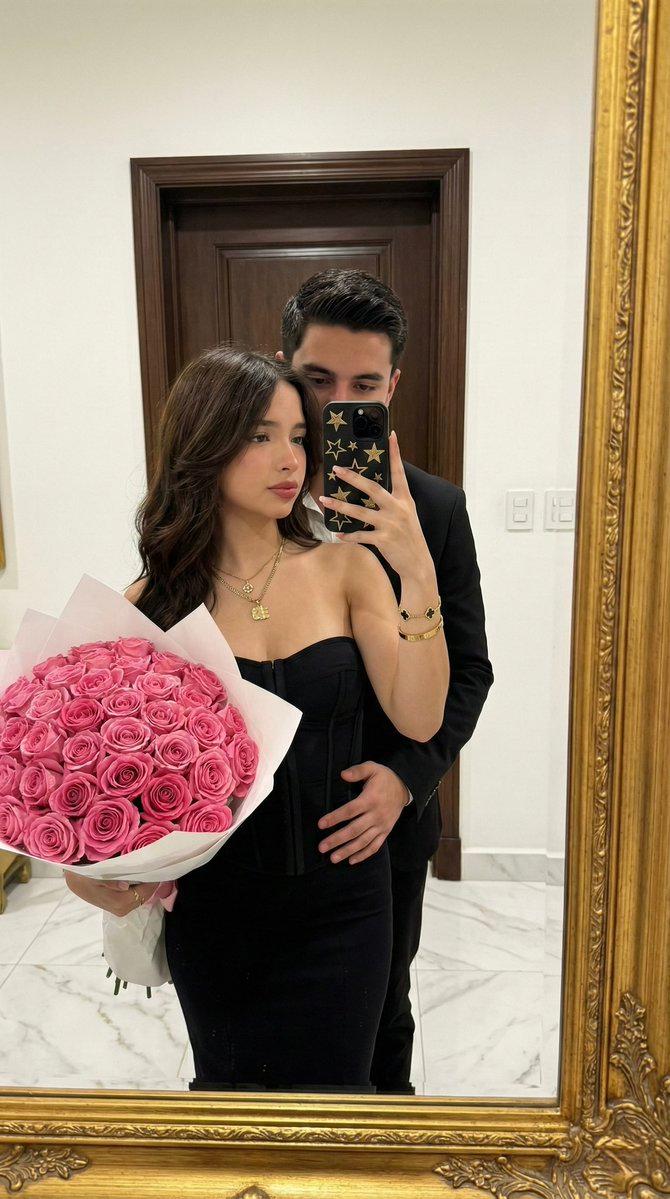
A vertical 2:3 romantic selfie photo of a couple celebrating at night, indoors, holding a huge bouquet of vivid red roses in the foreground, with shiny red heart‑shaped balloons floating behind them. Use the user’s uploaded images as the exact facial reference for both the woman and the man – match their face shapes, features, expressions, and proportions as closely as possible.
The woman is in the foreground, arm extended toward the camera as she takes the selfie. Realistic natural skin texture with soft pores and very subtle imperfections, smooth but not airbrushed, gentle specular highlights from the camera flash on forehead, nose, and cheeks. Long, straight, glossy dark brown hair, parted slightly off‑center, falling smoothly over her shoulders with a healthy sheen. Full, defined lips in a bold matte classic red lipstick, crisp lip lines. Almond‑shaped eyes with warm brown irises, framed by long, thick lashes. Glam evening makeup: softly sculpted brows, flawless medium‑coverage foundation, subtle contour on cheekbones, warm peach‑rose blush, champagne highlighter on the high points of her face, warm brown eyeshadow with a soft smoky outer corner, defined eyeliner and voluminous mascara. She wears a fitted black dress and a chunky gold bracelet on her wrist closest to the camera, slightly out of focus.
The man stands close beside her, leaning in, smiling softly. Natural realistic skin texture with light beard stubble, visible but tidy. Short, thick, dark hair styled upward and slightly textured. Medium‑full lips with a natural tone, relaxed expression. Dark, expressive eyes with a gentle gaze, subtle catchlights from the flash. Neatly groomed eyebrows. He wears a black button‑up shirt, top buttons slightly open, casual but polished.
The bouquet: extremely detailed cluster of red roses, tightly packed, petals velvety and saturated crimson, rich green leaves and stems visible, bouquet wrapped in elegant black paper. Strong focus on the roses, sharp detail and contrast.
Lighting and style: low‑light indoor environment with a strong direct on‑camera flash creating crisp highlights on faces and flowers, subtle falloff into a darker background, giving a candid party/celebration vibe. Slight vignetting at the edges, high contrast, rich colors. Background softly visible: glass window to one side, a table with a white tablecloth, and multiple shiny red metallic heart balloons floating above and behind the couple, reflecting the flash.
Camera and lens look: selfie perspective with slight wide‑angle distortion of the closer arm and hand. Simulate a modern smartphone front camera, 24–26mm equivalent wide‑angle lens, f/2, ISO 400, direct built‑in flash, high resolution, sharp focus on faces and roses, subtle noise in darker areas for realism. Cinematic yet natural color grading, realistic skin tones, vertical 2:3 aspect ratio.
- Category
- Posters & Typography
- Model
- Nano Banana Pro
- Creator
- @IqraSaifiii
- Source ID
- 2624
- Published
- Feb 24, 2026
Views141