14

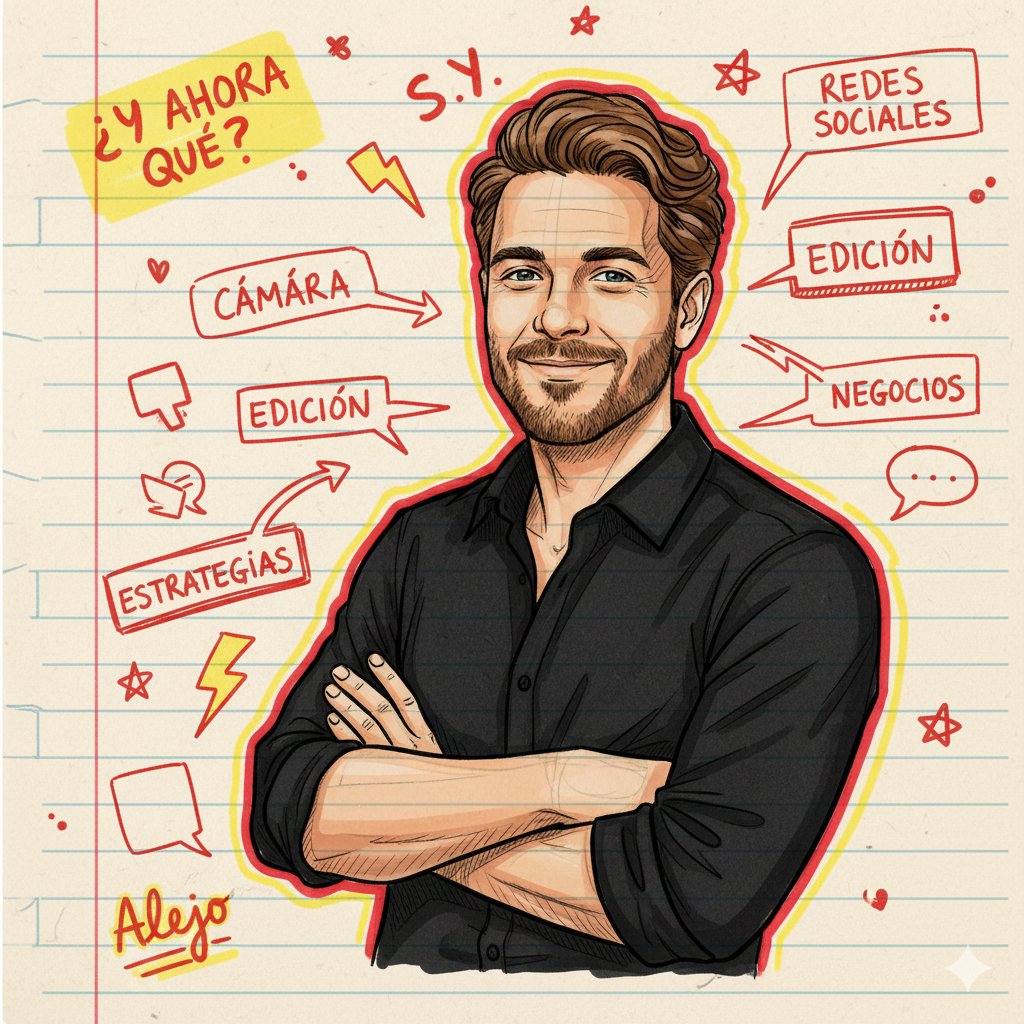
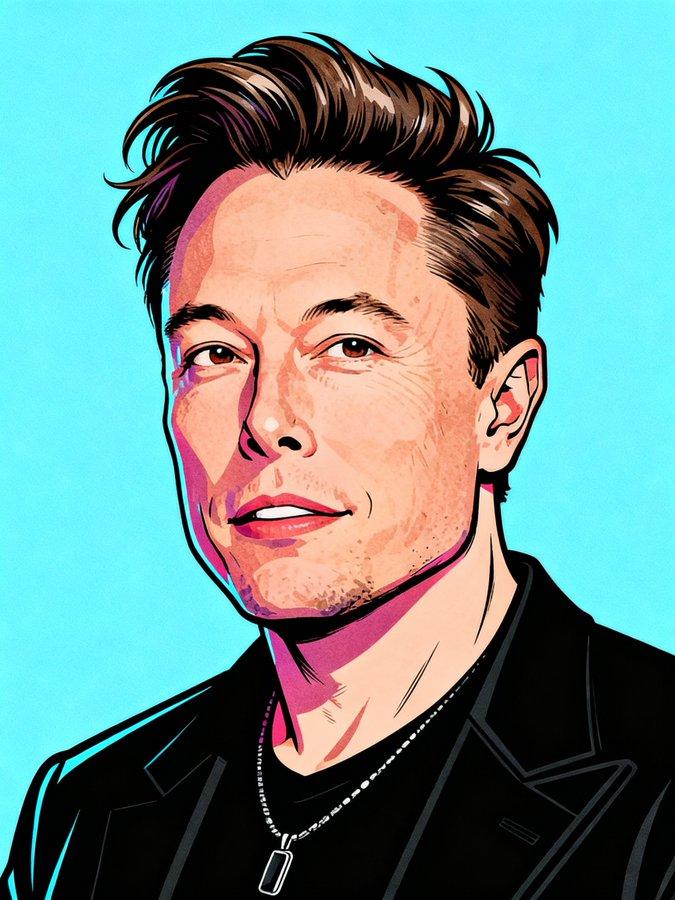
笔记本上的电音自画像
Enlarge

笔记本上的电音自画像

Prompt
Ultra-Realistic Promotional
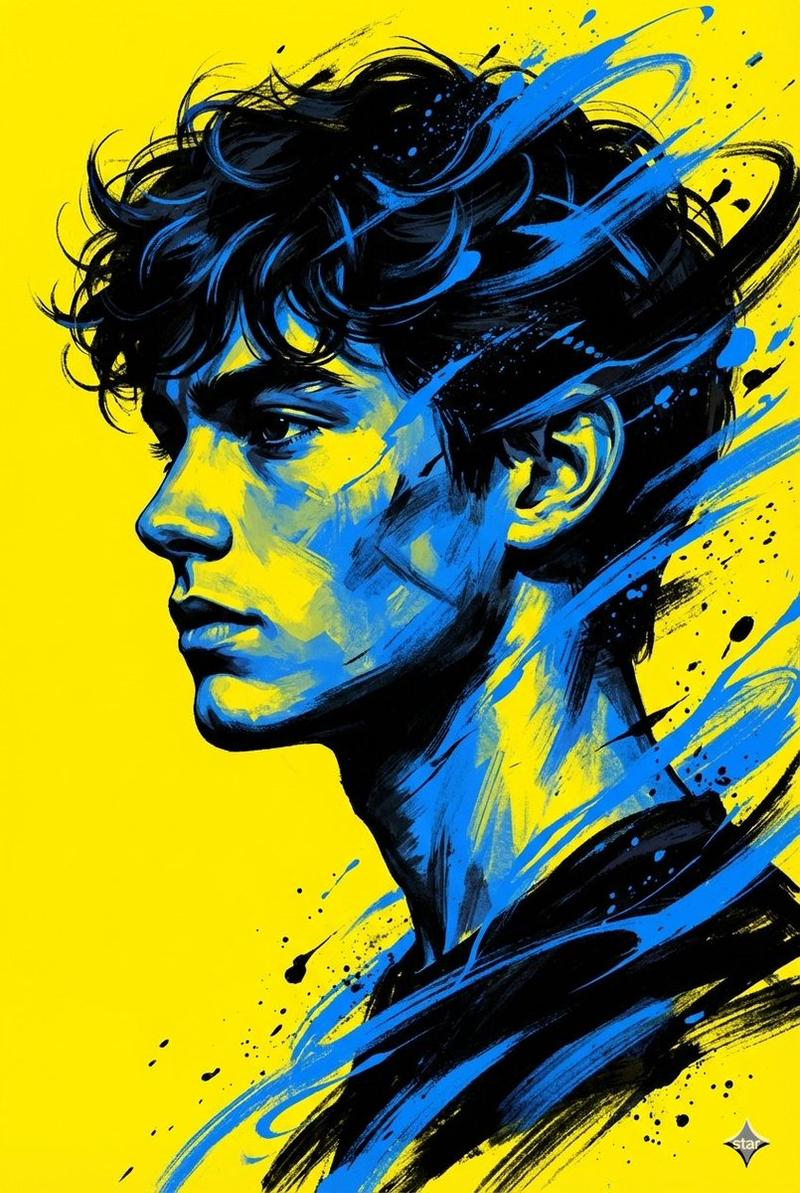
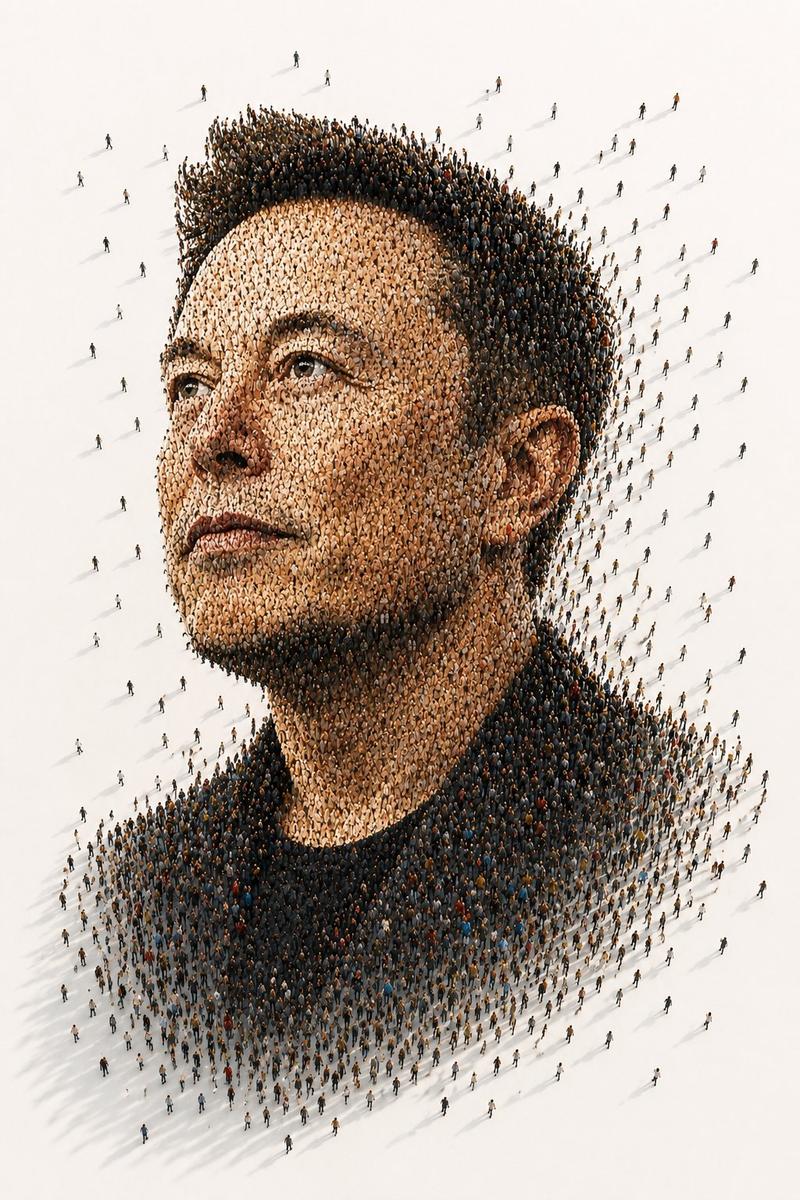
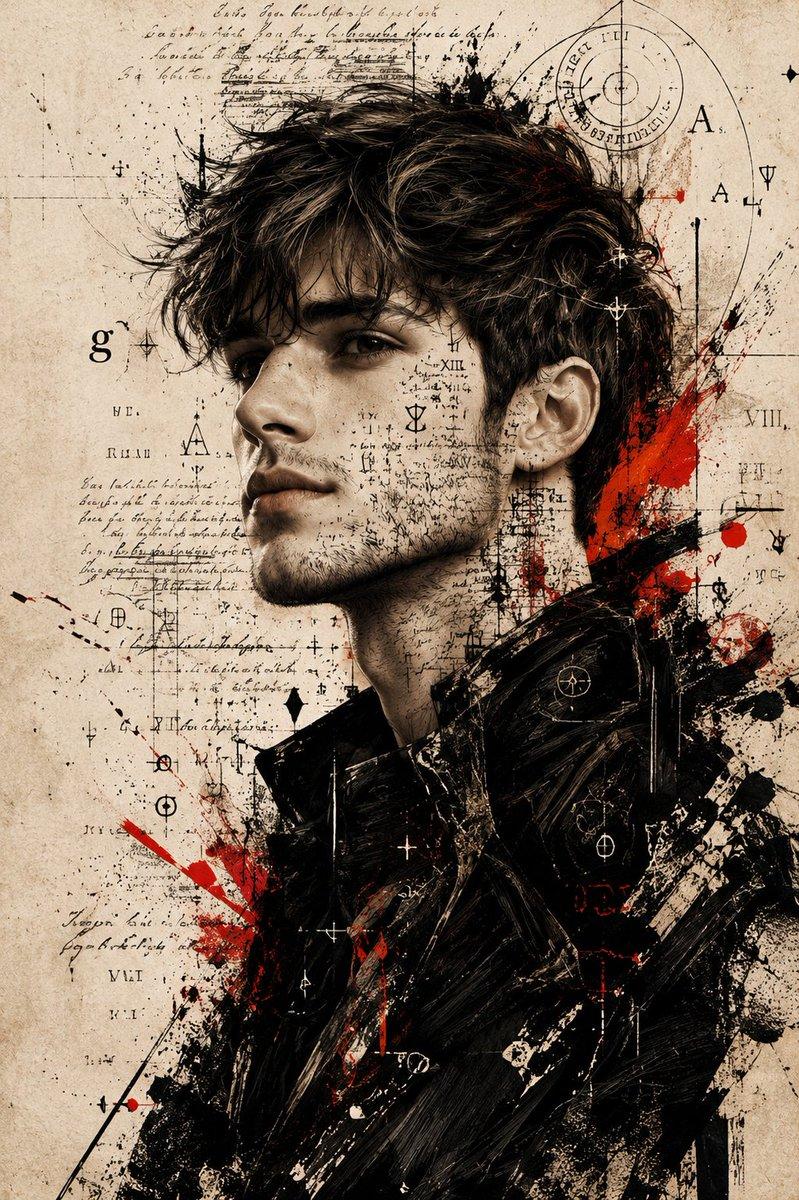
Use the uploaded image as an img-to-img reference, preserving full facial likeness and identity, and create artwork that appears drawn on lined notebook paper with ballpoint pen, ink, and neon markers, showing realistic ink absorption, layered pressure, smudges, stains, wrinkles, and worn edges. The style blends chaotic doodle art, comic annotations, and rough sketches with thick-thin line variation, loose strokes, messy marks, dynamic hatching, and an energetic, spontaneous, slightly chaotic mood, rendered in high detail at 4k with bold outer glow lighting and vibrant contrast. Use a portrait composition with a thick border around the head, surrounding the subject with arrows, stars, underlines, scribbles, speech bubbles, overlapping notes, checkboxes, playful icons (lightning bolts, lightbulbs, music notes, a small self-caricature), and handwritten comic sound effects like “Ai!” and “MiLO_BAHi_02!”. Apply one style variation: Pop Bold (cyan and magenta), Neon Highlight (neon pink and yellow highlighter look), Electric Graffiti (electric blue and neon red graffiti outlines), or Dense Sketch (blue linework with red accents, dense and alive).
Category
UI & Interfaces
Model
Nano Banana Pro
Views72
Source ID
1939
Published
Jan 10, 2026

Guide

About "笔记本上的电音自画像"

What is this prompt for?

"笔记本上的电音自画像" AI image prompt for Nano Banana Pro (UI & Interfaces). Ultra-Realistic Promotional 使用上传的图片作为 img-to-img 参考,完整保留面部相似度与身份,创作出看似画在横线笔记本纸上的作品,使用圆珠笔、墨水…

The full copyable prompt and example visuals above are ready for AI image generation or one-click recreate in Picva.

How to use this prompt

  1. Step 1

    Open the prompt detail

    Review the example visuals, category, and full prompt text for "笔记本上的电音自画像".

  2. Step 2

    Copy the prompt

    Copy the prompt body from this page, or load it directly in Studio.

  3. Step 3

    Pick a model (Nano Banana Pro)

    Prefer Nano Banana Pro. If you switch models, keep subject and composition and tweak style terms.

  4. Step 4

    Generate and export

    Recreate the look in Picva, or export into your workflow for editing and publishing.

FAQ

What is the "笔记本上的电音自画像" prompt?
It is an AI image-generation prompt for Nano Banana Pro in the UI & Interfaces category. This page includes the full prompt text, example visuals, and a one-click recreate path in Picva.
How do I use this prompt to generate an image?
Copy the prompt from this page, or use Generate / Studio. Paste it into a compatible image model, or recreate the look in Picva with optional reference images.
Which model is this prompt for?
This page lists Nano Banana Pro. Most descriptive prompts also transfer to nearby image models such as GPT Image, Flux, or Midjourney with light style tweaks.
Can I use the result commercially?
You can usually copy the prompt for creation, but commercial use of the final image depends on the model terms, reference-image rights, and the generated content. Follow the source author and platform rules.