19

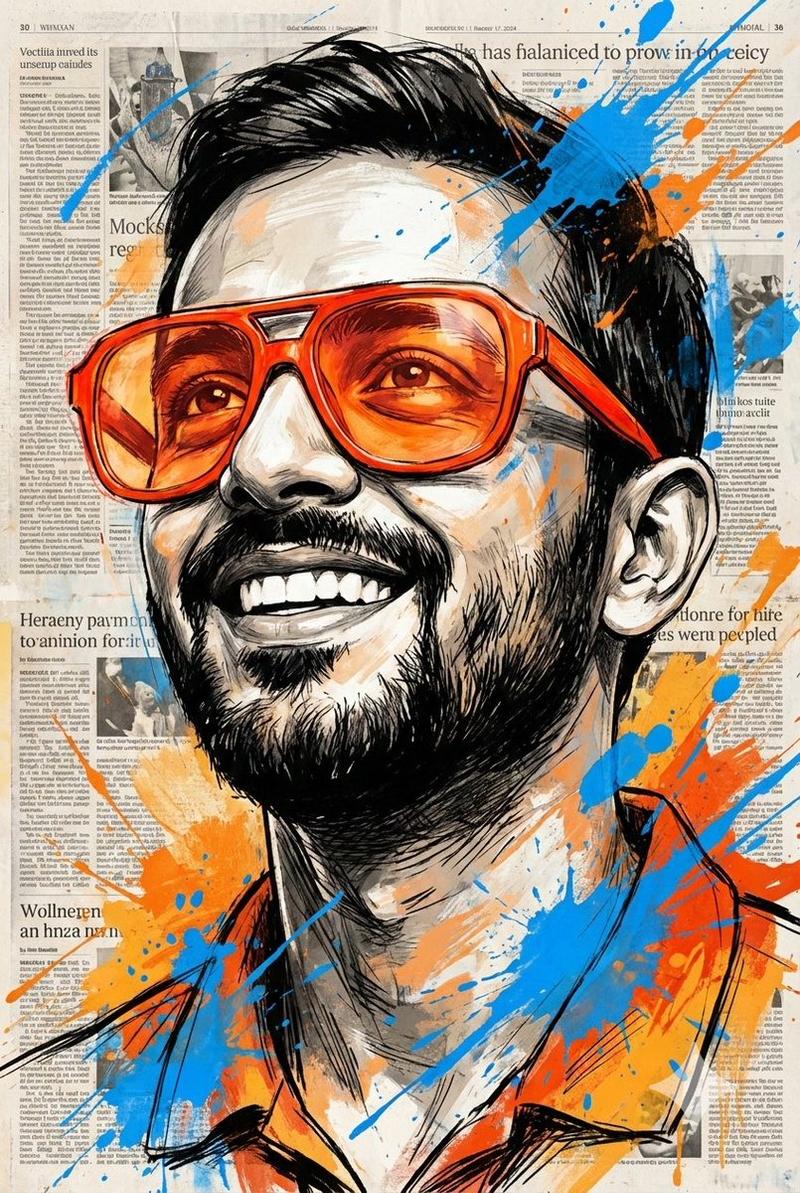
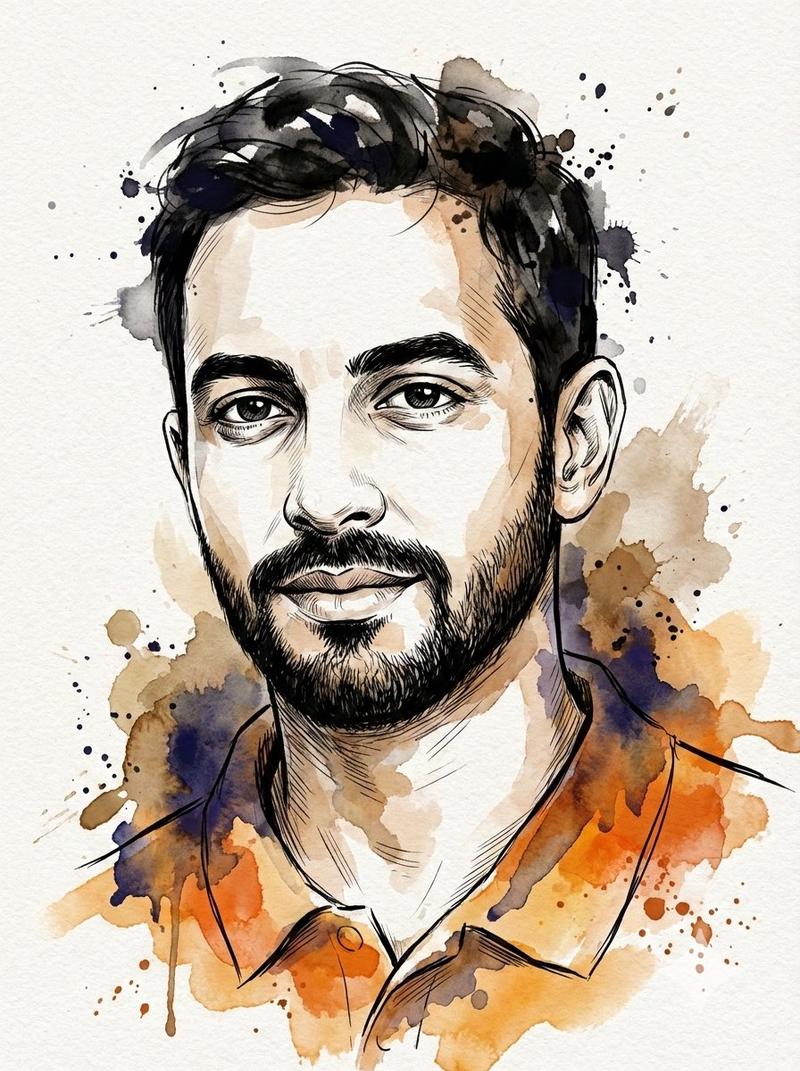
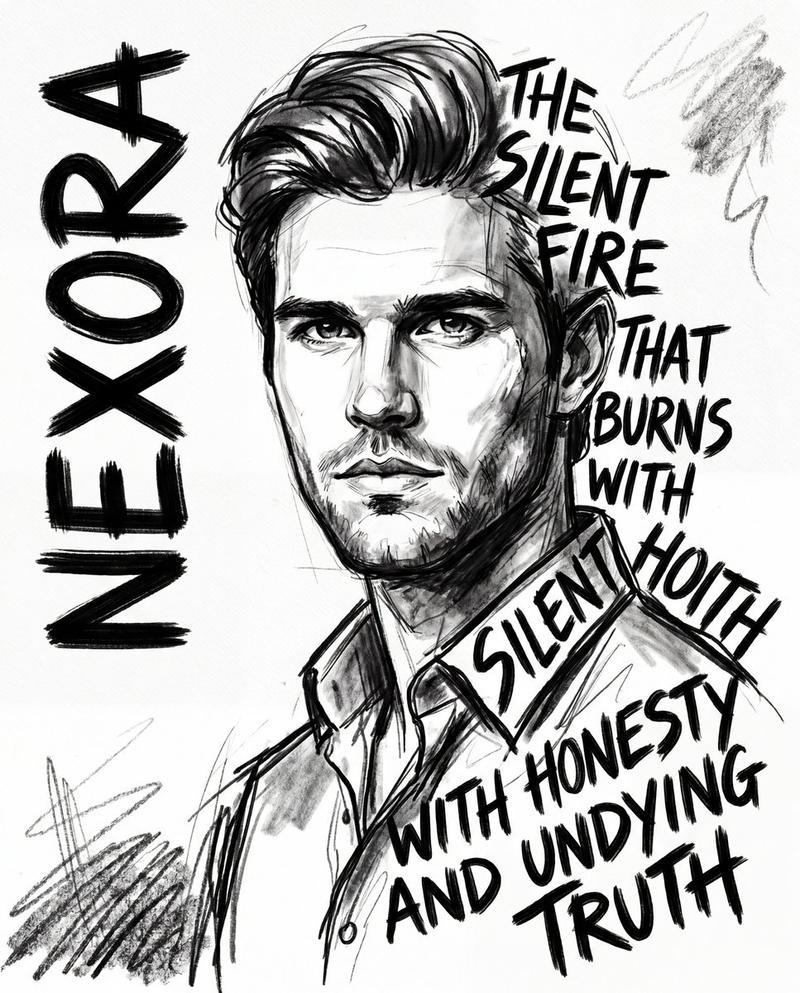
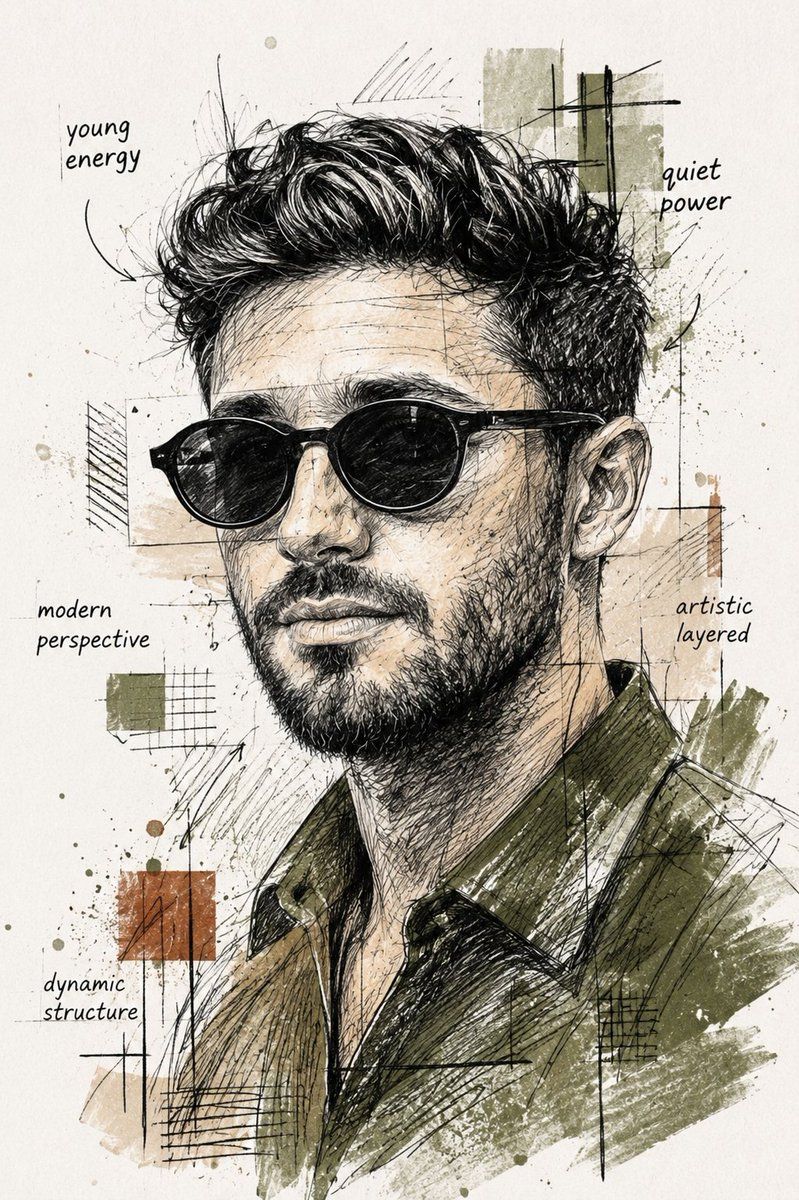
混合媒介素描肖像
Enlarge

混合媒介素描肖像

Prompt
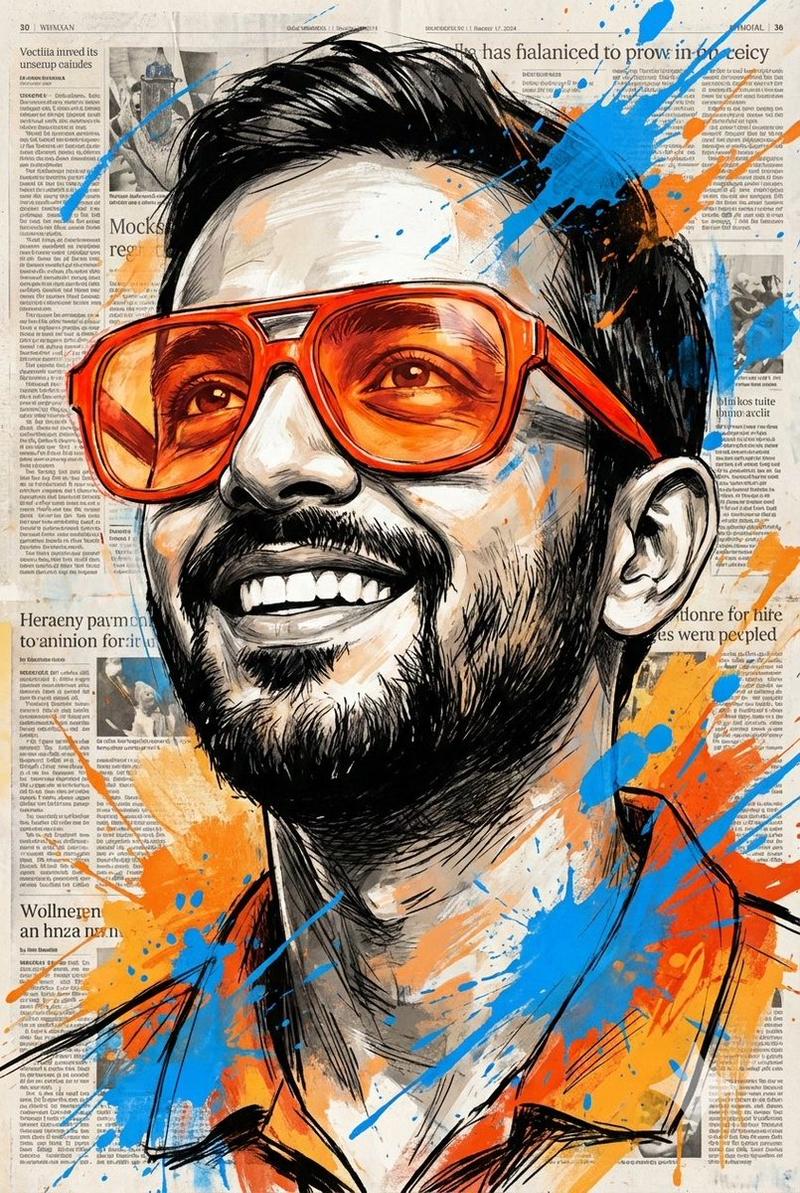
Create a unique artistic sketch-style portrait of a {argument name="subject" default="modern young man"} wearing {argument name="accessories" default="black sunglasses"}, with textured pencil and ink drawing effects mixed with abstract collage elements. Change the shirt color to {argument name="shirt color" default="deep olive green"} with soft watercolor shading. Add layered geometric frames around the face, expressive cross-hatching, ink splashes, handwritten typography notes, and contemporary fashion mood-board aesthetics. Keep the hairstyle detailed and voluminous with realistic sketch strokes. Use an off-white textured paper background with artistic grunge accents, dynamic composition, and editorial magazine-style illustration. High detail, cinematic lighting, modern urban art style, creative mixed-media sketch effect.
Category
Charts & Infographics
Model
GPT Image 2
Creator
Aijaz
Views8
Source ID
21837
Published
May 21, 2026

Guide

About "混合媒介素描肖像"

What is this prompt for?

"混合媒介素描肖像" AI image prompt for GPT Image 2 (Charts & Infographics). 创作一种风格化的艺术肖像,将铅笔和墨水素描效果与抽象拼贴元素及电影级光影相结合。 Copy it on Picva and recreate the look in one clic…

The full copyable prompt and example visuals above are ready for AI image generation or one-click recreate in Picva.

How to use this prompt

  1. Step 1

    Open the prompt detail

    Review the example visuals, category, and full prompt text for "混合媒介素描肖像".

  2. Step 2

    Copy the prompt

    Copy the prompt body from this page, or load it directly in Studio.

  3. Step 3

    Pick a model (GPT Image 2)

    Prefer GPT Image 2. If you switch models, keep subject and composition and tweak style terms.

  4. Step 4

    Generate and export

    Recreate the look in Picva, or export into your workflow for editing and publishing.

FAQ

What is the "混合媒介素描肖像" prompt?
It is an AI image-generation prompt for GPT Image 2 in the Charts & Infographics category. This page includes the full prompt text, example visuals, and a one-click recreate path in Picva.
How do I use this prompt to generate an image?
Copy the prompt from this page, or use Generate / Studio. Paste it into a compatible image model, or recreate the look in Picva with optional reference images.
Which model is this prompt for?
This page lists GPT Image 2. Most descriptive prompts also transfer to nearby image models such as GPT Image, Flux, or Midjourney with light style tweaks.
Can I use the result commercially?
You can usually copy the prompt for creation, but commercial use of the final image depends on the model terms, reference-image rights, and the generated content. Follow the source author and platform rules.