18

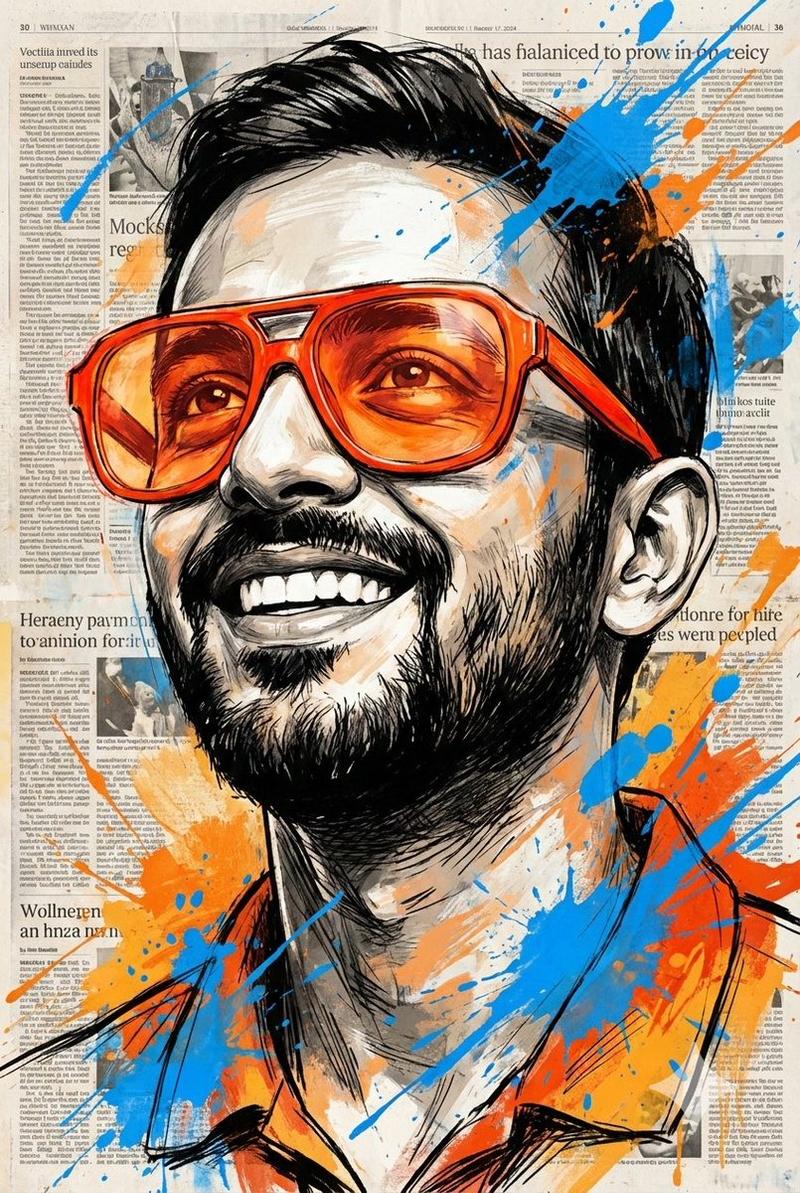
戴橘红眼镜仰望的色彩狂想曲
Enlarge

戴橘红眼镜仰望的色彩狂想曲

Prompt
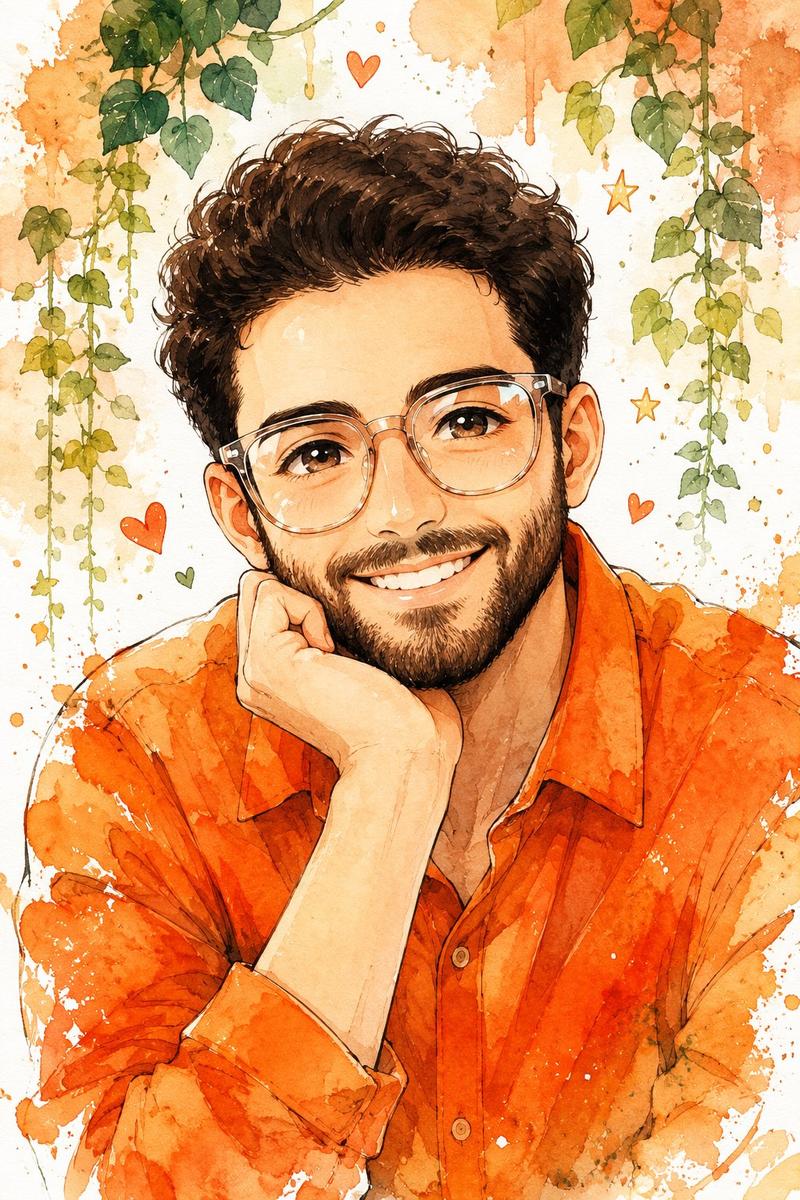
A vibrant, expressive portrait of a man gazing upward with a sense of awe and childlike wonder. He wears oversized, bright orange-red furcin misutured glasses with fully tinted lenses that softly diffuse light. His face is rendered using bold, dynamic black sketch strokes-loose yet intentional-capturing raw emotion and character. The background is composed of layered, textured newspaper pages, clearly visible yet organically integrated. Energetic splashes of vivid blue and warm orange paint burst across the composition, adding motion and contrast. The artwork seamlessly blends realism with abstract expressionism, evoking themes of innocence, hope, imagination, and creative freedom. Painterly textures, high contrast, and an editorial fine-art aesthetic.
Category
Posters & Typography
Model
Nano Banana Pro
Views57
Source ID
12266
Published
Apr 21, 2026

Guide

About "戴橘红眼镜仰望的色彩狂想曲"

What is this prompt for?

"戴橘红眼镜仰望的色彩狂想曲" AI image prompt for Nano Banana Pro (Posters & Typography). 一幅生动、富有表现力的肖像画,描绘了一位男子仰望天空,眼中充满敬畏和孩童般的好奇。他戴着超大号的亮橙红色 furcin misutured 眼镜,镜片完全着色,柔和地…

The full copyable prompt and example visuals above are ready for AI image generation or one-click recreate in Picva.

How to use this prompt

  1. Step 1

    Open the prompt detail

    Review the example visuals, category, and full prompt text for "戴橘红眼镜仰望的色彩狂想曲".

  2. Step 2

    Copy the prompt

    Copy the prompt body from this page, or load it directly in Studio.

  3. Step 3

    Pick a model (Nano Banana Pro)

    Prefer Nano Banana Pro. If you switch models, keep subject and composition and tweak style terms.

  4. Step 4

    Generate and export

    Recreate the look in Picva, or export into your workflow for editing and publishing.

FAQ

What is the "戴橘红眼镜仰望的色彩狂想曲" prompt?
It is an AI image-generation prompt for Nano Banana Pro in the Posters & Typography category. This page includes the full prompt text, example visuals, and a one-click recreate path in Picva.
How do I use this prompt to generate an image?
Copy the prompt from this page, or use Generate / Studio. Paste it into a compatible image model, or recreate the look in Picva with optional reference images.
Which model is this prompt for?
This page lists Nano Banana Pro. Most descriptive prompts also transfer to nearby image models such as GPT Image, Flux, or Midjourney with light style tweaks.
Can I use the result commercially?
You can usually copy the prompt for creation, but commercial use of the final image depends on the model terms, reference-image rights, and the generated content. Follow the source author and platform rules.