17

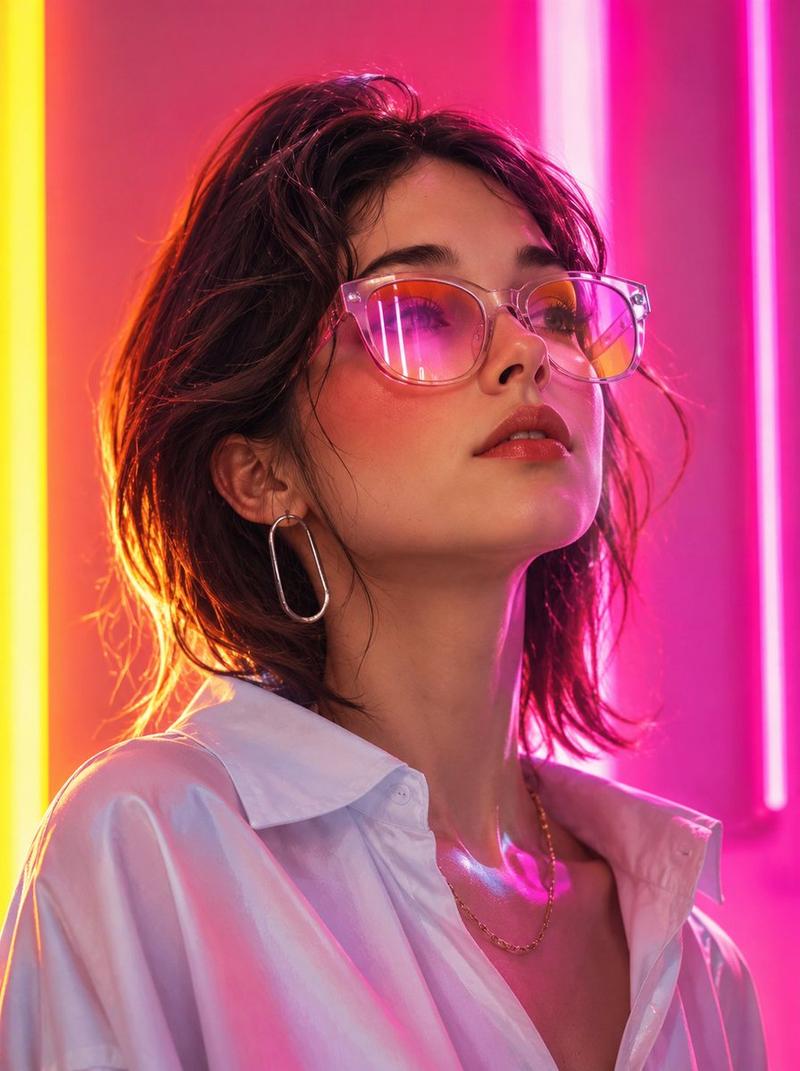
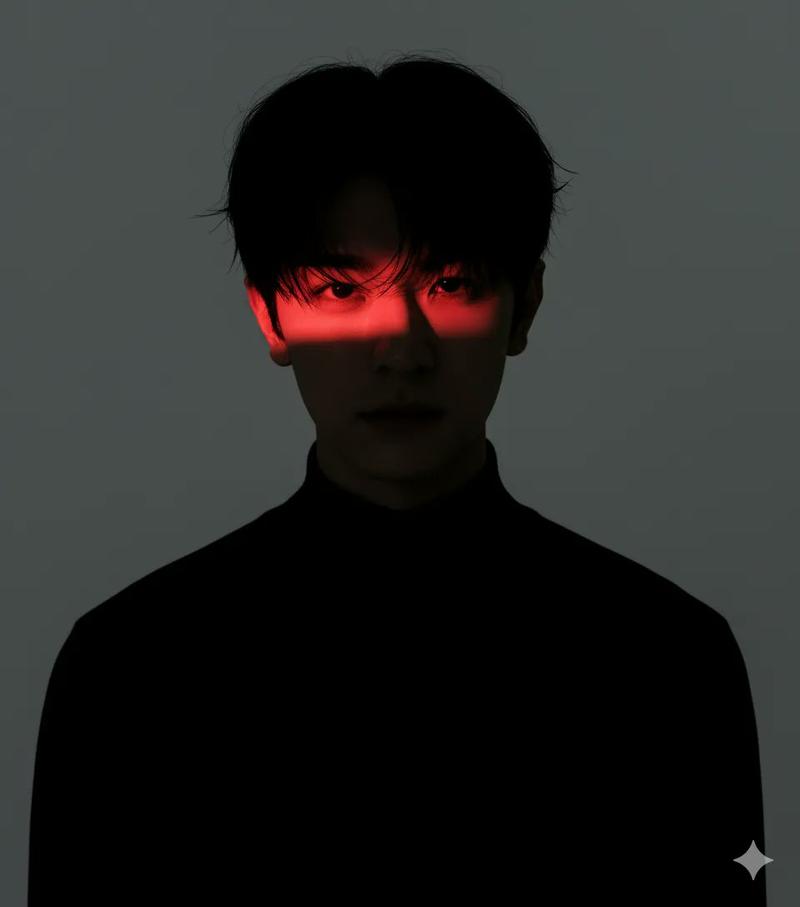
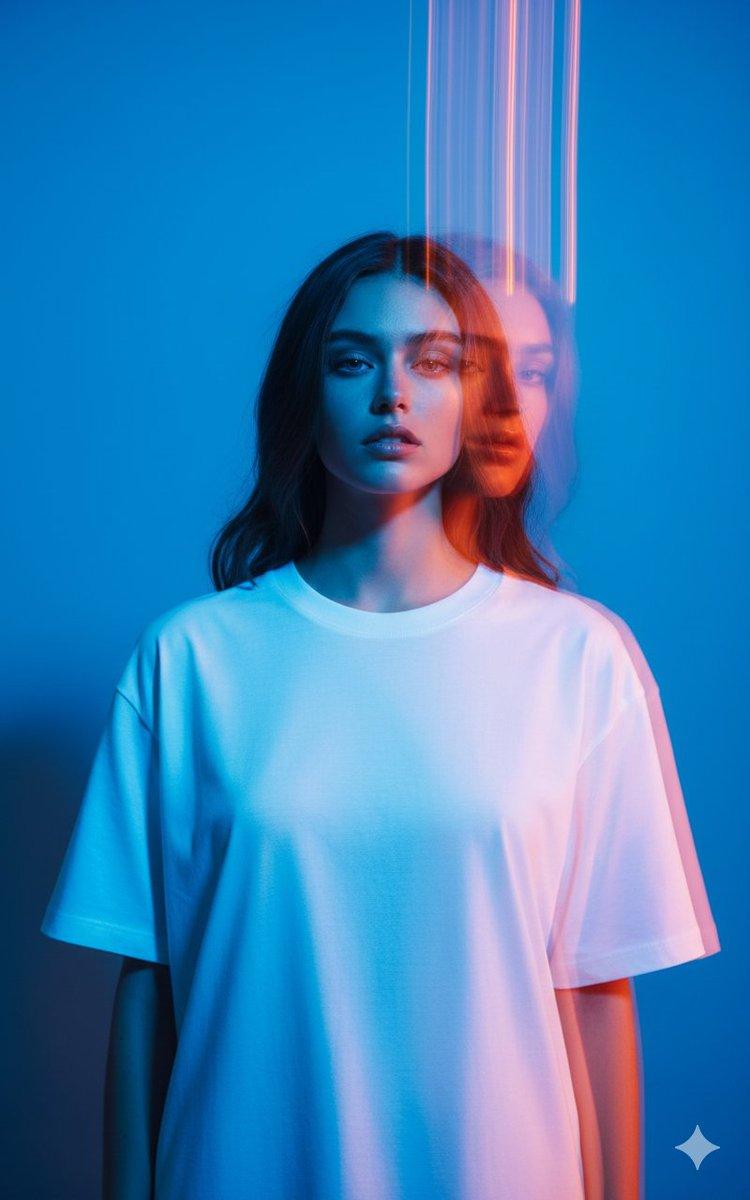
粉彩光轨绘就的梦幻韩系少年
Enlarge

粉彩光轨绘就的梦幻韩系少年

Prompt
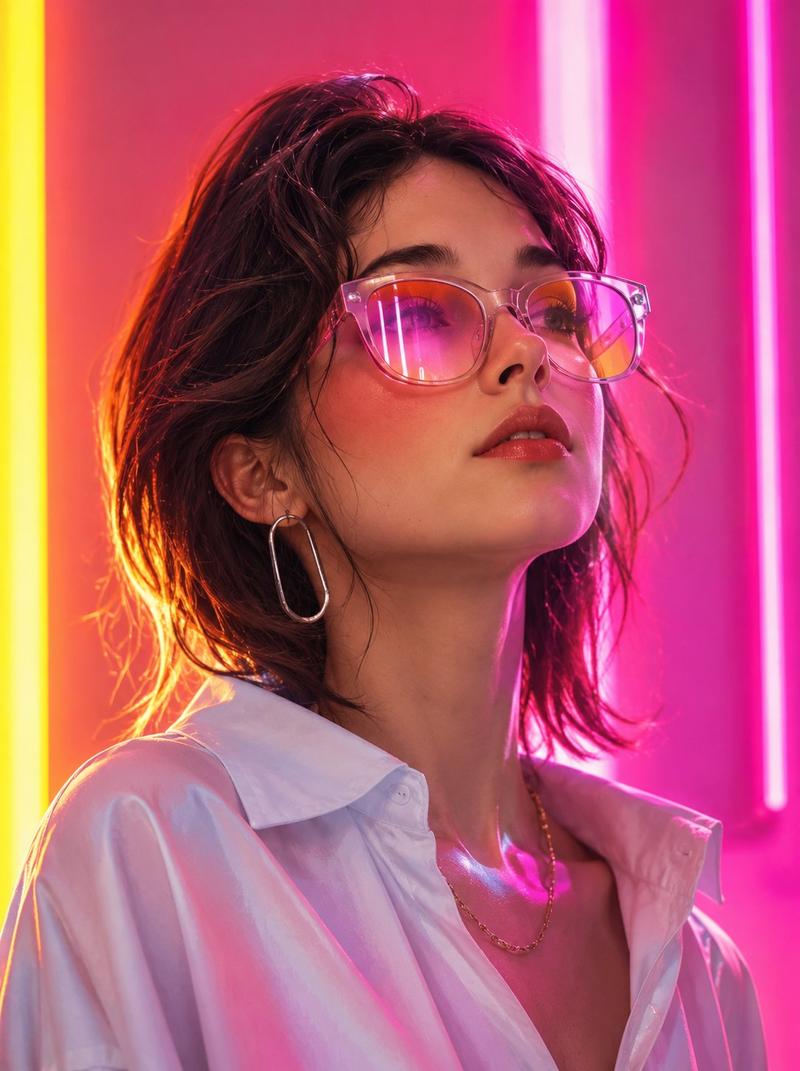
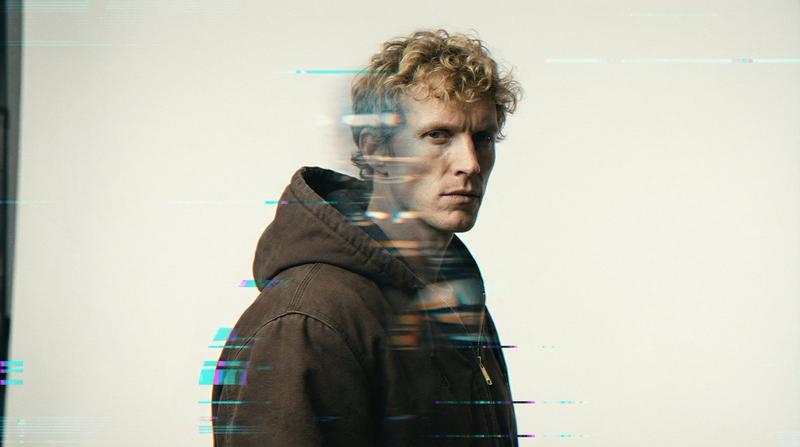
art photography, motion blur with strong long exposure light trace, light painting lines over his eyes, shot in a middle of the motionA photograph of young korean man, whit motion blur and pastel colors, captured in the style of Richard Avedon's photography. The composition does not include any other person, adding to the dynamic feel of movement. Shot with a retro color filter, the scene captures a lively atmosphere filled with color. Shot from a low angle using Kodak Portra film stock, in the style of Peter Lindbergh --chaos 10-ar 3:4--profile d45vod4 of a man in a white hoodie, soft pastel lighting, translucent white shirt, minimal background in yellow and light blue tones, dreamy and atmospheric mood, ultra-soft focus with diffused light and subtle glow edges --chaos 10 --ar 3:4
Category
Photography & Realism
Model
Nano Banana Pro
Creator
@harboriis
Views37
Source ID
11629
Published
Apr 23, 2026

Guide

About "粉彩光轨绘就的梦幻韩系少年"

What is this prompt for?

"粉彩光轨绘就的梦幻韩系少年" AI image prompt for Nano Banana Pro (Photography & Realism). 艺术摄影,强烈的长曝光光迹动感模糊,光绘线条掠过他的眼睛,在运动中拍摄。一张年轻韩国男子的照片,带有动感模糊和柔和的色彩,以 Richard Avedon 的摄影风…

The full copyable prompt and example visuals above are ready for AI image generation or one-click recreate in Picva.

How to use this prompt

  1. Step 1

    Open the prompt detail

    Review the example visuals, category, and full prompt text for "粉彩光轨绘就的梦幻韩系少年".

  2. Step 2

    Copy the prompt

    Copy the prompt body from this page, or load it directly in Studio.

  3. Step 3

    Pick a model (Nano Banana Pro)

    Prefer Nano Banana Pro. If you switch models, keep subject and composition and tweak style terms.

  4. Step 4

    Generate and export

    Recreate the look in Picva, or export into your workflow for editing and publishing.

FAQ

What is the "粉彩光轨绘就的梦幻韩系少年" prompt?
It is an AI image-generation prompt for Nano Banana Pro in the Photography & Realism category. This page includes the full prompt text, example visuals, and a one-click recreate path in Picva.
How do I use this prompt to generate an image?
Copy the prompt from this page, or use Generate / Studio. Paste it into a compatible image model, or recreate the look in Picva with optional reference images.
Which model is this prompt for?
This page lists Nano Banana Pro. Most descriptive prompts also transfer to nearby image models such as GPT Image, Flux, or Midjourney with light style tweaks.
Can I use the result commercially?
You can usually copy the prompt for creation, but commercial use of the final image depends on the model terms, reference-image rights, and the generated content. Follow the source author and platform rules.