15

照片转超萌SD纸艺展开图与成品
Enlarge

照片转超萌SD纸艺展开图与成品

Prompt
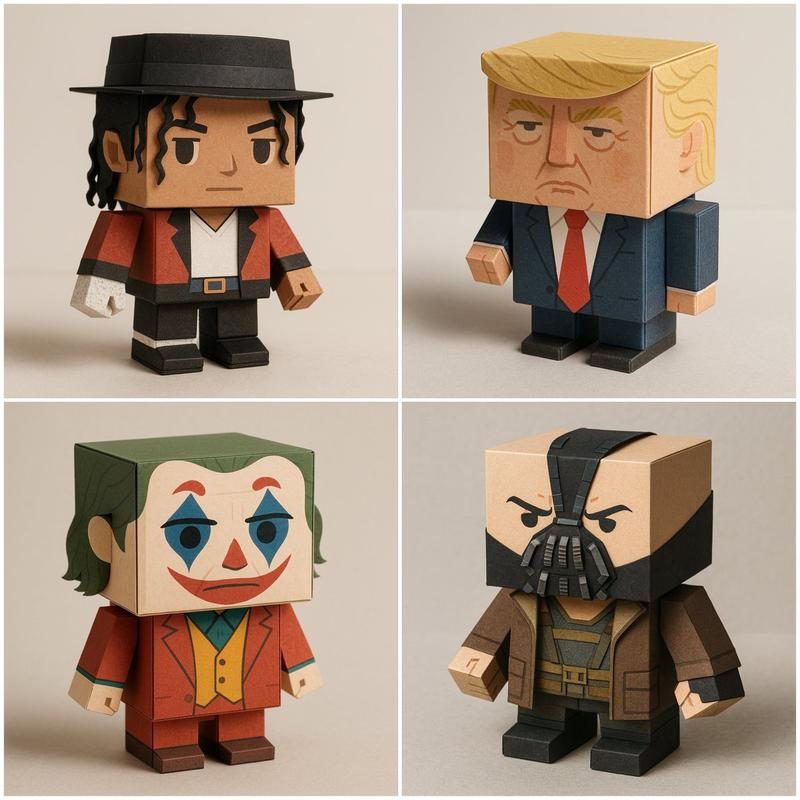
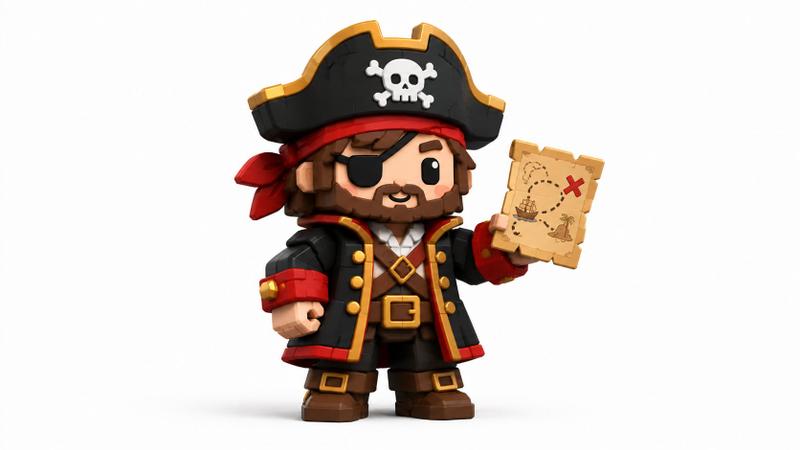
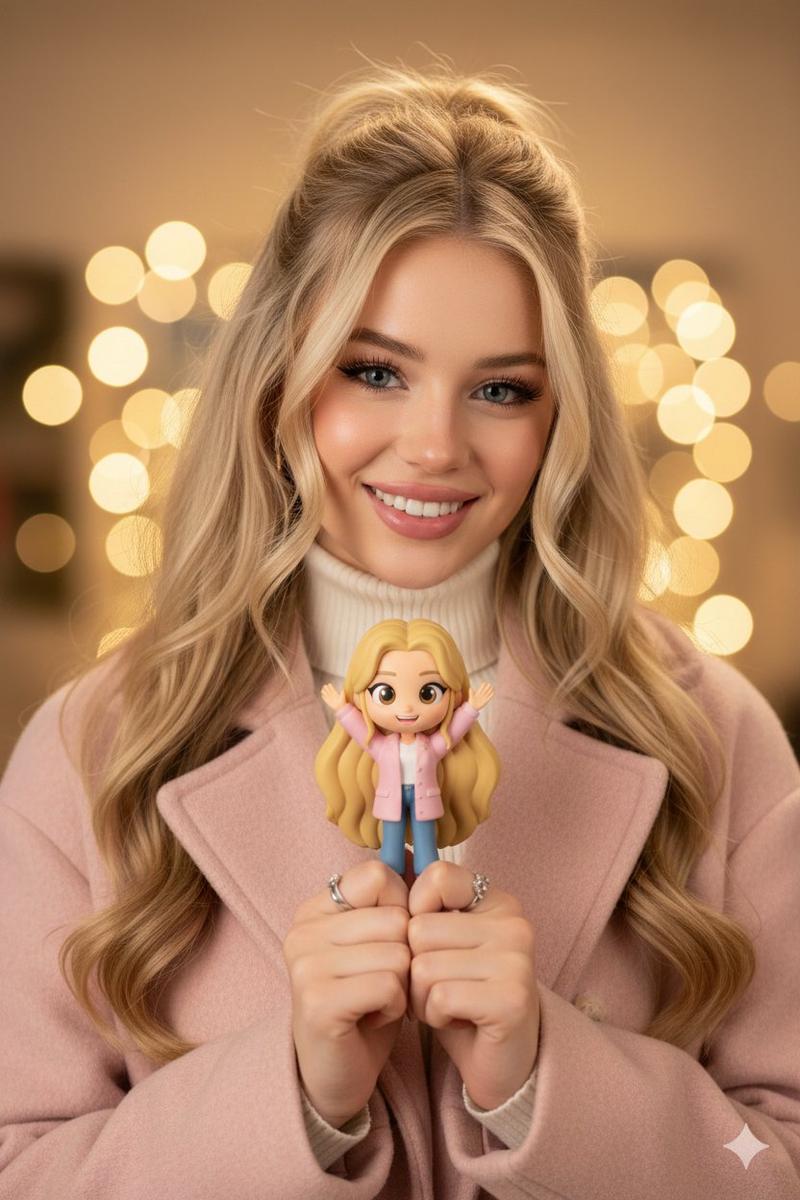
[AI Instruction: Image → SD Papercraft Conversion] Analyze the [Input Image]. Extraction: Read the facial features, hairstyle, hair color, clothing, accessories, and pose of the person/character from the [Input Image]. SD Conversion: Convert into a Super Deformed (SD) character papercraft, 2-3 heads tall. Output: Generate two images. [Image 1: Unfolded Template/Parts] The unfolded state of the papercraft. Colorful parts printed on thick paper. Unfolded templates for the head, face, hair, torso, arms, legs, accessories, etc. Fold lines (dotted lines), glue tabs, and numbers are visible. Scissors, cutters, glue, and a cutting mat are scattered in the background. Overhead view composition. Do not display any company names or logos. [Image 2: Finished Product] The assembled three-dimensional papercraft. SD character, 2-3 heads tall. Hairstyle, hair color, clothing, and accessories are reproduced based on the input image. Paper texture, folds, rounded corners, and a handmade warmth. Composition and lighting suitable for product promotion photography. [Caution] Do not include any real company names, brand logos, or trademarks. [Atmosphere] Quality similar to photos in craft magazines or handmade works. Soft studio lighting, clean background. High resolution.
Category
Posters & Typography
Model
Nano Banana Pro
Creator
@lovart_jp
Views51
Source ID
9998
Published
May 8, 2026

Guide

About "照片转超萌SD纸艺展开图与成品"

What is this prompt for?

"照片转超萌SD纸艺展开图与成品" AI image prompt for Nano Banana Pro (Posters & Typography). [AI 指令:图像 → SD 纸模转换] 分析 [输入图像]。 提取:从 [输入图像] 中读取人物/角色的面部特征、发型、发色、服装、配饰和姿势。 SD 转换:转…

The full copyable prompt and example visuals above are ready for AI image generation or one-click recreate in Picva.

How to use this prompt

  1. Step 1

    Open the prompt detail

    Review the example visuals, category, and full prompt text for "照片转超萌SD纸艺展开图与成品".

  2. Step 2

    Copy the prompt

    Copy the prompt body from this page, or load it directly in Studio.

  3. Step 3

    Pick a model (Nano Banana Pro)

    Prefer Nano Banana Pro. If you switch models, keep subject and composition and tweak style terms.

  4. Step 4

    Generate and export

    Recreate the look in Picva, or export into your workflow for editing and publishing.

FAQ

What is the "照片转超萌SD纸艺展开图与成品" prompt?
It is an AI image-generation prompt for Nano Banana Pro in the Posters & Typography category. This page includes the full prompt text, example visuals, and a one-click recreate path in Picva.
How do I use this prompt to generate an image?
Copy the prompt from this page, or use Generate / Studio. Paste it into a compatible image model, or recreate the look in Picva with optional reference images.
Which model is this prompt for?
This page lists Nano Banana Pro. Most descriptive prompts also transfer to nearby image models such as GPT Image, Flux, or Midjourney with light style tweaks.
Can I use the result commercially?
You can usually copy the prompt for creation, but commercial use of the final image depends on the model terms, reference-image rights, and the generated content. Follow the source author and platform rules.