18

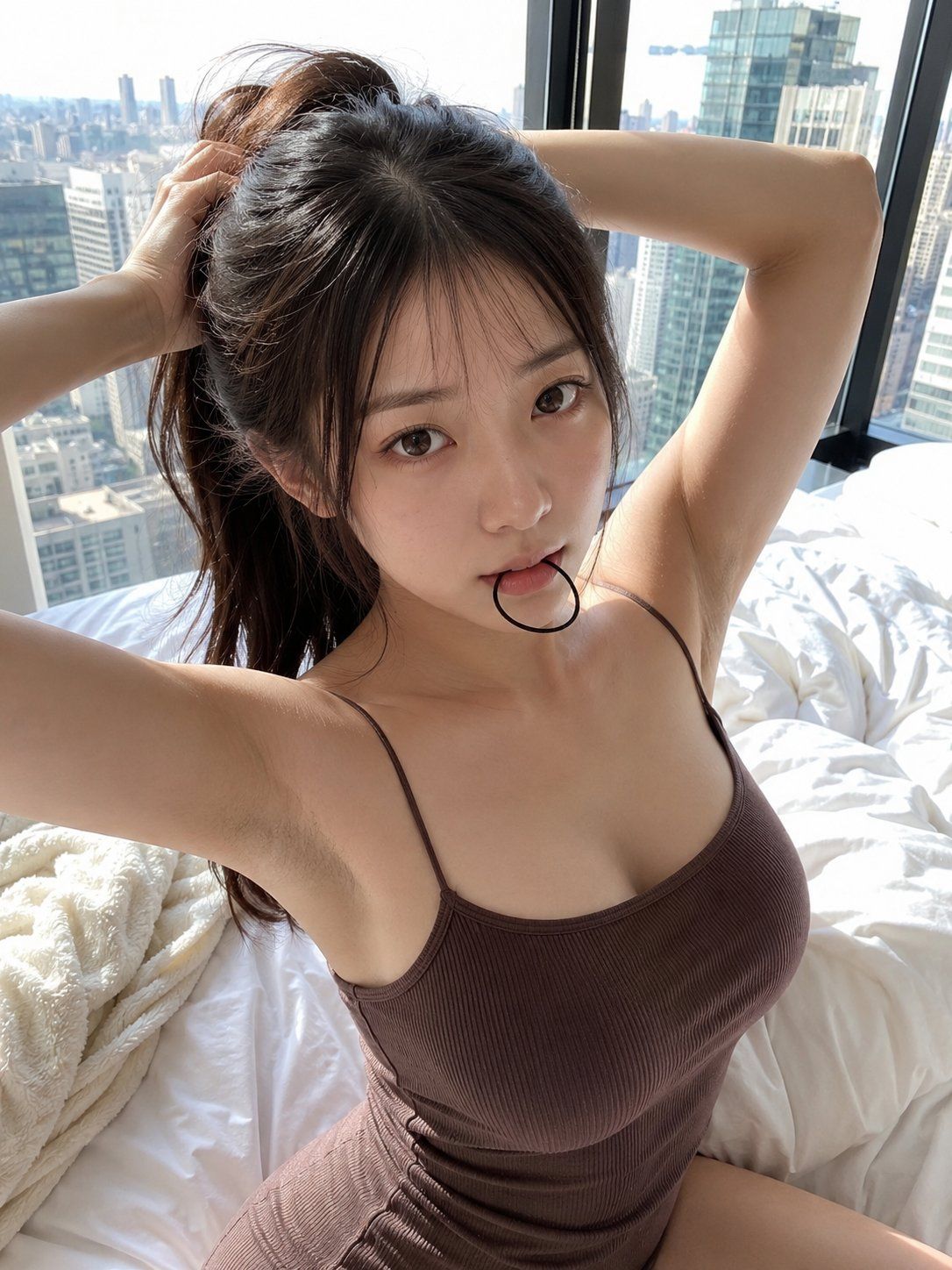
高角度自拍晨光中扎头发的年轻日本女性
Enlarge

高角度自拍晨光中扎头发的年轻日本女性

Prompt
photorealistic high-angle selfie portrait of a beautiful young East Asian Japanese woman in her early twenties sitting on a bed beside a floor-to-ceiling high-rise apartment window with a bright city skyline of tall buildings behind her in soft morning daylight. She has long dark brown hair and is tying it up into a high ponytail, both arms raised and bent behind her head, holding a thin black elastic hair tie between her lips in her mouth. She has a slim hourglass figure, fair smooth skin, delicate natural makeup with soft brown eyes looking directly at the camera, lips slightly parted around the hair tie. She wears a fitted brown ribbed knit spaghetti-strap camisole tank top that hugs her torso. White rumpled bedsheets, a cream fleece blanket and a white pillow around her. Realistic skin texture, sharp focus, high detail, natural window light, candid intimate bedroom selfie, professional photography, young east asian japanese woman, photorealistic.
Category
Charts & Infographics
Model
ChatGPT
Views130
Source ID
17082
Published
Jun 30, 2026

Guide

About "高角度自拍晨光中扎头发的年轻日本女性"

What is this prompt for?

"高角度自拍晨光中扎头发的年轻日本女性" AI image prompt for ChatGPT (Charts & Infographics). 高角度写实自拍肖像,一位二十出头的漂亮年轻东亚日本女性,坐在高层公寓落地窗旁的床上,身后是柔和晨光中高楼林立的明亮城市天际线。她留着深棕色长发,正把它扎成高马尾,双臂抬起…

The full copyable prompt and example visuals above are ready for AI image generation or one-click recreate in Picva.

How to use this prompt

  1. Step 1

    Open the prompt detail

    Review the example visuals, category, and full prompt text for "高角度自拍晨光中扎头发的年轻日本女性".

  2. Step 2

    Copy the prompt

    Copy the prompt body from this page, or load it directly in Studio.

  3. Step 3

    Pick a model (ChatGPT)

    Prefer ChatGPT. If you switch models, keep subject and composition and tweak style terms.

  4. Step 4

    Generate and export

    Recreate the look in Picva, or export into your workflow for editing and publishing.

FAQ

What is the "高角度自拍晨光中扎头发的年轻日本女性" prompt?
It is an AI image-generation prompt for ChatGPT in the Charts & Infographics category. This page includes the full prompt text, example visuals, and a one-click recreate path in Picva.
How do I use this prompt to generate an image?
Copy the prompt from this page, or use Generate / Studio. Paste it into a compatible image model, or recreate the look in Picva with optional reference images.
Which model is this prompt for?
This page lists ChatGPT. Most descriptive prompts also transfer to nearby image models such as GPT Image, Flux, or Midjourney with light style tweaks.
Can I use the result commercially?
You can usually copy the prompt for creation, but commercial use of the final image depends on the model terms, reference-image rights, and the generated content. Follow the source author and platform rules.