19

粉棕挑染甜酷少女激情椅子舞

Prompt
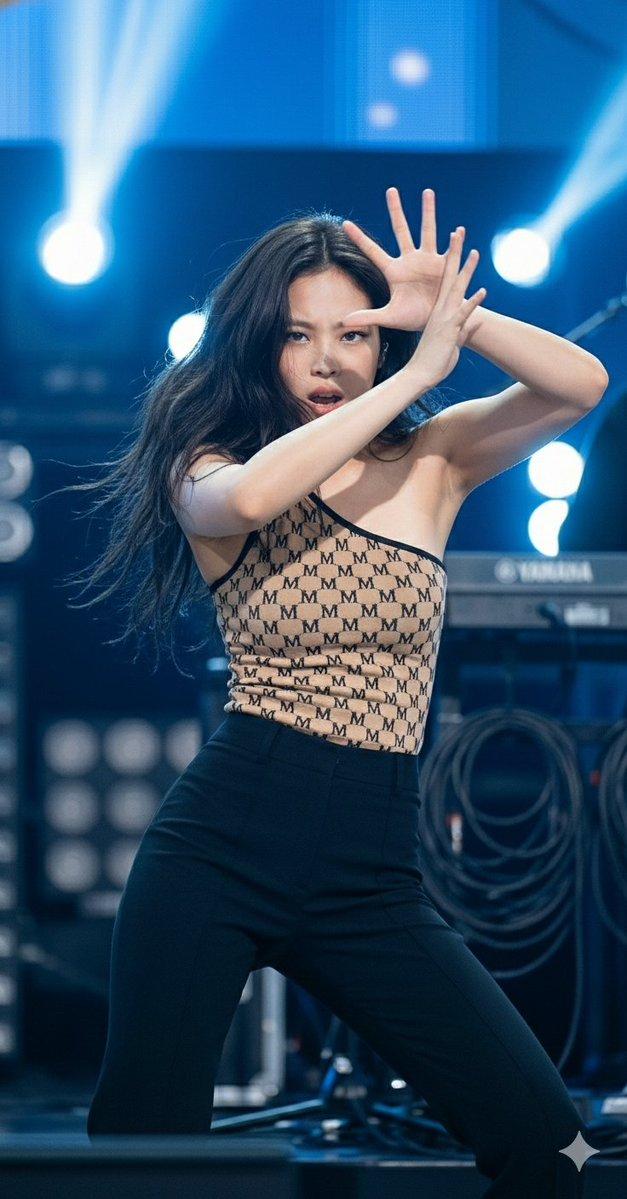
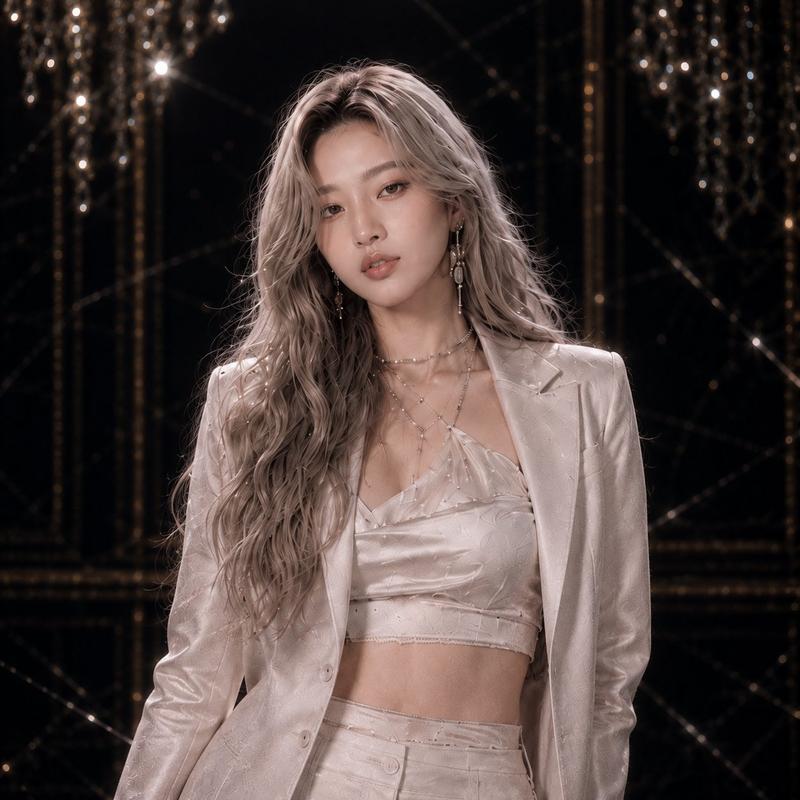
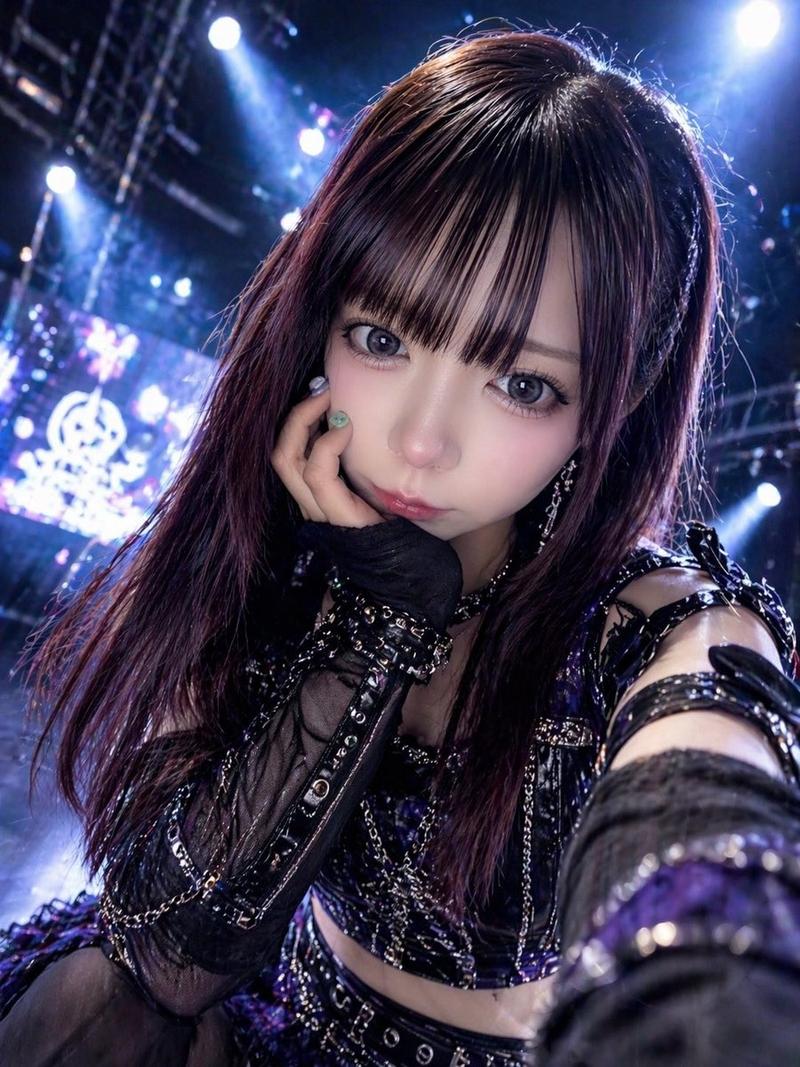
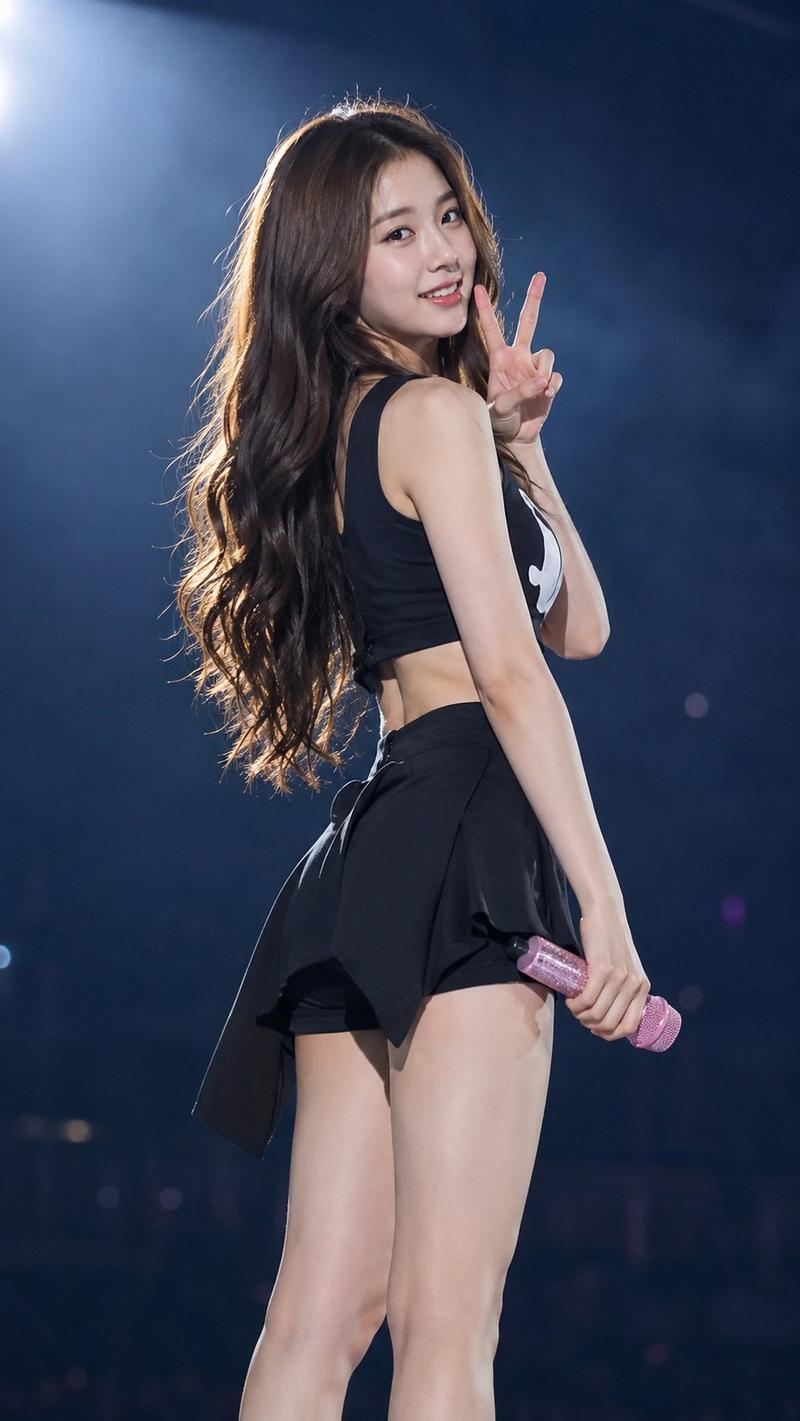
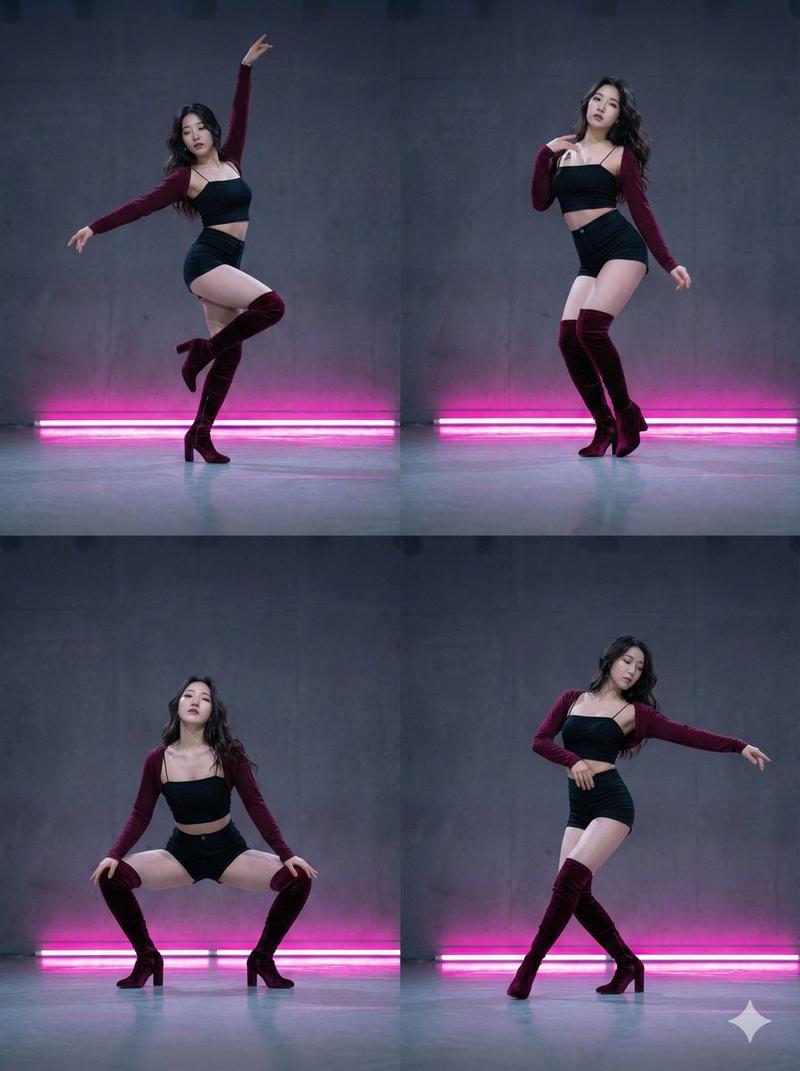
10-second smooth video, extreme high definition, cinematic camera sense, cinematic image quality, master-level camera movement and cutting, long brown curly hair (with pink highlights in the hair), wearing a white short cropped hoodie, black leather shorts, black Martin boots, sitting on a black glossy vintage chair passionately performing a chair dance; background is a stage background wall composed of colored circular lights, changing colors with the rhythm, ground is a reflective stage floor, overall style trendy, stage style, full of dynamic atmosphere of modern pop music. Delicate and natural expression, hair lighting, face fill light, soft side light, light and shadow contrast, dappled light and shadow, rich picture layers, strong light and shadow, clear face, long eyelashes, exquisite makeup, skin tone cold white and natural, ceramic skin, smooth and fair skin, perfect body, legs straight and slender, full electronic synthesized music, heavy drum beats, no dialogue, no subtitles. High definition, 9:16.
Category
Video Prompts
Model
Seedance 2.0
Views314
Source ID
2734
Published
Feb 28, 2026

Guide

About "粉棕挑染甜酷少女激情椅子舞"

What is this prompt for?

"粉棕挑染甜酷少女激情椅子舞" AI image prompt for Seedance 2.0 (Video Prompts). 10秒流畅视频,极致高清,电影级镜头感,电影级画质,大师级别运镜和切镜,棕色长卷发(发间有粉色挑染),穿着白色短款露脐卫衣、黑色皮质短裤、黑色马丁靴,坐在一张黑色亮面复古椅子上激情演绎椅…

The full copyable prompt and example visuals above are ready for AI image generation or one-click recreate in Picva.

How to use this prompt

  1. Step 1

    Open the prompt detail

    Review the example visuals, category, and full prompt text for "粉棕挑染甜酷少女激情椅子舞".

  2. Step 2

    Copy the prompt

    Copy the prompt body from this page, or load it directly in Studio.

  3. Step 3

    Pick a model (Seedance 2.0)

    Prefer Seedance 2.0. If you switch models, keep subject and composition and tweak style terms.

  4. Step 4

    Generate and export

    Recreate the look in Picva, or export into your workflow for editing and publishing.

FAQ

What is the "粉棕挑染甜酷少女激情椅子舞" prompt?
It is an AI image-generation prompt for Seedance 2.0 in the Video Prompts category. This page includes the full prompt text, example visuals, and a one-click recreate path in Picva.
How do I use this prompt to generate an image?
Copy the prompt from this page, or use Generate / Studio. Paste it into a compatible image model, or recreate the look in Picva with optional reference images.
Which model is this prompt for?
This page lists Seedance 2.0. Most descriptive prompts also transfer to nearby image models such as GPT Image, Flux, or Midjourney with light style tweaks.
Can I use the result commercially?
You can usually copy the prompt for creation, but commercial use of the final image depends on the model terms, reference-image rights, and the generated content. Follow the source author and platform rules.