16

舞台回眸比心的东亚女孩写实摄影
Enlarge

舞台回眸比心的东亚女孩写实摄影

Prompt
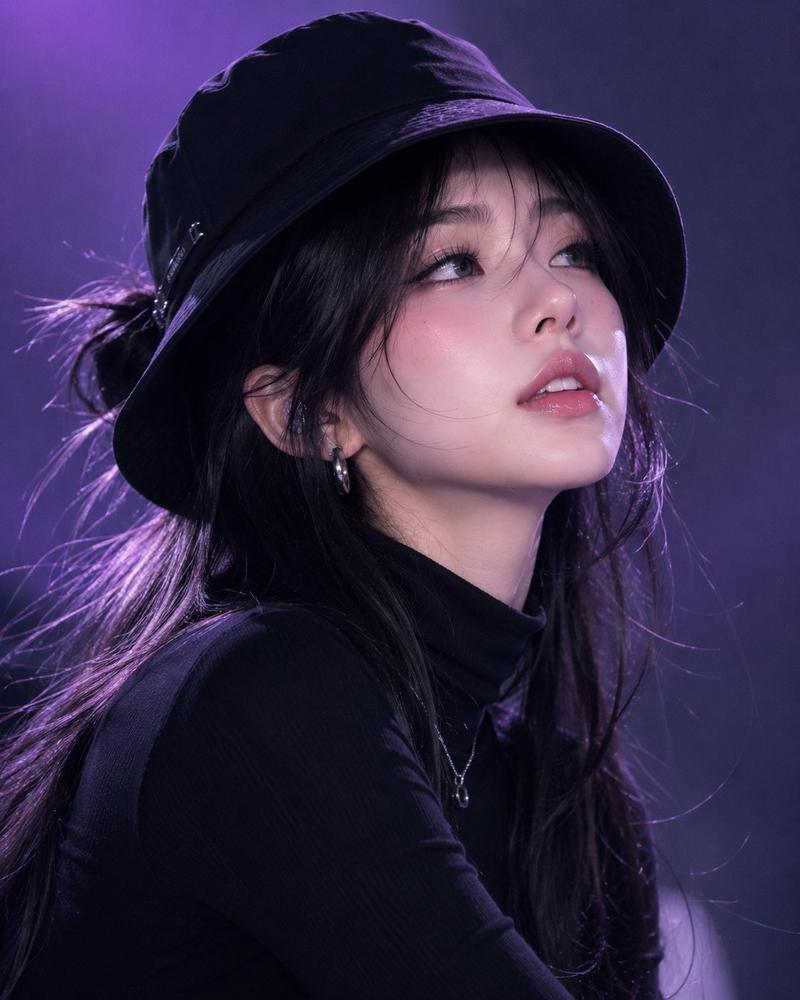
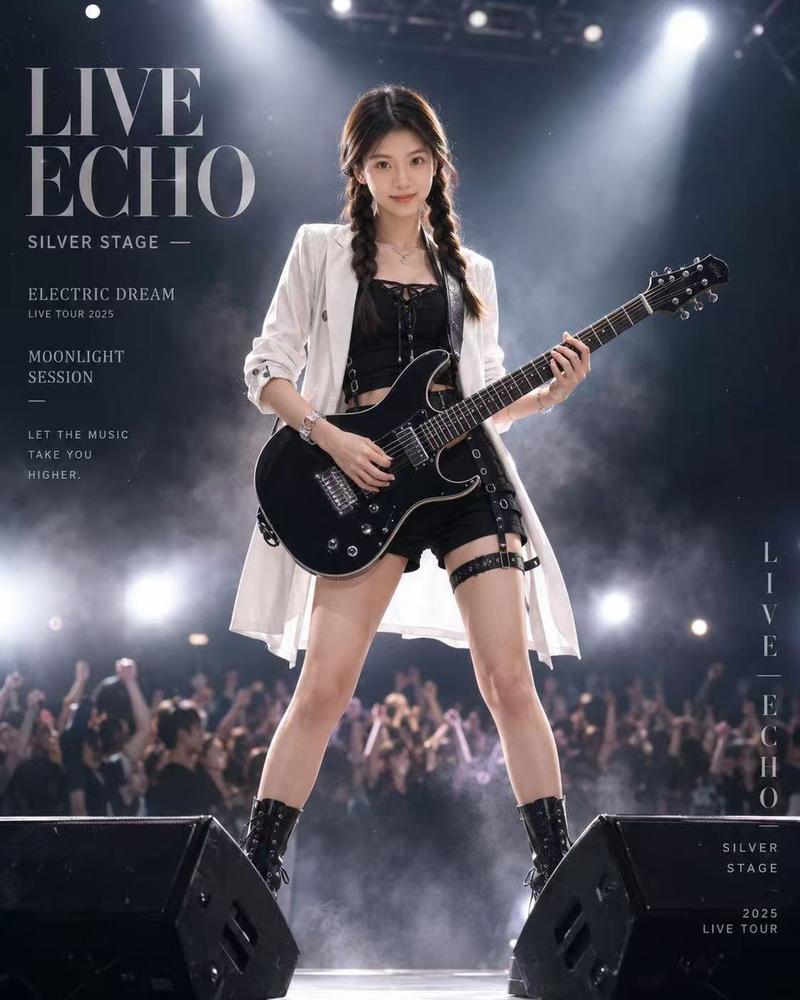
Use the attached reference image. Preserve the exact facial identity only no identity drift, beautification, frontalization, or stylization.

Young East Asian woman, early 20s, tall, slim, fair skin. Standing on a concert stage, body 45° left, head turned back over left shoulder, gentle smile. Long chestnut-brown waist-length S-wave hair. Right hand making a V-sign beside the face, left hand holding a glittering pink wireless microphone. Black sleeveless stage top with side waist cutout, black asymmetric skort with integrated shorts. Vertical 9:16, medium shot, slightly low angle, cool blue stage lighting with warm rim light, atmospheric haze, shallow DOF, ultra-photorealistic.

Negative: identity drift, frontal face, pose correction, beautification, extra fingers, altered hair, altered clothing, CGI, HDR, watermark, text.
Category
Posters & Typography
Model
ChatGPT
Views49
Source ID
16978
Published
Jun 28, 2026

Guide

About "舞台回眸比心的东亚女孩写实摄影"

What is this prompt for?

"舞台回眸比心的东亚女孩写实摄影" AI image prompt for ChatGPT (Posters & Typography). 使用附带的参考图。仅保留准确的面部特征,不得有身份偏移、美化、正面化或风格化。 年轻东亚女性,20出头,高挑,苗条,白皙皮肤。站在演唱会舞台上,身体向左转45°,头越过左肩向后看…

The full copyable prompt and example visuals above are ready for AI image generation or one-click recreate in Picva.

How to use this prompt

  1. Step 1

    Open the prompt detail

    Review the example visuals, category, and full prompt text for "舞台回眸比心的东亚女孩写实摄影".

  2. Step 2

    Copy the prompt

    Copy the prompt body from this page, or load it directly in Studio.

  3. Step 3

    Pick a model (ChatGPT)

    Prefer ChatGPT. If you switch models, keep subject and composition and tweak style terms.

  4. Step 4

    Generate and export

    Recreate the look in Picva, or export into your workflow for editing and publishing.

FAQ

What is the "舞台回眸比心的东亚女孩写实摄影" prompt?
It is an AI image-generation prompt for ChatGPT in the Posters & Typography category. This page includes the full prompt text, example visuals, and a one-click recreate path in Picva.
How do I use this prompt to generate an image?
Copy the prompt from this page, or use Generate / Studio. Paste it into a compatible image model, or recreate the look in Picva with optional reference images.
Which model is this prompt for?
This page lists ChatGPT. Most descriptive prompts also transfer to nearby image models such as GPT Image, Flux, or Midjourney with light style tweaks.
Can I use the result commercially?
You can usually copy the prompt for creation, but commercial use of the final image depends on the model terms, reference-image rights, and the generated content. Follow the source author and platform rules.