14

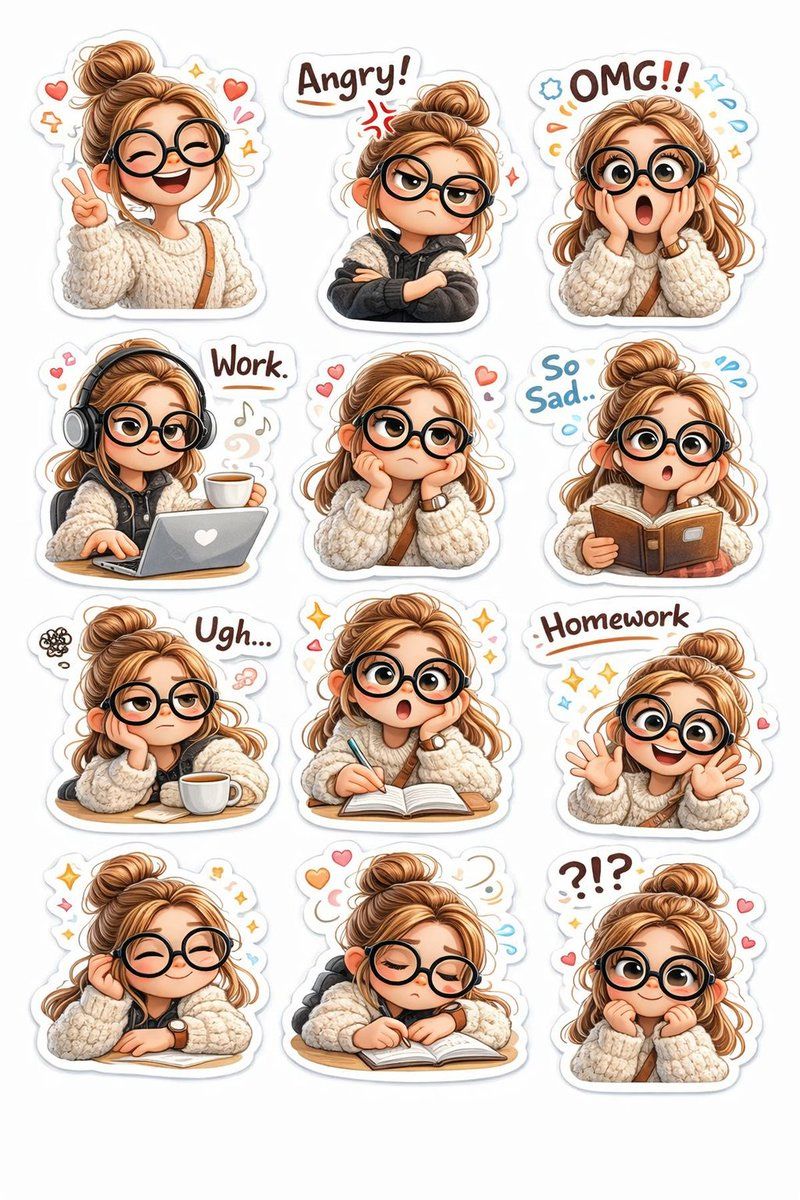
皮克斯风3DQ版女孩表情包贴纸
Enlarge

皮克斯风3DQ版女孩表情包贴纸

Prompt
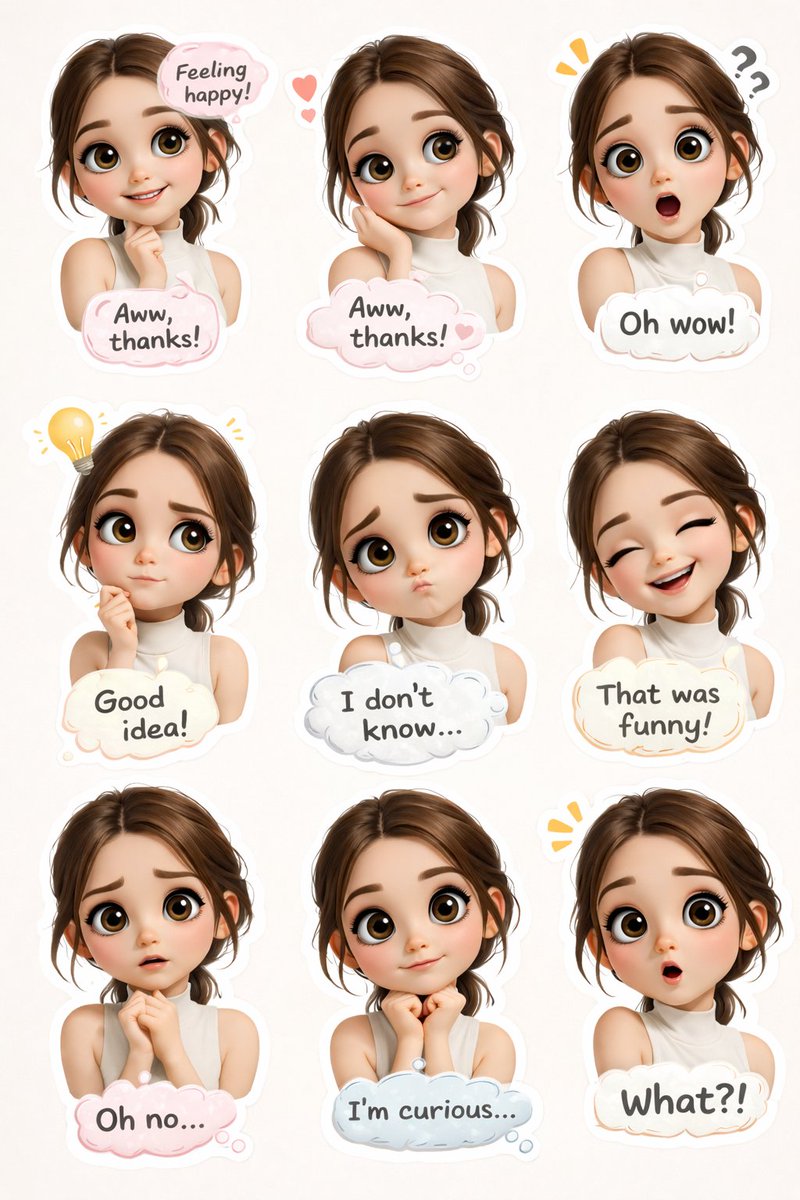
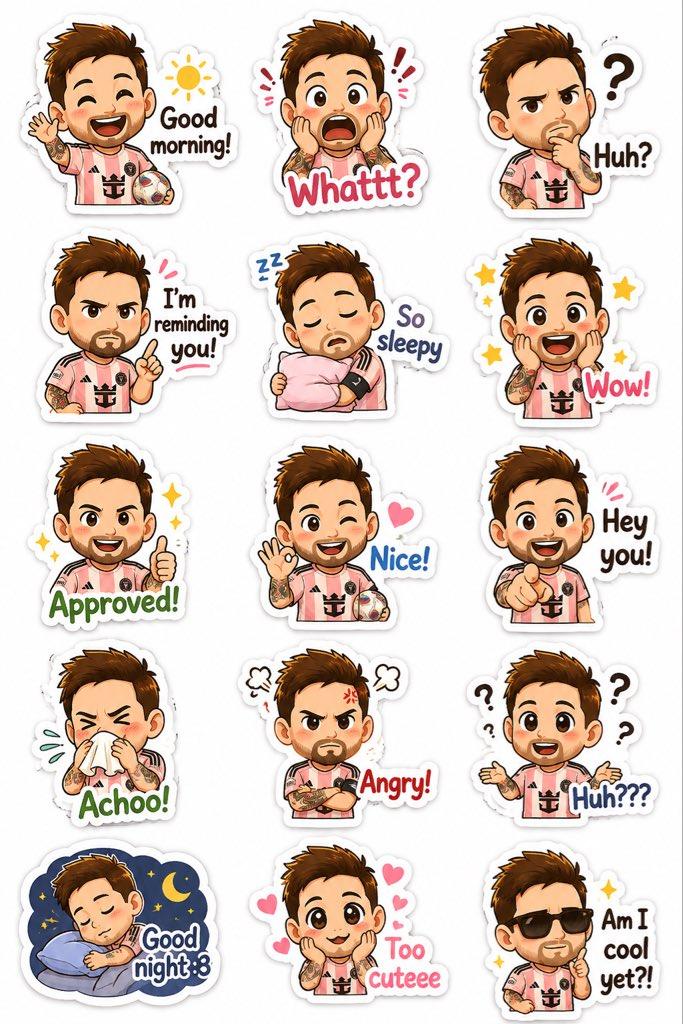
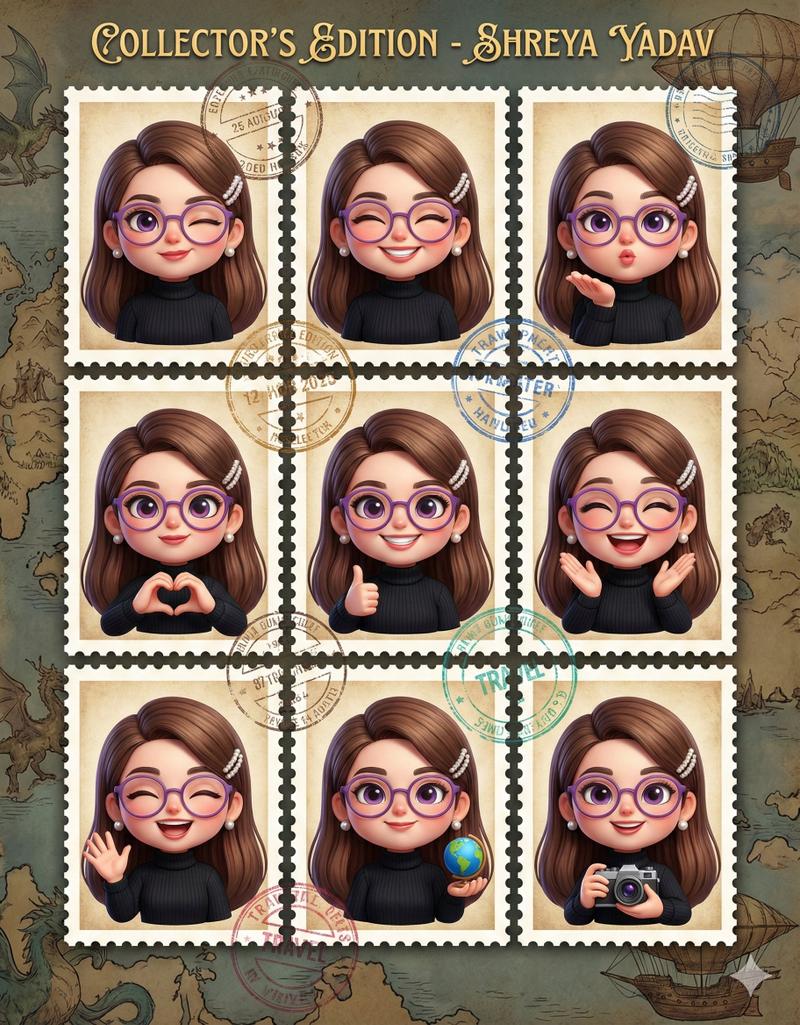
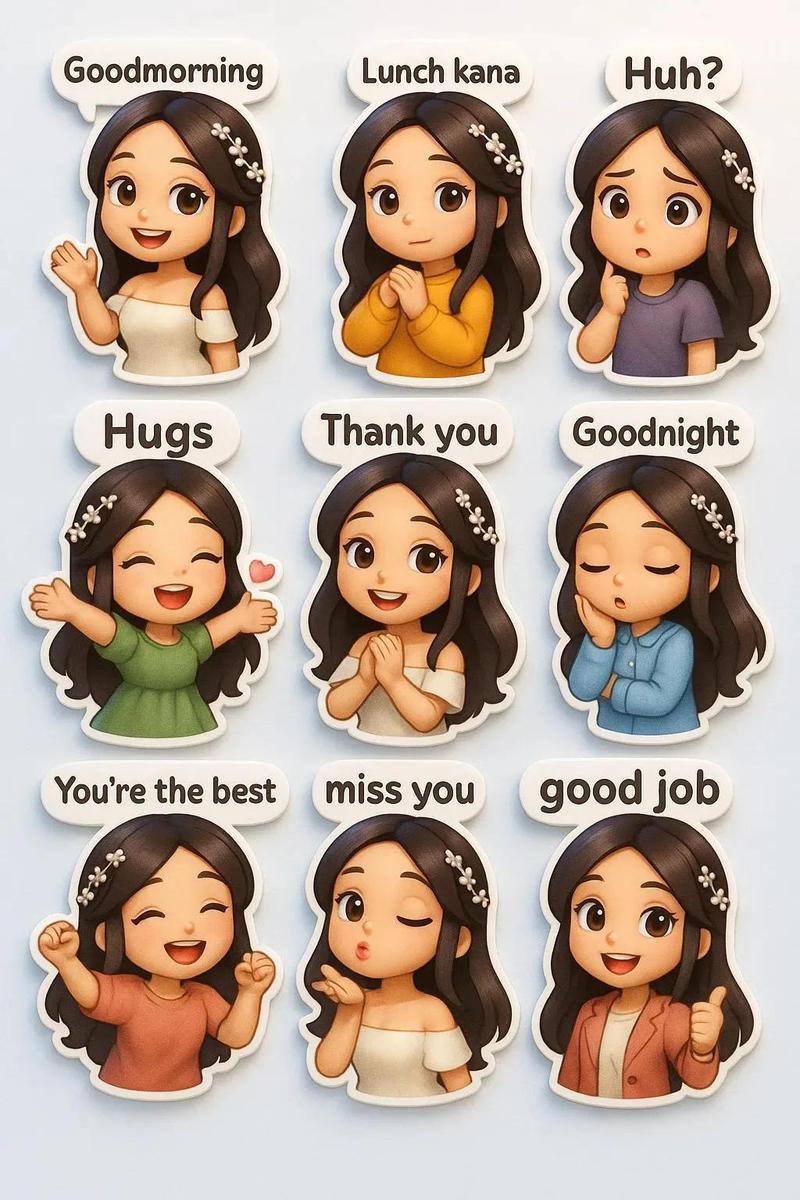
Create a 4x3 sticker sheet of a cute 3D chibi girl character in Pixar-style.
Character details:
Big round black glasses
Light brown hair in a messy bun
Soft blush cheeks
Cream oversized knitted sweater
Black cargo pants (rolled at bottom)
White sneakers
Small brown crossbody sling bag
Cute expressive big eyes
Soft warm skin tone
Create 12 different stickers with white cut-out borders and soft shadow, arranged in a clean grid layout on white background.
Emotions & poses:
Happy smiling with peace sign ✌️
Angry with crossed arms and “Angry!” text
Shocked face with hands on cheeks and “OMG!!”
Working on laptop with headphones and coffee, text “Work”
Sad resting face on hands with “So Sad…”
Reading a book with focused expression
Annoyed tired face with coffee cup and text “Ugh…”
Doing homework writing in notebook with “Homework”
Excited waving hands
Relaxed cute smiling pose with sparkles
Sleeping on desk with book
Confused expression with “?!?” text
Style requirements:
3D Pixar-style render
Ultra detailed
Soft studio lighting
Pastel color palette
Glossy sticker texture
White outline border around each sticker
High resolution
Clean minimal background
Kawaii aesthetic
Category
Posters & Typography
Model
Grok
Views425
Source ID
2838
Published
Mar 1, 2026

Guide

About "皮克斯风3DQ版女孩表情包贴纸"

What is this prompt for?

"皮克斯风3DQ版女孩表情包贴纸" AI image prompt for Grok (Posters & Typography). 创建一张皮克斯风格的可爱3D Q版女孩角色贴纸页(4x3布局)。 角色细节: 黑色大圆眼镜 浅棕色头发扎成凌乱丸子头 柔和红润的脸颊 奶油色超大号针织毛衣 黑色工装裤(裤脚卷起) 白色…

The full copyable prompt and example visuals above are ready for AI image generation or one-click recreate in Picva.

How to use this prompt

  1. Step 1

    Open the prompt detail

    Review the example visuals, category, and full prompt text for "皮克斯风3DQ版女孩表情包贴纸".

  2. Step 2

    Copy the prompt

    Copy the prompt body from this page, or load it directly in Studio.

  3. Step 3

    Pick a model (Grok)

    Prefer Grok. If you switch models, keep subject and composition and tweak style terms.

  4. Step 4

    Generate and export

    Recreate the look in Picva, or export into your workflow for editing and publishing.

FAQ

What is the "皮克斯风3DQ版女孩表情包贴纸" prompt?
It is an AI image-generation prompt for Grok in the Posters & Typography category. This page includes the full prompt text, example visuals, and a one-click recreate path in Picva.
How do I use this prompt to generate an image?
Copy the prompt from this page, or use Generate / Studio. Paste it into a compatible image model, or recreate the look in Picva with optional reference images.
Which model is this prompt for?
This page lists Grok. Most descriptive prompts also transfer to nearby image models such as GPT Image, Flux, or Midjourney with light style tweaks.
Can I use the result commercially?
You can usually copy the prompt for creation, but commercial use of the final image depends on the model terms, reference-image rights, and the generated content. Follow the source author and platform rules.