18

皮克斯风格3D真人定制手办模型
Enlarge

皮克斯风格3D真人定制手办模型

Prompt
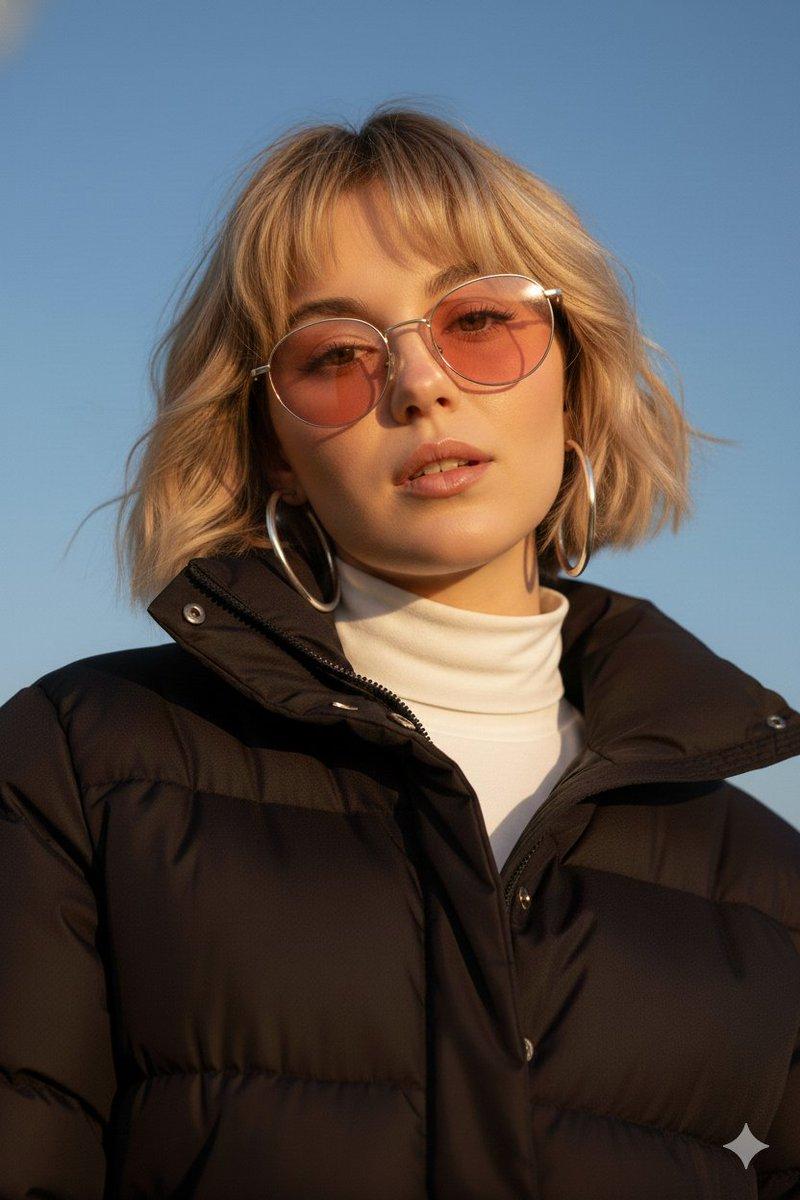
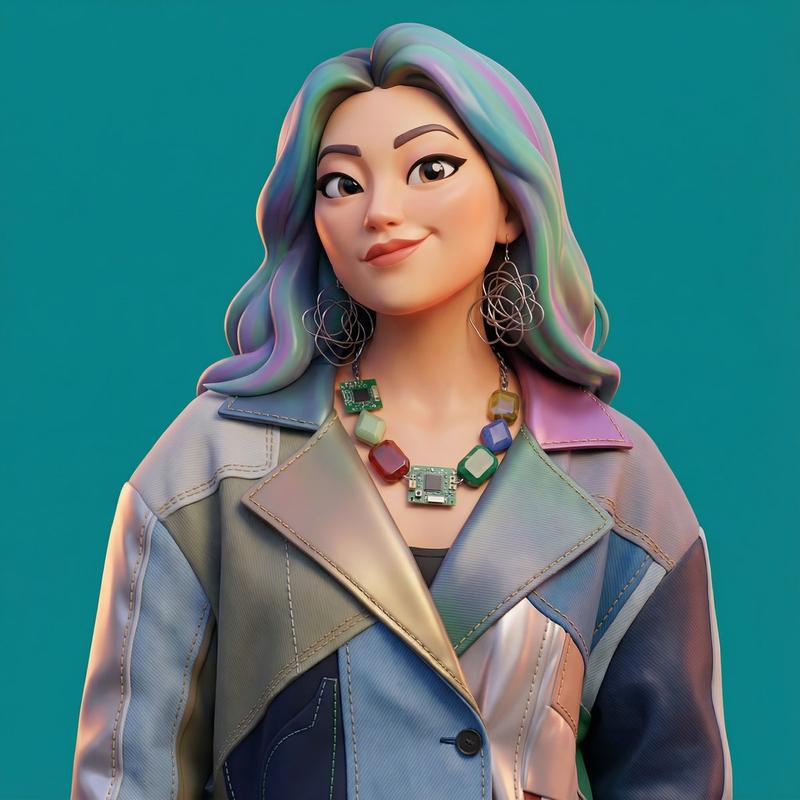
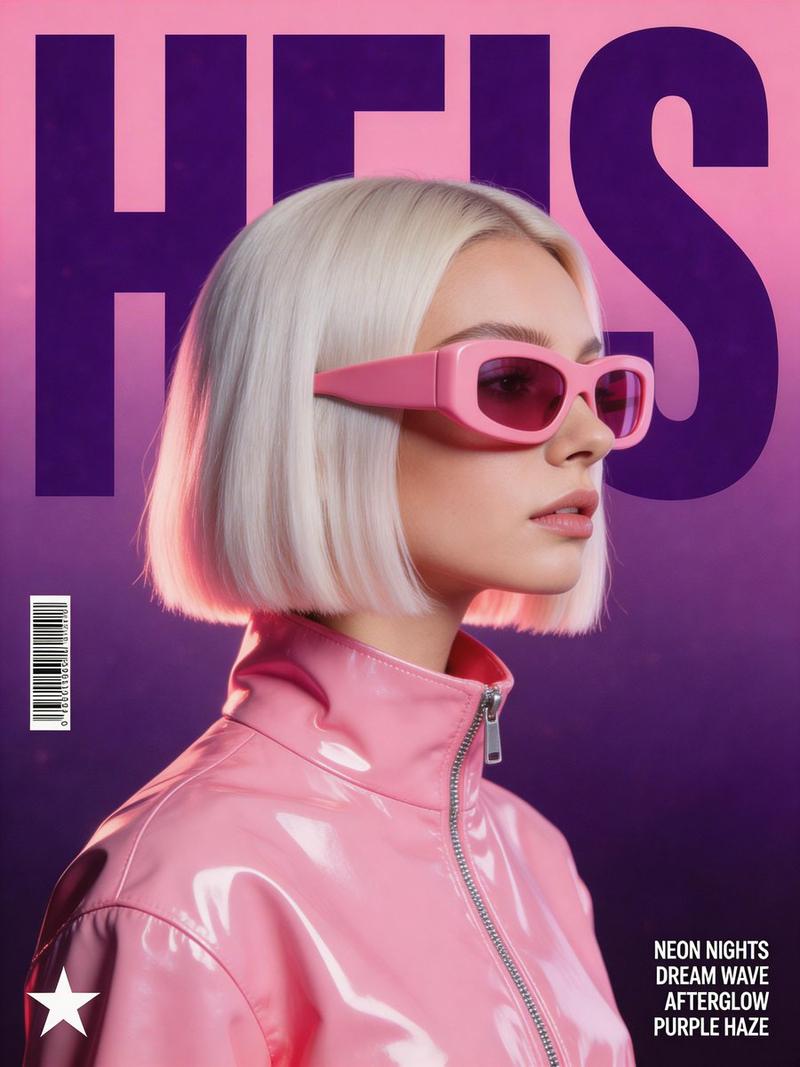
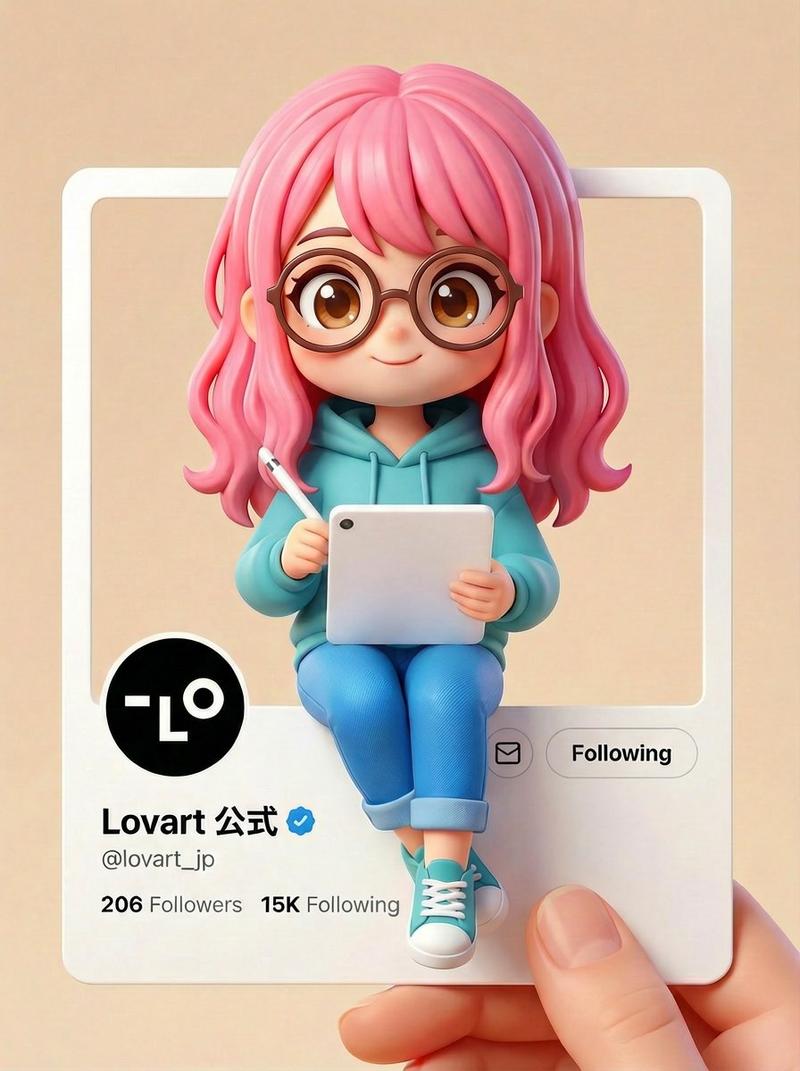
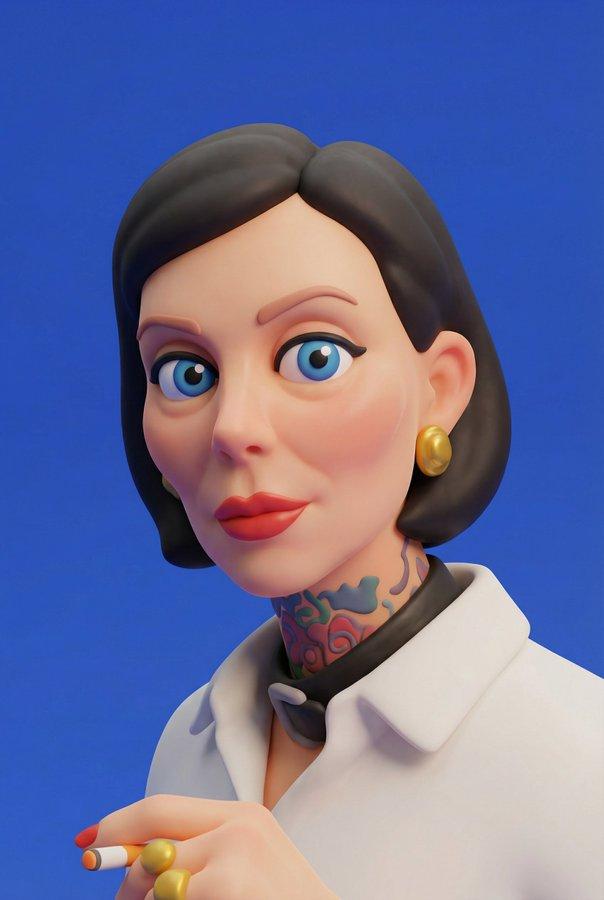
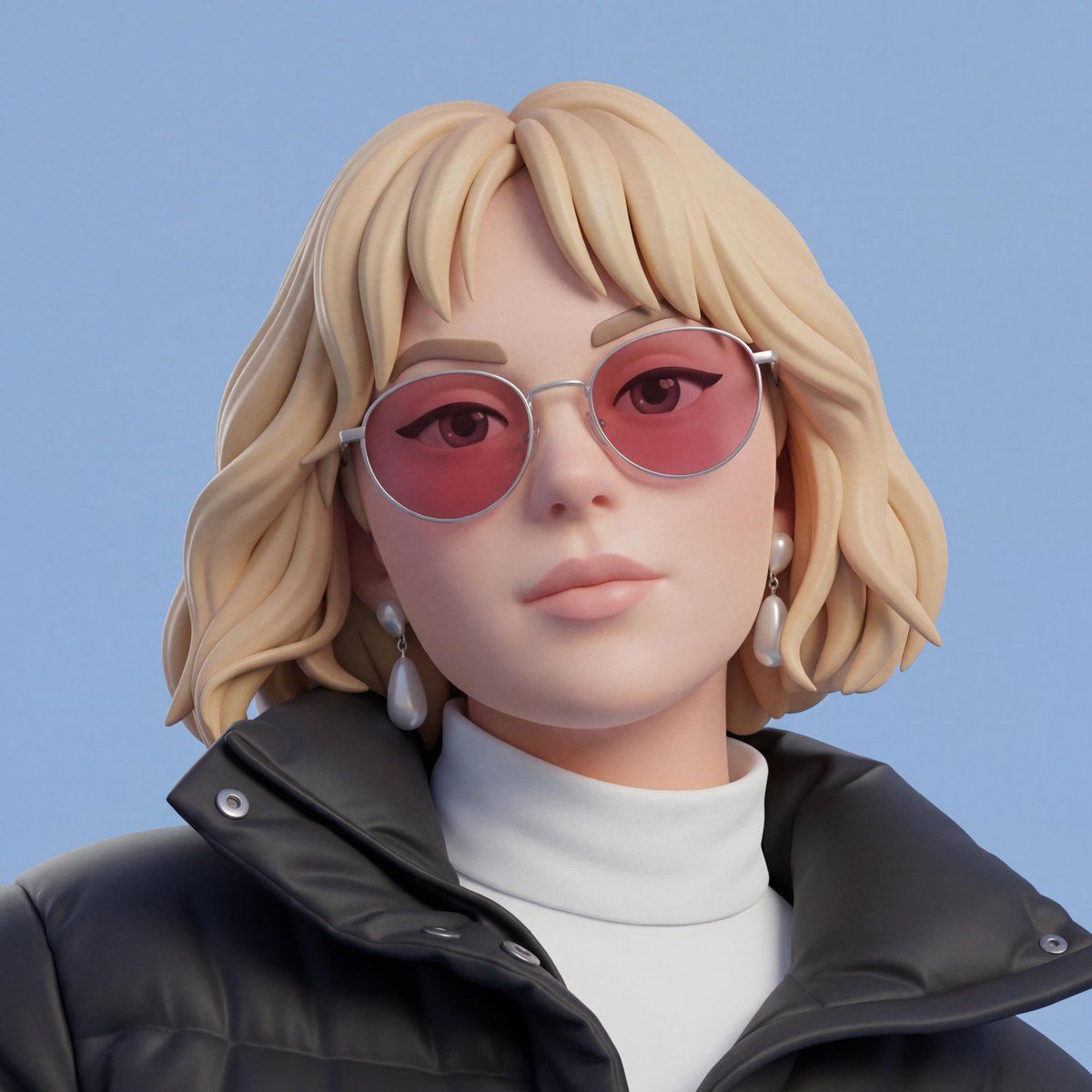
Use a user-uploaded image as the source and convert the person into a stylized 3D character while preserving identity, facial structure, pose, hairstyle, clothing, and overall composition exactly as shown in the photo. The result should clearly resemble the real person.

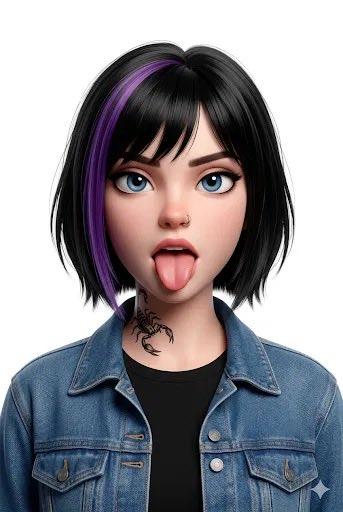
The visual style is a stylized 3D character with a soft minimal cartoon 3D aesthetic, inspired by Pixar-like visuals but more minimal, toy-figure renders, and clean product-style character design. The balance should favor stylization over realism without changing the person’s real-world appearance.

Skin should appear as smooth matte plastic with a soft, uniform texture and gentle subsurface scattering. Facial features should remain faithful to the original image while being simplified in form. The expression should stay neutral and natural to the source photo.

Lighting should be clean and controlled, similar to a studio softbox setup, with very soft shadows, low contrast, and subtle highlights. The background should be a solid [BACKGROUND COLOR] with no gradient.

The camera should feel front-facing with a medium close-up framing, similar to a 50mm lens, with no distortion. Output quality should be high resolution with clean edges, no noise, strong style consistency, and a clearly non-photorealistic finish.
Category
Products & E-commerce
Model
Nano Banana 2
Views200
Source ID
7212
Published
Mar 16, 2026

Guide

About "皮克斯风格3D真人定制手办模型"

What is this prompt for?

"皮克斯风格3D真人定制手办模型" AI image prompt for Nano Banana 2 (Products & E-commerce). 使用用户上传的图片作为素材,将人物转换成风格化的3D角色,同时保持照片中人物的身份、面部结构、姿势、发型、服装和整体构图完全一致。最终效果应该与真人非常相似。” 视…

The full copyable prompt and example visuals above are ready for AI image generation or one-click recreate in Picva.

How to use this prompt

  1. Step 1

    Open the prompt detail

    Review the example visuals, category, and full prompt text for "皮克斯风格3D真人定制手办模型".

  2. Step 2

    Copy the prompt

    Copy the prompt body from this page, or load it directly in Studio.

  3. Step 3

    Pick a model (Nano Banana 2)

    Prefer Nano Banana 2. If you switch models, keep subject and composition and tweak style terms.

  4. Step 4

    Generate and export

    Recreate the look in Picva, or export into your workflow for editing and publishing.

FAQ

What is the "皮克斯风格3D真人定制手办模型" prompt?
It is an AI image-generation prompt for Nano Banana 2 in the Products & E-commerce category. This page includes the full prompt text, example visuals, and a one-click recreate path in Picva.
How do I use this prompt to generate an image?
Copy the prompt from this page, or use Generate / Studio. Paste it into a compatible image model, or recreate the look in Picva with optional reference images.
Which model is this prompt for?
This page lists Nano Banana 2. Most descriptive prompts also transfer to nearby image models such as GPT Image, Flux, or Midjourney with light style tweaks.
Can I use the result commercially?
You can usually copy the prompt for creation, but commercial use of the final image depends on the model terms, reference-image rights, and the generated content. Follow the source author and platform rules.