15

毛绒毛毡系统控制按钮
Enlarge

毛绒毛毡系统控制按钮

Prompt
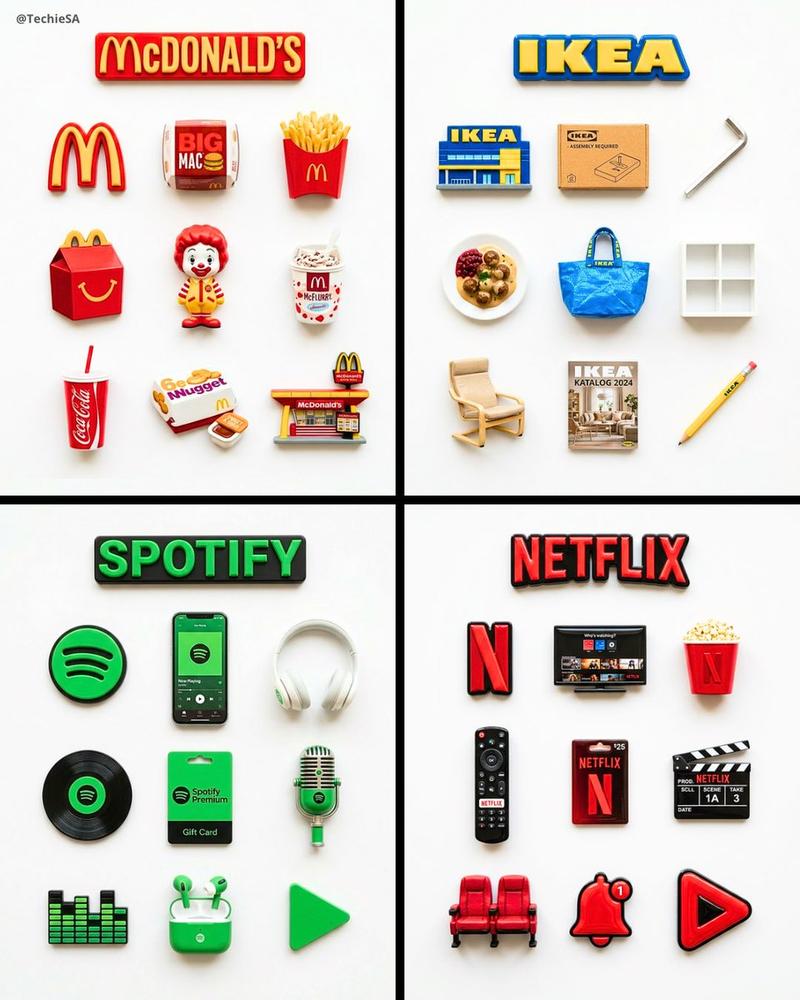
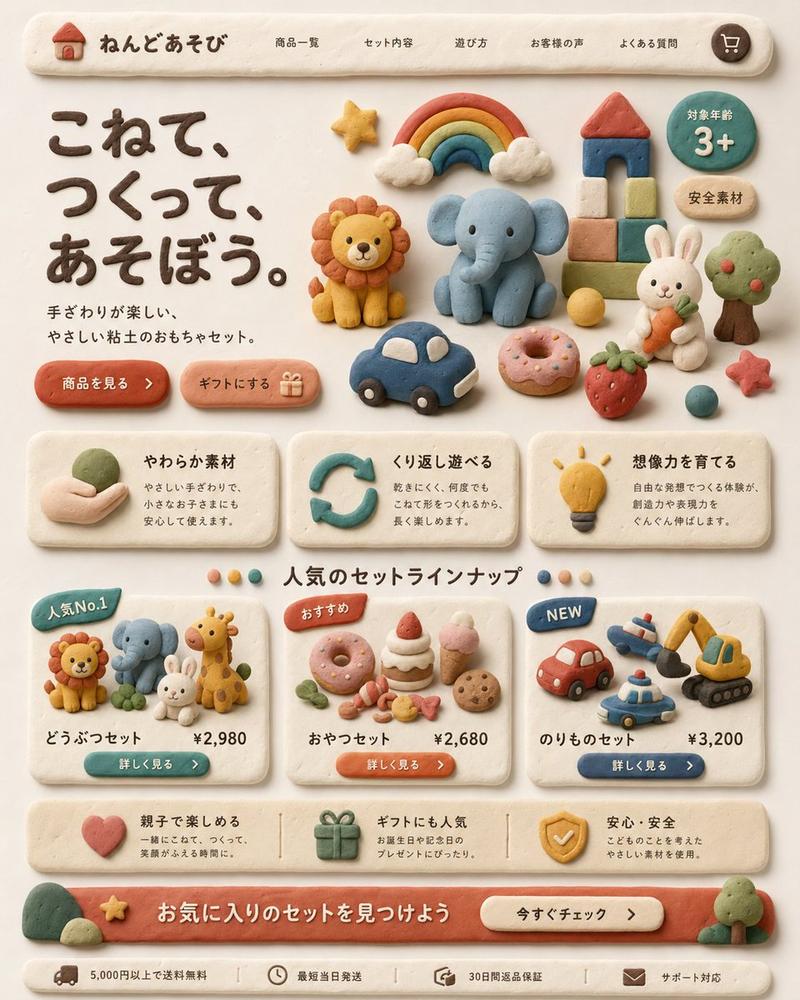
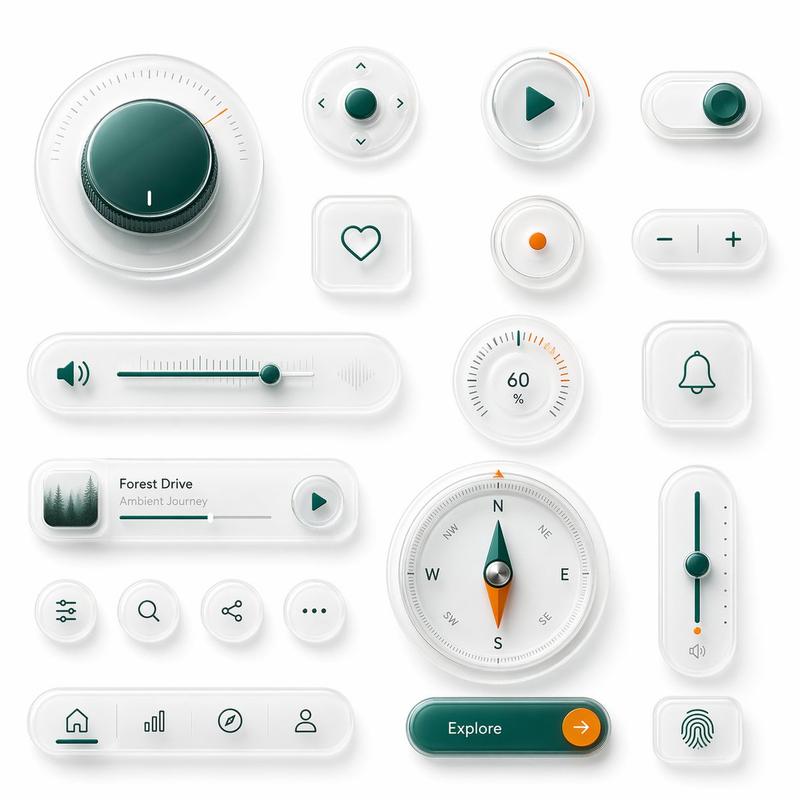
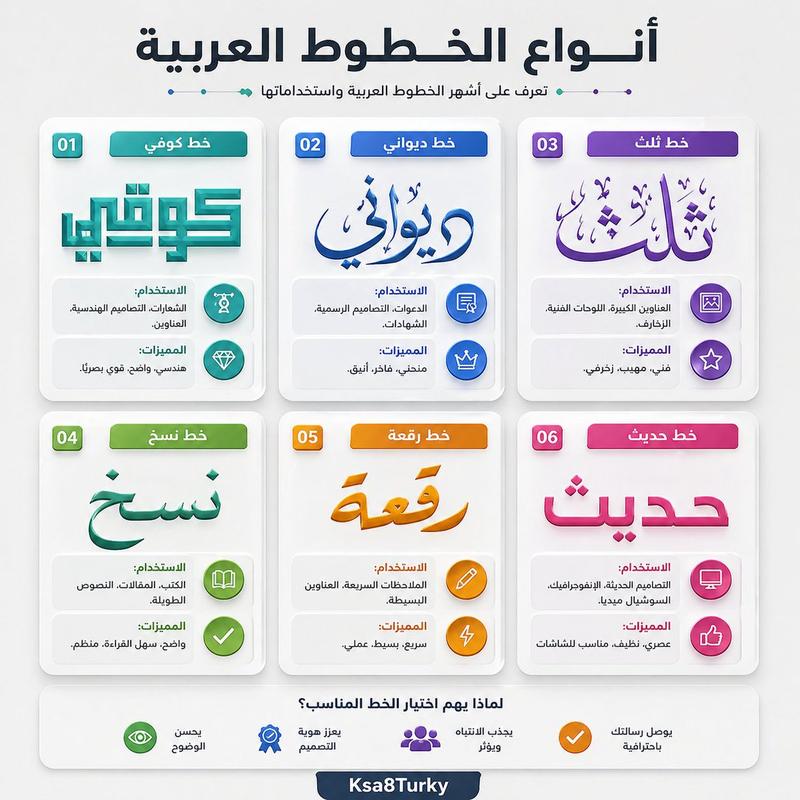
A flat-lay collection of fluffy, plush felt iOS control center UI buttons and toggles, all designed in the visual style of [BRAND]. The buttons include rounded squares, pill shapes, and circles — each covered in soft fabric texture matching [BRAND]'s signature colors and materials. Icons on each button (airplane mode, wifi, bluetooth, brightness, volume, flashlight, camera, timer, calculator, focus mode, settings gear) are rendered in [BRAND]'s typography and logo style. Some buttons feature the [BRAND] wordmark or logo embroidered or printed onto the felt surface. Clean studio background with soft shadows. Hyper-realistic 3D render, product photography lighting. 2:3 aspect ratio.
Category
UI & Interfaces
Model
ChatGPT
Views75
Source ID
13720
Published
Apr 25, 2026

Guide

About "毛绒毛毡系统控制按钮"

What is this prompt for?

"毛绒毛毡系统控制按钮" AI image prompt for ChatGPT (UI & Interfaces). 一组毛绒、柔软的毛毡 iOS 控制中心 UI 按钮和开关的平铺展示,全部按照 [BRAND] 的视觉风格设计。这些按钮包括圆角方形、药丸形状和圆形——每个都覆盖着与 [BRAND] 标志性颜色和材质…

The full copyable prompt and example visuals above are ready for AI image generation or one-click recreate in Picva.

How to use this prompt

  1. Step 1

    Open the prompt detail

    Review the example visuals, category, and full prompt text for "毛绒毛毡系统控制按钮".

  2. Step 2

    Copy the prompt

    Copy the prompt body from this page, or load it directly in Studio.

  3. Step 3

    Pick a model (ChatGPT)

    Prefer ChatGPT. If you switch models, keep subject and composition and tweak style terms.

  4. Step 4

    Generate and export

    Recreate the look in Picva, or export into your workflow for editing and publishing.

FAQ

What is the "毛绒毛毡系统控制按钮" prompt?
It is an AI image-generation prompt for ChatGPT in the UI & Interfaces category. This page includes the full prompt text, example visuals, and a one-click recreate path in Picva.
How do I use this prompt to generate an image?
Copy the prompt from this page, or use Generate / Studio. Paste it into a compatible image model, or recreate the look in Picva with optional reference images.
Which model is this prompt for?
This page lists ChatGPT. Most descriptive prompts also transfer to nearby image models such as GPT Image, Flux, or Midjourney with light style tweaks.
Can I use the result commercially?
You can usually copy the prompt for creation, but commercial use of the final image depends on the model terms, reference-image rights, and the generated content. Follow the source author and platform rules.