Config 2026 美甲项目
Prompt
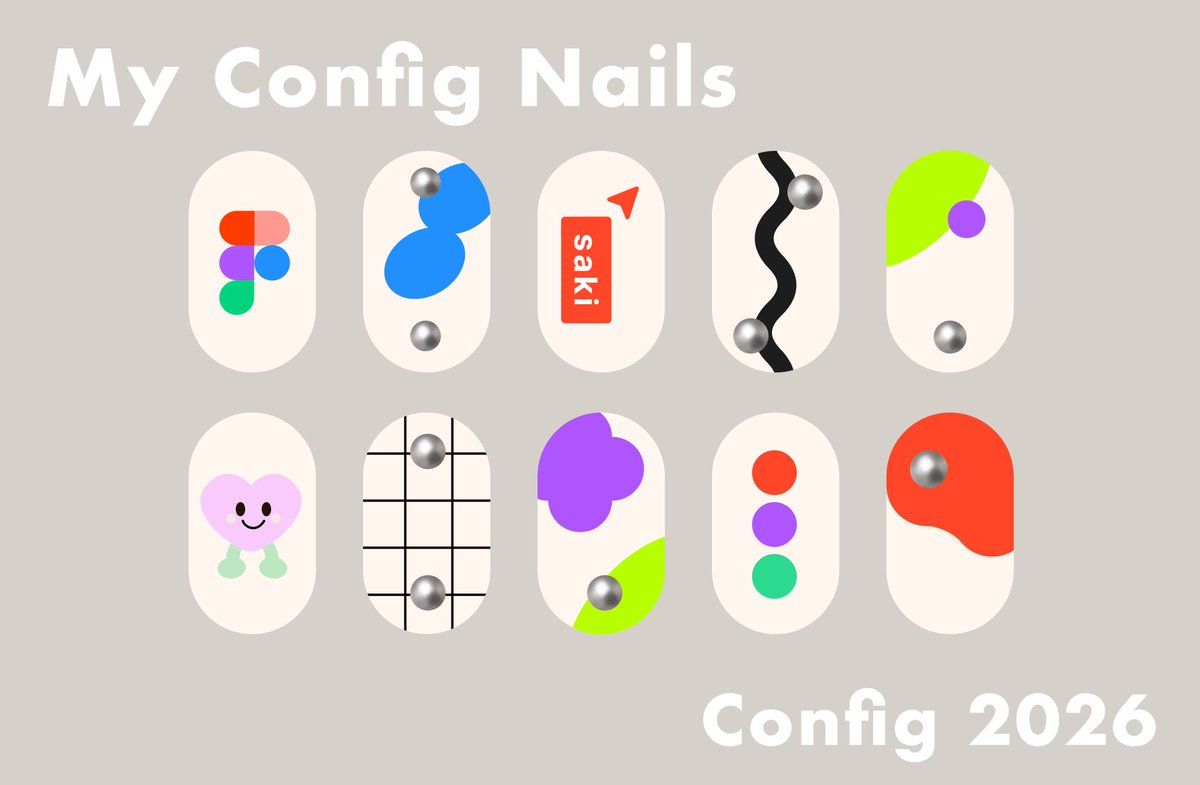
Goal: Create a cute presentation board for custom event nail art inspired by {argument name="event name" default="Config 2026"}, with playful Figma-like shapes and soft 3D metallic nail gems.

Canvas: Horizontal 16:9 layout, warm taupe-gray background, clean minimal poster composition.

Text content: Large bold rounded white title at the upper left: “My Config Nails”. Large bold rounded white event label at the lower right: “{argument name="event label" default="Config 2026"}”. Use a heavy friendly sans-serif font with soft rounded corners.

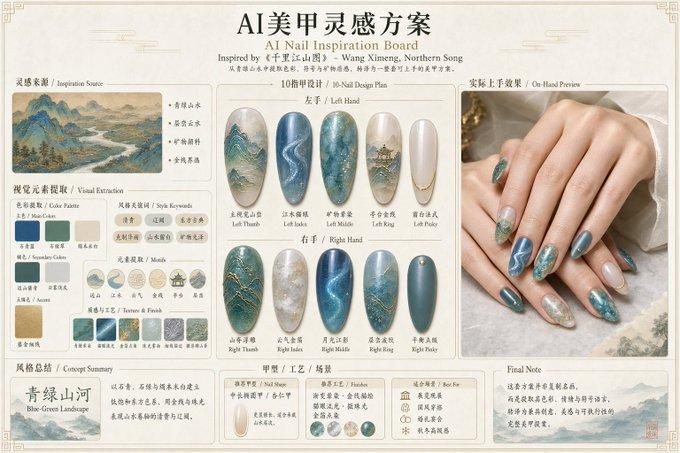
Layout: Arrange exactly 10 press-on nail designs in two centered rows of five. Each nail is a vertical rounded capsule shape, ivory/off-white, evenly spaced, with subtle flat graphic decoration. Keep the nails large and isolated, like a Figma design mockup.

Nail designs, exactly 10:
1. Top row, first nail: Figma logo made from five rounded colored blobs in red-orange, coral, purple, blue, and green.
2. Top row, second nail: abstract bright blue stacked bean shapes with two chrome silver spherical studs, one near the upper left and one near the bottom.
3. Top row, third nail: red vertical rounded rectangle label with white text “saki”, plus a small red paper-plane or cursor triangle near the upper right.
4. Top row, fourth nail: thick black wavy vertical stripe down the center with two chrome silver spherical studs, one near the upper right and one near the lower left.
5. Top row, fifth nail: neon lime green curved corner shape sweeping in from the upper left, purple circle near the right side, and one chrome silver stud near the lower center.
6. Bottom row, first nail: cute pastel pink heart character with black oval eyes, smiling mouth, and mint green little legs/feet.
7. Bottom row, second nail: black grid lines over the ivory nail, with two chrome silver studs aligned vertically, one upper center and one lower center.
8. Bottom row, third nail: large purple flower/blob cluster at upper left, neon lime green curved patch at lower right, and one chrome silver stud near the lower center.
9. Bottom row, fourth nail: three vertically stacked circles in red-orange, purple, and green, centered on the nail.
10. Bottom row, fifth nail: large red-orange organic blob covering the upper portion, with one chrome silver stud near the upper left of the blob.

Visual style: Modern cute flat vector nail-art mockup, Figma conference aesthetic, soft cream nails, saturated accent colors, simple geometric shapes, subtle shadows only on chrome studs for a 3D metallic look. Keep everything crisp, clean, and poster-like.

Constraints: Use exactly 10 nail capsules and exactly 10 chrome silver studs total. Do not add hands, fingers, bottles, extra decorations, watermarks, or additional text.- Category
- Charts & Infographics
- Model
- GPT Image 2
- Source ID
- 21140
- Published
- May 17, 2026
Views1