15

跃出纸面的立体冒险寻宝之旅
Enlarge

跃出纸面的立体冒险寻宝之旅

Prompt
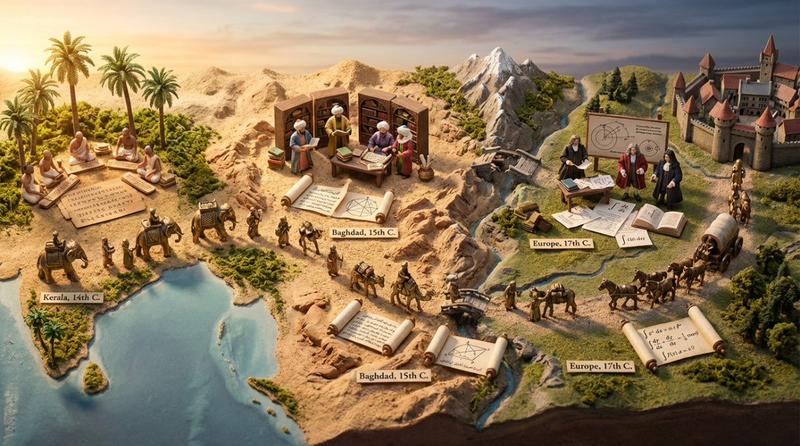
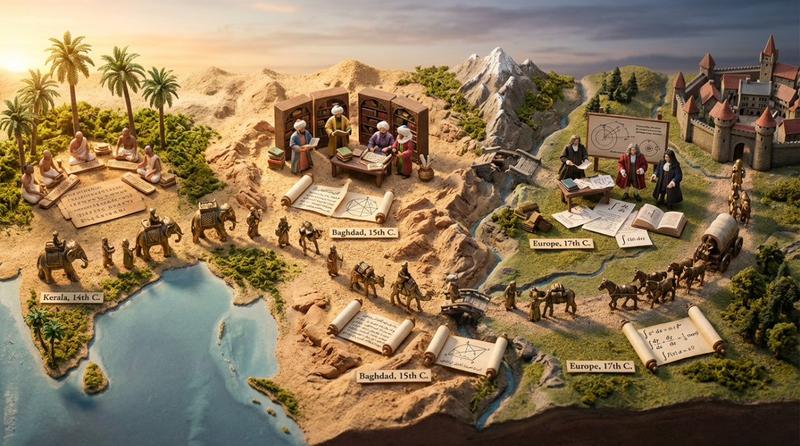
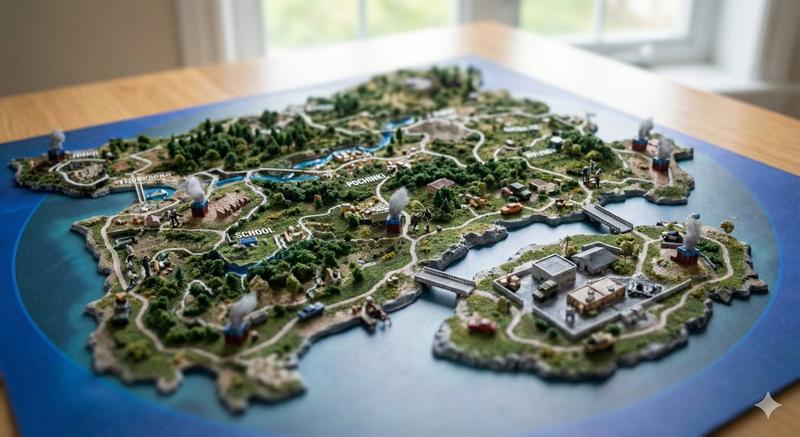
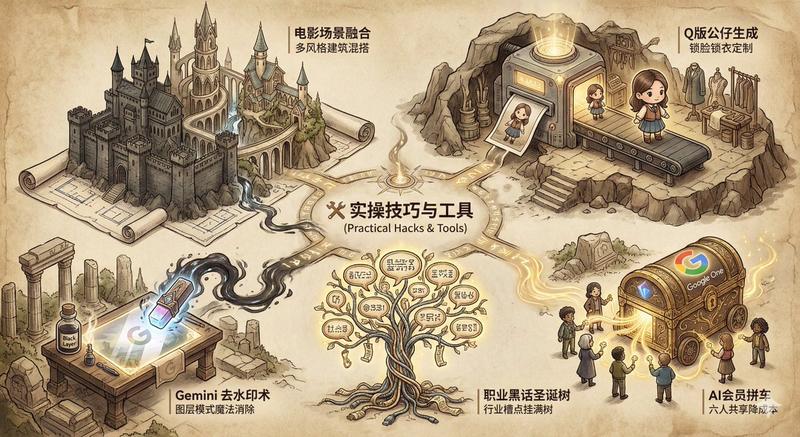
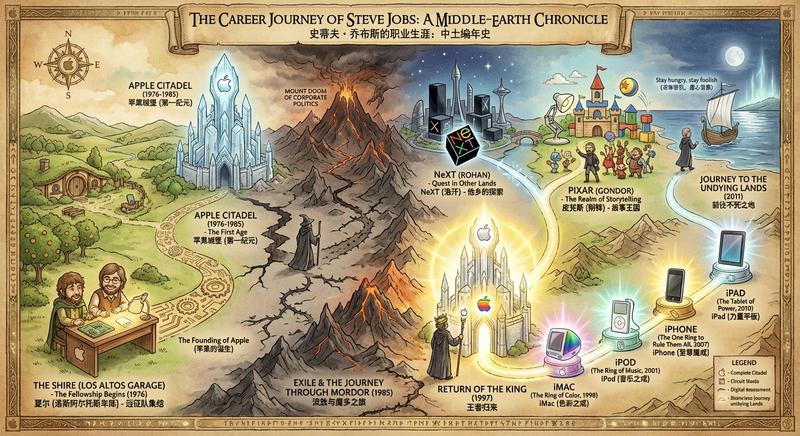
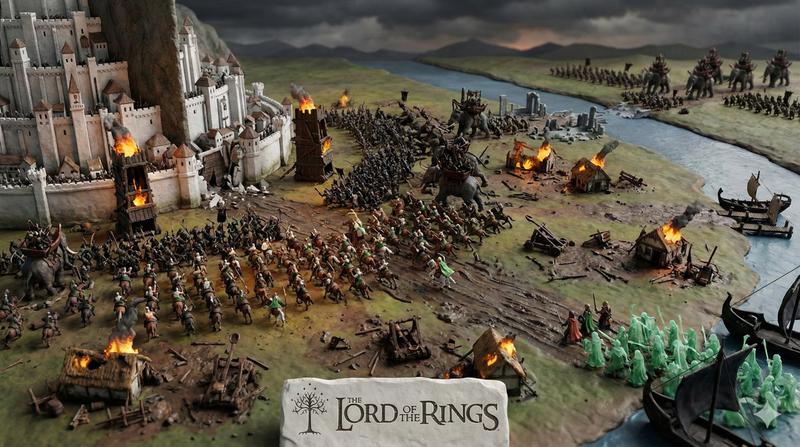
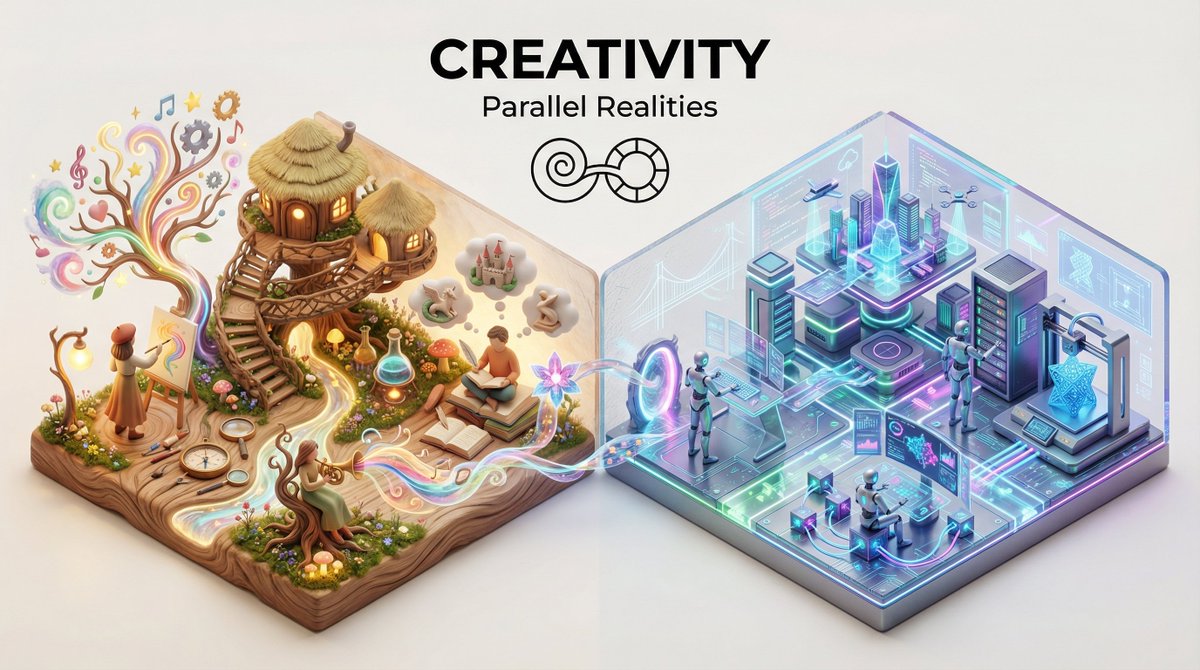
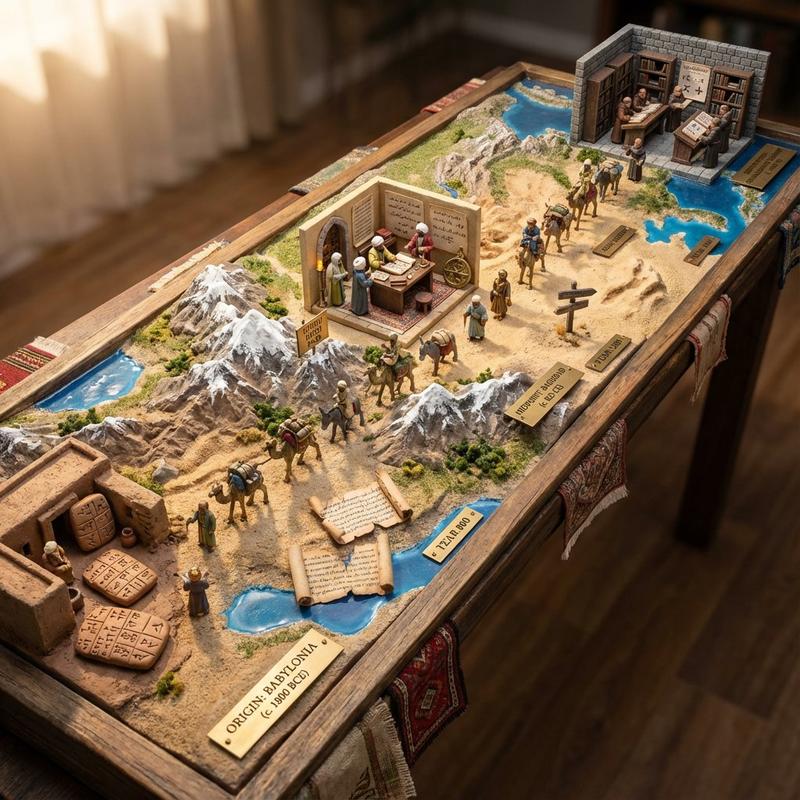
A hand-drawn treasure map on aged parchment, with the adventure erupting into three-dimensional quest. STARTING_POINT rises at the map's edge with DEPARTURE_SCENE, the dotted path becomes an actual trail traversing TERRAIN_1 with DANGER_1, passing {LANDMARK_1} where {OBSTACLE_1} awaits. {TERRAIN_2} features {WILDLIFE_1} and {ENVIRONMENTAL_HAZARD}. The X marking the spot glows beneath {FINAL_LOCATION}, treasure partially visible, {GUARDIAN_ELEMENT} protecting it. Miniature expedition party frozen mid-journey at various points along the route. Torn edges of the map become cliffs. Coffee stains become lakes. Burn marks become scorched earth from battles past. Candlelight flicker, adventure novel lighting, 8K, the map as the story it promises.
Category
Charts & Infographics
Model
Nano Banana Pro
Creator
@thilon
Views74
Source ID
12907
Published
Apr 7, 2026

Guide

About "跃出纸面的立体冒险寻宝之旅"

What is this prompt for?

"跃出纸面的立体冒险寻宝之旅" AI image prompt for Nano Banana Pro (Charts & Infographics). 一张绘制在陈旧羊皮纸上的手绘藏宝图,冒险以三维任务的形式展开。STARTING_POINT 在地图边缘升起,伴随着 DEPARTURE_SCENE,虚线路径变成了一…

The full copyable prompt and example visuals above are ready for AI image generation or one-click recreate in Picva.

How to use this prompt

  1. Step 1

    Open the prompt detail

    Review the example visuals, category, and full prompt text for "跃出纸面的立体冒险寻宝之旅".

  2. Step 2

    Copy the prompt

    Copy the prompt body from this page, or load it directly in Studio.

  3. Step 3

    Pick a model (Nano Banana Pro)

    Prefer Nano Banana Pro. If you switch models, keep subject and composition and tweak style terms.

  4. Step 4

    Generate and export

    Recreate the look in Picva, or export into your workflow for editing and publishing.

FAQ

What is the "跃出纸面的立体冒险寻宝之旅" prompt?
It is an AI image-generation prompt for Nano Banana Pro in the Charts & Infographics category. This page includes the full prompt text, example visuals, and a one-click recreate path in Picva.
How do I use this prompt to generate an image?
Copy the prompt from this page, or use Generate / Studio. Paste it into a compatible image model, or recreate the look in Picva with optional reference images.
Which model is this prompt for?
This page lists Nano Banana Pro. Most descriptive prompts also transfer to nearby image models such as GPT Image, Flux, or Midjourney with light style tweaks.
Can I use the result commercially?
You can usually copy the prompt for creation, but commercial use of the final image depends on the model terms, reference-image rights, and the generated content. Follow the source author and platform rules.