13

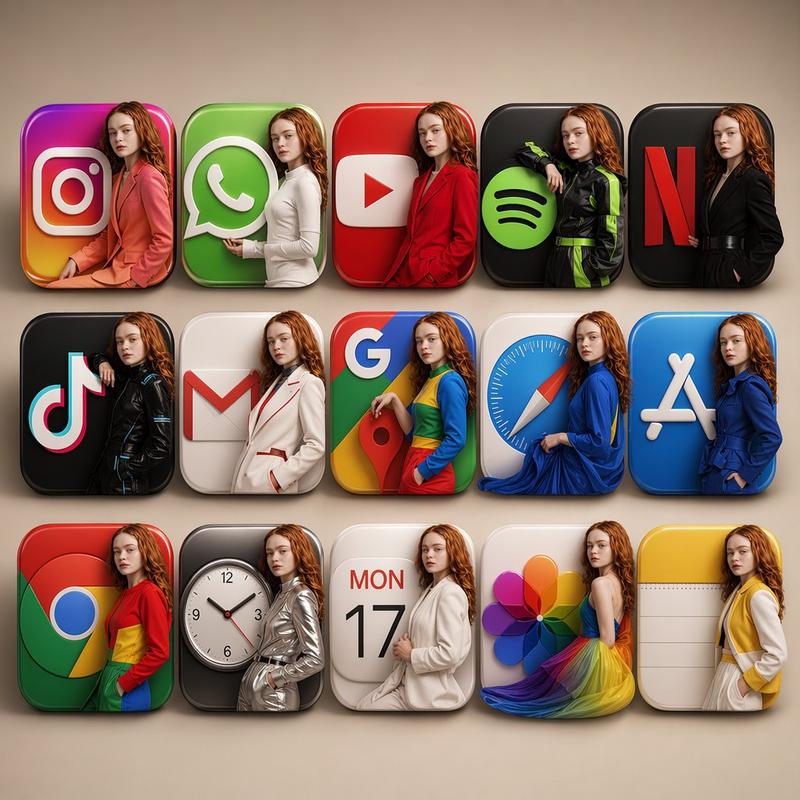
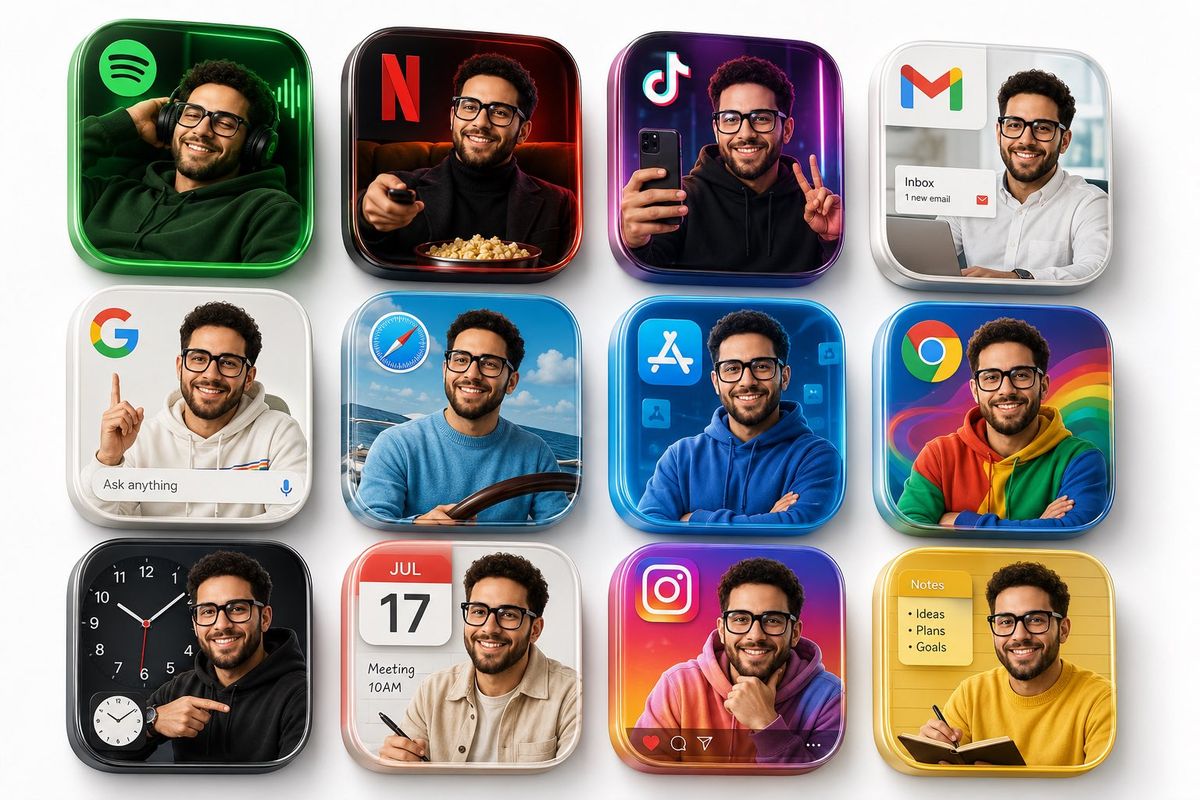
高级3D写实应用图标12宫格设计
Enlarge

高级3D写实应用图标12宫格设计

Prompt
{
  "model": "gpt-image-2",
  "prompt": "Create a premium 3D grid of 12 square app icons arranged neatly on a clean white studio background. Each icon should look like a realistic modern version of popular apps including Spotify, Netflix, TikTok, Gmail, Google, Safari, App Store, Chrome, Clock, Calendar, Instagram, and Notes. Inside every app icon frame, place the same realistic man from the uploaded image, styled differently to match the theme and color palette of each app. Give him fashionable modern outfits, expressive poses, and interactions that creatively blend with the UI and environment of each icon. For example: relaxing inside Spotify with headphones, cinematic lighting in Netflix, trendy creator vibe in TikTok, casual aesthetic in Instagram, professional look in Gmail, etc. The icons should have a glossy 3D floating appearance with depth, shadows, reflections, realistic textures, and soft studio lighting. Make every square visually unique while keeping the overall composition cohesive and premium. Highly detailed skin texture, realistic facial consistency, luxury fashion styling, vibrant colors, pop art inspired aesthetic, ultra realistic digital art, depth of field, 8K quality, trending Behance/Dribbble style.",
  "size": "1792x1024",
  "quality": "high"
}
Category
UI & Interfaces
Model
ChatGPT
Views68
Source ID
15125
Published
May 27, 2026

Guide

About "高级3D写实应用图标12宫格设计"

What is this prompt for?

"高级3D写实应用图标12宫格设计" AI image prompt for ChatGPT (UI & Interfaces). 创建一个由12个正方形应用图标组成的高级3D网格,整齐地排列在干净的白色工作室背景上。每个图标都应看起来像是热门应用的写实现代版本,包括Spotify、Netflix、TikTok、Gm…

The full copyable prompt and example visuals above are ready for AI image generation or one-click recreate in Picva.

How to use this prompt

  1. Step 1

    Open the prompt detail

    Review the example visuals, category, and full prompt text for "高级3D写实应用图标12宫格设计".

  2. Step 2

    Copy the prompt

    Copy the prompt body from this page, or load it directly in Studio.

  3. Step 3

    Pick a model (ChatGPT)

    Prefer ChatGPT. If you switch models, keep subject and composition and tweak style terms.

  4. Step 4

    Generate and export

    Recreate the look in Picva, or export into your workflow for editing and publishing.

FAQ

What is the "高级3D写实应用图标12宫格设计" prompt?
It is an AI image-generation prompt for ChatGPT in the UI & Interfaces category. This page includes the full prompt text, example visuals, and a one-click recreate path in Picva.
How do I use this prompt to generate an image?
Copy the prompt from this page, or use Generate / Studio. Paste it into a compatible image model, or recreate the look in Picva with optional reference images.
Which model is this prompt for?
This page lists ChatGPT. Most descriptive prompts also transfer to nearby image models such as GPT Image, Flux, or Midjourney with light style tweaks.
Can I use the result commercially?
You can usually copy the prompt for creation, but commercial use of the final image depends on the model terms, reference-image rights, and the generated content. Follow the source author and platform rules.