15

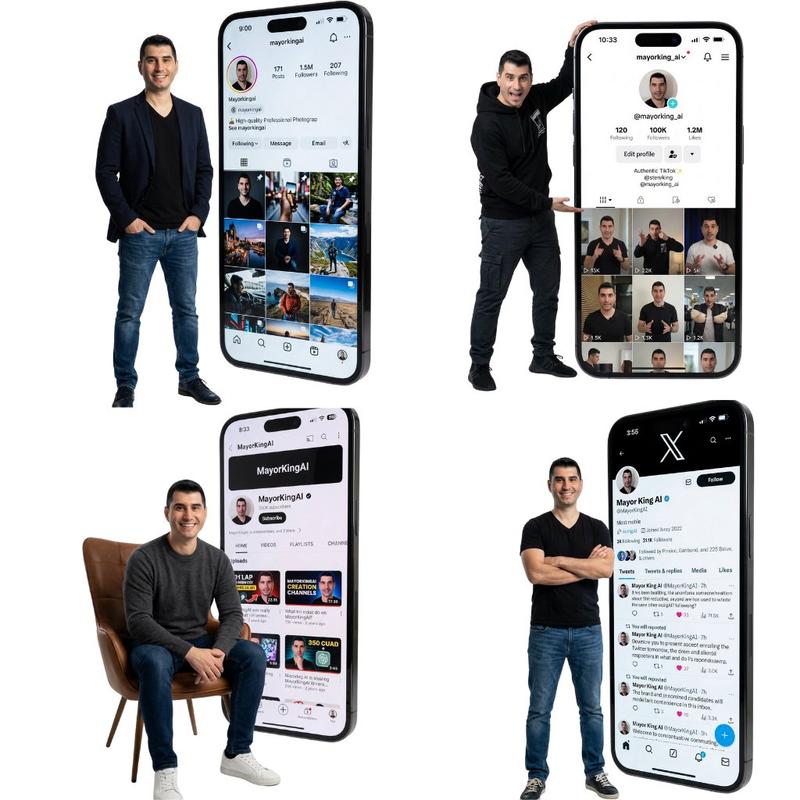
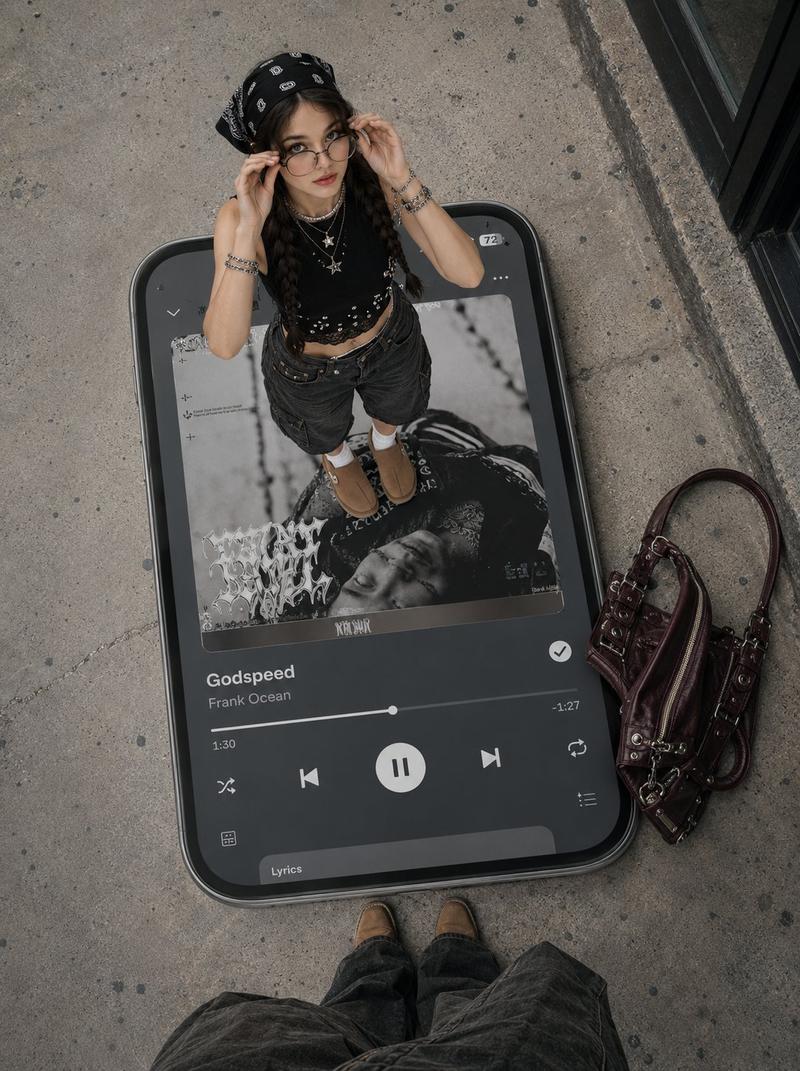
一幅逼真的全身肖像
Enlarge

一幅逼真的全身肖像

Prompt
A realistic full-body portrait of a [ARTIST] in their signature style, positioned next to a giant vertical smartphone displaying a Spotify interface. The phone screen shows a music player interface featuring the song “[SONG]” with signature [COLOR] accent colors at approximately 80% opacity for a premium aesthetic effect.
The artist wears their characteristic outfit and styling. Their pose is confident and editorial, embodying the mood and energy of the song. Expression matches their iconic persona.
Technical specifications:
• Plain background with subtle [COLOR] lighting accents
• Soft studio lighting with colored gels in signature [COLOR] tones
• 35mm or 50mm lens, f/2.2, ISO 100-160, shutter speed 1/125
• Sharp focus on subject and phone interface
• Editorial style consistent with premium music platform campaigns
Category
UI & Interfaces
Model
GPT Image 2
Views48
Source ID
1193
Published
Jan 8, 2026

Guide

About "一幅逼真的全身肖像"

What is this prompt for?

"一幅逼真的全身肖像" AI image prompt for GPT Image 2 (UI & Interfaces). 一幅[艺术家]的逼真全身肖像,采用其标志性风格,旁边是一部巨大的竖屏智能手机,屏幕上显示着Spotify界面。手机屏幕上的音乐播放器界面以歌曲“[歌曲]”为特色,并采用标志性的[颜色]强调色,…

The full copyable prompt and example visuals above are ready for AI image generation or one-click recreate in Picva.

How to use this prompt

  1. Step 1

    Open the prompt detail

    Review the example visuals, category, and full prompt text for "一幅逼真的全身肖像".

  2. Step 2

    Copy the prompt

    Copy the prompt body from this page, or load it directly in Studio.

  3. Step 3

    Pick a model (GPT Image 2)

    Prefer GPT Image 2. If you switch models, keep subject and composition and tweak style terms.

  4. Step 4

    Generate and export

    Recreate the look in Picva, or export into your workflow for editing and publishing.

FAQ

What is the "一幅逼真的全身肖像" prompt?
It is an AI image-generation prompt for GPT Image 2 in the UI & Interfaces category. This page includes the full prompt text, example visuals, and a one-click recreate path in Picva.
How do I use this prompt to generate an image?
Copy the prompt from this page, or use Generate / Studio. Paste it into a compatible image model, or recreate the look in Picva with optional reference images.
Which model is this prompt for?
This page lists GPT Image 2. Most descriptive prompts also transfer to nearby image models such as GPT Image, Flux, or Midjourney with light style tweaks.
Can I use the result commercially?
You can usually copy the prompt for creation, but commercial use of the final image depends on the model terms, reference-image rights, and the generated content. Follow the source author and platform rules.