14

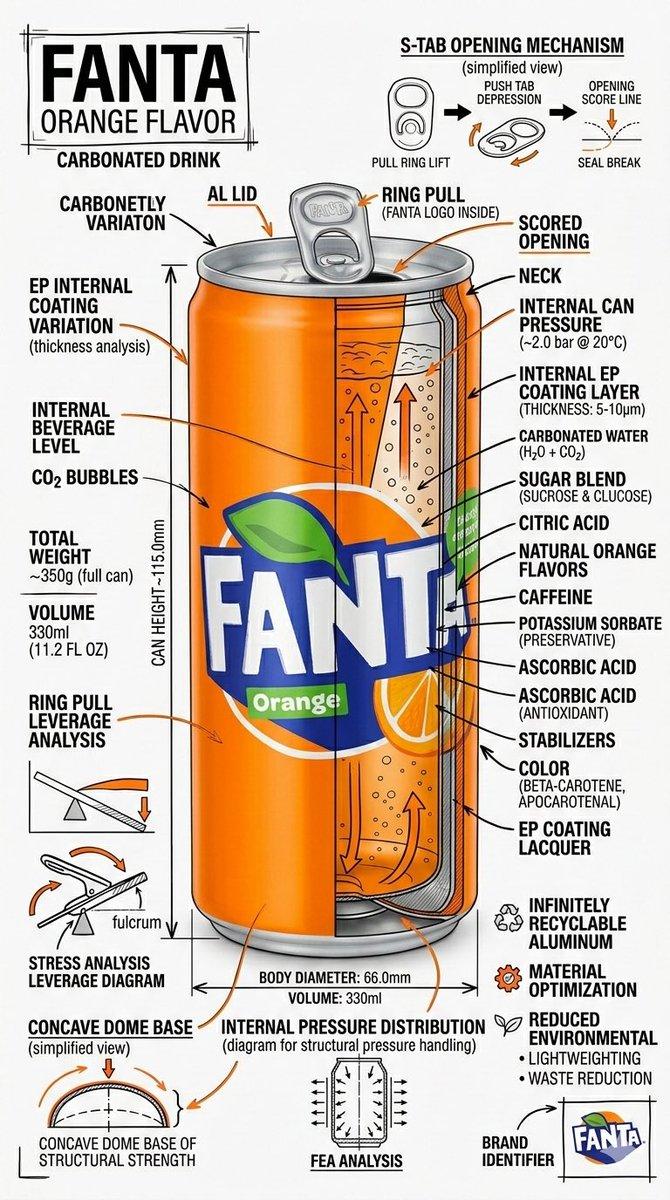
产品演进工程蓝图手绘海报
Enlarge

产品演进工程蓝图手绘海报

Prompt
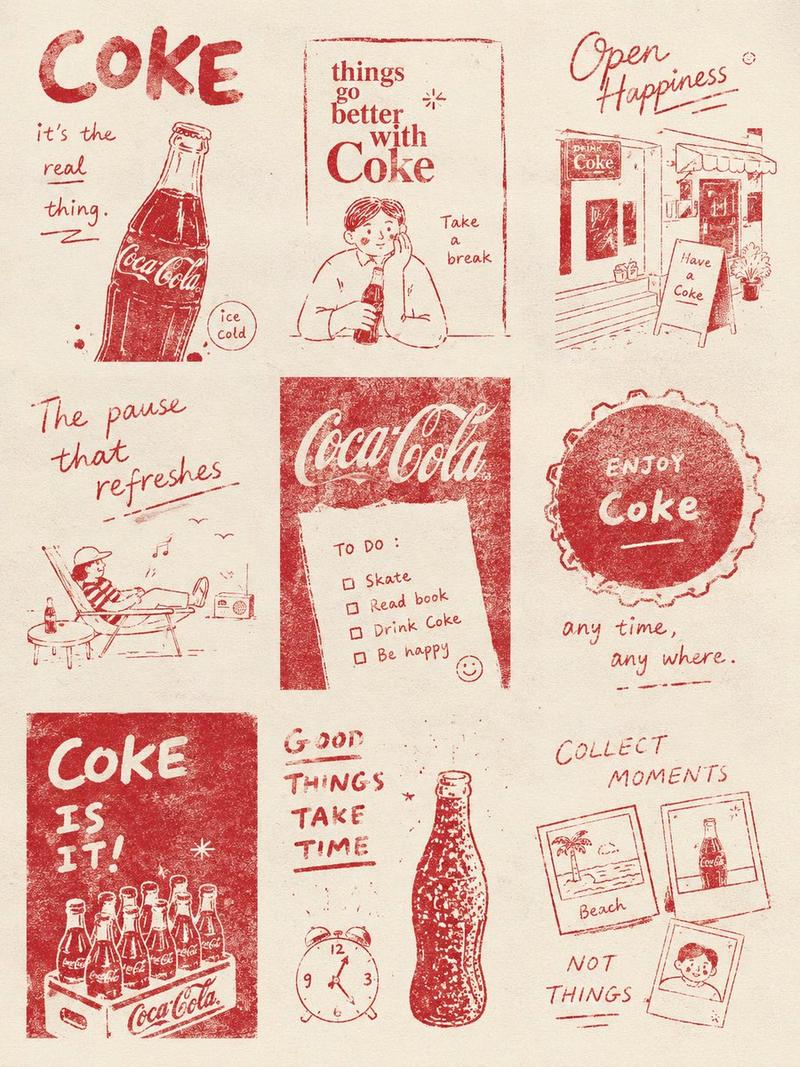
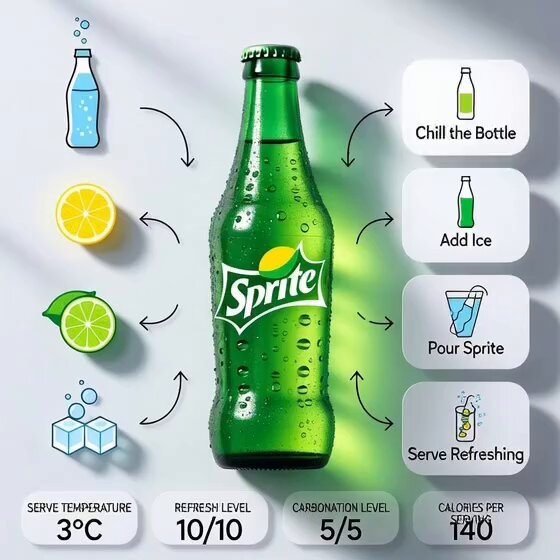
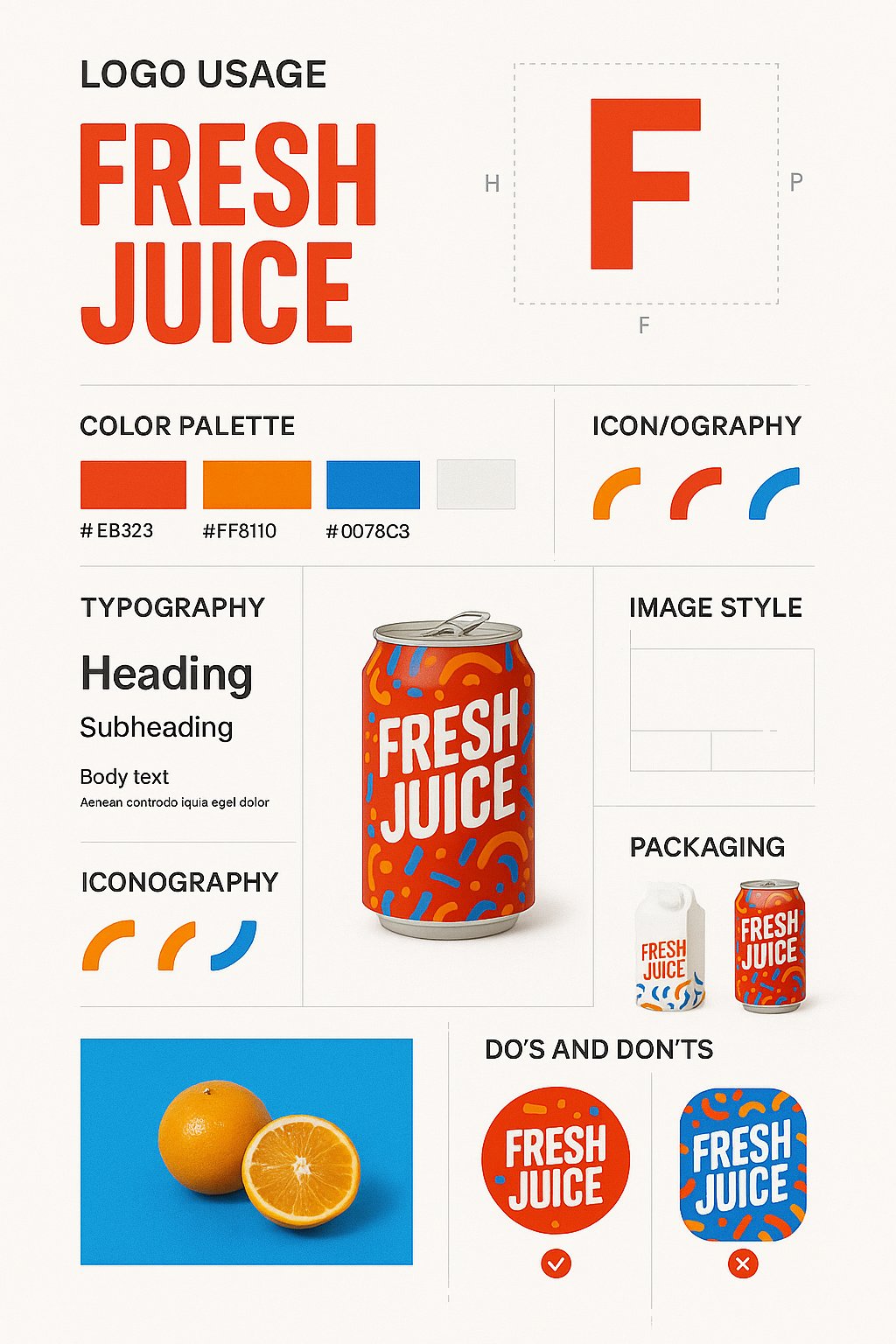
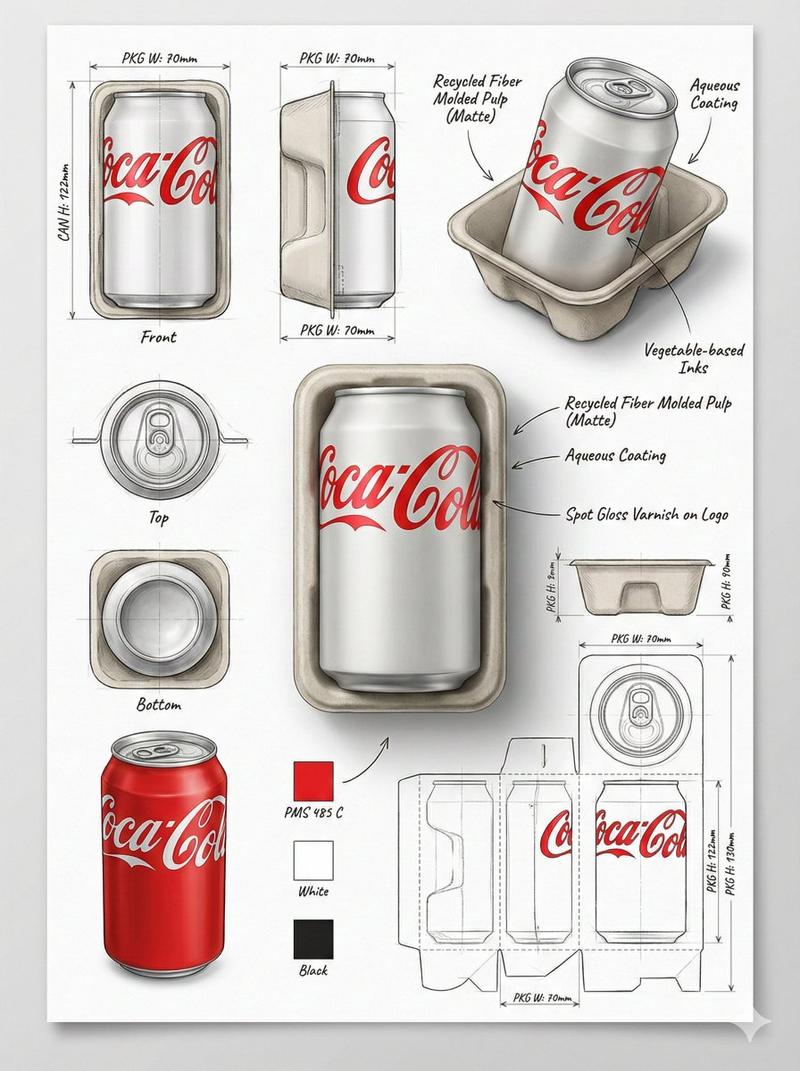
Create a technical infographic of timeline poster of [PRODUCT NAME]. Use sharp ink lines and soft watercolor on textured paper. Feature a central hero illustration with handwritten years, arrows, notes, and small sketches showing design evolution and key milestones. Keep it clean, lively, colourful and strong contrast. Highly detailed, vertical portrait. Visual Concept A realistic photograph or photorealistic render combined with dense technical annotation overlays, exactly like an engineering, Pure white studio background. Title Placement Product name in English , bold font, inside a hand-drawn technical annotation frame (as in engineering blueprints), positioned in the upper corner. Style & Layout • Very high information density • Annotations feel like an engineering / architectural sketch • Black lines — 70–80% of all graphics • Accent [BRAND COLOR] — 20–30% (arrows, key zones, headings) • The realistic product remains fully readable • Educational, industrial-premium aesthetic • Small brand logo in the corner (in English) Visual Style Minimal technical illustration aesthetic: black linework over realistic imagery, precise, highly detailed, slightly hand-drawn, like professional technical manuals. Color Palette White background Black text and linework [BRAND COLOR] used only for accents Output 9:16 Vertical portrait, 8K, highly detailed, Ultra-crisp image Social-feed optimized No watermark
Category
Charts & Infographics
Model
Nano Banana Pro
Views106
Source ID
13226
Published
Apr 9, 2026

Guide

About "产品演进工程蓝图手绘海报"

What is this prompt for?

"产品演进工程蓝图手绘海报" AI image prompt for Nano Banana Pro (Charts & Infographics). 创建一个关于 [PRODUCT NAME] 时间轴海报的技术信息图。使用清晰的墨水线条和柔和的水彩,绘制在有纹理的纸张上。 特色是一个中心英雄插图,配有手写的年份、箭…

The full copyable prompt and example visuals above are ready for AI image generation or one-click recreate in Picva.

How to use this prompt

  1. Step 1

    Open the prompt detail

    Review the example visuals, category, and full prompt text for "产品演进工程蓝图手绘海报".

  2. Step 2

    Copy the prompt

    Copy the prompt body from this page, or load it directly in Studio.

  3. Step 3

    Pick a model (Nano Banana Pro)

    Prefer Nano Banana Pro. If you switch models, keep subject and composition and tweak style terms.

  4. Step 4

    Generate and export

    Recreate the look in Picva, or export into your workflow for editing and publishing.

FAQ

What is the "产品演进工程蓝图手绘海报" prompt?
It is an AI image-generation prompt for Nano Banana Pro in the Charts & Infographics category. This page includes the full prompt text, example visuals, and a one-click recreate path in Picva.
How do I use this prompt to generate an image?
Copy the prompt from this page, or use Generate / Studio. Paste it into a compatible image model, or recreate the look in Picva with optional reference images.
Which model is this prompt for?
This page lists Nano Banana Pro. Most descriptive prompts also transfer to nearby image models such as GPT Image, Flux, or Midjourney with light style tweaks.
Can I use the result commercially?
You can usually copy the prompt for creation, but commercial use of the final image depends on the model terms, reference-image rights, and the generated content. Follow the source author and platform rules.