16

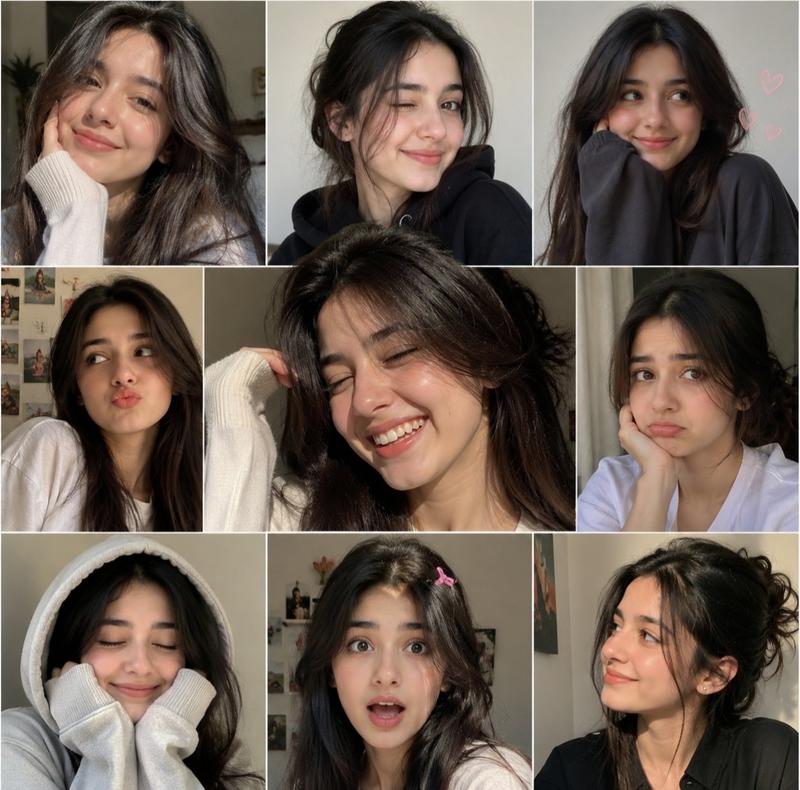
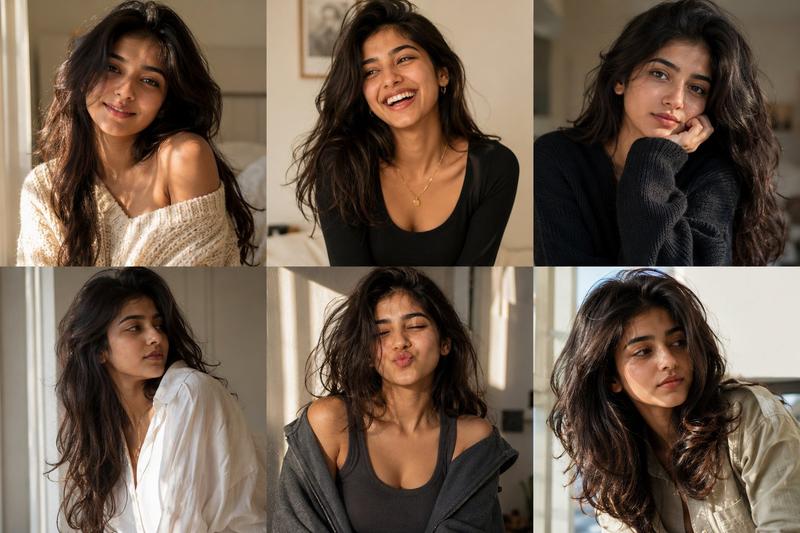
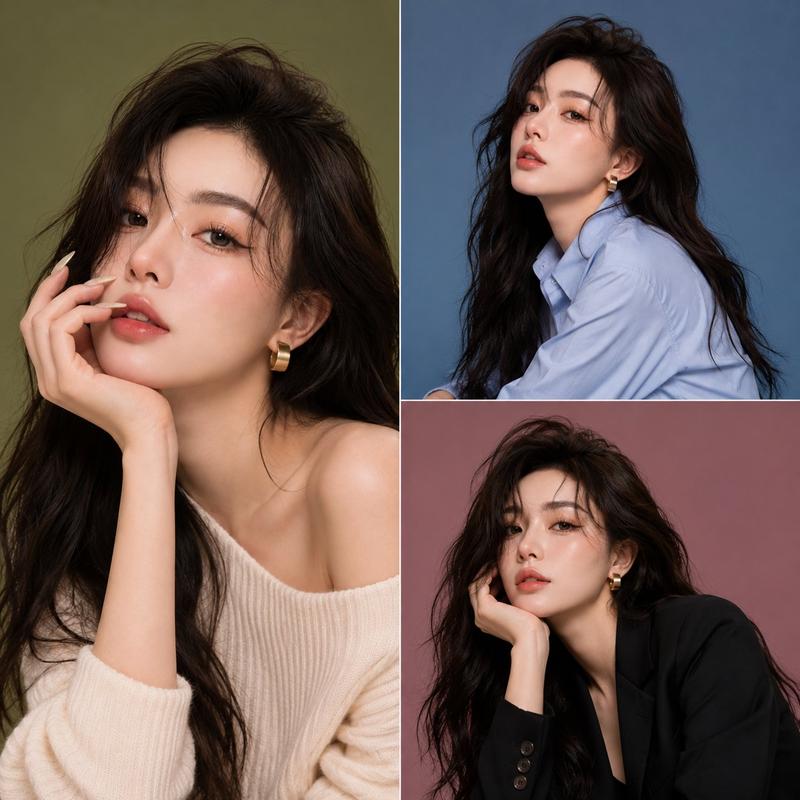
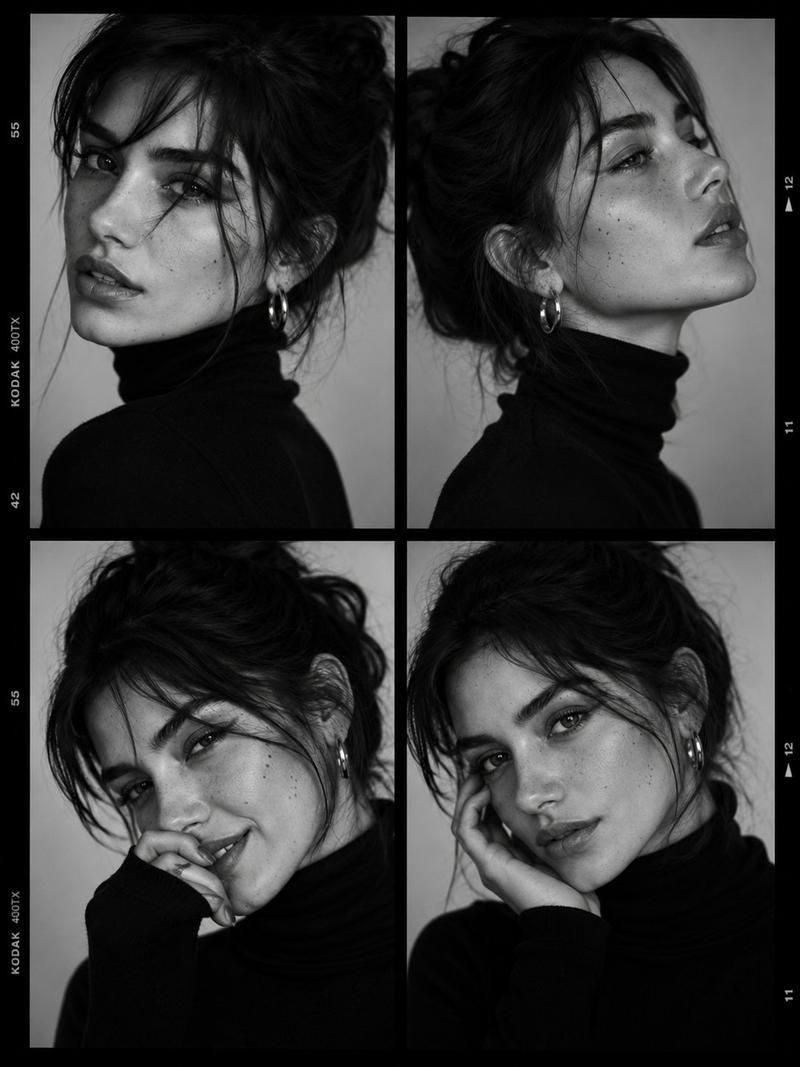
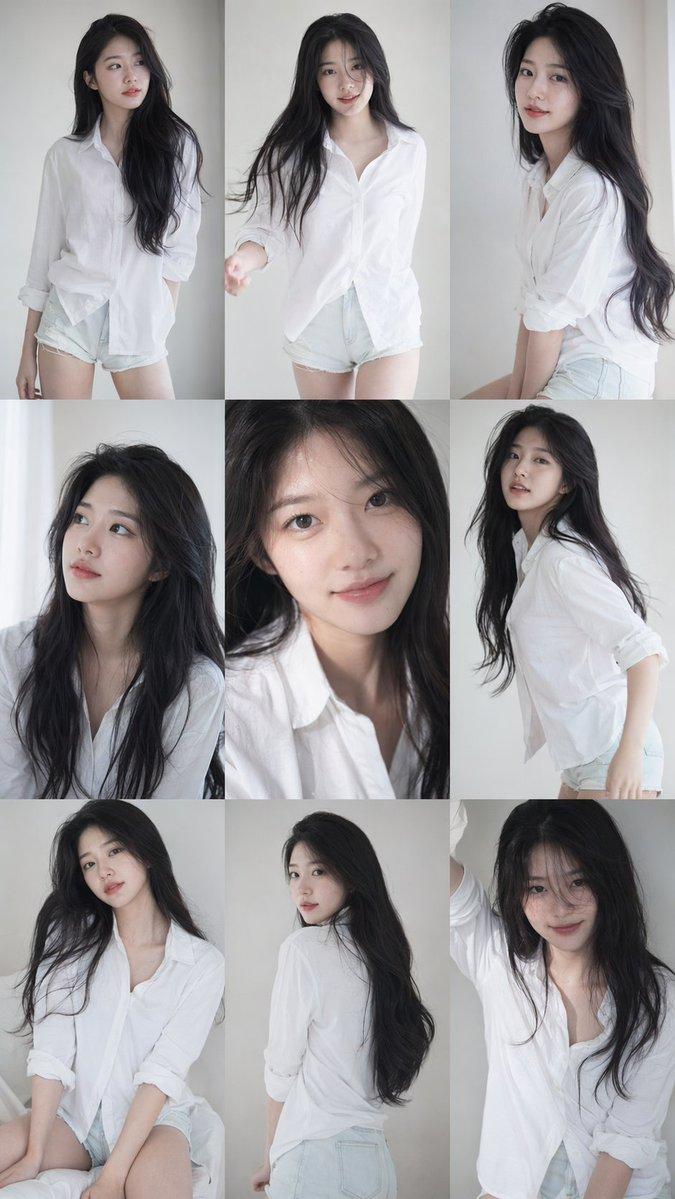
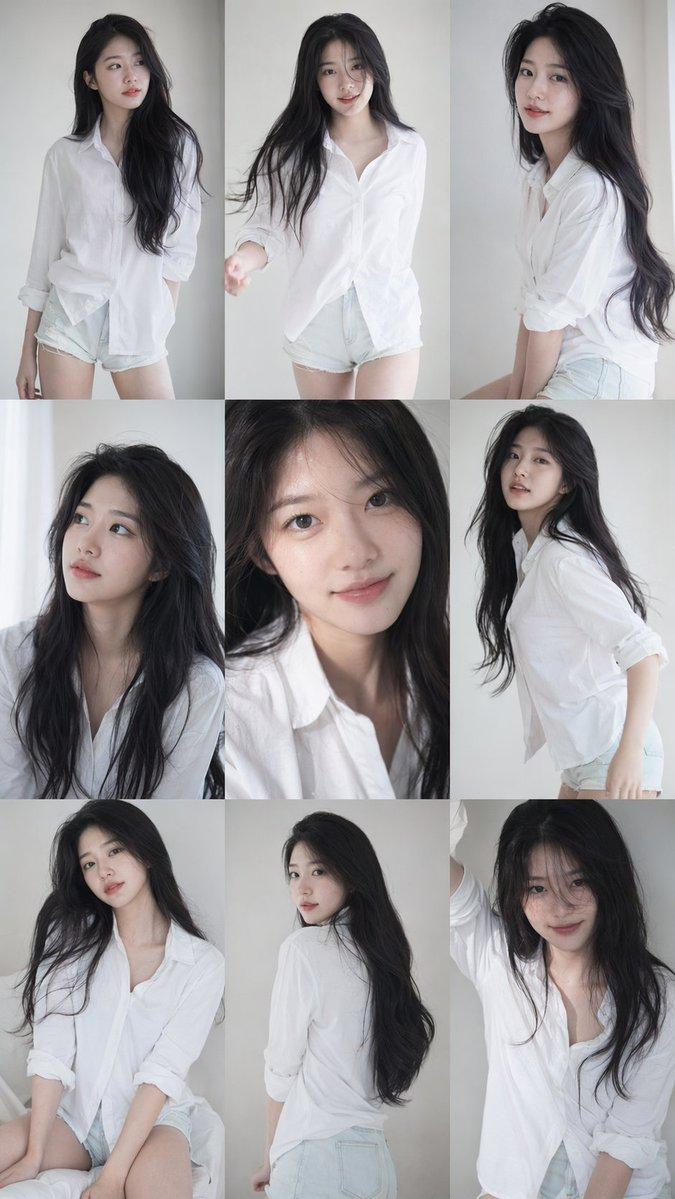
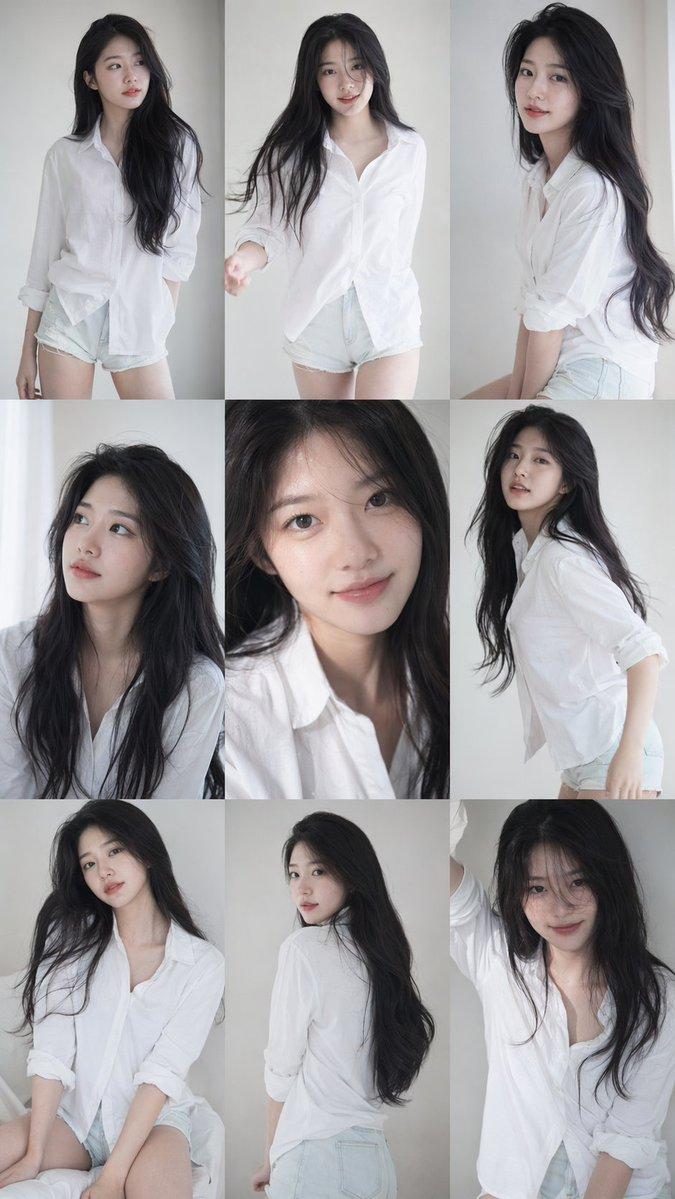
电影感女性自然神态特写摄影图组
Enlarge

电影感女性自然神态特写摄影图组

Prompt
A professional photography grid layout showcasing a series of six intimate, close-up portraits of the same young woman, captured from slightly varying angles and expressing a range of subtle emotions. She has dark, wavy hair styled casually—sometimes tied up in a loose bun or ponytail, other times flowing freely around her face—and expressive brown eyes with natural, minimal makeup. The lighting is soft and diffused, emphasizing her warm skin tone and delicate features. Across the different panels, her expressions shift seamlessly from a thoughtful, resting gaze to a bright, authentic laugh with eyes crinkled, and a serene, neutral look. Her attire changes subtly between casual tops like a simple black tank, a cozy knit sweater, and a relaxed white button-down shirt. The overall aesthetic is raw, minimalist, and deeply focused on natural beauty and candid human expression, reminiscent of a model's headshot portfolio or a cinematic character study.
Category
Photography & Realism
Model
ChatGPT
Views10
Source ID
15568
Published
Jun 9, 2026

Guide

About "电影感女性自然神态特写摄影图组"

What is this prompt for?

"电影感女性自然神态特写摄影图组" AI image prompt for ChatGPT (Photography & Realism). 一张专业的摄影网格布局,展示了同一位年轻女性的六张亲密特写肖像,从略微不同的角度捕捉,并表达了一系列微妙的情绪。她留着深色的波浪发,发型随意——有时扎成松散的丸子头或马尾辫,有…

The full copyable prompt and example visuals above are ready for AI image generation or one-click recreate in Picva.

How to use this prompt

  1. Step 1

    Open the prompt detail

    Review the example visuals, category, and full prompt text for "电影感女性自然神态特写摄影图组".

  2. Step 2

    Copy the prompt

    Copy the prompt body from this page, or load it directly in Studio.

  3. Step 3

    Pick a model (ChatGPT)

    Prefer ChatGPT. If you switch models, keep subject and composition and tweak style terms.

  4. Step 4

    Generate and export

    Recreate the look in Picva, or export into your workflow for editing and publishing.

FAQ

What is the "电影感女性自然神态特写摄影图组" prompt?
It is an AI image-generation prompt for ChatGPT in the Photography & Realism category. This page includes the full prompt text, example visuals, and a one-click recreate path in Picva.
How do I use this prompt to generate an image?
Copy the prompt from this page, or use Generate / Studio. Paste it into a compatible image model, or recreate the look in Picva with optional reference images.
Which model is this prompt for?
This page lists ChatGPT. Most descriptive prompts also transfer to nearby image models such as GPT Image, Flux, or Midjourney with light style tweaks.
Can I use the result commercially?
You can usually copy the prompt for creation, but commercial use of the final image depends on the model terms, reference-image rights, and the generated content. Follow the source author and platform rules.