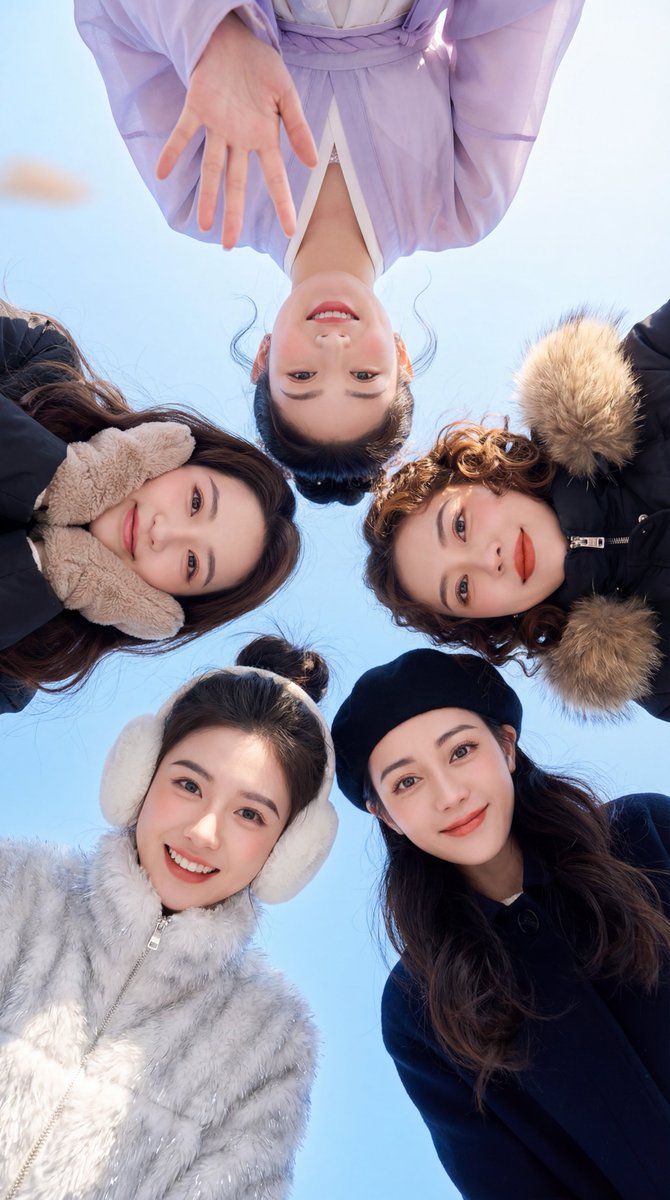
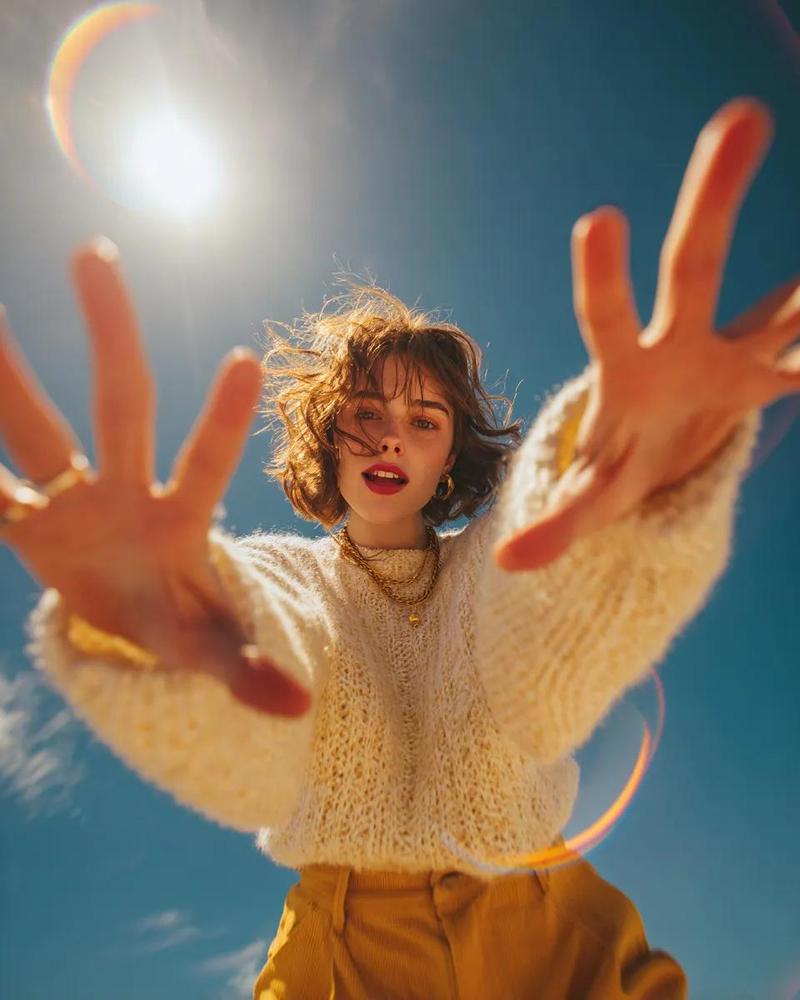
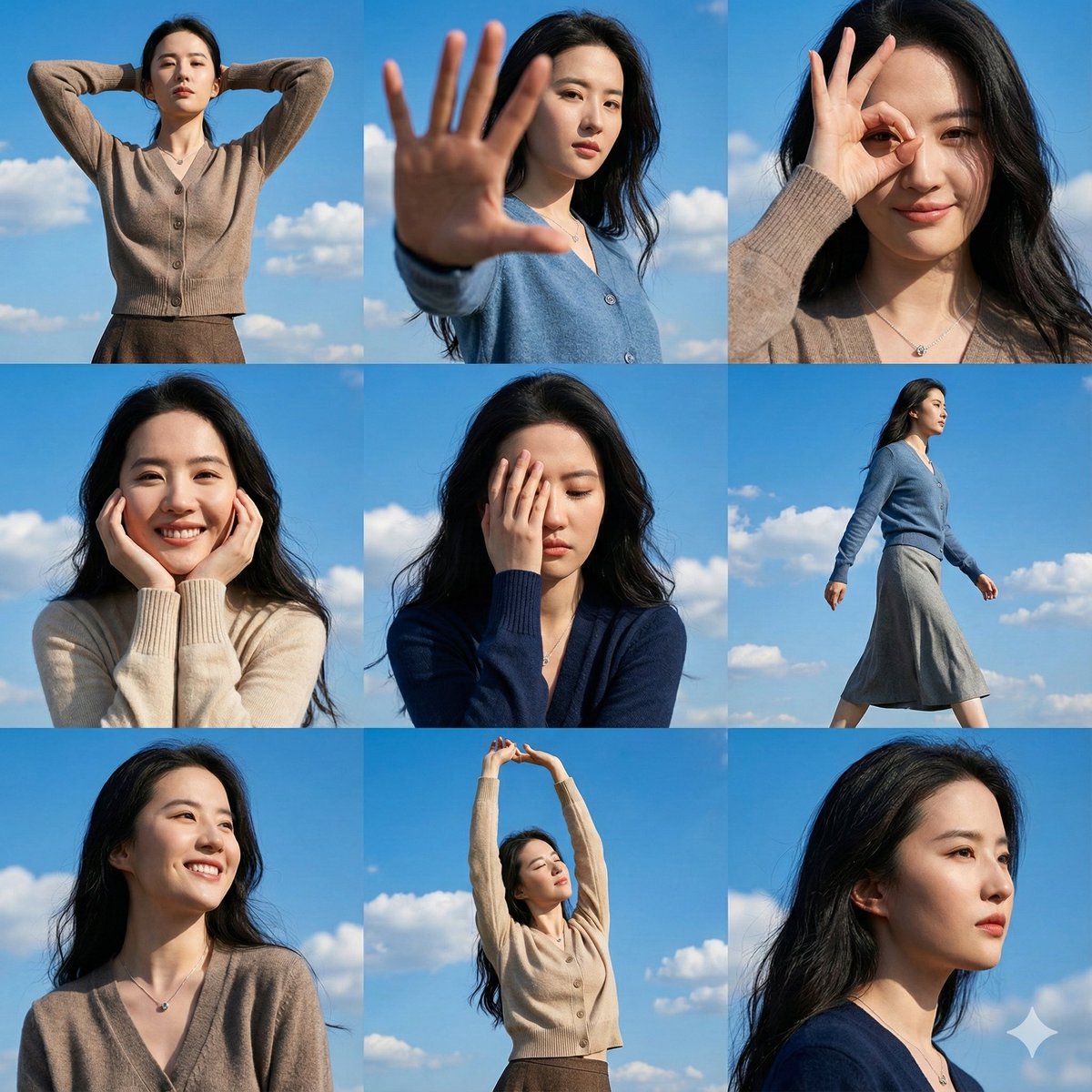
冬日晴空下的闺蜜团
Prompt
{
  "meta": {
    "system_instruction": "PRIORITY: Focus strict facial identity preservation on the TWO FOREGROUND CHARACTERS (Bottom Left & Bottom Right). The other characters are secondary.",
    "aspect_ratio": "9:16",
    "quality": "high_fidelity",
    "resolution": "4k",
    "style": "viral social media photography, worm's eye view, crystal clear blue sky"
  },

  "reference_usage": {
    "instruction": "Map the uploaded face reference(s) specifically to the two girls closest to the camera (at the bottom).",
    "logic": "Bottom Left Girl = Face Ref A. Bottom Right Girl = Face Ref B (or same ref if only one provided). Top characters = Generic compatible faces.",
    "focus_weight": "Foreground: 100% Identity match; Background: 50% Vibe match"
  },

  "scene": {
    "perspective": "Extreme low angle (camera on ground looking up)",
    "background": "Pure gradient blue sky, no clouds, bright daylight",
    "composition": "5 girls forming a circle, but the bottom two are much larger and closer to the lens"
  },

  "subject_group": {
    "concept": "A group of friends looking down at the camera, framing the shot",

    "PRIMARY_SUBJECTS (STRICT IDENTITY LOCK)": {
      "note": "These two must look exactly like the reference images",

      "character_bottom_left": {
        "position": "Bottom Left (7 o'clock), closest to lens",
        "face": "Face Reference A, distinct features, big cheerful smile showing teeth",
        "outfit": "White fuzzy texture jacket or sweater, wearing large white plush earmuffs (cute winter vibe)",
        "action": "Leaning in close, hair hanging down slightly"
      },

      "character_bottom_right": {
        "position": "Bottom Right (5 o'clock), closest to lens",
        "face": "Face Reference B, distinct features, soft sweet smile",
        "outfit": "Dark navy or black coat, wearing a black beret or bucket hat",
        "action": "Looking gently at the camera"
      }
    },

    "SECONDARY_SUBJECTS (ATMOSPHERE ONLY)": {
      "note": "These characters provide context. Faces can be softer or less detailed.",
      "top_group": "Three other girls completing the circle at the top (10, 12, 2 o'clock positions)",
      "styling": "Wearing winter coats (purple/black), hand gestures waving at camera, slightly out of focus or further away compared to foreground"
    }
  },

  "lighting": {
    "type": "High-key natural daylight",
    "direction": "Frontal lighting (falling from the sky onto their faces)",
    "effect": "Bright skin tones, 'cold weather' rosy cheeks blush effect, sharp details on the earmuffs and hats"
  },

  "vibe": "Best friends forever, joyful reunion, winter sunshine, energetic, high clarity",
  "negative_prompt": "distorted faces in foreground, ugly teeth, bad anatomy, dark shadows on faces, cloudy sky, buildings, blurry foreground, fish-eye distortion too strong"
}- Category
- Posters & Typography
- Model
- Nano Banana Pro
- Creator
- @msjiaozhu
- Source ID
- 1821
- Published
- Jan 8, 2026
Views132