14

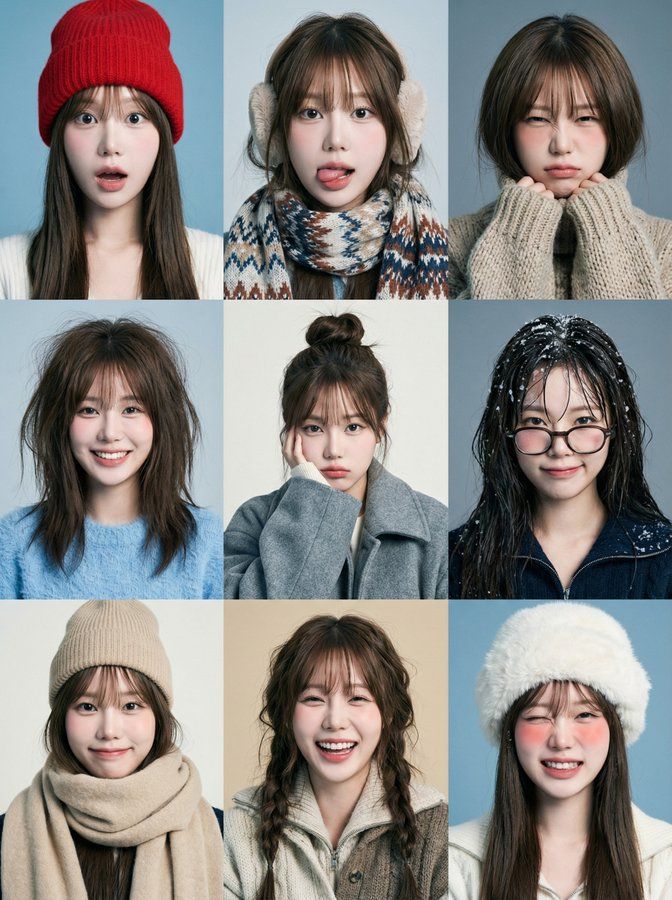
雪趣九连拍
Enlarge

雪趣九连拍

Prompt
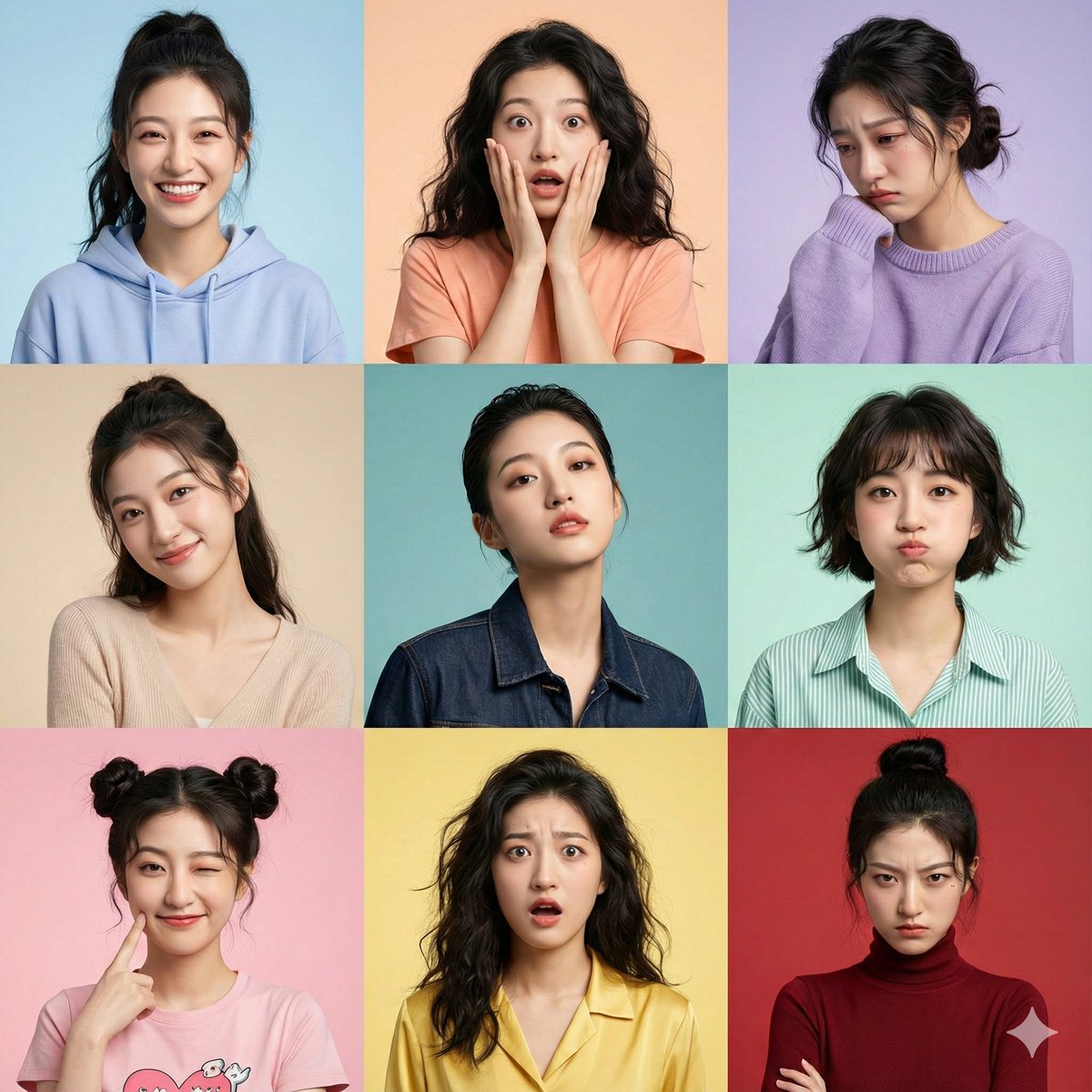
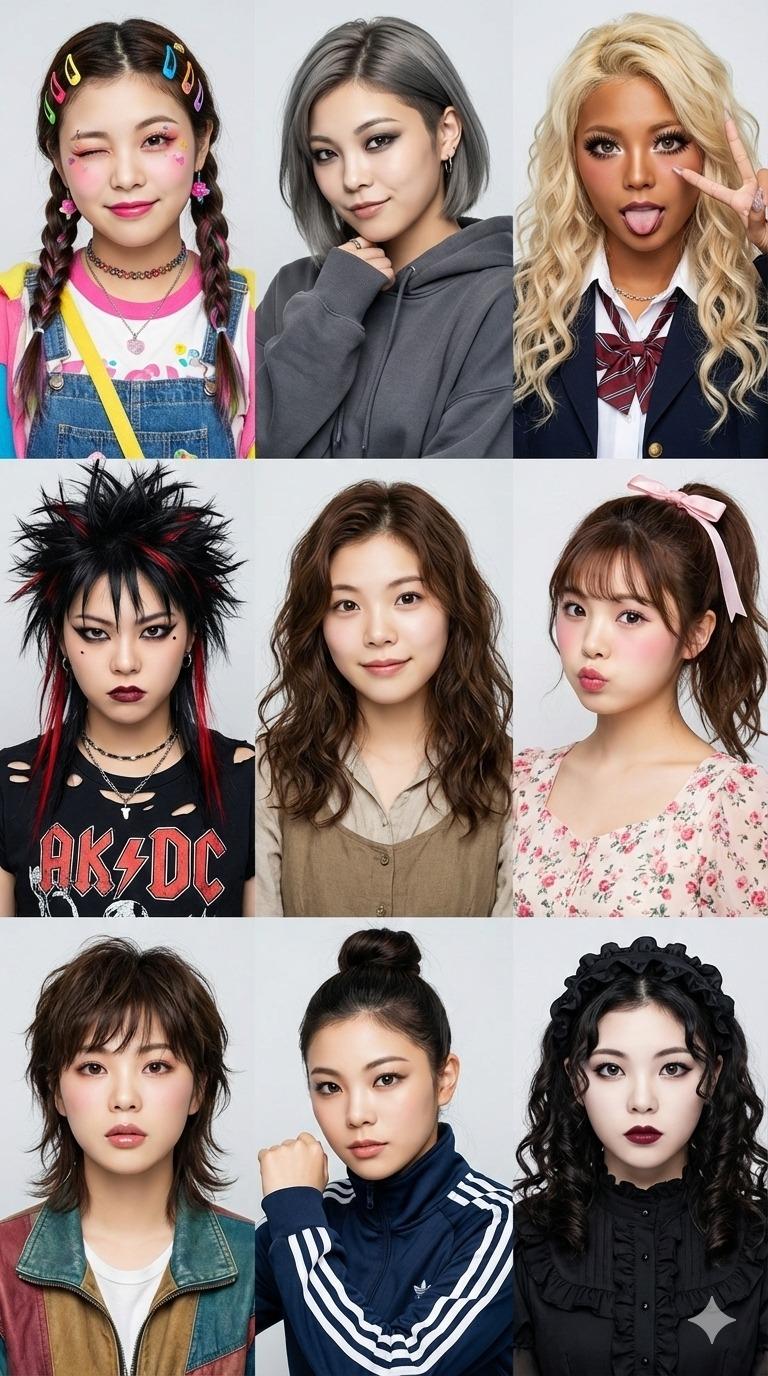
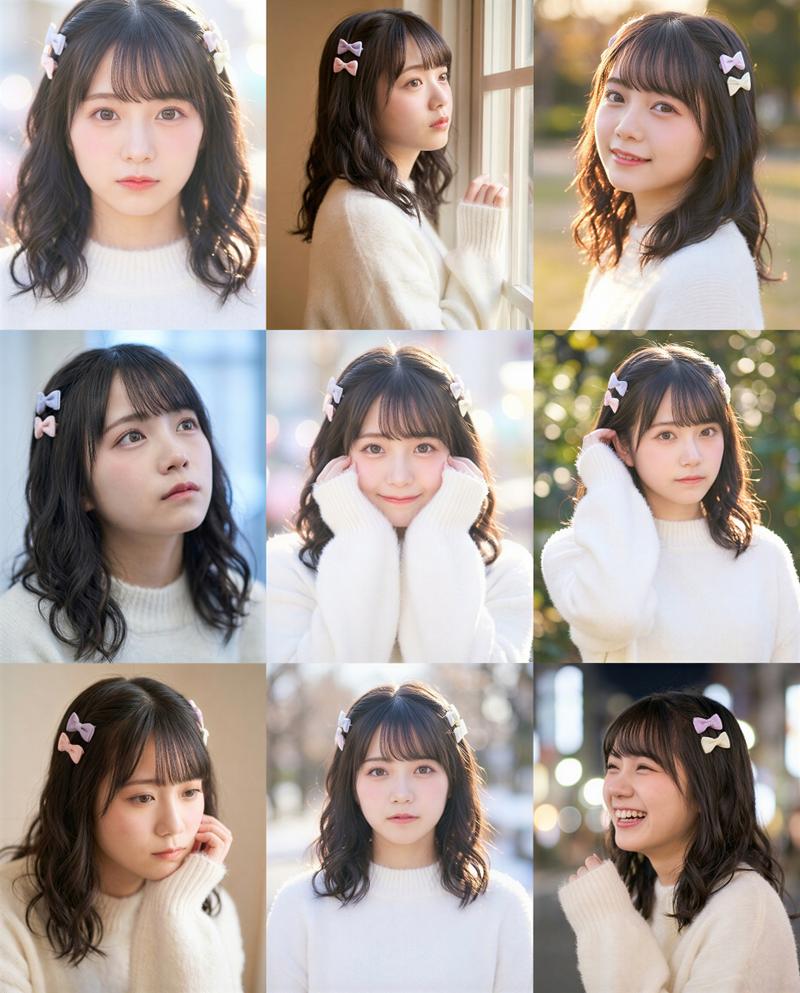
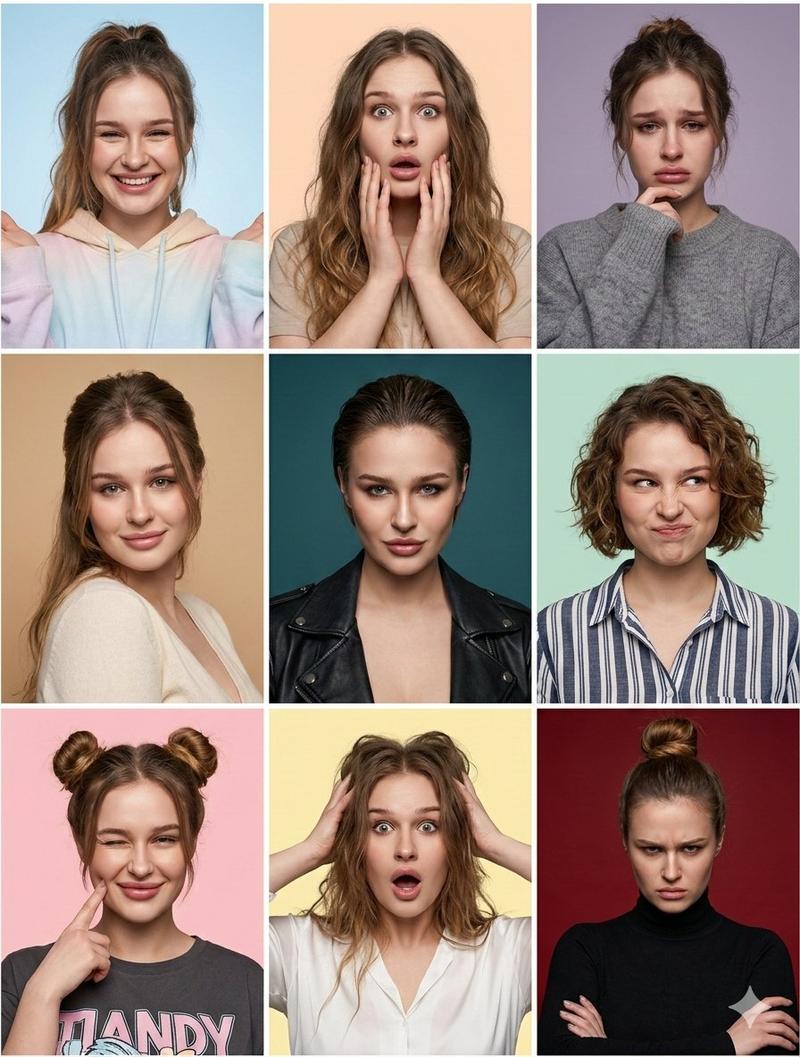
Create a 3x3 grid of playful winter portraits featuring the person from the attached image in all nine frames. Each frame shows a different expression, hairstyle, and outfit — funny, awkward, joyful, bored, mischievous, over-the-top.  The vibe is childlike, spontaneous, and imperfect, like a creative winter photoshoot done just for fun. Solid winter-toned backgrounds (cool blue, grey, off-white, muted beige). Styling varies between frames: messy beanies, scarves, ear warmers, oversized coats, fuzzy sweaters, layered winter textures, quirky glasses, exaggerated bed-hair, slightly wet hair from snow. Some frames include tongue out, wide smile, surprised face, mock-serious look, squinting from cold. Lighting is soft studio with a cool-neutral tone, visible grain, slight texture, no polish. The grid feels cohesive but intentionally chaotic and playful — winter mood without holiday symbolism. The face must remain 100% identical in all 9 frames.
Category
Photography & Realism
Model
Nano Banana Pro
Views193
Source ID
1999
Published
Jan 13, 2026

Guide

About "雪趣九连拍"

What is this prompt for?

"雪趣九连拍" AI image prompt for Nano Banana Pro (Photography & Realism). 创建一个 3×3 的俏皮冬季人像九宫格,所有九帧均使用附件图片中的同一张脸。每帧呈现不同表情、发型与服装——滑稽、尴尬、欢乐、无聊、顽皮、夸张。整体氛围童真、即兴、不完美,像一场只…

The full copyable prompt and example visuals above are ready for AI image generation or one-click recreate in Picva.

How to use this prompt

  1. Step 1

    Open the prompt detail

    Review the example visuals, category, and full prompt text for "雪趣九连拍".

  2. Step 2

    Copy the prompt

    Copy the prompt body from this page, or load it directly in Studio.

  3. Step 3

    Pick a model (Nano Banana Pro)

    Prefer Nano Banana Pro. If you switch models, keep subject and composition and tweak style terms.

  4. Step 4

    Generate and export

    Recreate the look in Picva, or export into your workflow for editing and publishing.

FAQ

What is the "雪趣九连拍" prompt?
It is an AI image-generation prompt for Nano Banana Pro in the Photography & Realism category. This page includes the full prompt text, example visuals, and a one-click recreate path in Picva.
How do I use this prompt to generate an image?
Copy the prompt from this page, or use Generate / Studio. Paste it into a compatible image model, or recreate the look in Picva with optional reference images.
Which model is this prompt for?
This page lists Nano Banana Pro. Most descriptive prompts also transfer to nearby image models such as GPT Image, Flux, or Midjourney with light style tweaks.
Can I use the result commercially?
You can usually copy the prompt for creation, but commercial use of the final image depends on the model terms, reference-image rights, and the generated content. Follow the source author and platform rules.