16

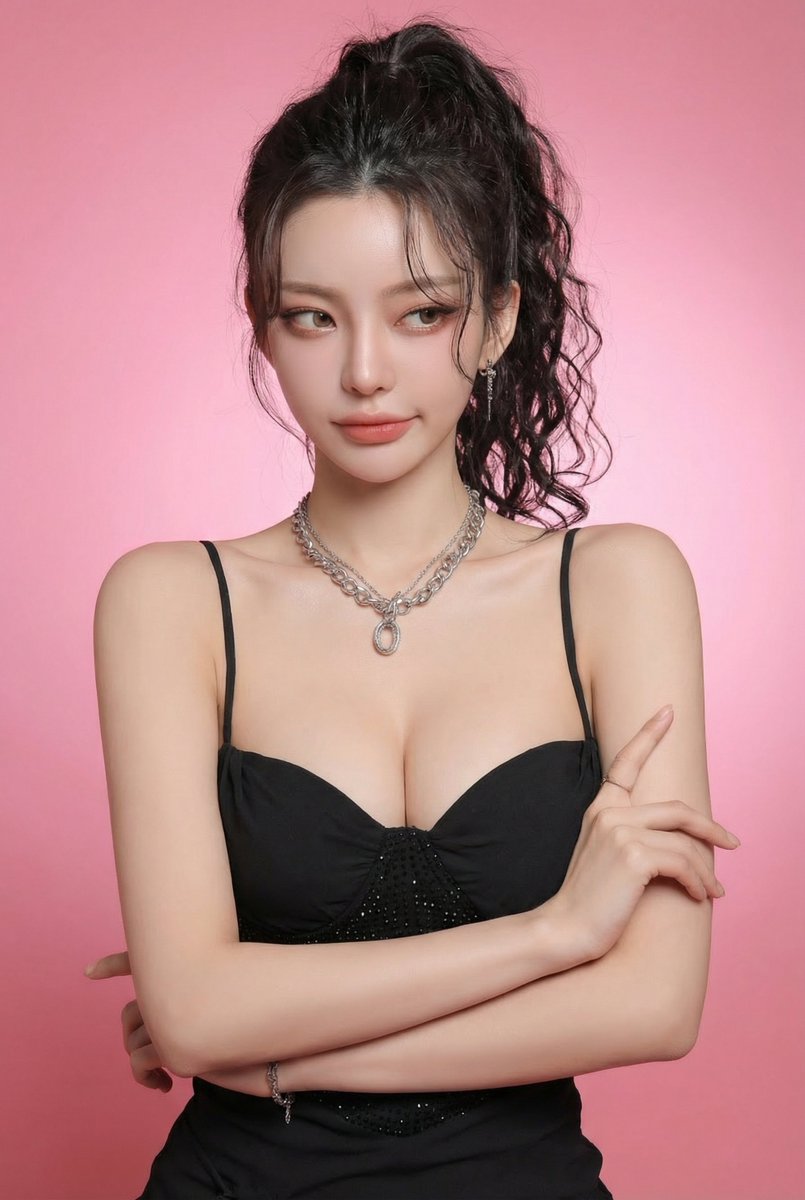
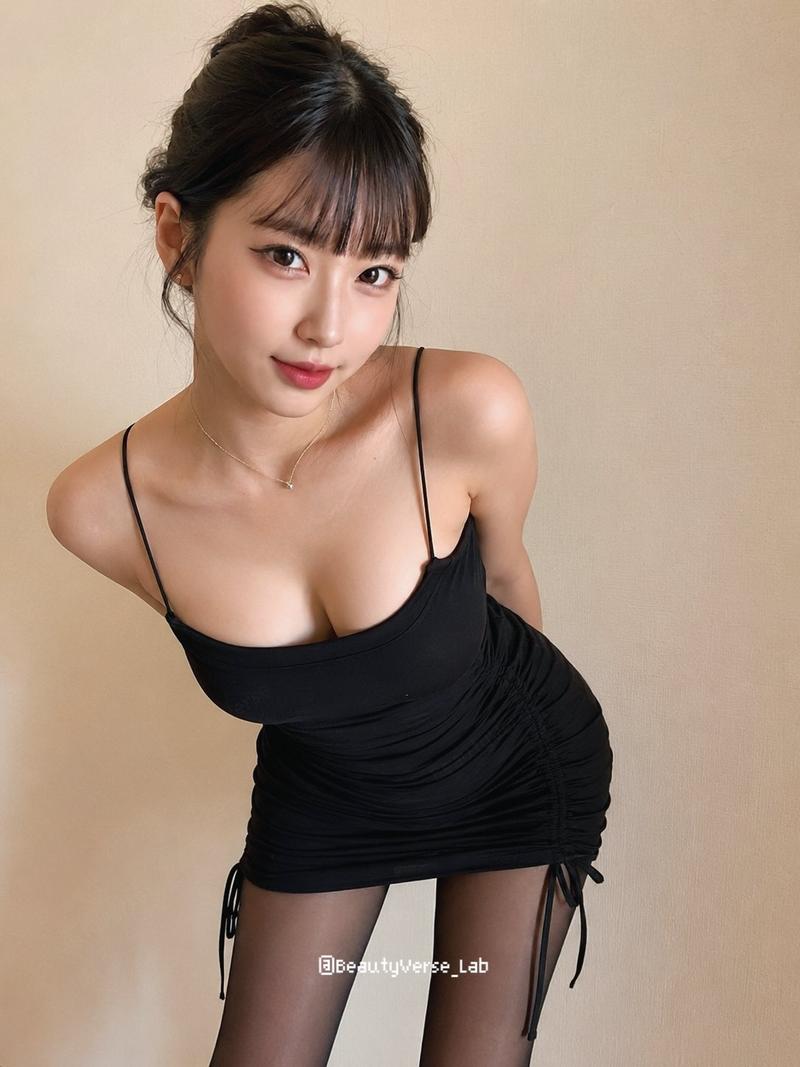
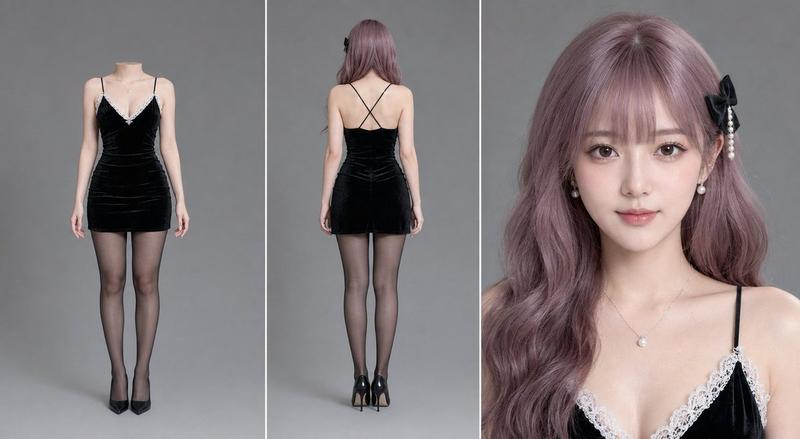
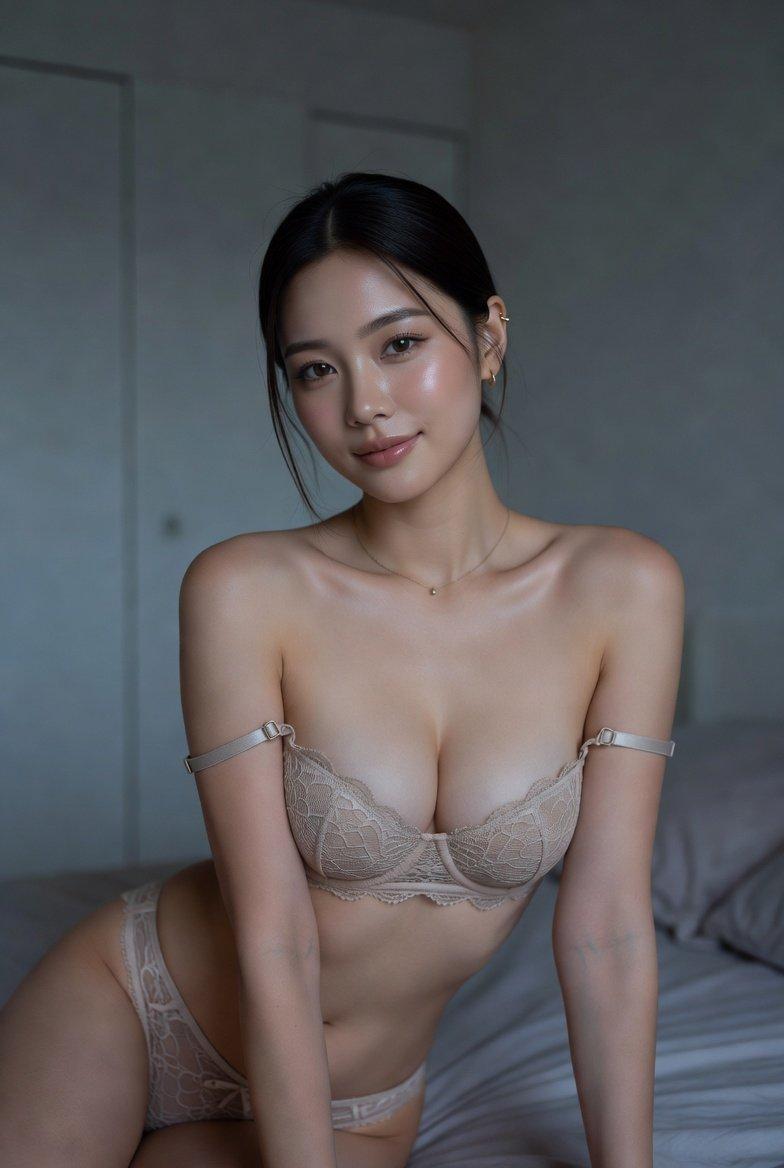
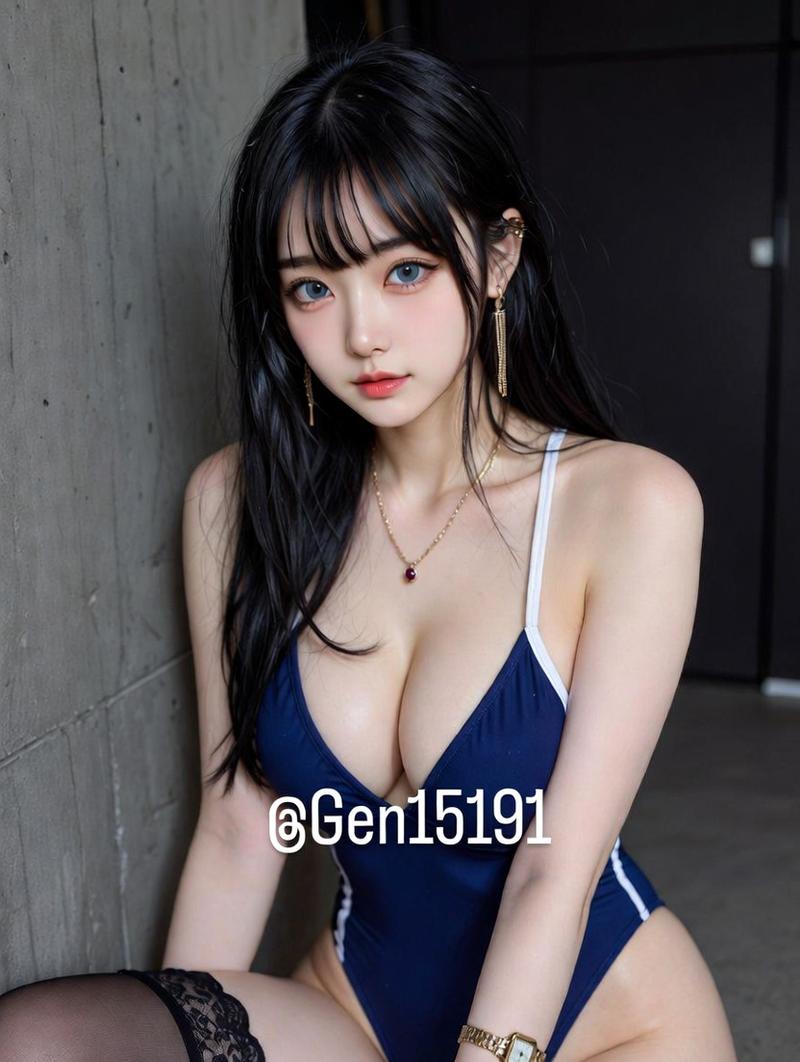
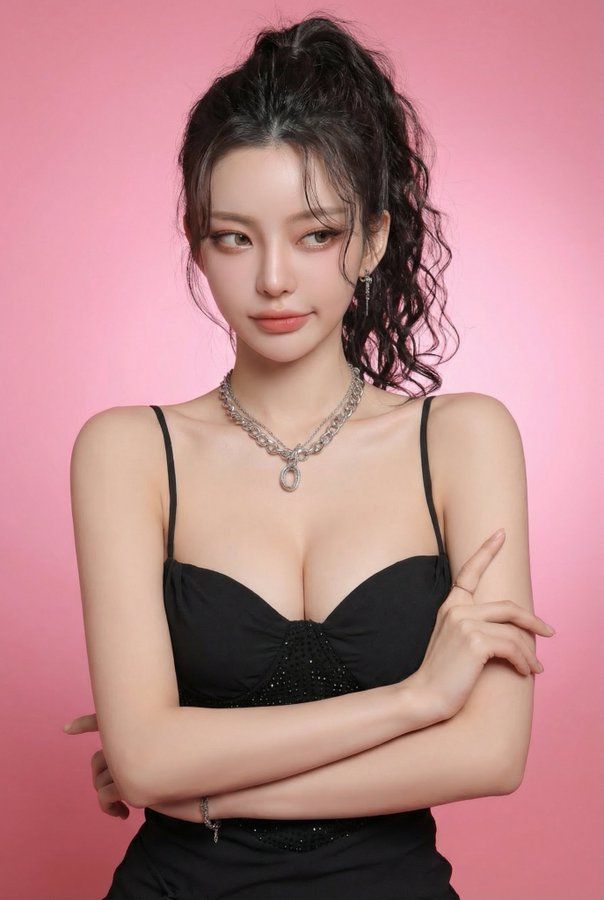
粉调棚拍的傲娇定格照
Enlarge

粉调棚拍的傲娇定格照

Prompt
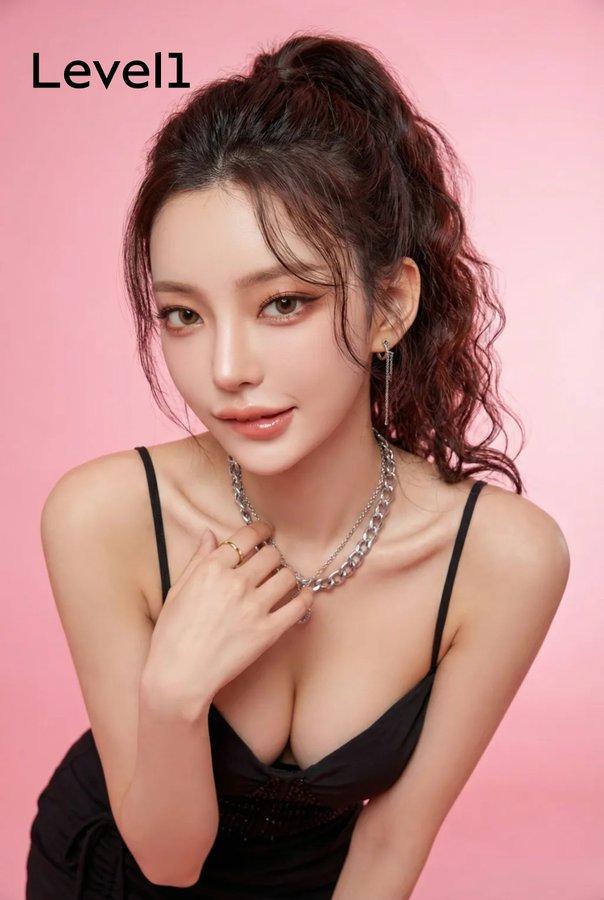
Photorealistic edit using the input person photo as strict identity reference: keep the same face, facial features, skin tone, hairstyle (color/bangs/length/volume), outfit and accessories unchanged (no face swap, no new person, no hair/outfit change). Only modify expression, subtle head angle/gaze, light body language, and background.
Expression must be light tsundere: her boyfriend just complimented her / wants to film her; she acts annoyed like “stop it / don’t film me,” but it’s actually soft and sweet underneath. Facial actions: slightly averted gaze (side glance), a tiny eyebrow raise, lips gently pressed or a small pout, a barely-there restrained smirk (almost smiling but resisting), with a hint of shy pride; not real anger, not hostile, no big toothy grin.
Body language: torso slightly turned away as if avoiding the camera, shoulders subtly rotated out; eyes glance back with a side-eye; one hand makes a gentle “stop / don’t film” block near the chest (light, half-hearted, not grabbing the phone).
Clean soft studio realism, face in sharp focus. Replace background with a solid pink seamless studio backdrop (subtle gradient ok).
Avoid identity changes, hair/outfit changes, exaggerated kawaii deformation, rage/aggressive vibe, text/watermarks/frames, extra fingers/deformed limbs.
Category
Posters & Typography
Model
Nano Banana Pro
Views352
Source ID
1885
Published
Jan 8, 2026

Guide

About "粉调棚拍的傲娇定格照"

What is this prompt for?

"粉调棚拍的傲娇定格照" AI image prompt for Nano Banana Pro (Posters & Typography). 使用输入的人物照片作为严格的身份参考进行逼真编辑:保持相同的面部特征、肤色、发型(颜色/刘海/长度/蓬松度)、服装和配饰不变(no换脸,不添加新人物,不改变发型/服装)。仅…

The full copyable prompt and example visuals above are ready for AI image generation or one-click recreate in Picva.

How to use this prompt

  1. Step 1

    Open the prompt detail

    Review the example visuals, category, and full prompt text for "粉调棚拍的傲娇定格照".

  2. Step 2

    Copy the prompt

    Copy the prompt body from this page, or load it directly in Studio.

  3. Step 3

    Pick a model (Nano Banana Pro)

    Prefer Nano Banana Pro. If you switch models, keep subject and composition and tweak style terms.

  4. Step 4

    Generate and export

    Recreate the look in Picva, or export into your workflow for editing and publishing.

FAQ

What is the "粉调棚拍的傲娇定格照" prompt?
It is an AI image-generation prompt for Nano Banana Pro in the Posters & Typography category. This page includes the full prompt text, example visuals, and a one-click recreate path in Picva.
How do I use this prompt to generate an image?
Copy the prompt from this page, or use Generate / Studio. Paste it into a compatible image model, or recreate the look in Picva with optional reference images.
Which model is this prompt for?
This page lists Nano Banana Pro. Most descriptive prompts also transfer to nearby image models such as GPT Image, Flux, or Midjourney with light style tweaks.
Can I use the result commercially?
You can usually copy the prompt for creation, but commercial use of the final image depends on the model terms, reference-image rights, and the generated content. Follow the source author and platform rules.