18

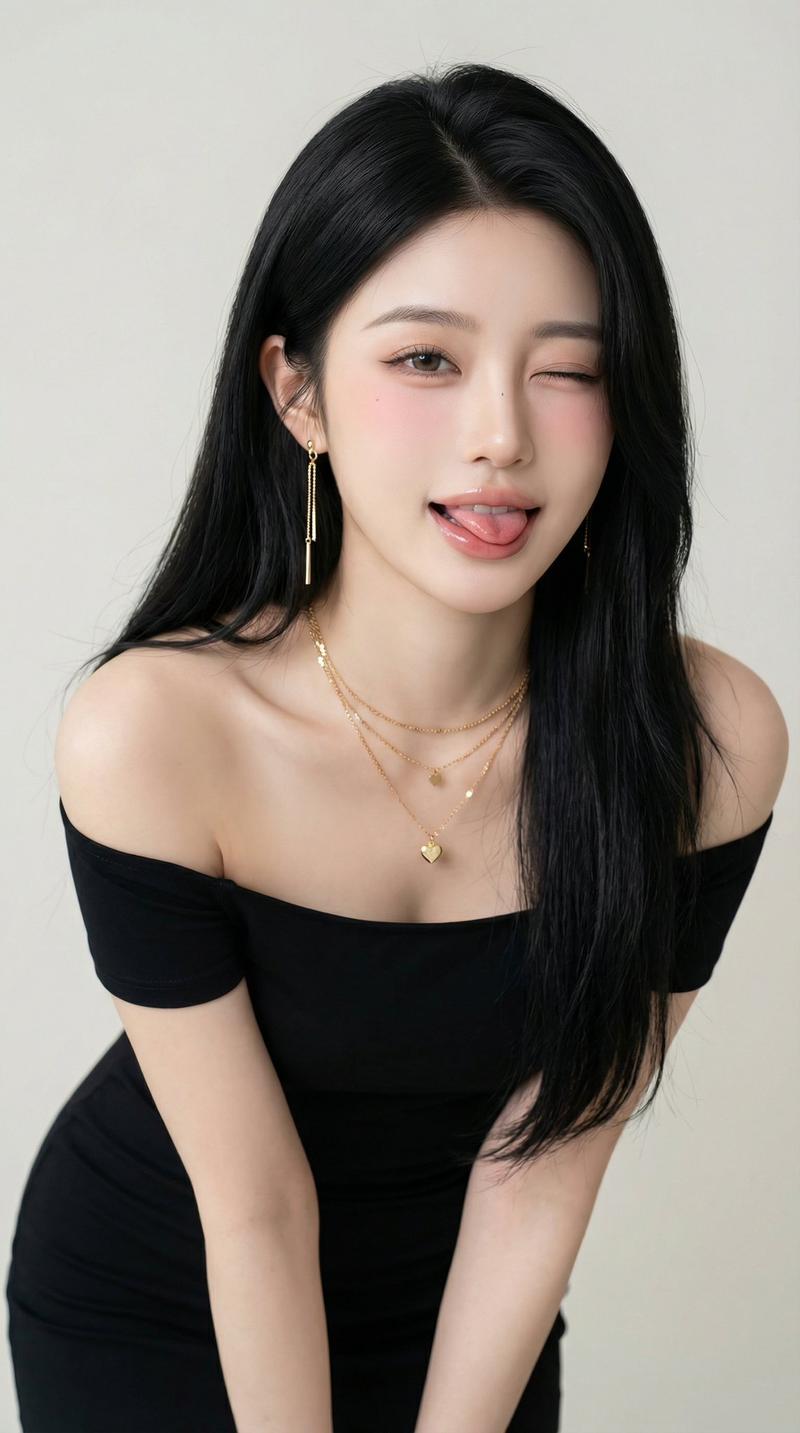
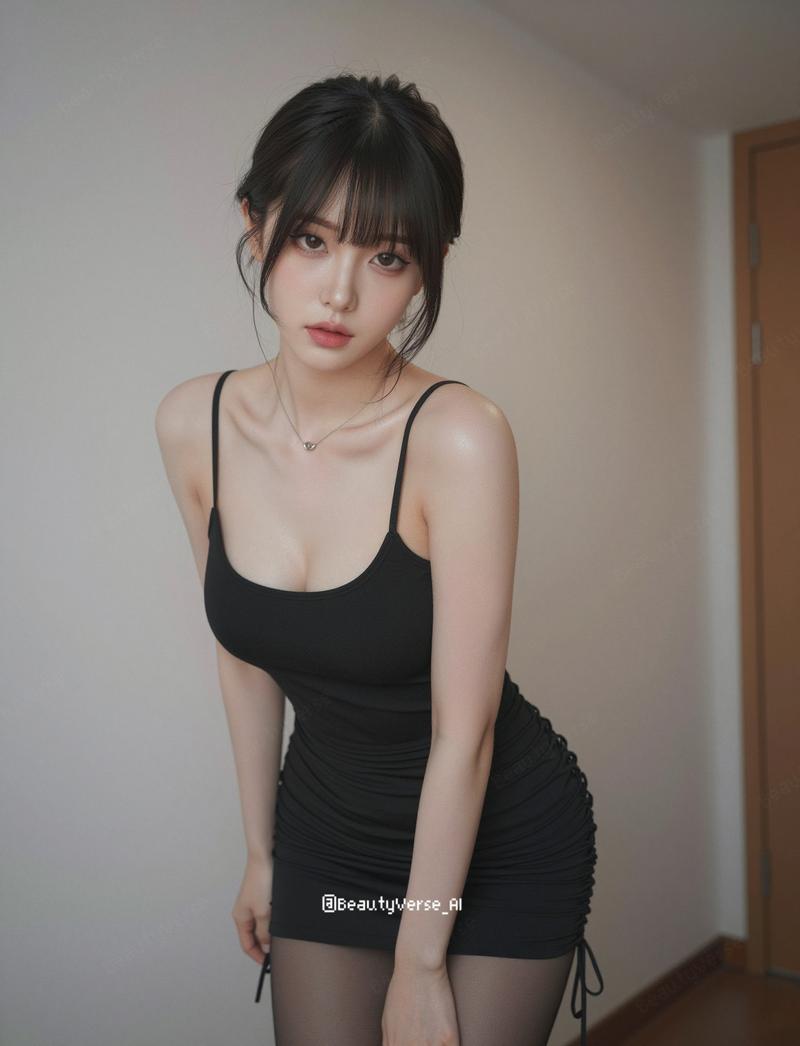
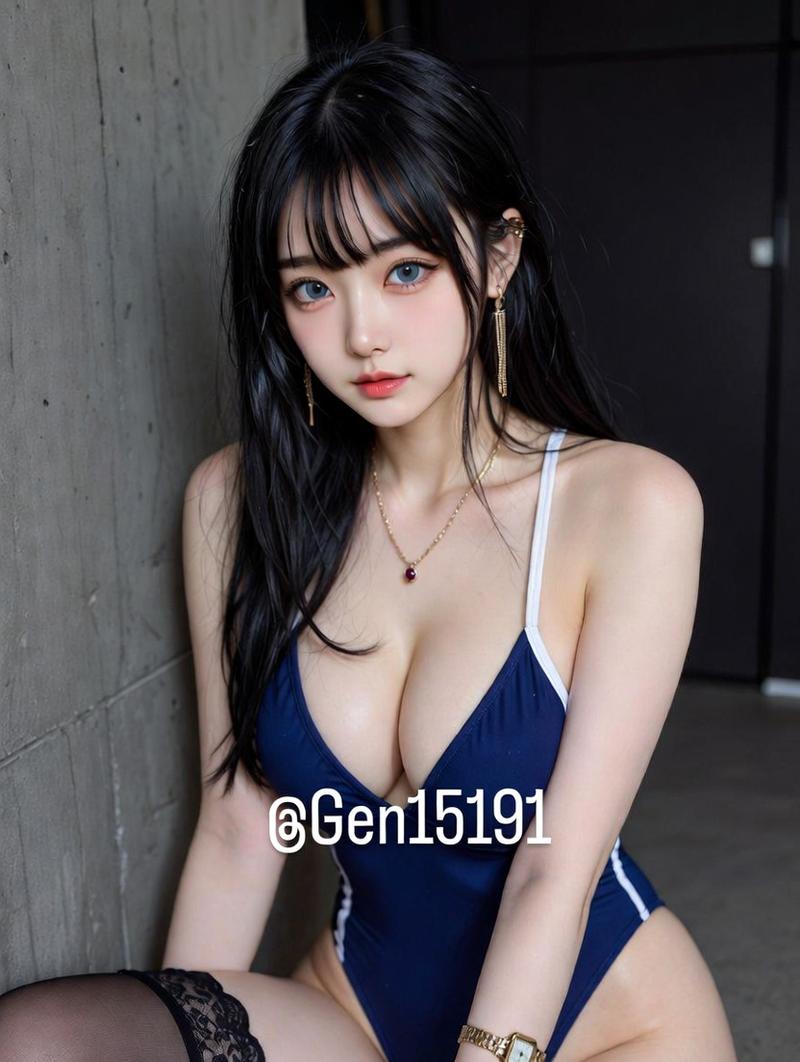
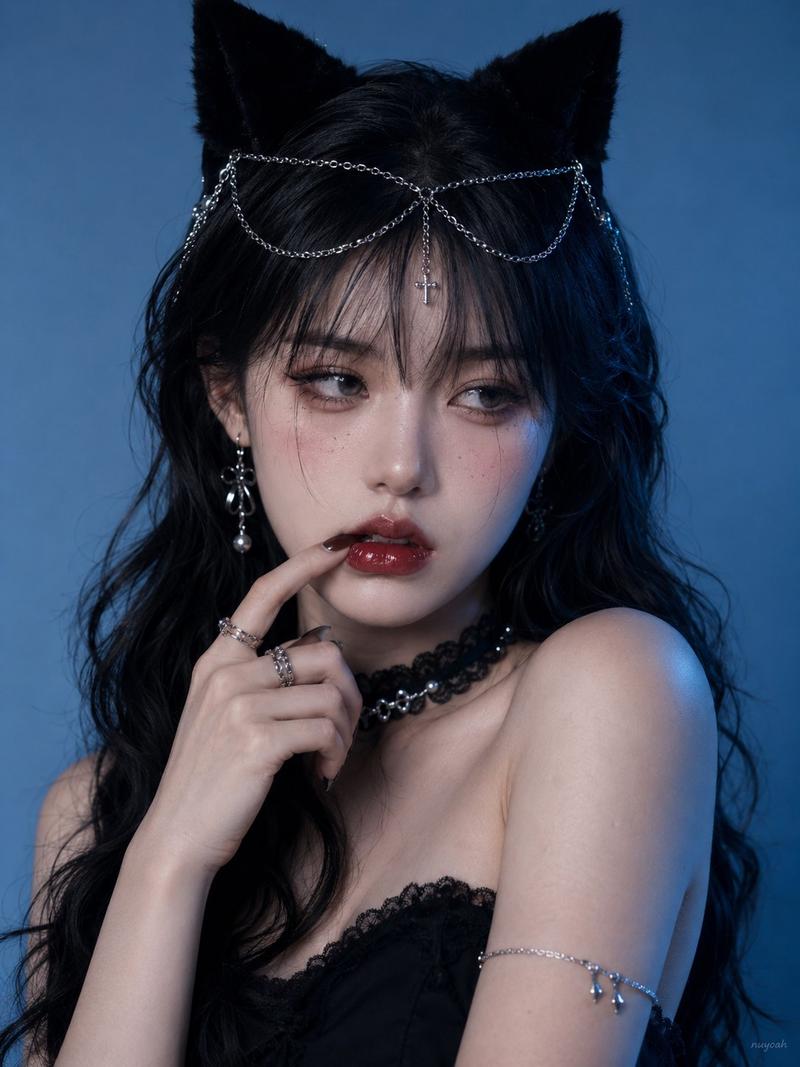
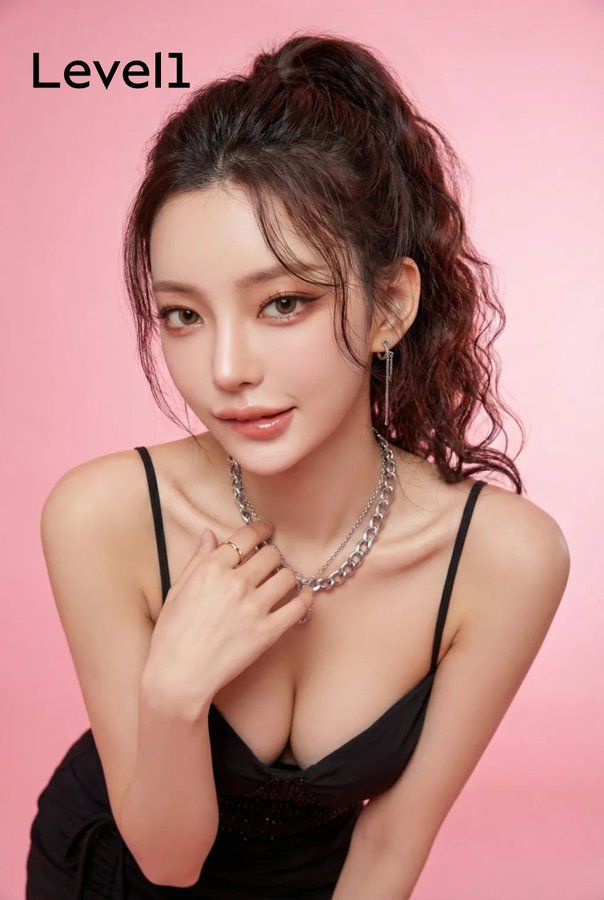
一只性感小野猫
Enlarge

一只性感小野猫

Prompt
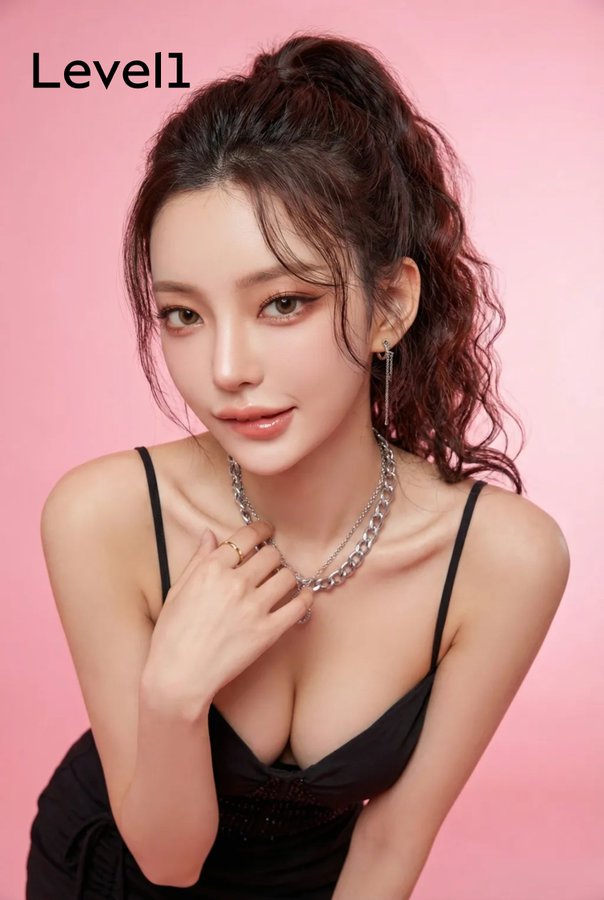
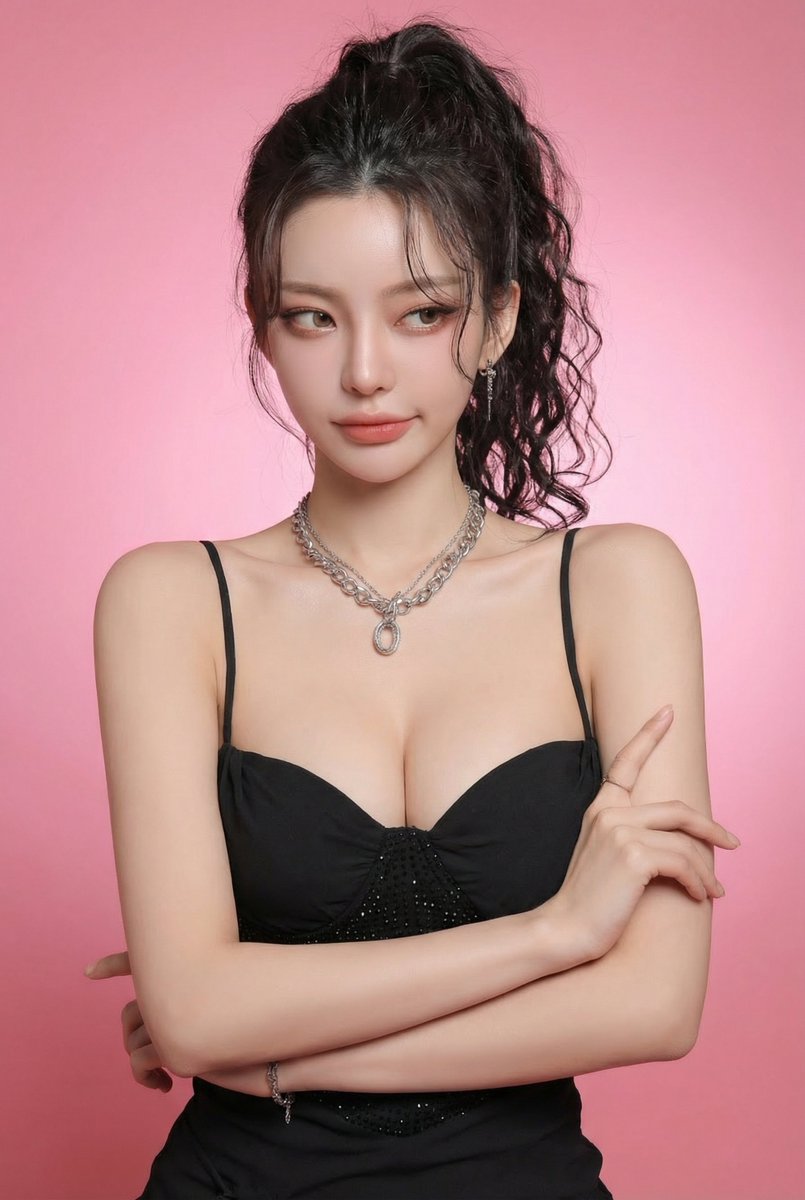
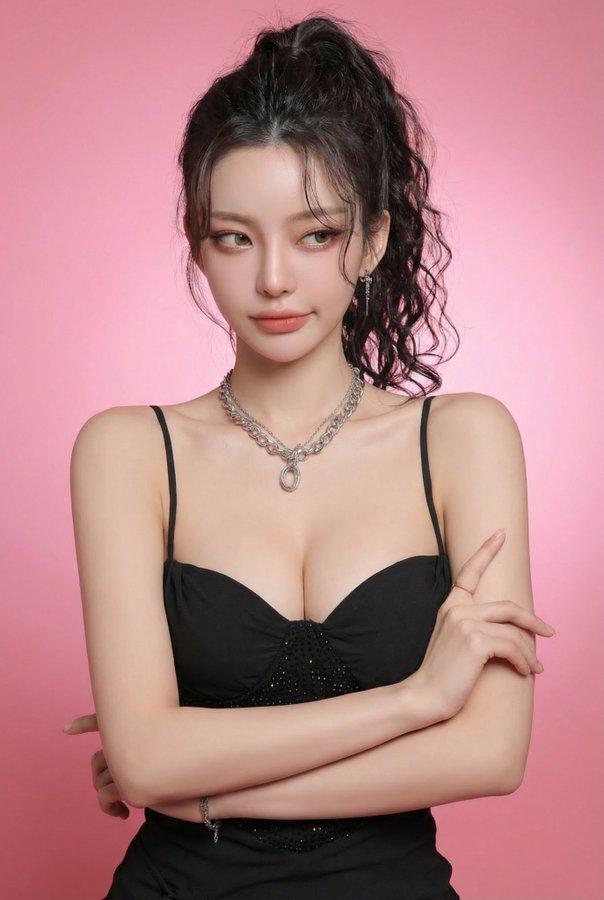
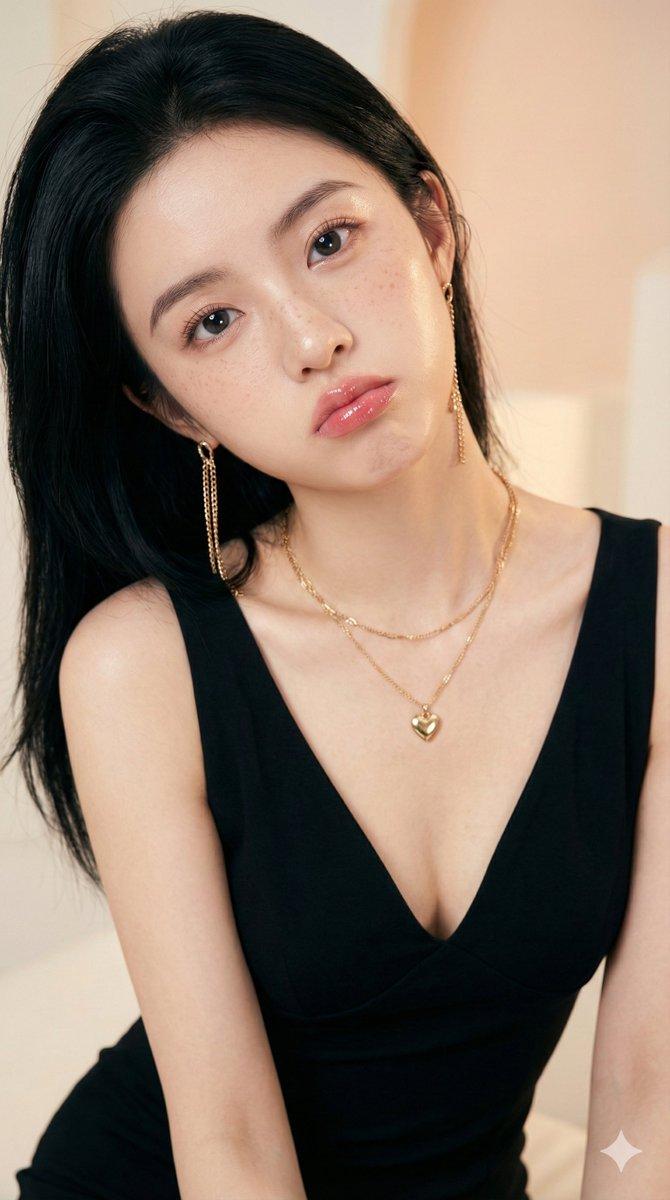
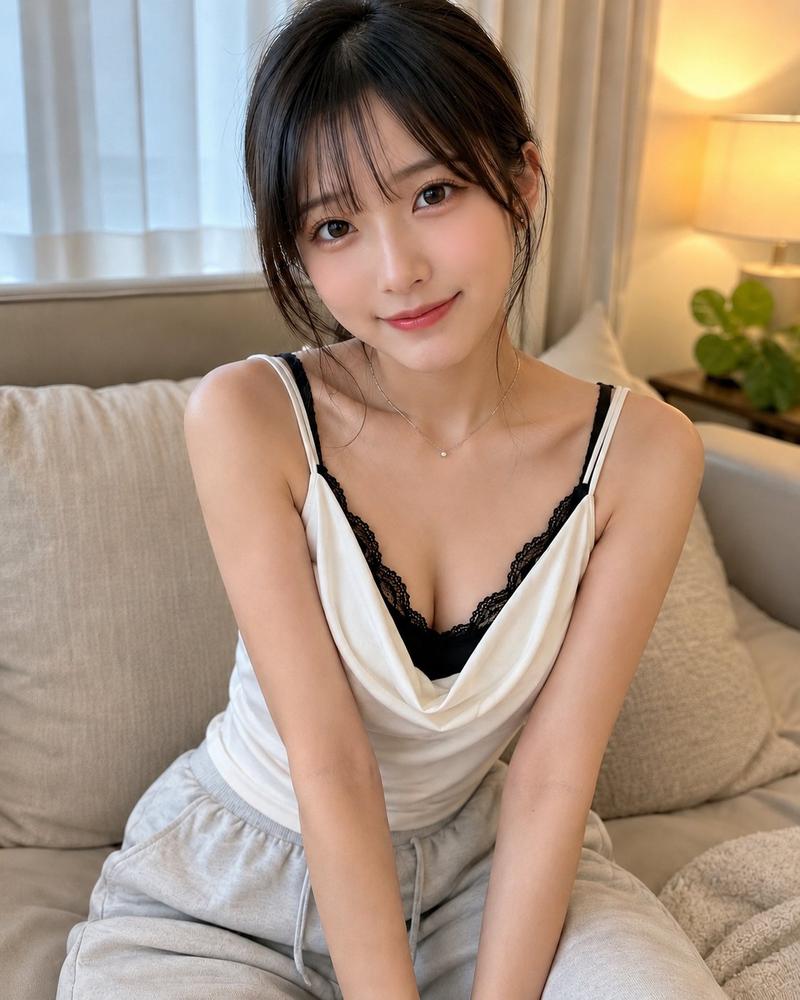
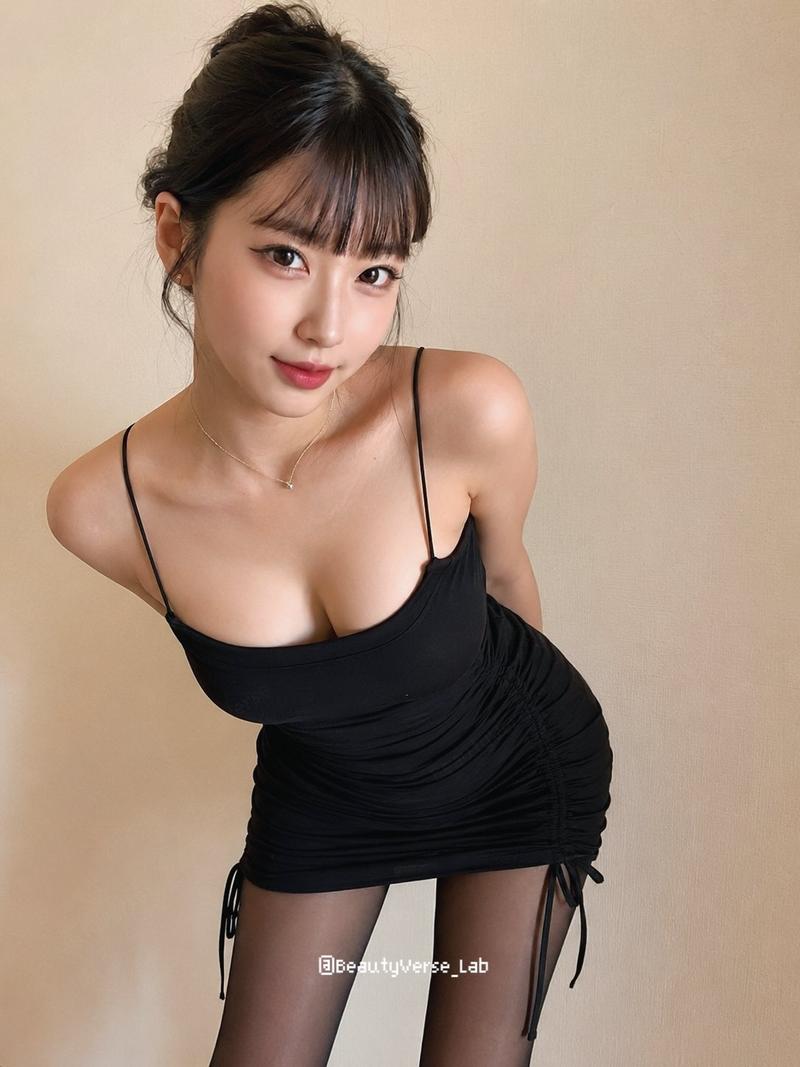
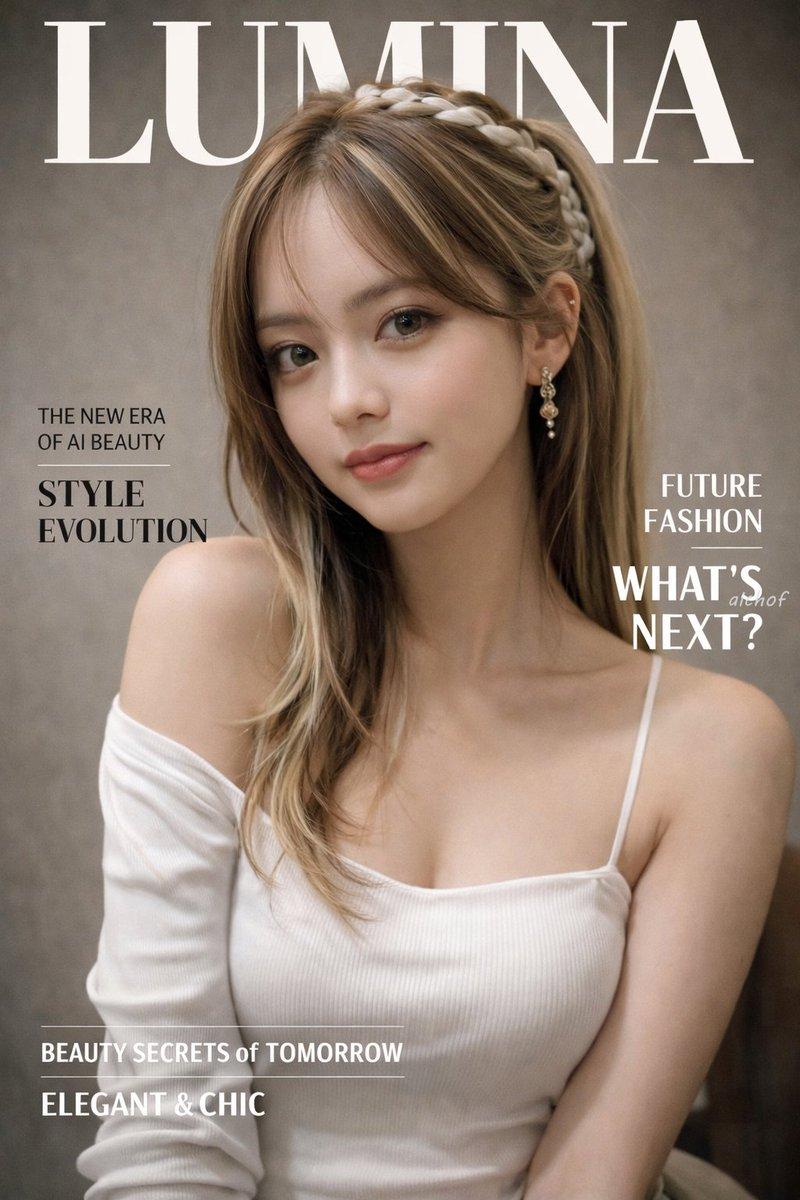
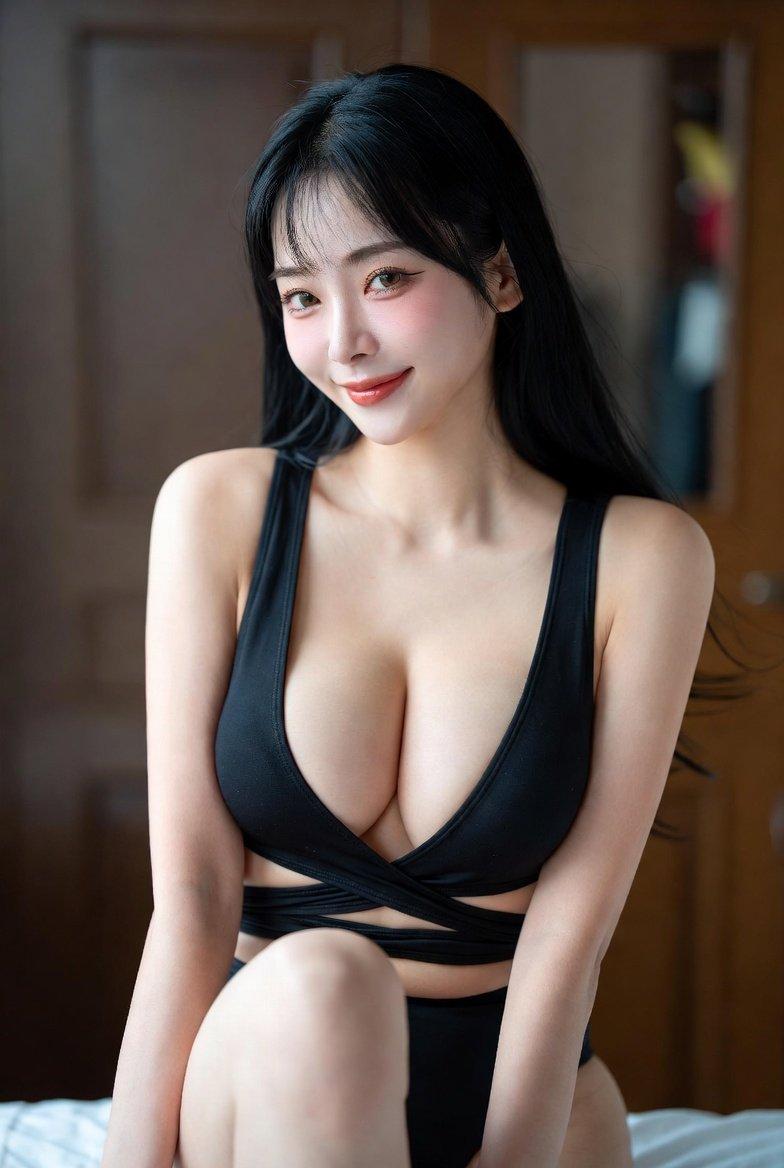
Photorealistic edit using the input person photo as strict identity reference: keep the same face, facial features, skin tone, hairstyle (color/bangs/length/volume), outfit and accessories unchanged (no face swap, no new person, no hair/outfit change). Change only expression/pose/perspective/background. Light flirty expression: gentle eye contact, slightly raised brows, a subtle mischievous smirk, a soft barely-there lower-lip bite (not exaggerated). Vibe: teasing her boyfriend in a cute, tasteful way (not explicit). Pose: leaning forward toward the camera like a curious little wild kitty; close wide-angle (24–28mm) with mild foreground exaggeration; face in sharp focus. Replace background with a clean solid pink seamless studio backdrop (very subtle gradient ok). No explicit sexual content, no tongue out, no porn-like posing, no nudity escalation, no extra fingers, no deformed limbs, no text/watermark/frame.
Category
Brand & Logos
Model
Nano Banana Pro
Views389
Source ID
1855
Published
Jan 8, 2026

Guide

About "一只性感小野猫"

What is this prompt for?

"一只性感小野猫" AI image prompt for Nano Banana Pro (Brand & Logos). 以输入人像照片为严格身份基准进行写实风格编辑:保持面部、五官、肤色、发型(颜色 / 刘海 / 长度 / 发量)、服饰及配饰完全不变(禁止换脸、禁止替换人物、禁止修改发型与服饰)。仅调整表情 /…

The full copyable prompt and example visuals above are ready for AI image generation or one-click recreate in Picva.

How to use this prompt

  1. Step 1

    Open the prompt detail

    Review the example visuals, category, and full prompt text for "一只性感小野猫".

  2. Step 2

    Copy the prompt

    Copy the prompt body from this page, or load it directly in Studio.

  3. Step 3

    Pick a model (Nano Banana Pro)

    Prefer Nano Banana Pro. If you switch models, keep subject and composition and tweak style terms.

  4. Step 4

    Generate and export

    Recreate the look in Picva, or export into your workflow for editing and publishing.

FAQ

What is the "一只性感小野猫" prompt?
It is an AI image-generation prompt for Nano Banana Pro in the Brand & Logos category. This page includes the full prompt text, example visuals, and a one-click recreate path in Picva.
How do I use this prompt to generate an image?
Copy the prompt from this page, or use Generate / Studio. Paste it into a compatible image model, or recreate the look in Picva with optional reference images.
Which model is this prompt for?
This page lists Nano Banana Pro. Most descriptive prompts also transfer to nearby image models such as GPT Image, Flux, or Midjourney with light style tweaks.
Can I use the result commercially?
You can usually copy the prompt for creation, but commercial use of the final image depends on the model terms, reference-image rights, and the generated content. Follow the source author and platform rules.