16

创建多种3D风格头像
Enlarge

Example images

创建多种3D风格头像

Prompt
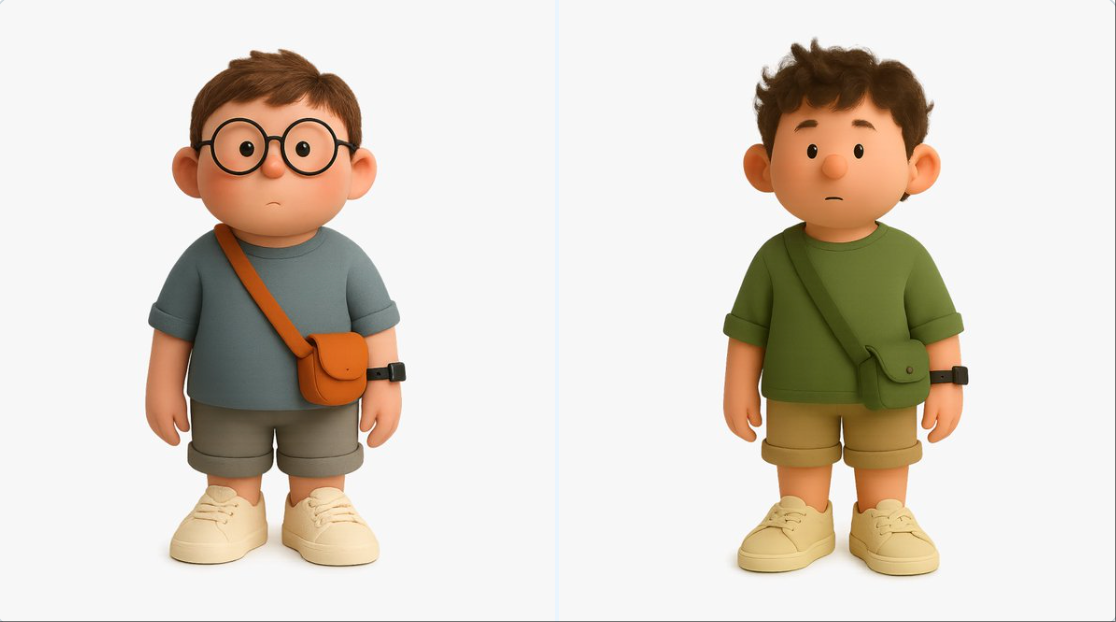
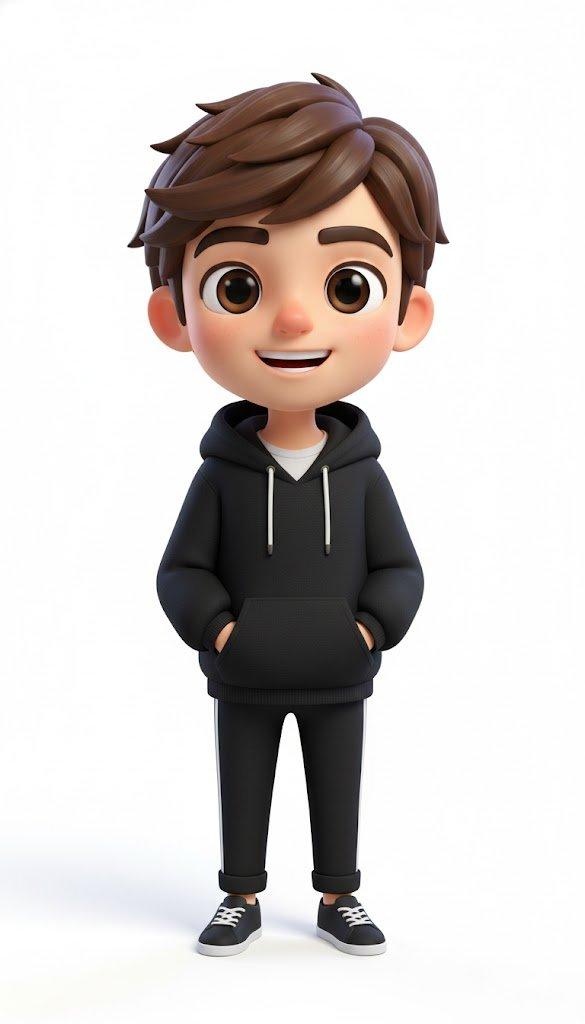
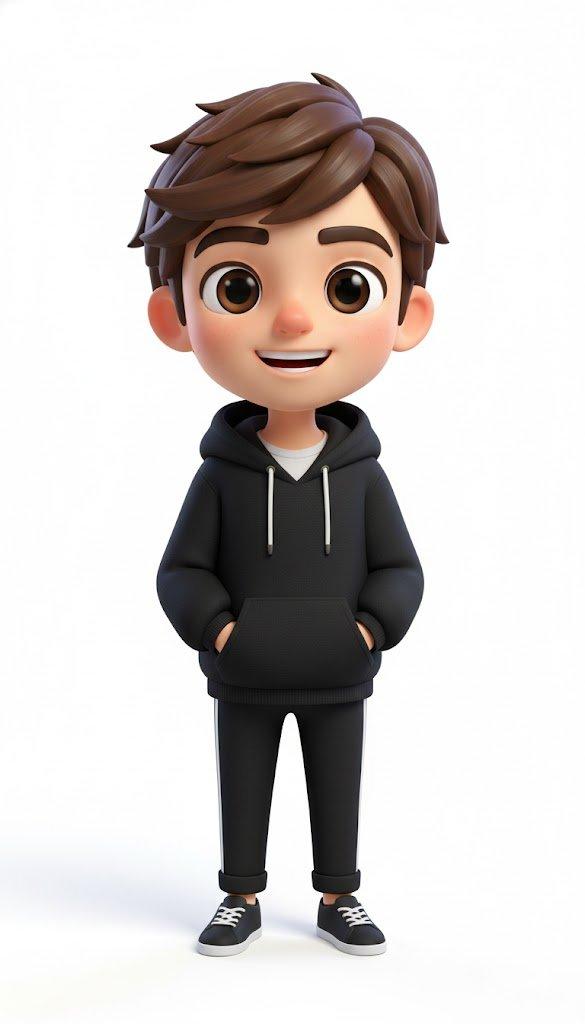
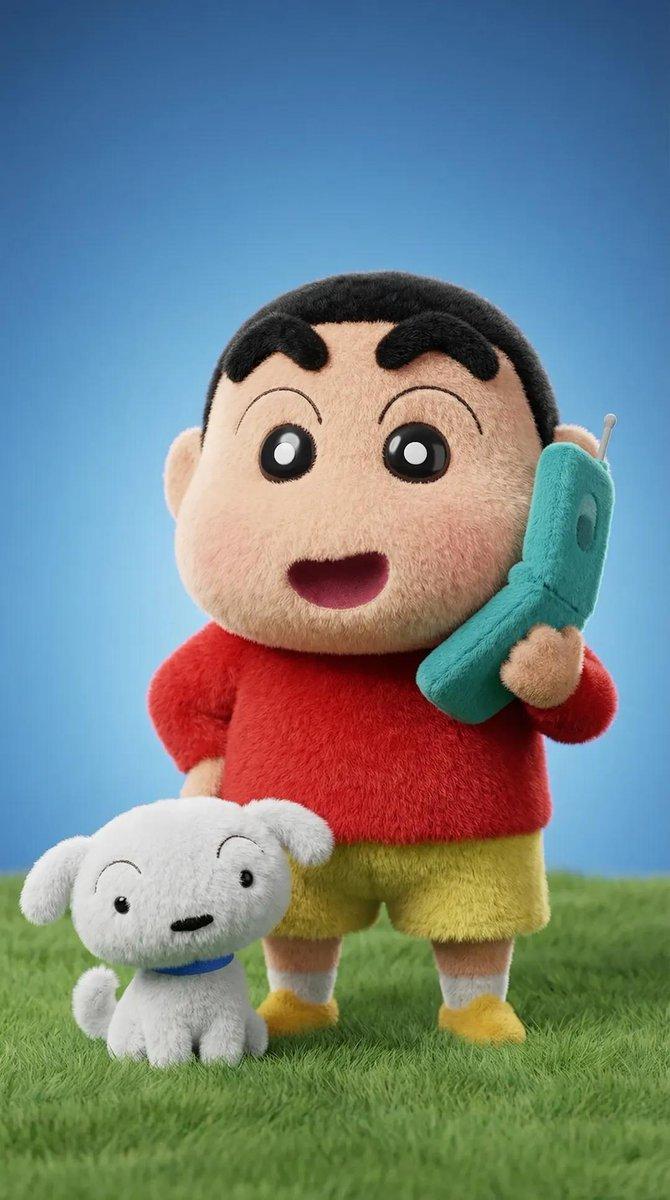
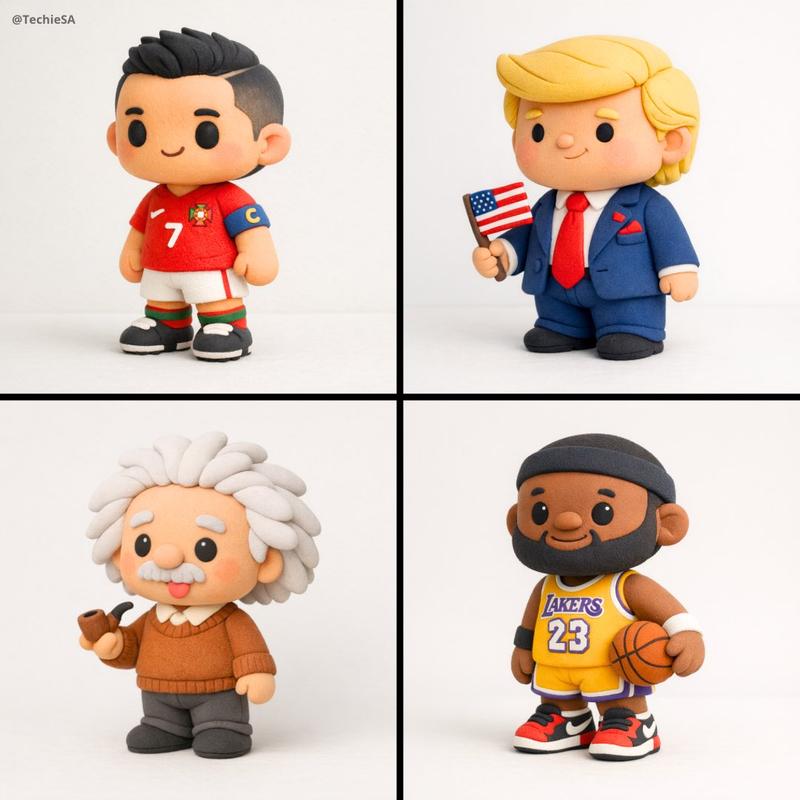
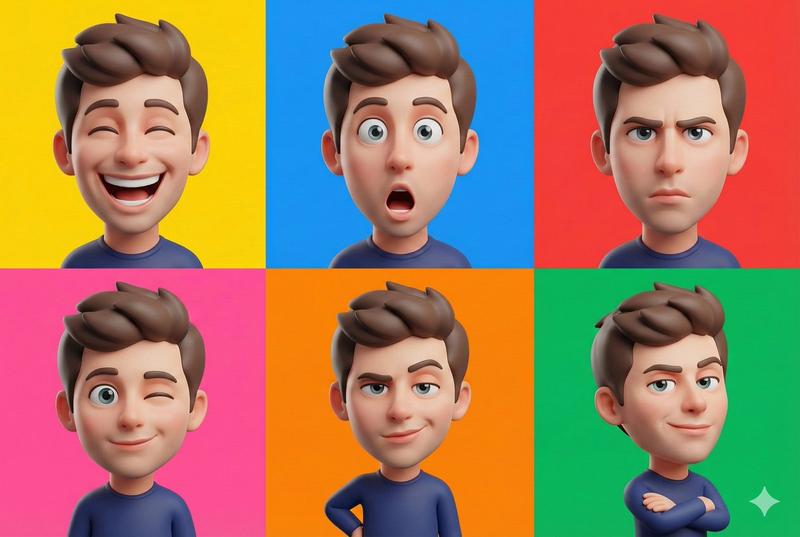
Create a 3D-rendered digital illustration of a stylized cartoon boy character, standing in a neutral pose. The character should be rendered in a realistic-minimalist 3D style, with soft rounded proportions and plush matte textures — similar to high-end Cinema 4D + Redshift product renders.

He has a warm natural skin tone with rosy cheeks, dot eyes (or small glossy eyes), and soft curly dark brown hair. Facial expression is neutral or slightly curious. Outfit includes an olive green T-shirt with rolled sleeves, beige rolled shorts, and off-white matte sneakers with subtle stitching. He wears a dark olive crossbody satchel with a flap, and a slim black watch on his right wrist.

Render with soft, diffused lighting and gentle shadows underfoot. Use a 100% transparent background (PNG format) or very light neutral grey if previewed. Full-body composition, front-facing or light 3/4 view. Maintain a clean, high-resolution, polished render — ideal for a character design showcase or branding. Soft color palette with earth tones.
Category
Products & E-commerce
Model
GPT Image 2
Views98
Source ID
949
Published
Jan 8, 2026

Guide

About "创建多种3D风格头像"

What is this prompt for?

"创建多种3D风格头像" AI image prompt for GPT Image 2 (Products & E-commerce). 创建风格化卡通男孩角色的 3D 渲染数字插图,以中性姿势站立。角色应以逼真的极简主义 3D 风格渲染,具有柔和圆润的比例和毛绒哑光纹理——类似于高端 Cinema 4D + Re…

The full copyable prompt and example visuals above are ready for AI image generation or one-click recreate in Picva.

How to use this prompt

  1. Step 1

    Open the prompt detail

    Review the example visuals, category, and full prompt text for "创建多种3D风格头像".

  2. Step 2

    Copy the prompt

    Copy the prompt body from this page, or load it directly in Studio.

  3. Step 3

    Pick a model (GPT Image 2)

    Prefer GPT Image 2. If you switch models, keep subject and composition and tweak style terms.

  4. Step 4

    Generate and export

    Recreate the look in Picva, or export into your workflow for editing and publishing.

FAQ

What is the "创建多种3D风格头像" prompt?
It is an AI image-generation prompt for GPT Image 2 in the Products & E-commerce category. This page includes the full prompt text, example visuals, and a one-click recreate path in Picva.
How do I use this prompt to generate an image?
Copy the prompt from this page, or use Generate / Studio. Paste it into a compatible image model, or recreate the look in Picva with optional reference images.
Which model is this prompt for?
This page lists GPT Image 2. Most descriptive prompts also transfer to nearby image models such as GPT Image, Flux, or Midjourney with light style tweaks.
Can I use the result commercially?
You can usually copy the prompt for creation, but commercial use of the final image depends on the model terms, reference-image rights, and the generated content. Follow the source author and platform rules.