17

Kiro卡通幽灵
Enlarge

Kiro卡通幽灵

Prompt
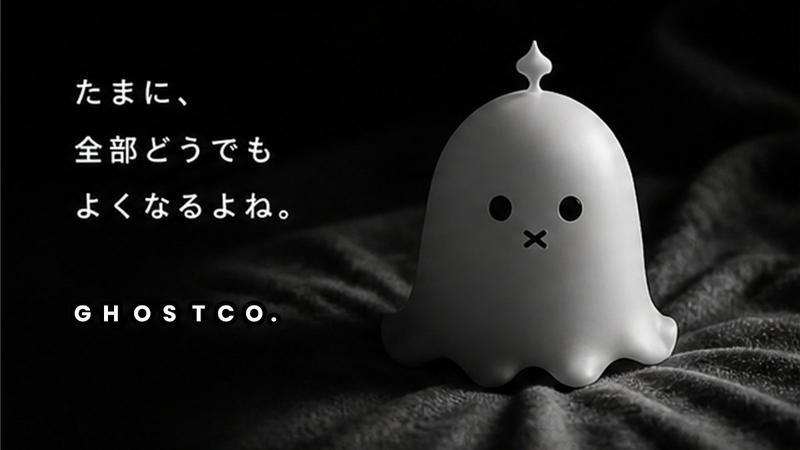
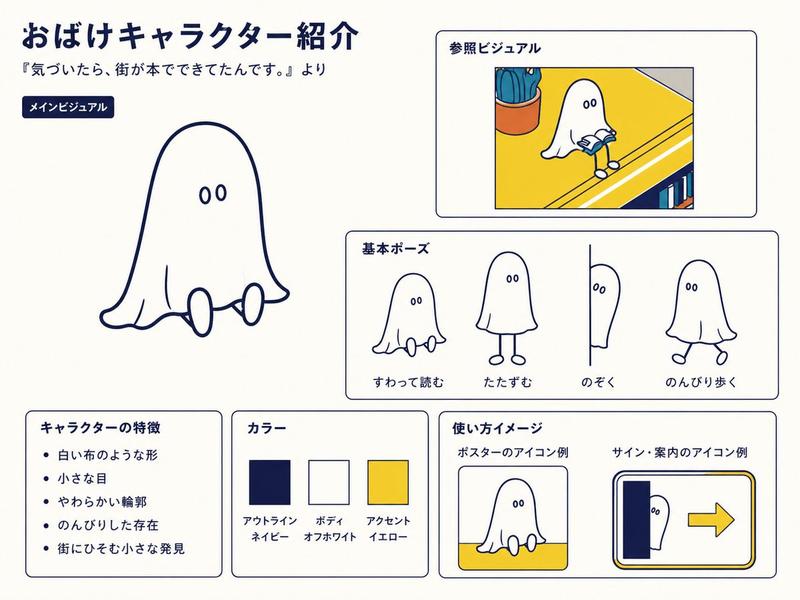
A cute cartoon ghost is the absolute main subject of the picture. It has a pure white body with a smooth and rounded contour, and two simple black oval eyes, with no extra features. This ghost is floating quietly in the very center of the picture. The background is a pure, bright purple, creating a simple, modern, and friendly atmosphere. The composition is a centered close-up, and the aspect ratio is 1:1 square. There is no text in the entire image. The image style is typical flat design and vector art, minimalist, much like an app icon or a logo, characterized by clean lines and solid color blocks, without any gradients or textural details. The image quality required is high-resolution with clean, sharp edges. The overall feeling it gives is one of a cute, simple, and modern piece of digital art.
Category
UI & Interfaces
Model
GPT Image 2
Views40
Source ID
1015
Published
Jan 8, 2026

Guide

About "Kiro卡通幽灵"

What is this prompt for?

"Kiro卡通幽灵" AI image prompt for GPT Image 2 (UI & Interfaces). 一个可爱的卡通鬼魂是图片的绝对主体。它拥有纯白色的身体,轮廓平滑圆润,两只简单的黑色椭圆形眼睛,没有任何额外特征。这个鬼魂安静地漂浮在图片的正中央。背景是纯亮的紫色,营造出简洁、现代和友好的氛围…

The full copyable prompt and example visuals above are ready for AI image generation or one-click recreate in Picva.

How to use this prompt

  1. Step 1

    Open the prompt detail

    Review the example visuals, category, and full prompt text for "Kiro卡通幽灵".

  2. Step 2

    Copy the prompt

    Copy the prompt body from this page, or load it directly in Studio.

  3. Step 3

    Pick a model (GPT Image 2)

    Prefer GPT Image 2. If you switch models, keep subject and composition and tweak style terms.

  4. Step 4

    Generate and export

    Recreate the look in Picva, or export into your workflow for editing and publishing.

FAQ

What is the "Kiro卡通幽灵" prompt?
It is an AI image-generation prompt for GPT Image 2 in the UI & Interfaces category. This page includes the full prompt text, example visuals, and a one-click recreate path in Picva.
How do I use this prompt to generate an image?
Copy the prompt from this page, or use Generate / Studio. Paste it into a compatible image model, or recreate the look in Picva with optional reference images.
Which model is this prompt for?
This page lists GPT Image 2. Most descriptive prompts also transfer to nearby image models such as GPT Image, Flux, or Midjourney with light style tweaks.
Can I use the result commercially?
You can usually copy the prompt for creation, but commercial use of the final image depends on the model terms, reference-image rights, and the generated content. Follow the source author and platform rules.