18

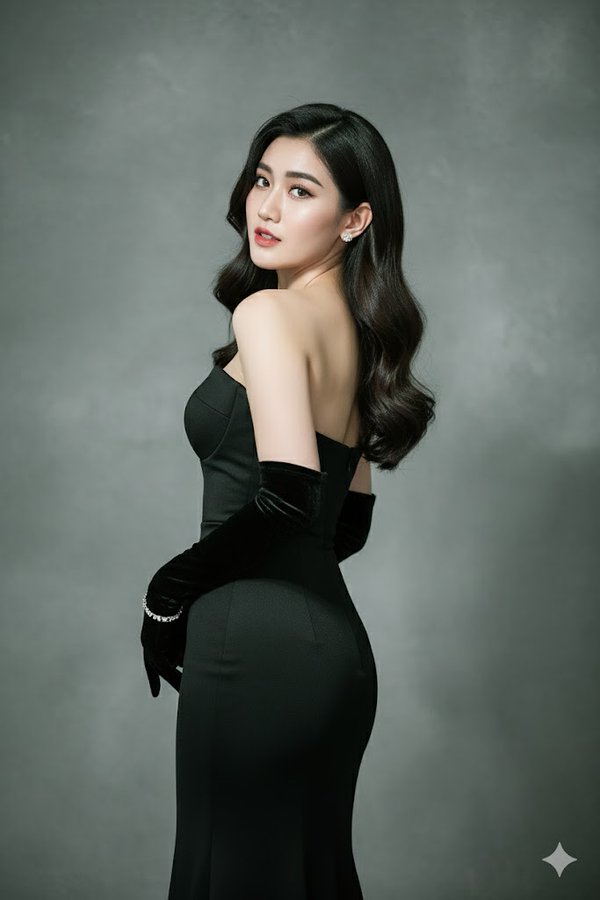
优雅姿势的最高分辨率照片
Enlarge

优雅姿势的最高分辨率照片

Prompt
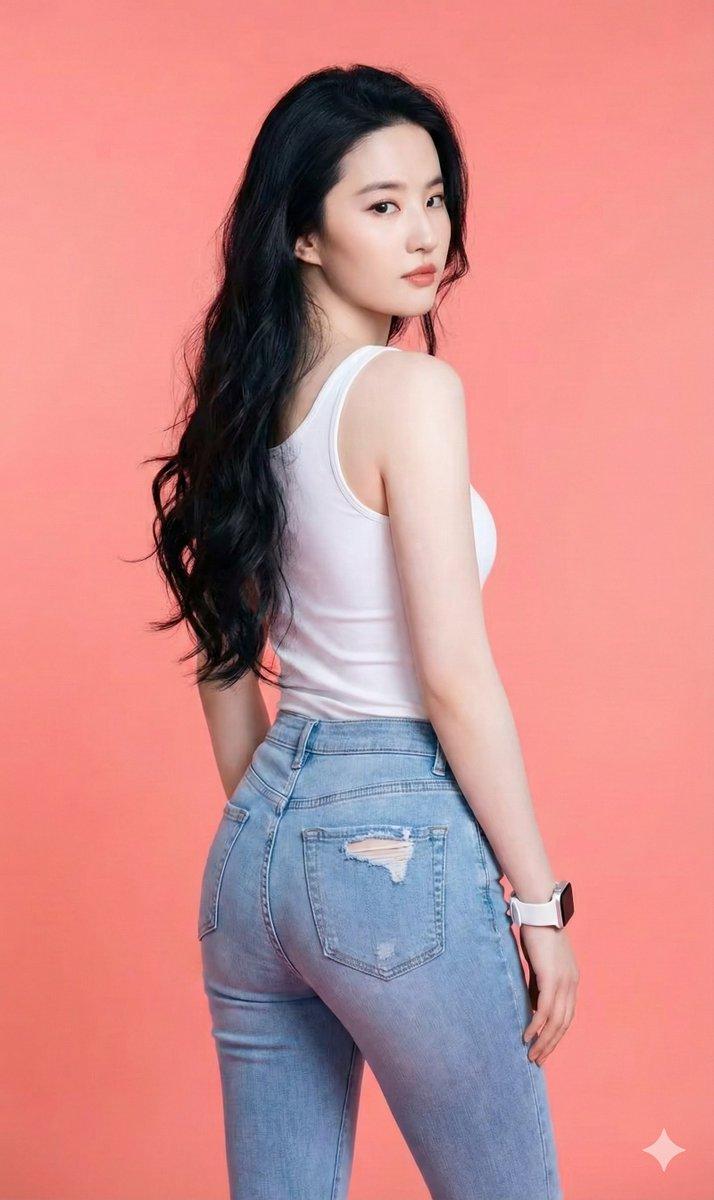
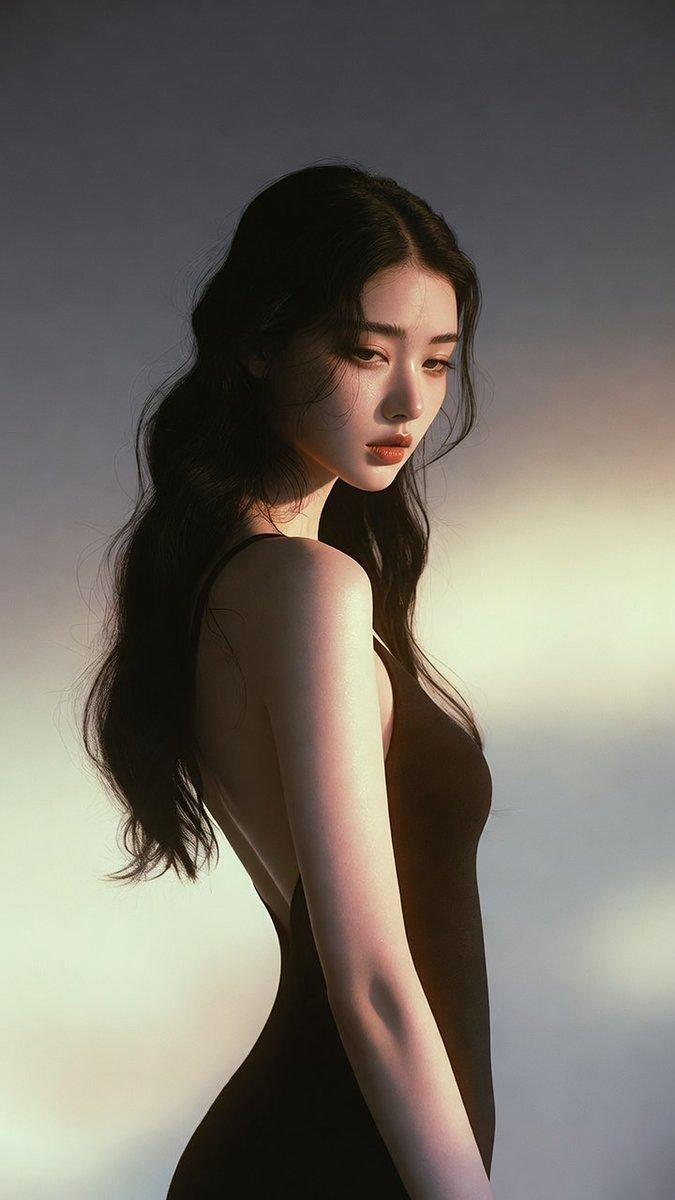
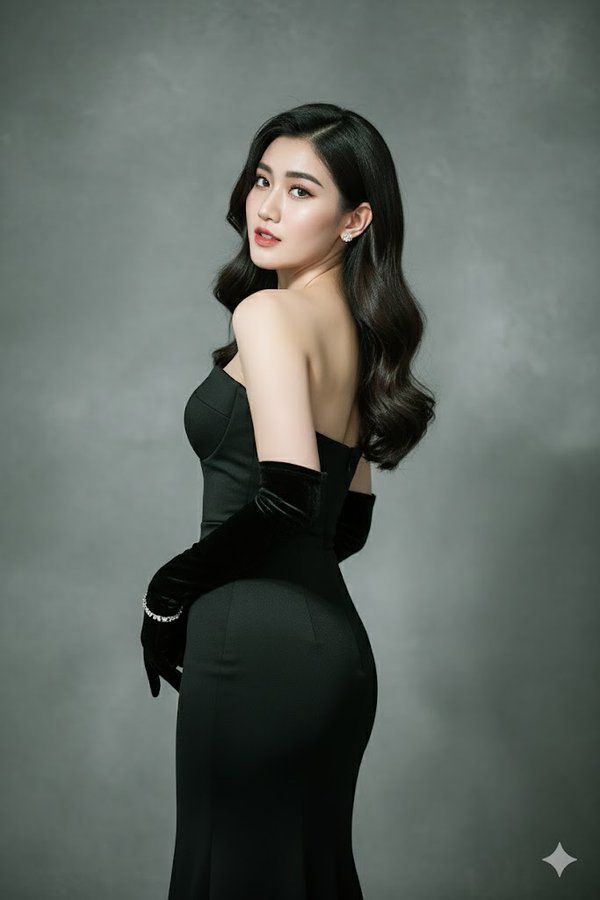
Create the highest-resolution picture of me posing elegantly with my back slightly turned and my head looking over the shoulder towards the camera. I am wearing a sleek, form-fitting strapless black evening gown, paired with long, elegant black velvet opera gloves. My hair is styled in loose, glossy waves cascading naturally over my shoulder.
I wear small, subtle earrings and a delicate bracelet on one wrist. My expression is confident, graceful, and alluring. The background is a plain stucco gray with soft gradient lighting, giving it a high-fashion photography look. The lighting is dramatic but soft, highlighting the contours of my body and face with realistic shadows and textures.
The image should look like a high-quality, ultra-realistic fashion magazine photo, keeping my real face exactly as shown in the reference photo.
Category
Posters & Typography
Model
GPT Image 2
Views94
Source ID
1148
Published
Jan 8, 2026

Guide

About "优雅姿势的最高分辨率照片"

What is this prompt for?

"优雅姿势的最高分辨率照片" AI image prompt for GPT Image 2 (Posters & Typography). 请拍一张我优雅姿势的最高分辨率照片,我的背影微微转过,头越过肩膀,望向镜头。我身着一件光滑修身的黑色露肩晚礼服,搭配一副优雅的黑色天鹅绒长款歌剧手套。我的头发是蓬松的、光泽的波…

The full copyable prompt and example visuals above are ready for AI image generation or one-click recreate in Picva.

How to use this prompt

  1. Step 1

    Open the prompt detail

    Review the example visuals, category, and full prompt text for "优雅姿势的最高分辨率照片".

  2. Step 2

    Copy the prompt

    Copy the prompt body from this page, or load it directly in Studio.

  3. Step 3

    Pick a model (GPT Image 2)

    Prefer GPT Image 2. If you switch models, keep subject and composition and tweak style terms.

  4. Step 4

    Generate and export

    Recreate the look in Picva, or export into your workflow for editing and publishing.

FAQ

What is the "优雅姿势的最高分辨率照片" prompt?
It is an AI image-generation prompt for GPT Image 2 in the Posters & Typography category. This page includes the full prompt text, example visuals, and a one-click recreate path in Picva.
How do I use this prompt to generate an image?
Copy the prompt from this page, or use Generate / Studio. Paste it into a compatible image model, or recreate the look in Picva with optional reference images.
Which model is this prompt for?
This page lists GPT Image 2. Most descriptive prompts also transfer to nearby image models such as GPT Image, Flux, or Midjourney with light style tweaks.
Can I use the result commercially?
You can usually copy the prompt for creation, but commercial use of the final image depends on the model terms, reference-image rights, and the generated content. Follow the source author and platform rules.