14

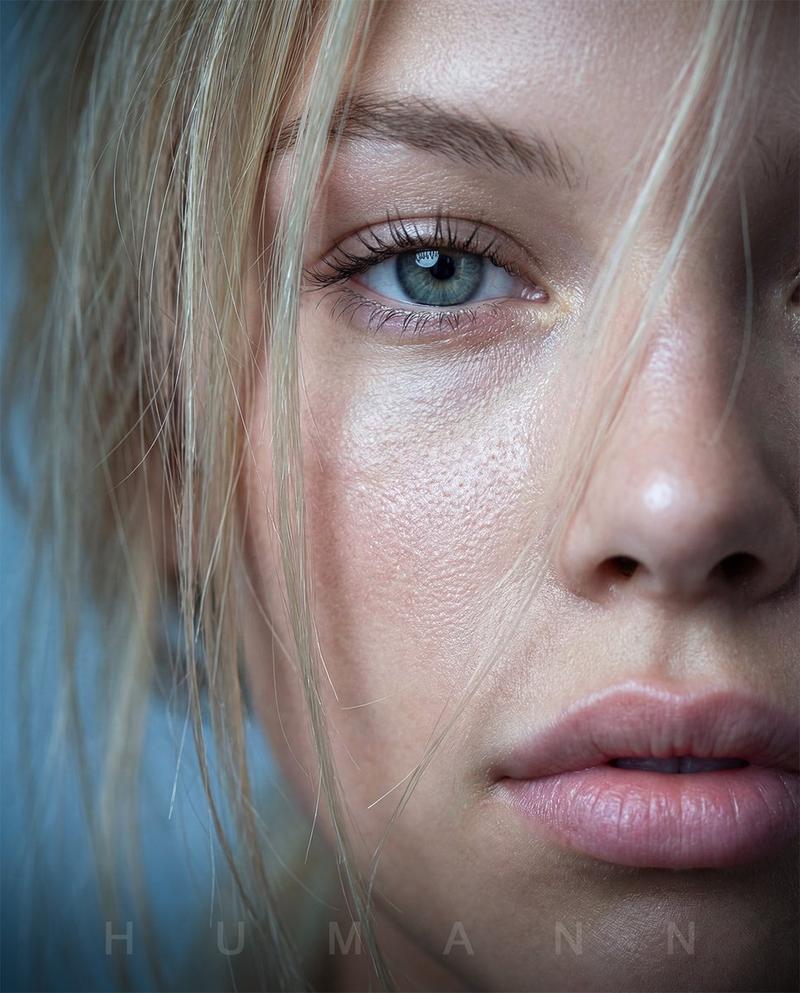
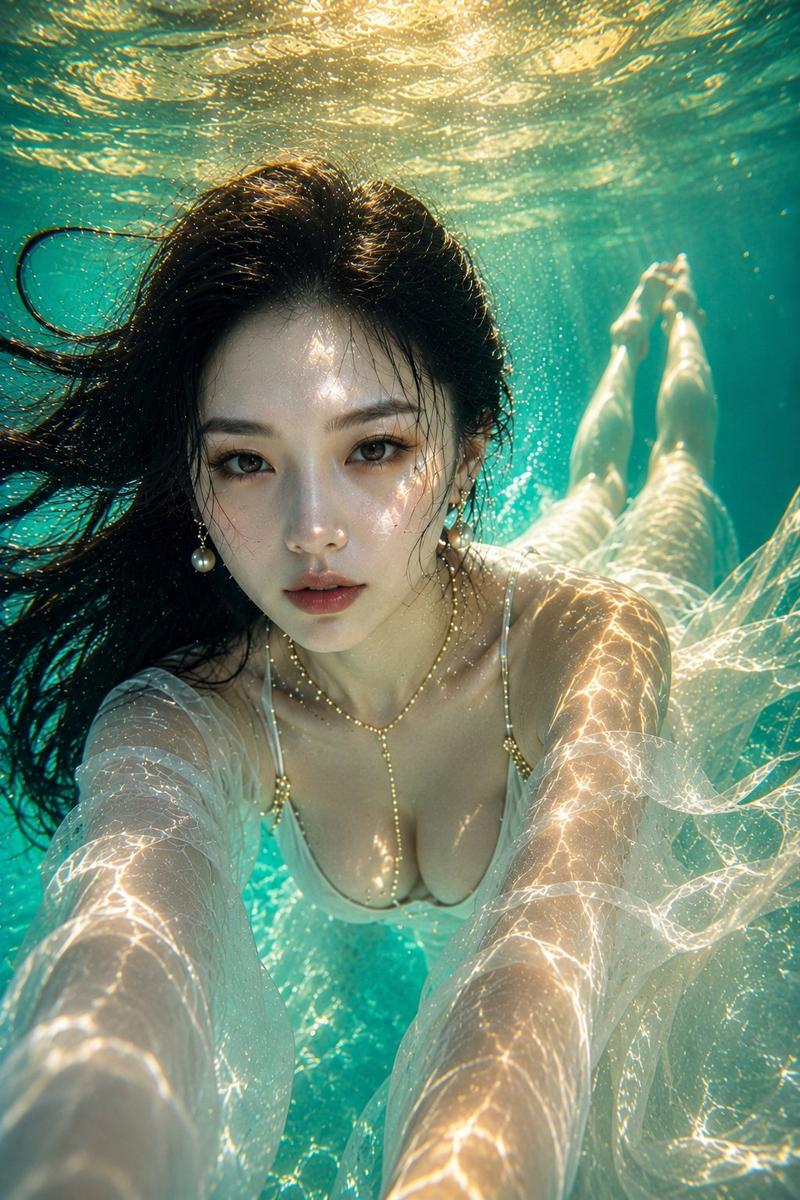
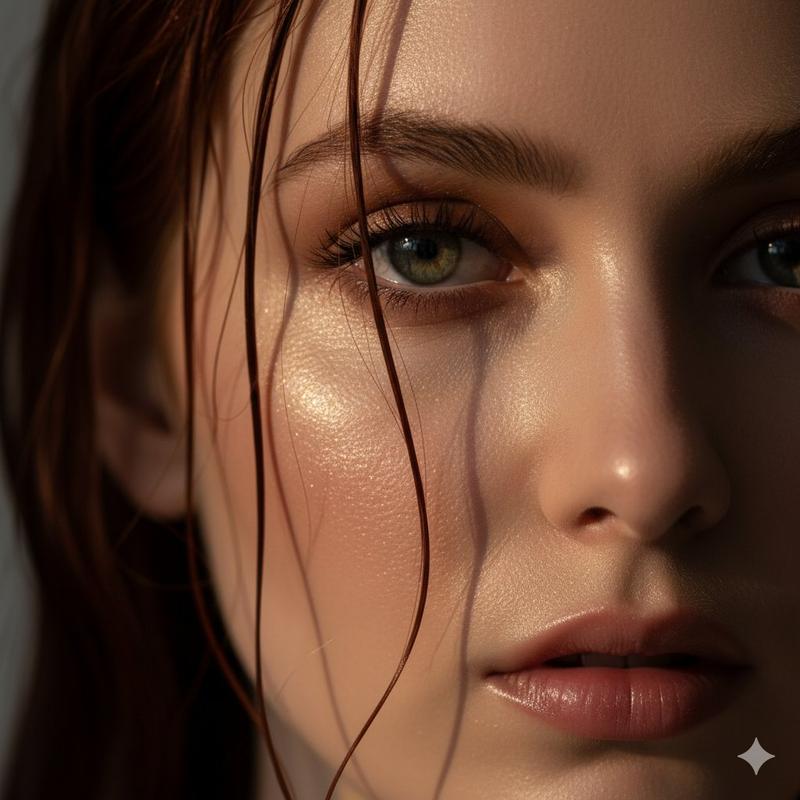
一幅超写实细节丰富的水下特写肖像
Enlarge

一幅超写实细节丰富的水下特写肖像

Prompt
{
  "prompt": {
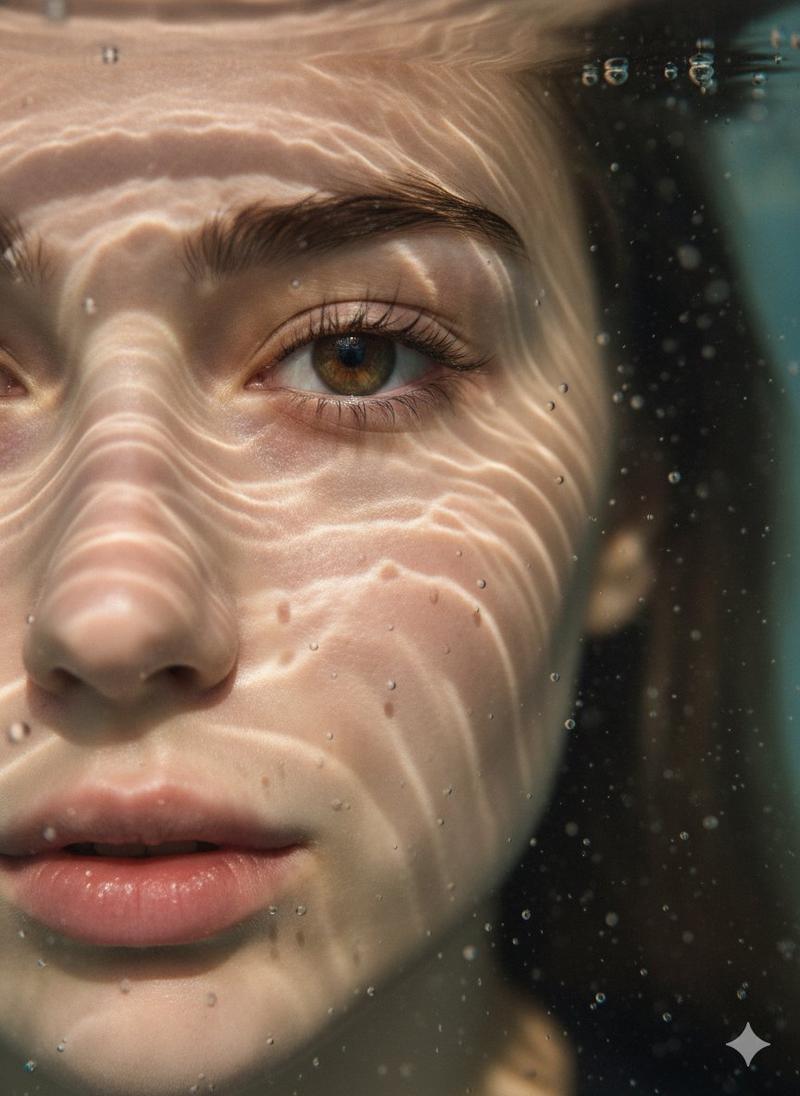
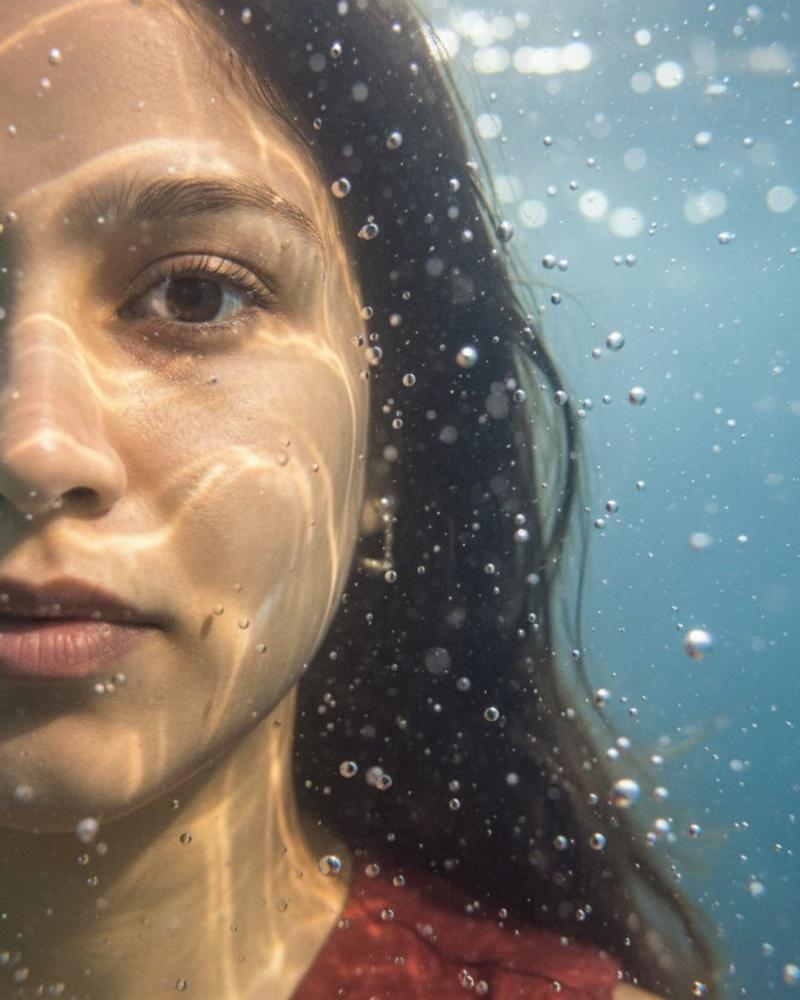
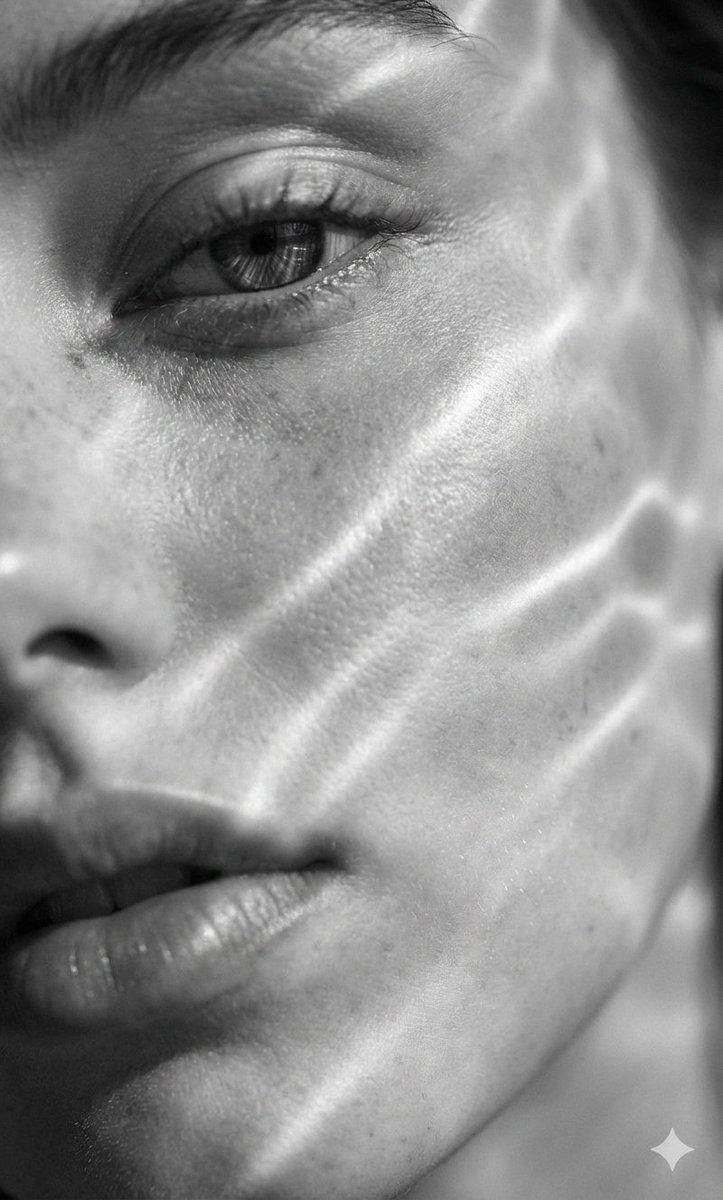
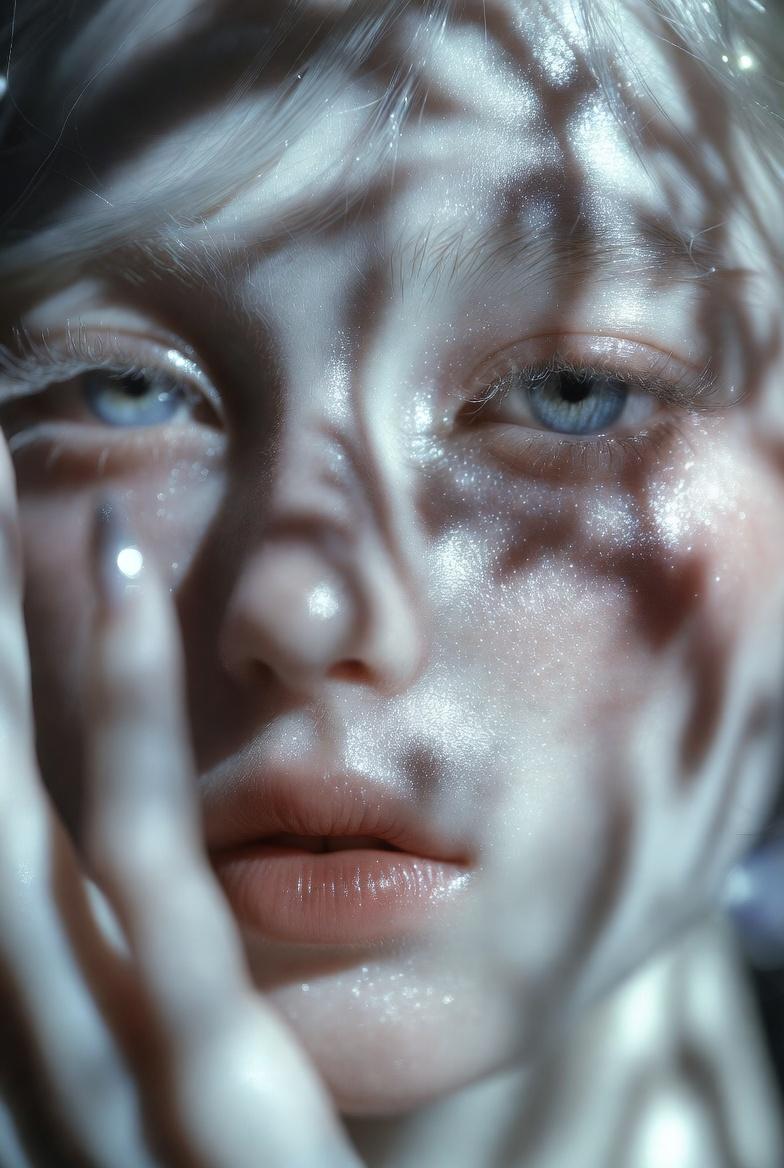
    "description": "Hyper-realistic, ultra-detailed close-up portrait of the left half of a young woman’s face submerged in water. One eye is in sharp focus. Light rays create caustic reflections and fluid patterns across her skin. Tiny suspended water droplets and bubbles add depth.",
    "details": {
      "subject": "Young woman's face, fair skin, focused eye (left)",
      "pose": "Submerged in water",
      "lighting": "Cinematic soft shadows with crisp highlights, light rays creating caustic patterns",
      "attire": "Not visible, implied underwater setting",
      "hair": "Dark hair visible on the right side, extending into the water",
      "expression": "Calm and serene, with an intense gaze from the focused eye",
      "mood": "Surreal, dreamlike, ethereal, and serene"
    }
  },
  "image_settings": {
    "size": "original",
    "quantity": 1,
    "style": "Underwater macro portrait photography",
    "composition": "Close-up, with a shallow depth of field and an underwater macro perspective, emphasizing textures and light play. Cropped to show only the left half of the face.",
    "aspect_ratio": "3:4"
  },
  "output_format": {
    "type": "image",
    "expected_result": "A visually striking and highly detailed underwater portrait, showcasing the interplay of light, water, and skin textures."
  }
}
Category
Posters & Typography
Model
GPT Image 2
Views118
Source ID
1173
Published
Jan 8, 2026

Guide

About "一幅超写实细节丰富的水下特写肖像"

What is this prompt for?

"一幅超写实细节丰富的水下特写肖像" AI image prompt for GPT Image 2 (Posters & Typography). { “迅速的”: { 描述:一幅超写实、细节丰富的特写肖像,描绘了一位年轻女子浸在水中的左半边脸。她的一只眼睛清晰可见。光线在她皮肤上形成折射和流动的纹理。悬浮的细小水…

The full copyable prompt and example visuals above are ready for AI image generation or one-click recreate in Picva.

How to use this prompt

  1. Step 1

    Open the prompt detail

    Review the example visuals, category, and full prompt text for "一幅超写实细节丰富的水下特写肖像".

  2. Step 2

    Copy the prompt

    Copy the prompt body from this page, or load it directly in Studio.

  3. Step 3

    Pick a model (GPT Image 2)

    Prefer GPT Image 2. If you switch models, keep subject and composition and tweak style terms.

  4. Step 4

    Generate and export

    Recreate the look in Picva, or export into your workflow for editing and publishing.

FAQ

What is the "一幅超写实细节丰富的水下特写肖像" prompt?
It is an AI image-generation prompt for GPT Image 2 in the Posters & Typography category. This page includes the full prompt text, example visuals, and a one-click recreate path in Picva.
How do I use this prompt to generate an image?
Copy the prompt from this page, or use Generate / Studio. Paste it into a compatible image model, or recreate the look in Picva with optional reference images.
Which model is this prompt for?
This page lists GPT Image 2. Most descriptive prompts also transfer to nearby image models such as GPT Image, Flux, or Midjourney with light style tweaks.
Can I use the result commercially?
You can usually copy the prompt for creation, but commercial use of the final image depends on the model terms, reference-image rights, and the generated content. Follow the source author and platform rules.