14

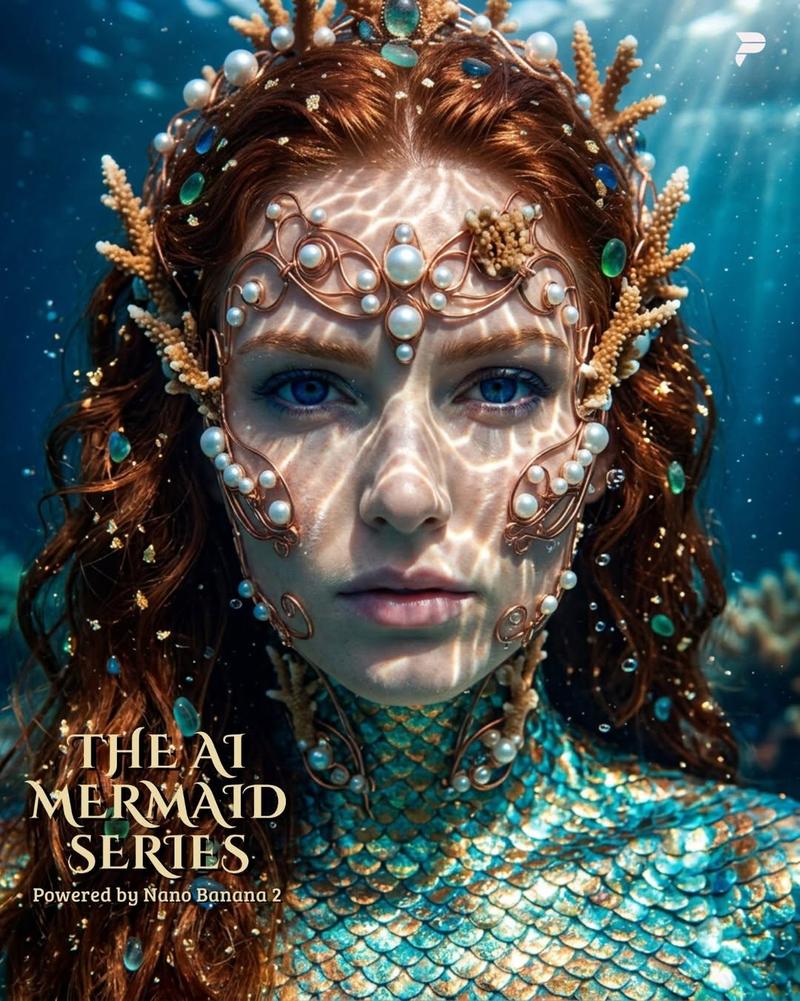
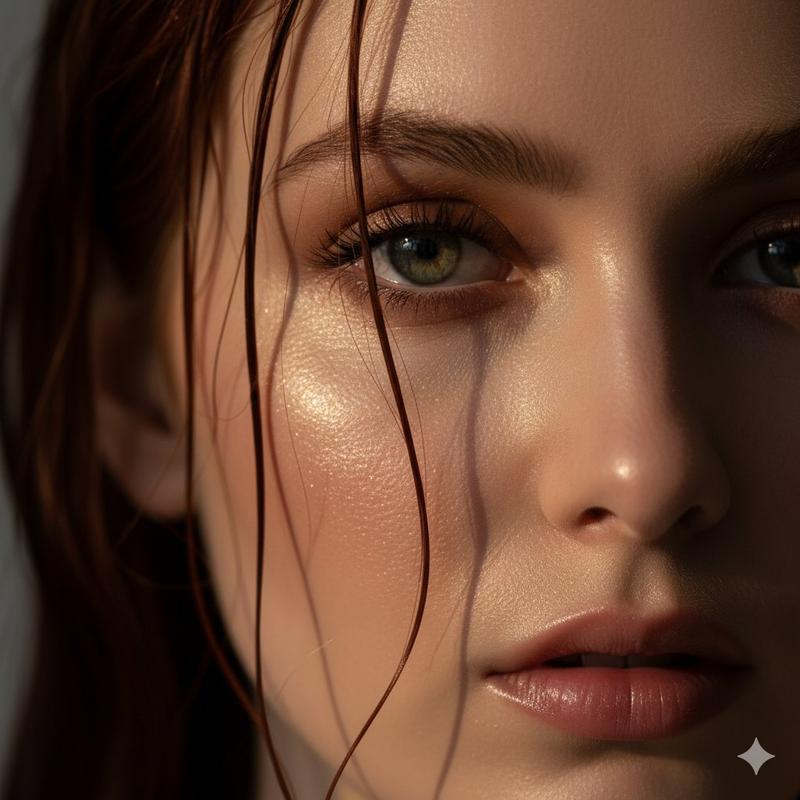
水下金辉梦境分镜
Enlarge

水下金辉梦境分镜

Prompt
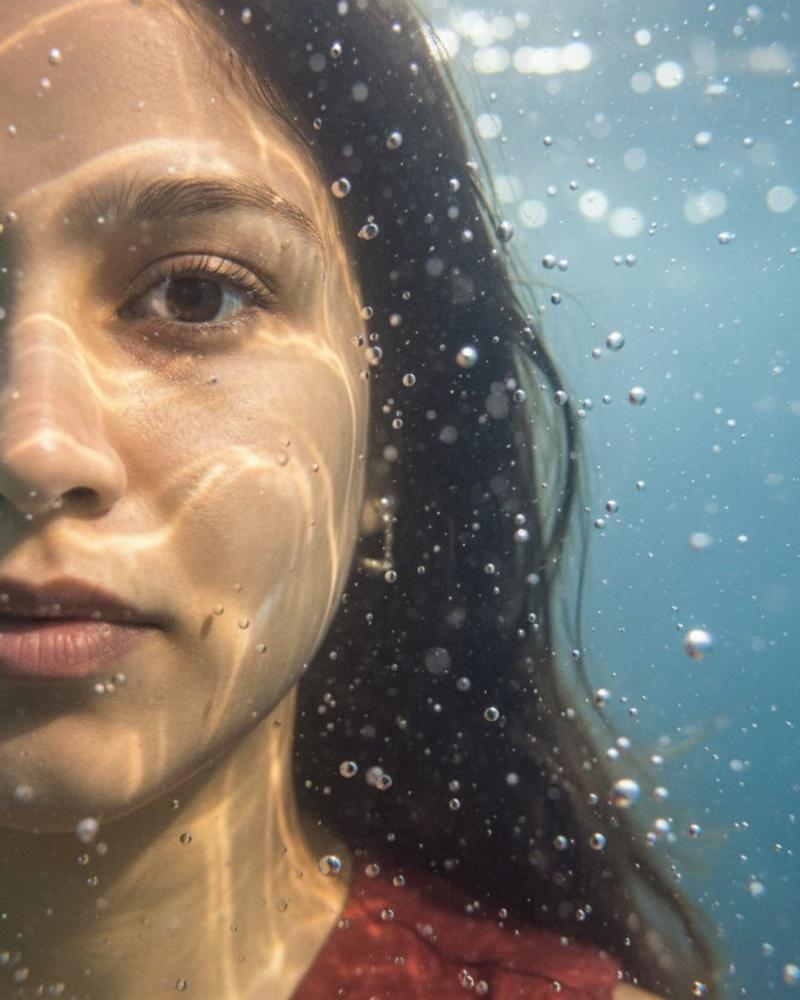
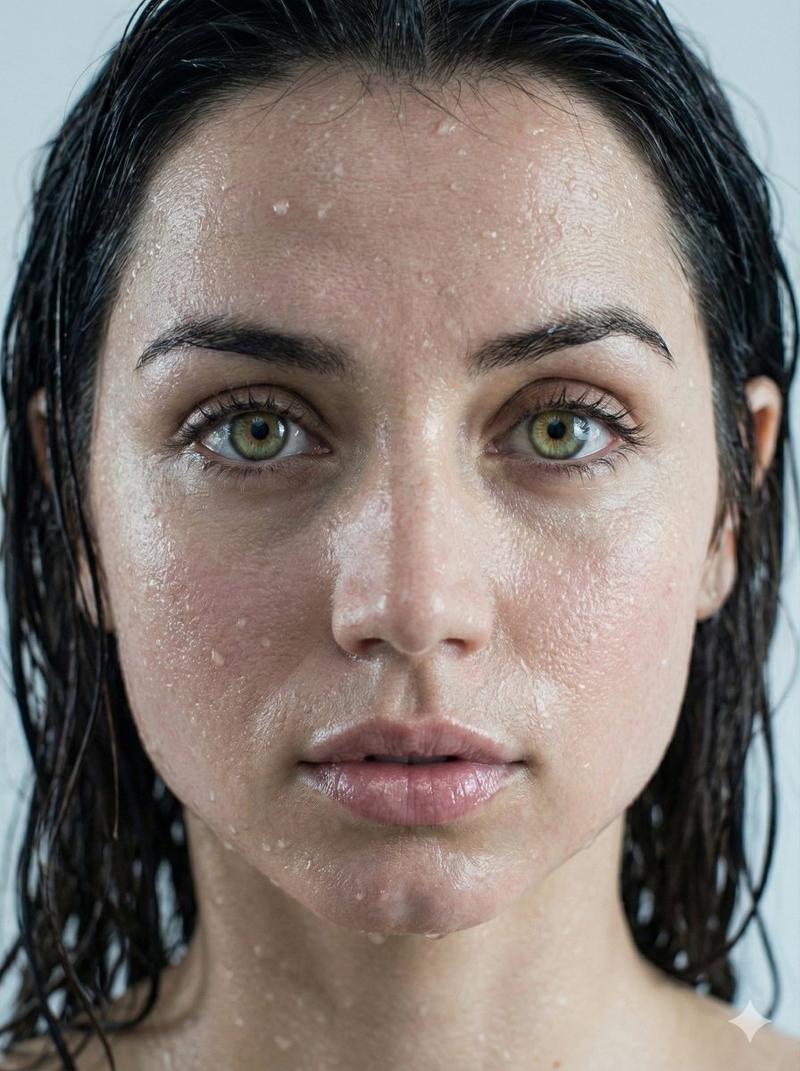
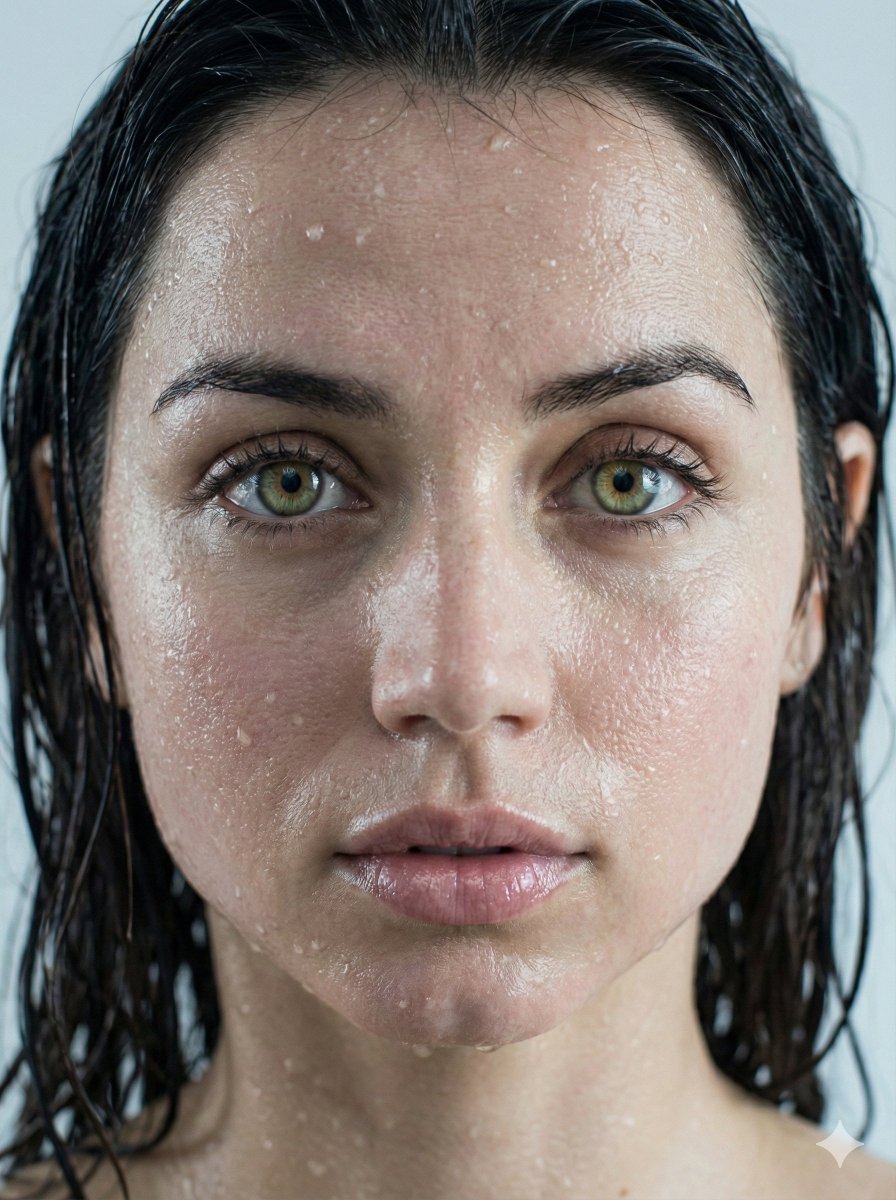
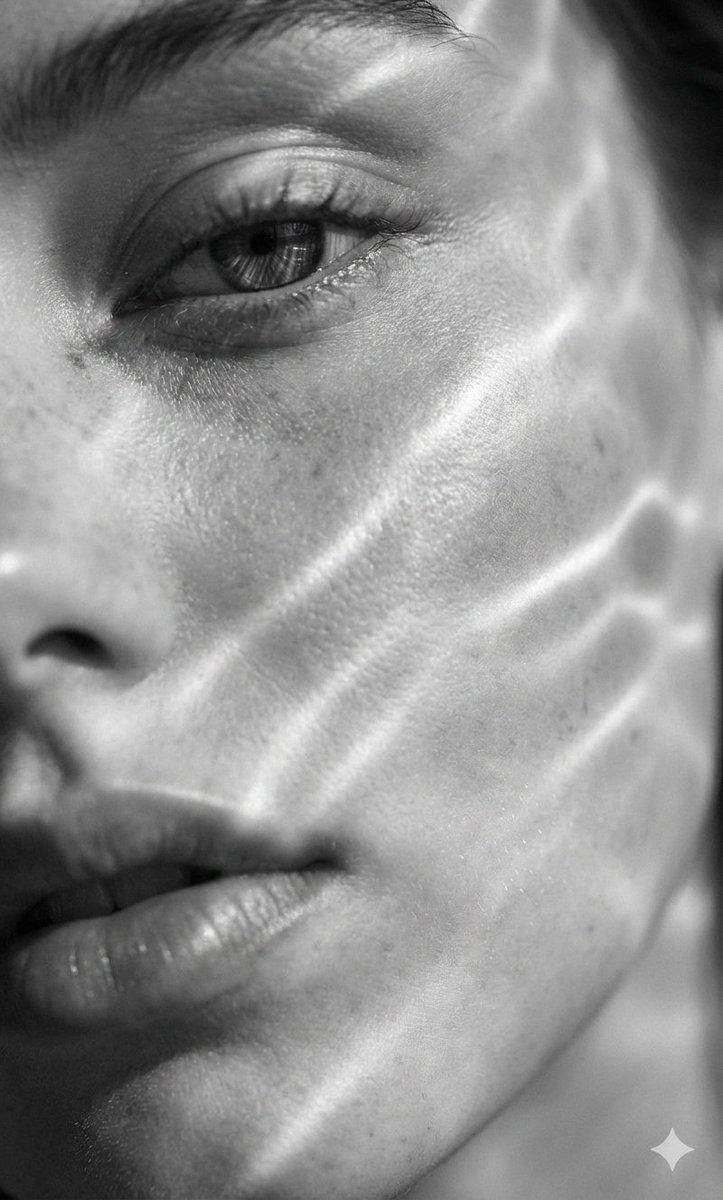
Create a 2-panel split composition.  Left panel: Hyper-realistic, ultra-detailed close-up portrait showing only the left side of the face submerged, the eye positioned on the far left edge of the frame in pin-sharp focus. Underwater macro perspective with extreme detail—visible skin pores, wet eyelashes, wet lips, suspended droplets and bubbles. Golden light rays penetrate the water, forming caustic patterns across the skin.  Right panel: A slightly varied angle of the same subject, maintaining facial consistency, with deeper submersion and increased bubble density. Cinematic underwater lighting with soft shadows, sharp highlights, and focused specular highlights emphasizing wet textures. Both panels feature subsurface scattering, photorealistic textures, shallow depth of field, cinematic color grading, and a surreal, dreamlike atmosphere. Ultra-realistic, high resolution, editorial quality.
Category
Posters & Typography
Model
Nano Banana Pro
Views77
Source ID
1958
Published
Jan 11, 2026

Guide

About "水下金辉梦境分镜"

What is this prompt for?

"水下金辉梦境分镜" AI image prompt for Nano Banana Pro (Posters & Typography). 创建一幅2格分镜构图。左格:超写实、极致细节特写肖像,仅露出左半边面部浸没水中,眼睛位于画面最左边缘,锐利对焦。水下微距视角,极致细节——可见毛孔、湿润睫毛、湿润嘴唇、悬浮水滴…

The full copyable prompt and example visuals above are ready for AI image generation or one-click recreate in Picva.

How to use this prompt

  1. Step 1

    Open the prompt detail

    Review the example visuals, category, and full prompt text for "水下金辉梦境分镜".

  2. Step 2

    Copy the prompt

    Copy the prompt body from this page, or load it directly in Studio.

  3. Step 3

    Pick a model (Nano Banana Pro)

    Prefer Nano Banana Pro. If you switch models, keep subject and composition and tweak style terms.

  4. Step 4

    Generate and export

    Recreate the look in Picva, or export into your workflow for editing and publishing.

FAQ

What is the "水下金辉梦境分镜" prompt?
It is an AI image-generation prompt for Nano Banana Pro in the Posters & Typography category. This page includes the full prompt text, example visuals, and a one-click recreate path in Picva.
How do I use this prompt to generate an image?
Copy the prompt from this page, or use Generate / Studio. Paste it into a compatible image model, or recreate the look in Picva with optional reference images.
Which model is this prompt for?
This page lists Nano Banana Pro. Most descriptive prompts also transfer to nearby image models such as GPT Image, Flux, or Midjourney with light style tweaks.
Can I use the result commercially?
You can usually copy the prompt for creation, but commercial use of the final image depends on the model terms, reference-image rights, and the generated content. Follow the source author and platform rules.