19

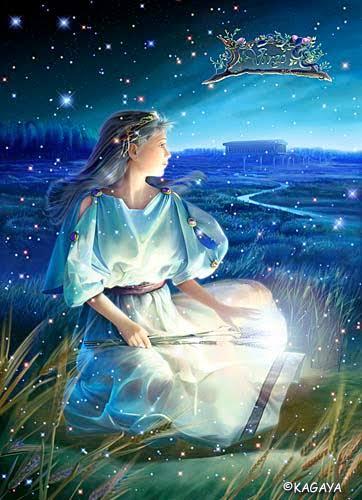
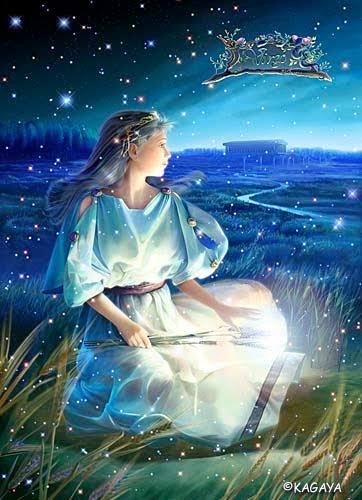
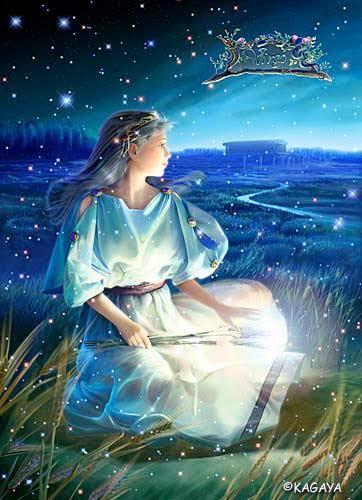
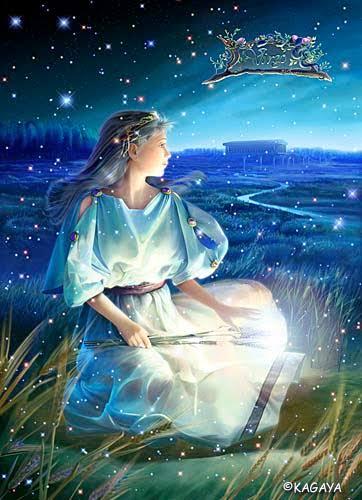
S形光影流转的雪夜河灯概念图
Enlarge

S形光影流转的雪夜河灯概念图

Prompt
# 构图与光照研究生成器 # 项目:《十二生肖游行》- 情感之夜插画 # 目的:创作高对比度的概念艺术,并确立整体的“流动”与“布局” # ▼ 1. 项目目标定义 project_goal: type: "氛围概念艺术 / 光照研究" # 指示 AI 将“S 形光路”作为此处的最高视觉优先级 visual_priority: "利用光线建立一条强烈的 S 形视觉路径。" canvas_configuration: aspect_ratio: "9:16" # 指示输出为单色或棕褐色草图,以避免色彩绘画的干扰 rendering_mode: "单色或棕褐色草图,带有强烈的光晕效果。" camera_angle: "高角度(电影式概览)。" # ▼ 2. 视觉引导逻辑(关键) visual_guidance_logic: # 口述视线的起点和终点 path_of_light: "视线从“左下角(女孩)”开始,沿着水灯,流向“右上角(背景)”并离开。" # 定义明暗规则,以防止画面变得杂乱 contrast_strategy: - "最暗区域:河面(反射光线)。" - "最亮区域:灯笼(光源)。" # 在“左上角”预留负空间用于文本放置 negative_space: "左上角(黑暗的天空)应保持空白,用于文本放置。" # ▼ 3. 对象类别定义 scene_elements: # --- 边界(地形) --- - element: "地形_分隔线" visual: "对角线分隔。" # 如果“陆地”和“河流”在此处未明确分隔,角色可能会下沉或漂浮 details: "左下角是积雪的河岸(陆地)。右上角是流淌的河流(水)。" # --- 人物(角色) --- - element: "女孩_剪影" position: "左下角(雪地上)" pose: "蹲坐,面向河流。" # 在初始阶段,优先考虑和服的“体积(量感)”而非“面部” style: "粗略的草图风格,展现和服的体积感。" # --- 灯笼放置(灯笼) --- # ▼ 将它们分组比用一个短语描述更容易让 AI 遵循“12”这个数字 - element: "水上灯笼组(过去/现在)" count: "7 盏灯笼(1 盏在手中 + 6 盏在水上)。" arrangement: "形成一条美丽的 S 形曲线,流向右上角。" - element: "陆上灯笼组(未来)" count: "5 盏灯笼。" arrangement: "整齐地聚集在一起,等待被释放。" rendering_style: - "明暗对比法(光与影之间强烈的对比)。" - "注重构图平衡和视觉流动。"
Category
Posters & Typography
Model
Nano Banana Pro
Views57
Source ID
6927
Published
Mar 16, 2026

Guide

About "S形光影流转的雪夜河灯概念图"

What is this prompt for?

"S形光影流转的雪夜河灯概念图" AI image prompt for Nano Banana Pro (Posters & Typography). # 构图与光照研究生成器 # 项目:《十二生肖游行》- 情感之夜插画 # 目的:创作高对比度的概念艺术,并确立整体的“流动”与“布局” # ▼ 1. 项目目标定义…

The full copyable prompt and example visuals above are ready for AI image generation or one-click recreate in Picva.

How to use this prompt

  1. Step 1

    Open the prompt detail

    Review the example visuals, category, and full prompt text for "S形光影流转的雪夜河灯概念图".

  2. Step 2

    Copy the prompt

    Copy the prompt body from this page, or load it directly in Studio.

  3. Step 3

    Pick a model (Nano Banana Pro)

    Prefer Nano Banana Pro. If you switch models, keep subject and composition and tweak style terms.

  4. Step 4

    Generate and export

    Recreate the look in Picva, or export into your workflow for editing and publishing.

FAQ

What is the "S形光影流转的雪夜河灯概念图" prompt?
It is an AI image-generation prompt for Nano Banana Pro in the Posters & Typography category. This page includes the full prompt text, example visuals, and a one-click recreate path in Picva.
How do I use this prompt to generate an image?
Copy the prompt from this page, or use Generate / Studio. Paste it into a compatible image model, or recreate the look in Picva with optional reference images.
Which model is this prompt for?
This page lists Nano Banana Pro. Most descriptive prompts also transfer to nearby image models such as GPT Image, Flux, or Midjourney with light style tweaks.
Can I use the result commercially?
You can usually copy the prompt for creation, but commercial use of the final image depends on the model terms, reference-image rights, and the generated content. Follow the source author and platform rules.