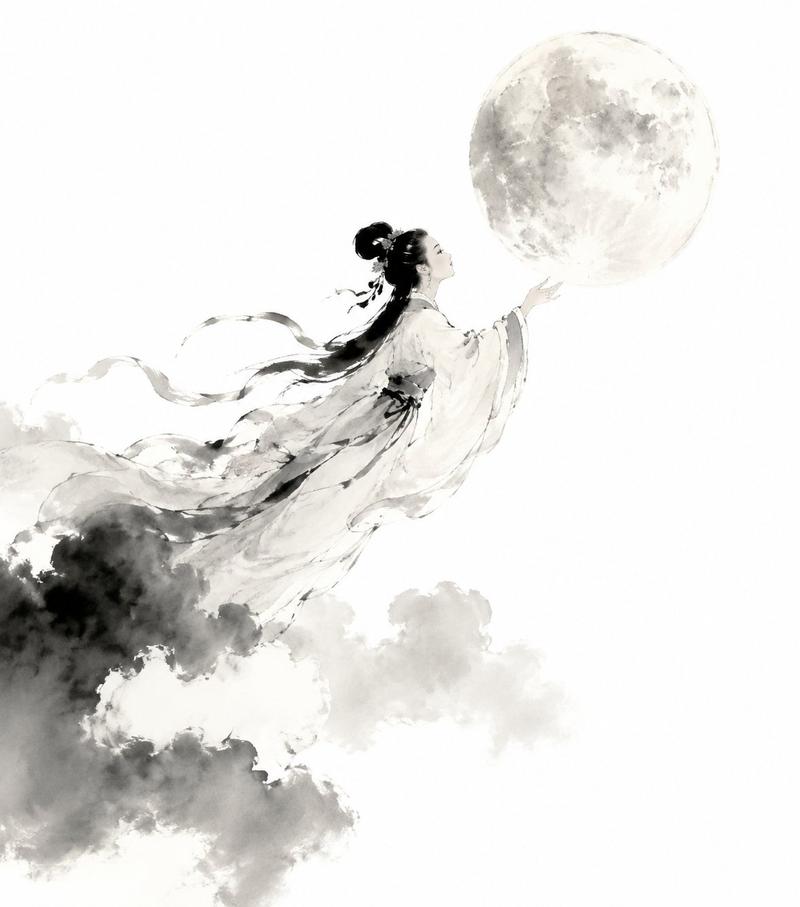
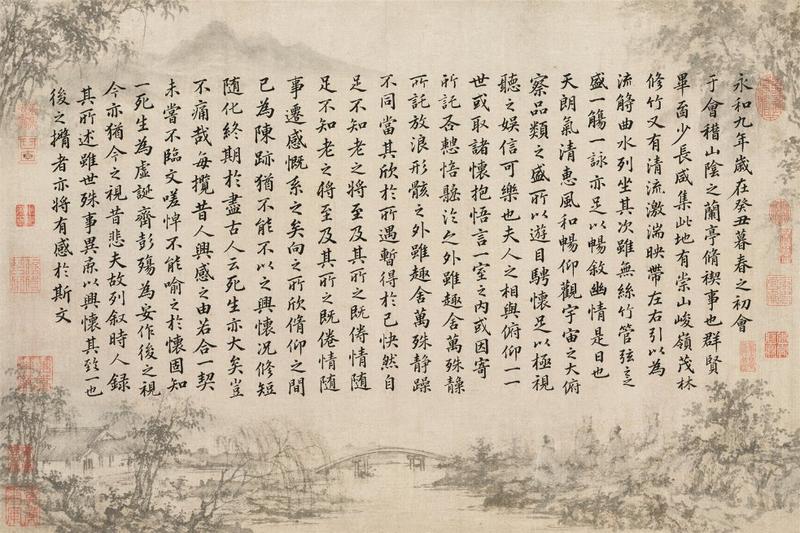
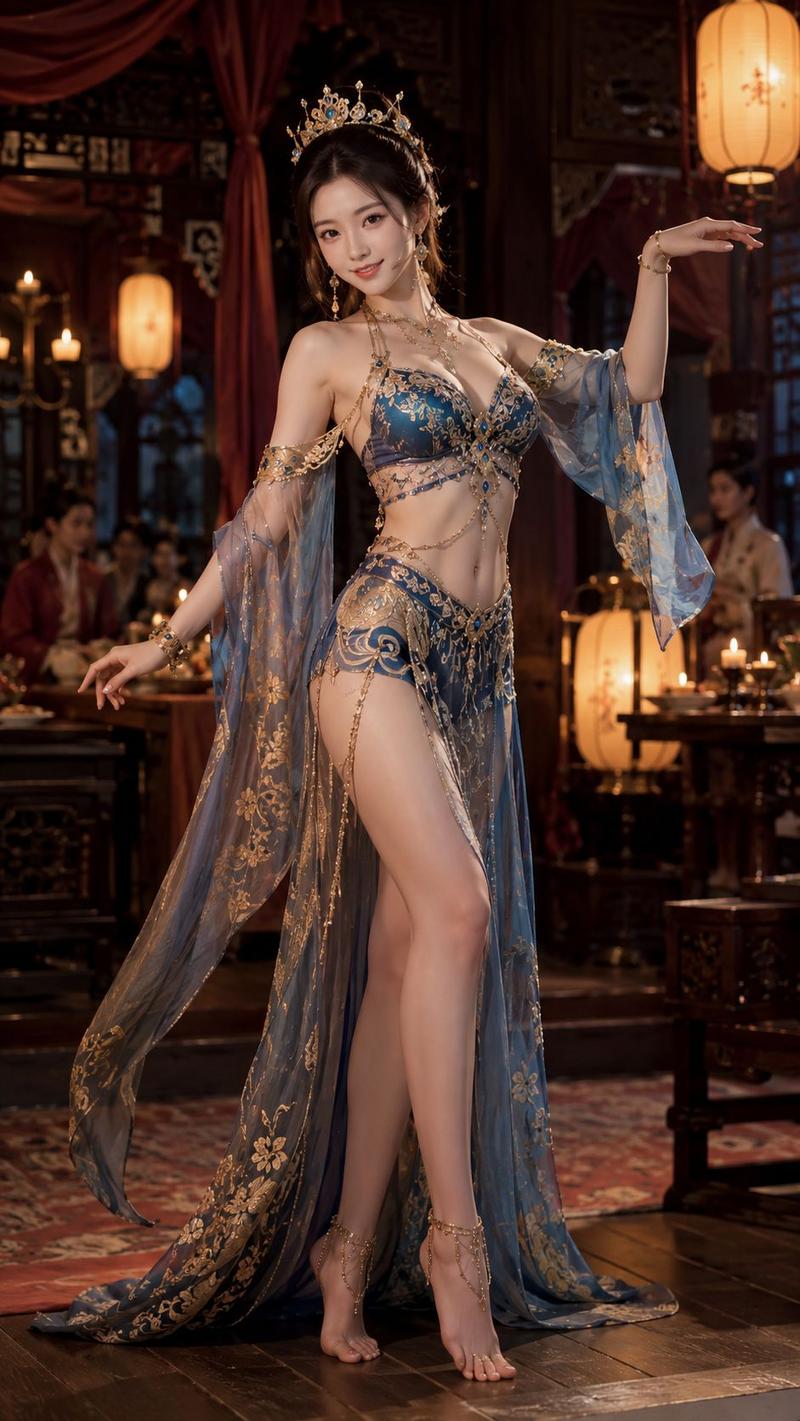
中国古典诗词意境插画
Prompt
“{argument name="诗句" default="何当共剪西窗烛,却话巴山夜雨时"}”。请根据这两句中国古诗所体现的意境,帮我生成一幅主题与之匹配,并能体现中国古典审美的图片,4K超高清,画幅为竖版3:4。- Category
- History & Classical
- Model
- GPT Image 2
- Creator
- 影像派
- Source ID
- 23271
- Published
- May 30, 2026
Views4
20
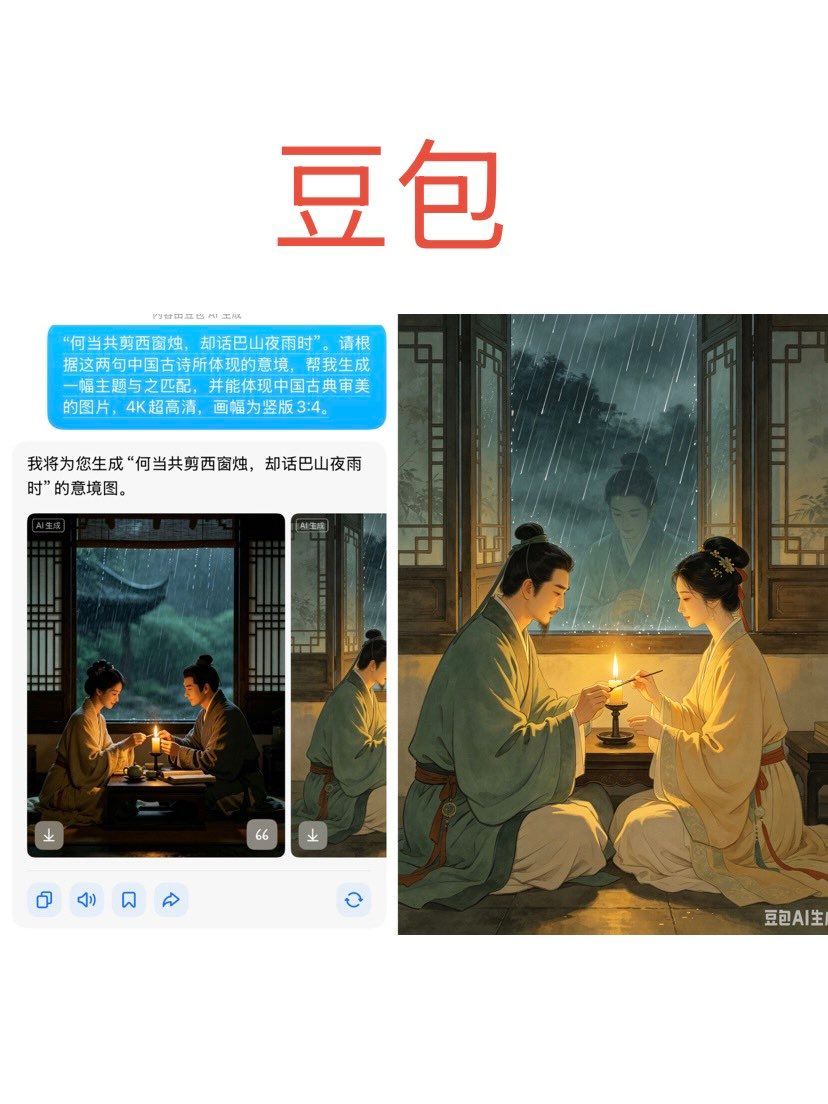
“{argument name="诗句" default="何当共剪西窗烛,却话巴山夜雨时"}”。请根据这两句中国古诗所体现的意境,帮我生成一幅主题与之匹配,并能体现中国古典审美的图片,4K超高清,画幅为竖版3:4。Guide
"中国古典诗词意境插画" AI image prompt for GPT Image 2 (History & Classical). 一个用于生成高清图像的提示词,旨在捕捉中国古典诗词的意境与美学,重点展现传统艺术元素。 Copy it on Picva and recreate the look in one c…
The full copyable prompt and example visuals above are ready for AI image generation or one-click recreate in Picva.
Step 1
Review the example visuals, category, and full prompt text for "中国古典诗词意境插画".
Step 2
Copy the prompt body from this page, or load it directly in Studio.
Step 3
Prefer GPT Image 2. If you switch models, keep subject and composition and tweak style terms.
Step 4
Recreate the look in Picva, or export into your workflow for editing and publishing.