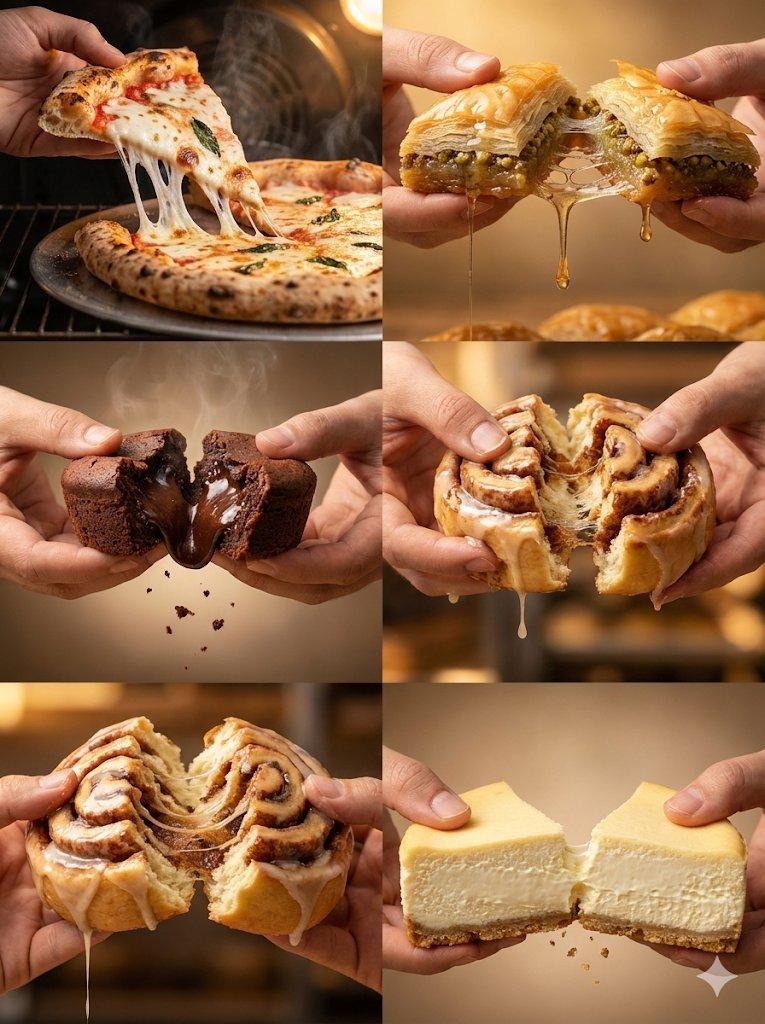
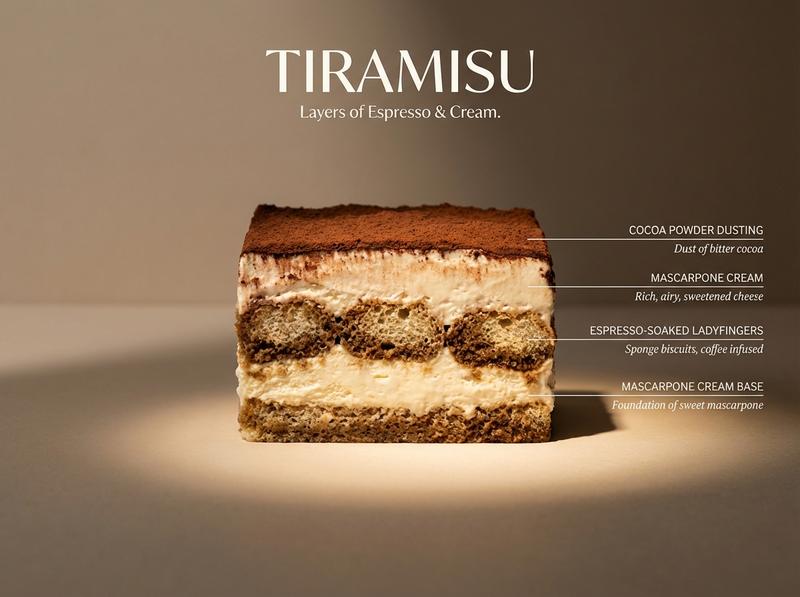
科学图解风美食剖面摄影
Prompt
Perfect cinematic cross-section cut through [DISH], sliced cleanly down the center revealing every internal layer in full detail. The cut face is facing the camera straight-on, like a geological diagram of flavor. Each visible layer is labeled with a thin horizontal line extending to the right — uppercase sans-serif "[INGREDIENT NAME]" with italic descriptor below. Background: flat matte [COLOR]. Lighting: dramatic side light from left casting long shadows, single warm spotlight on the cut face. Every texture hyperreal — visible moisture, air pockets, char, glaze, and steam. Mood: architectural food photography meets scientific illustration. Dish name "[DISH NAME]" in large elegant type at top. Subtitle: "[TAGLINE]". 4K, tack sharp, Style ref: Wes Anderson symmetry meets Michelin-star kitchen.
- Category
- Charts & Infographics
- Model
- Nano Banana Pro
- Creator
- @AllaAisling
- Source ID
- 12512
- Published
- Apr 16, 2026
Views46
![Perfect cinematic cross-section cut through [DISH], sliced cleanly down the cent](https://i.pixshop.app/storage/v1/render/image/public/prompt-source-media/promptsref/work-399/image-1-e35508813877be77.png?width=800&quality=75&resize=contain)


![Exploding [food item] with [filling], broken into two pieces with [filling actio](https://i.pixshop.app/storage/v1/render/image/public/prompt-source-media/promptsref/work-2413/image-1-e26dc765f3c49579.png?width=800&quality=75&resize=contain)