湿婆神牵我穿越狂暴怒海与火山
Prompt
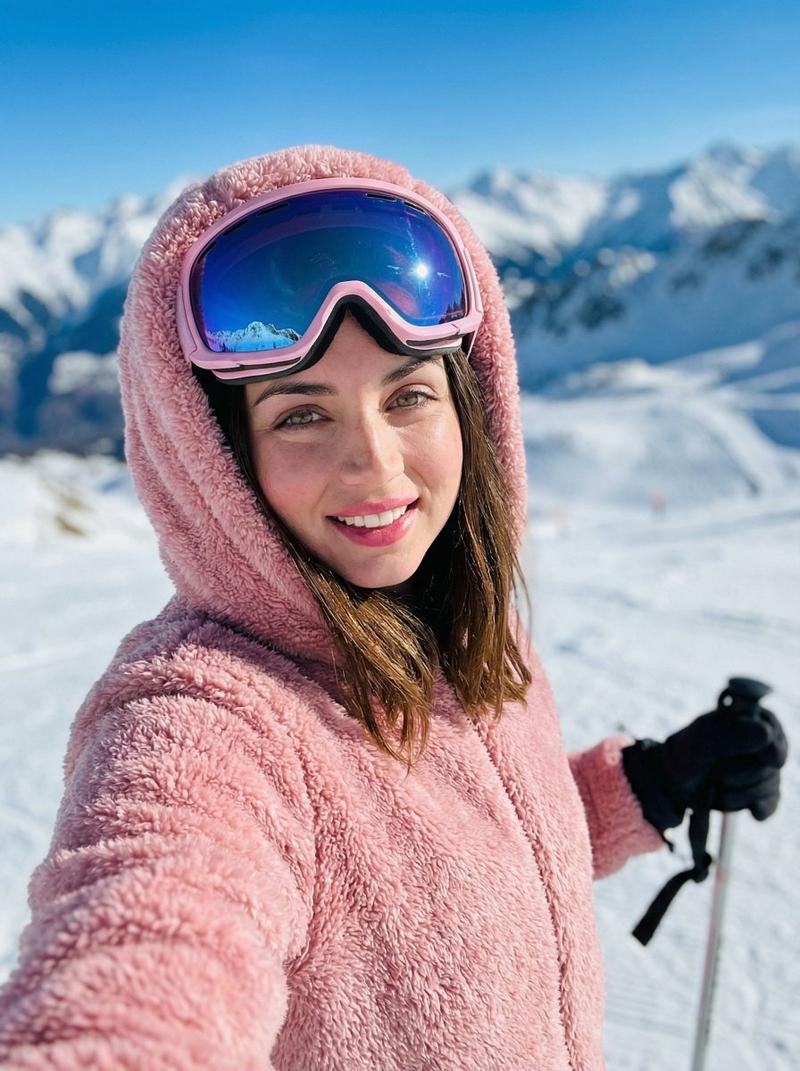
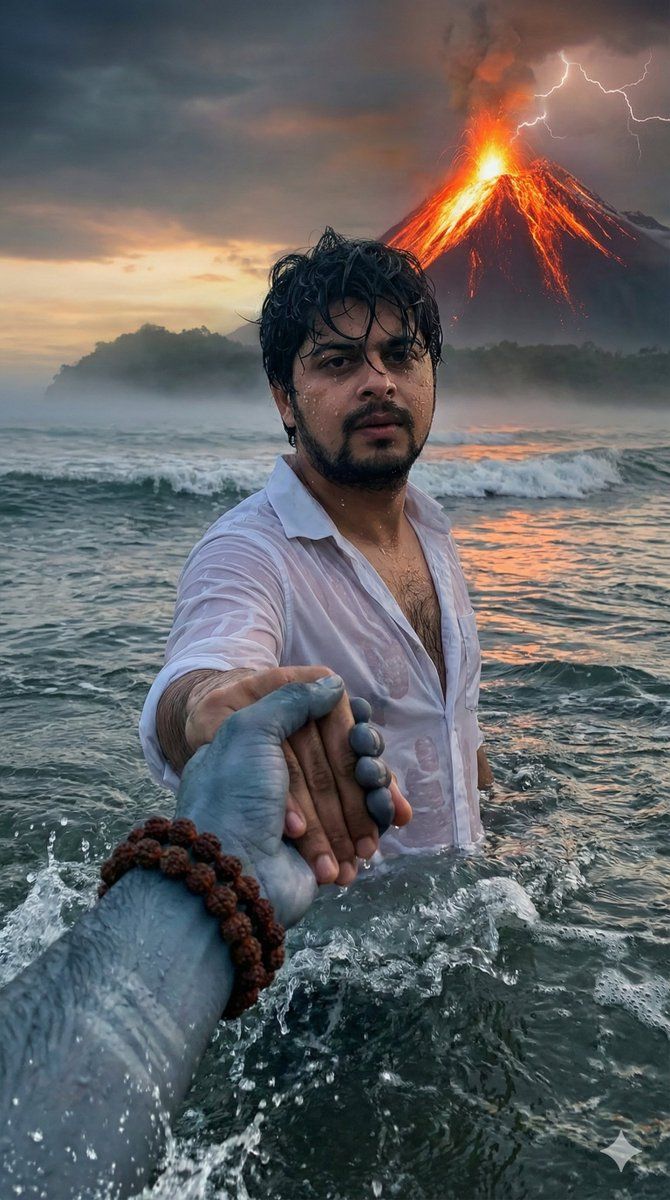
Prompt 1: Upload Your Image & paste this Prompt👇 "Create an ultra-realistic, hyper-detailed cinematic scene in vertical 9:16 ratio. First-person(in reference image)POV perspective. In the foreground, a powerful divine masculine hand of Lord Shiva is tightly holding my hand, as if he is guiding me(reference image)forward through rough ocean water. Lord Shiva’s hand should look strong, broad, muscular, with visible veins, wet skin texture, realistic pores, water droplets dripping, and natural ash-blue tone: Natural ash-blue tone (muted greyish blue, not bright neon). He is wearing multiple dark brown rudraksha bead bracelets around his wrist. The beads are detailed, sacred, slightly wet, and highly realistic. The camera angle shows that I am standing waist-deep in turbulent ocean water. I am facing forward toward the viewer (reference image)Don't change my face structure. My hair is wet, slightly messy, stuck to my forehead due to rain and seawater. Water droplets are visible on my face, beard (if any), neck, and collarbone. I am wearing a white shirt completely soaked with water. The fabric is thin due to wetness, slightly transparent, clinging to my body naturally. My inner chest shape is subtly visible through the wet shirt in a realistic and tasteful way (not exaggerated). The shirt shows detailed wet fabric texture, folds, transparency variation, and water dripping from sleeves. The ocean is stormy and dramatic — strong waves crashing, splashes frozen mid-motion, cinematic lighting reflecting on water surface. The water surface should have realistic foam, reflections, depth, and motion blur. In the far background, distant land is visible at the edge of the ocean, slightly foggy and atmospheric — as if I walked from that land into the middle of the sea. The land appears small and far away, with subtle mist for depth. Behind everything, a dramatic volcanic mountain is erupting. Bright orange lava flows from the peak, with glowing cracks visible on the mountain surface. Lightning strikes the top of the volcano through dark storm clouds. The sky is cinematic with sunset tones blending into dark thunderclouds — warm orange near horizon, deep grey and purple storm clouds above. Lighting style: ultra-realistic cinematic lighting, HDR, volumetric fog, high dynamic range, dramatic contrast, no color grading change from reference, natural tones, realistic skin shading" Prompt 2: Direct Paste "Create an ultra-realistic, hyper-detailed cinematic scene in vertical 9:16 ratio. The scene shows a powerful, realistic depiction of Lord Shiva from behind, standing waist-deep in a stormy ocean. The camera perspective is first-person POV — a human hand in the foreground is tightly holding Lord Shiva’s right hand, as if being led forward through rough sea water. The human hand in foreground should be extremely realistic with visible skin texture, pores, wet water droplets,
- Category
- Posters & Typography
- Model
- Nano Banana Pro
- Creator
- @imGopalTiwari
- Source ID
- 12123
- Published
- Apr 21, 2026
Views54