19

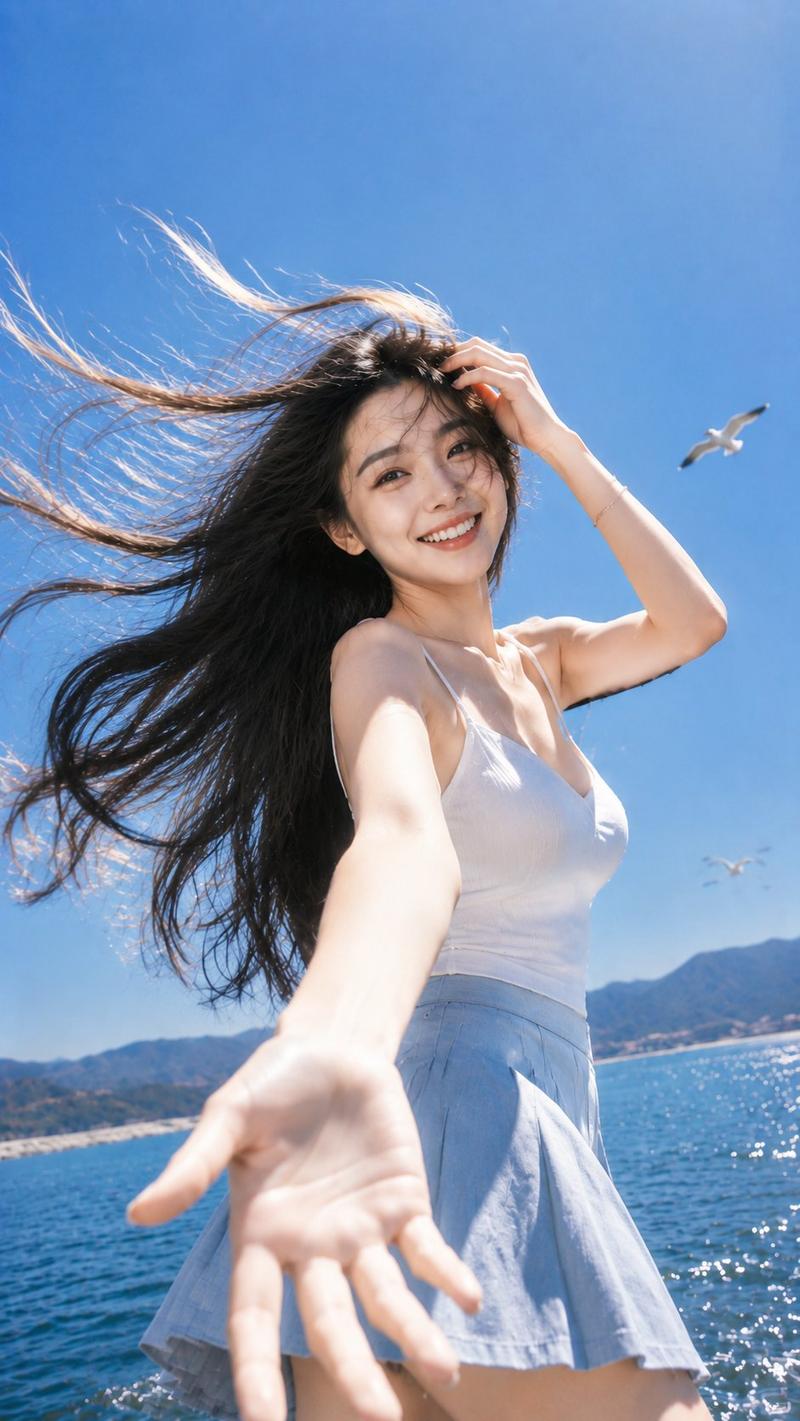
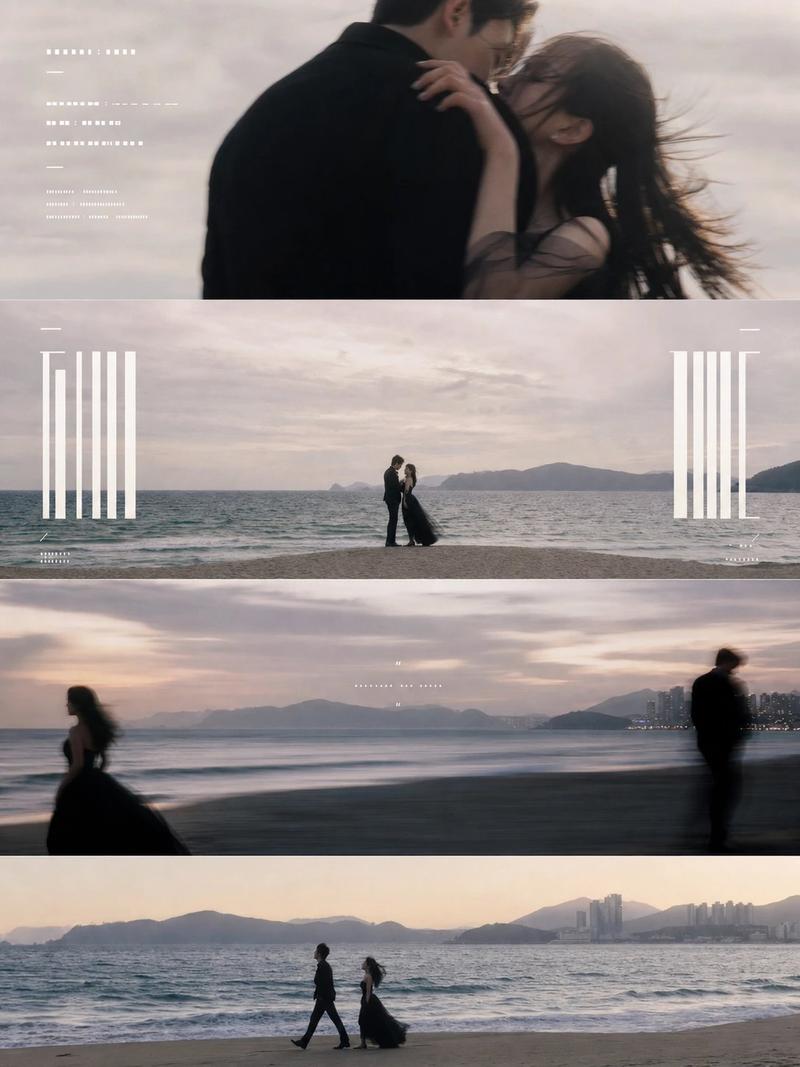
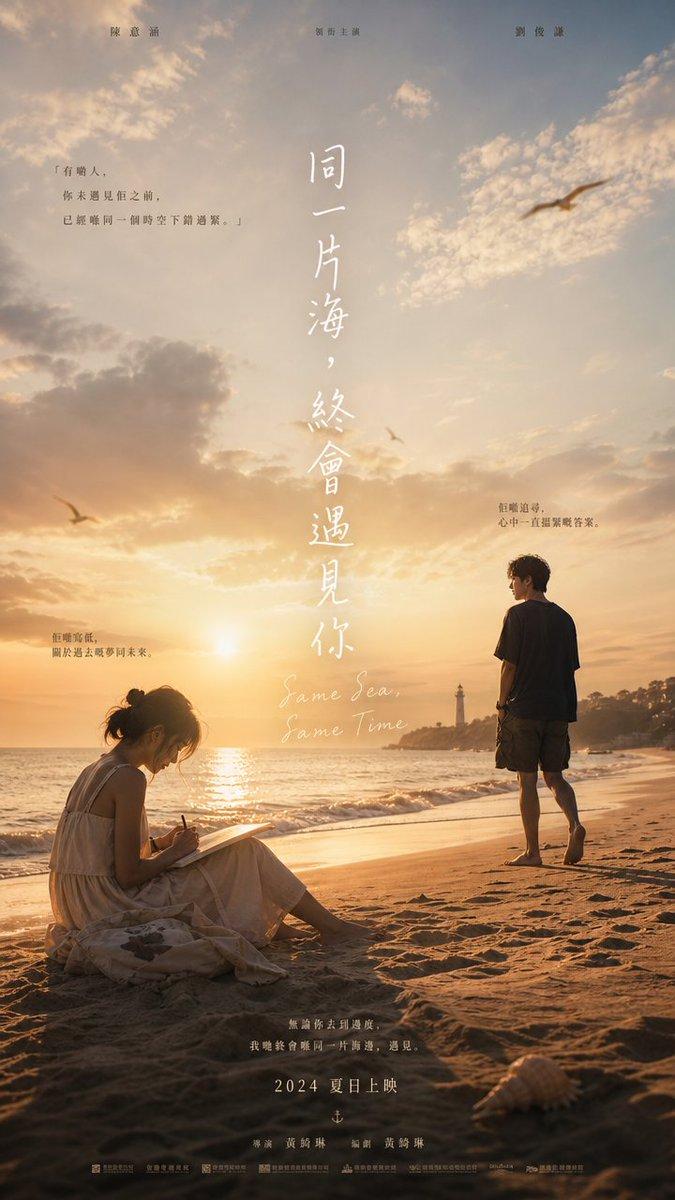
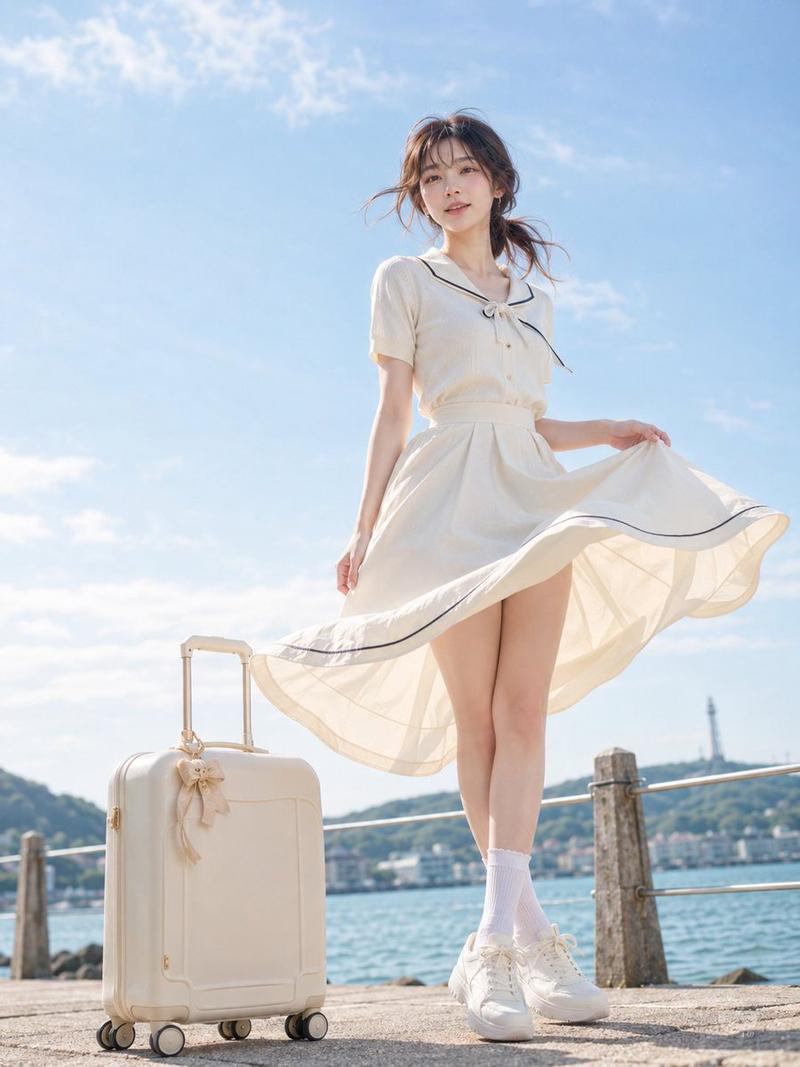
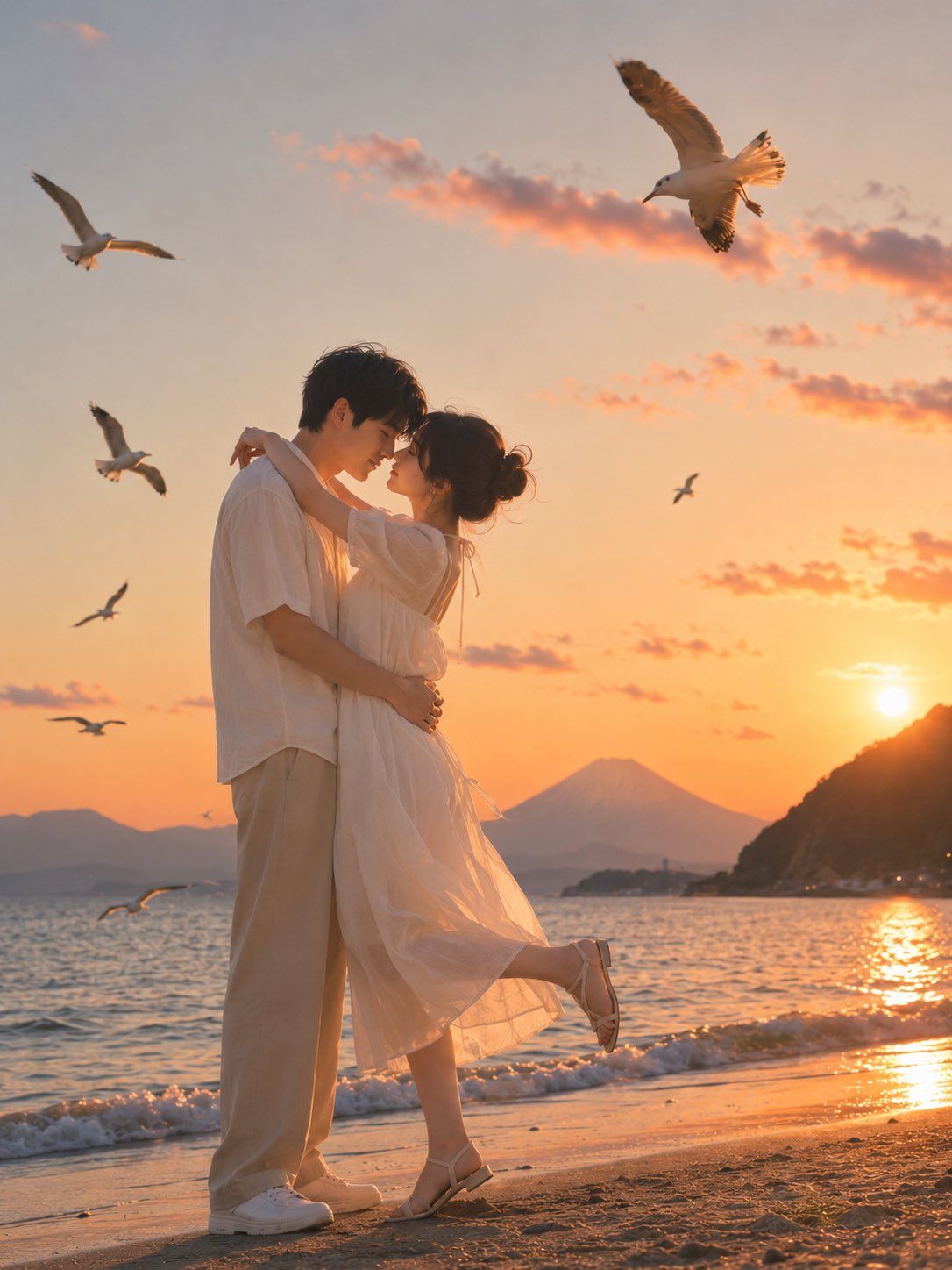
浪漫逗子海岸日落情侣
Enlarge

浪漫逗子海岸日落情侣

Prompt
主体:
{argument name="subject" default="日落时分绽放的爱意"}

人物/表情:
{argument name="character description" default="一对 20 岁出头的日本情侣。男子留着柔软的黑发,外表清爽,表情温柔且略带羞涩。女子留着披肩黑发,发丝在海风中轻轻飘动。两人深情对视,距离近到鼻尖几乎触碰,营造出一种即将亲吻的静谧浪漫氛围。"}

服装/姿势:
女子身穿浅白色至奶油色的雪纺连衣裙,带有简约的泡泡袖、细丝带和飘逸的裙摆,脚穿精致的平底凉鞋。男子身穿浅米色或白色短袖衬衫,搭配宽松的浅米色阔腿裤和白色运动鞋。男子轻轻搂住女子的腰,女子双臂环绕在男子颈后,一只脚微微向后抬起。这是一个既甜蜜又自然优雅的拥抱姿势。

背景/光影:
{argument name="background" default="逗子海岸的沙滩,位于海水与沙滩交汇的水边。湿润的沙滩和小波浪反射着落日的余晖。远处是朝向江之岛的海岸线,右侧有深色的海岬剪影,背景中隐约可见富士山。天空呈现出从橙色到淡粉色的日落渐变,点缀着薄云,几只海鸥掠过。低角度的日落逆光在头发和衣服的轮廓上勾勒出金色的边缘光。"}

构图/摄影:
垂直 3:4 画幅。略微低角度,情侣位于画面中左侧。广阔的天空中有海鸥增加动感。背景中的富士山和日落突显了情侣主体。相当于 35mm-50mm 镜头,自然视角,保持海岸线和晚空的深度感。景深不宜过浅,确保主体清晰,背景略微柔化。

质感/风格:
高清照片风格 AI 图像,日系人像,夏季海边约会照片,电影剧照般的日落场景。自然的皮肤质感,柔和的原始光影,通透的色调,橙粉色日落,湿润沙滩和海面的真实反射。呈现出杂志照片般优雅且可爱的质感。

负面提示词:
低质量,不自然的面部,不自然的手部,多余的手指,缺失的手指,扭曲的手指,多余的手臂,多余的腿,崩坏的面部,不对称的眼睛,奇怪的视线,扭曲的身体,不自然的脚,破损的衣服,过度曝光,厚重的正装,码头,栅栏,链条,铺砌的人行道,文字,标志,水印,背景乱码,不自然的海鸥,AI 特有的不自然纹理
Category
Posters & Typography
Model
GPT Image 2
Views0
Source ID
26239
Published
Jun 19, 2026

Guide

About "浪漫逗子海岸日落情侣"

What is this prompt for?

"浪漫逗子海岸日落情侣" AI image prompt for GPT Image 2 (Posters & Typography). 一份高细节提示词,用于生成日本情侣在逗子海岸日落时分的浪漫场景,包含特定的拍摄角度、光影效果以及富士山等背景细节。 Copy it on Picva and recreate th…

The full copyable prompt and example visuals above are ready for AI image generation or one-click recreate in Picva.

How to use this prompt

  1. Step 1

    Open the prompt detail

    Review the example visuals, category, and full prompt text for "浪漫逗子海岸日落情侣".

  2. Step 2

    Copy the prompt

    Copy the prompt body from this page, or load it directly in Studio.

  3. Step 3

    Pick a model (GPT Image 2)

    Prefer GPT Image 2. If you switch models, keep subject and composition and tweak style terms.

  4. Step 4

    Generate and export

    Recreate the look in Picva, or export into your workflow for editing and publishing.

FAQ

What is the "浪漫逗子海岸日落情侣" prompt?
It is an AI image-generation prompt for GPT Image 2 in the Posters & Typography category. This page includes the full prompt text, example visuals, and a one-click recreate path in Picva.
How do I use this prompt to generate an image?
Copy the prompt from this page, or use Generate / Studio. Paste it into a compatible image model, or recreate the look in Picva with optional reference images.
Which model is this prompt for?
This page lists GPT Image 2. Most descriptive prompts also transfer to nearby image models such as GPT Image, Flux, or Midjourney with light style tweaks.
Can I use the result commercially?
You can usually copy the prompt for creation, but commercial use of the final image depends on the model terms, reference-image rights, and the generated content. Follow the source author and platform rules.