19

高空塔尖自拍者
Enlarge

高空塔尖自拍者

Prompt
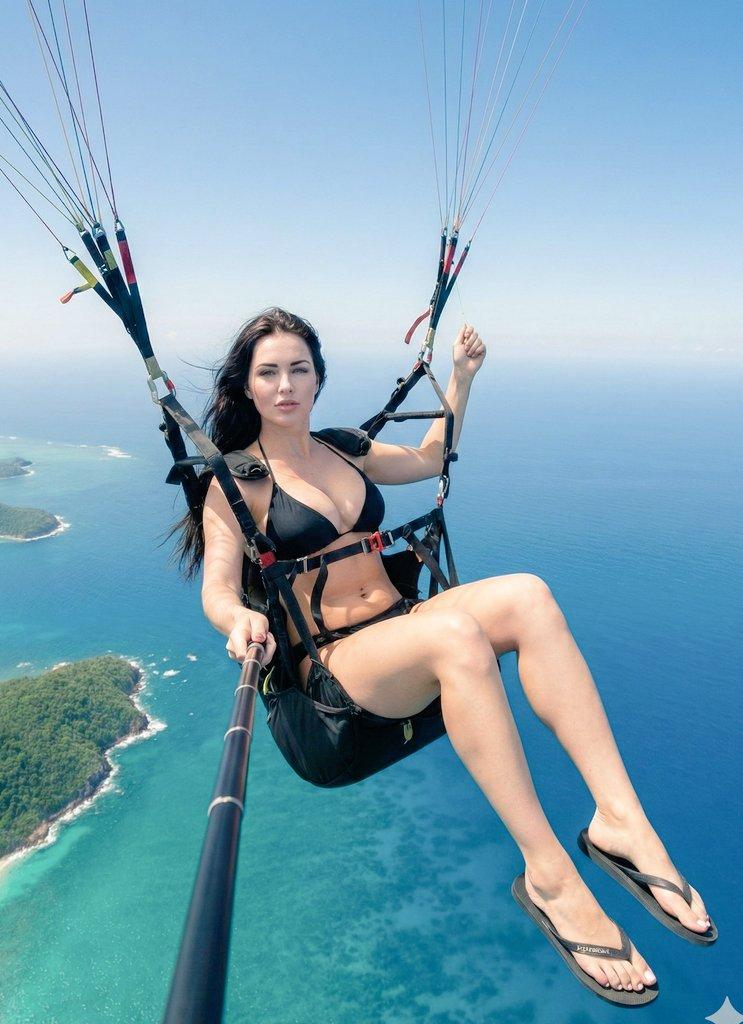
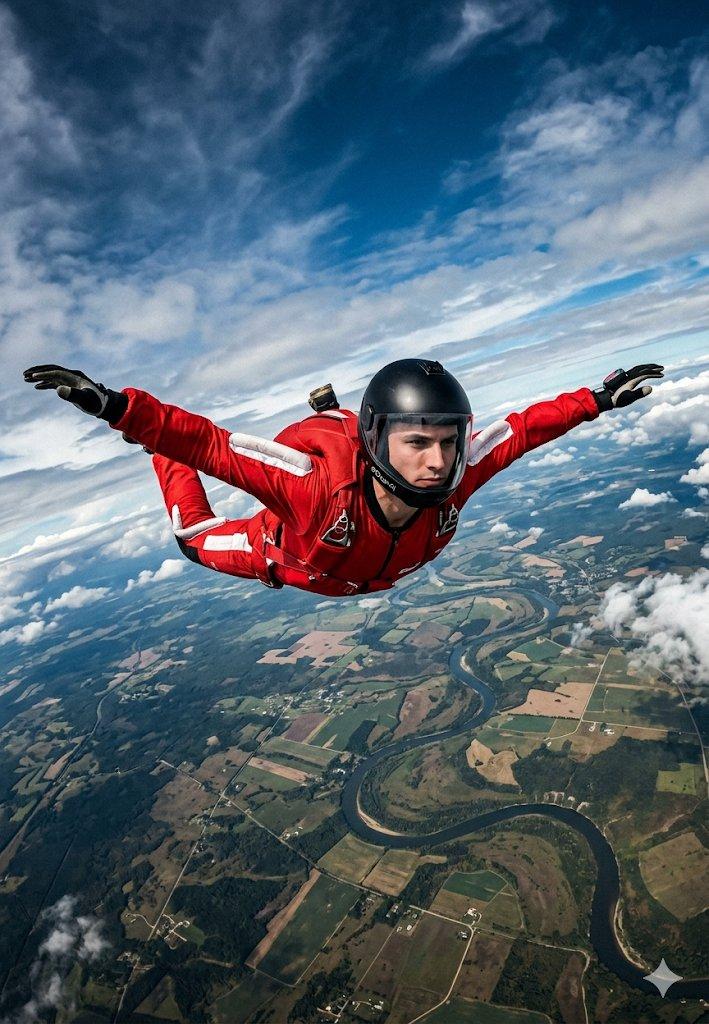
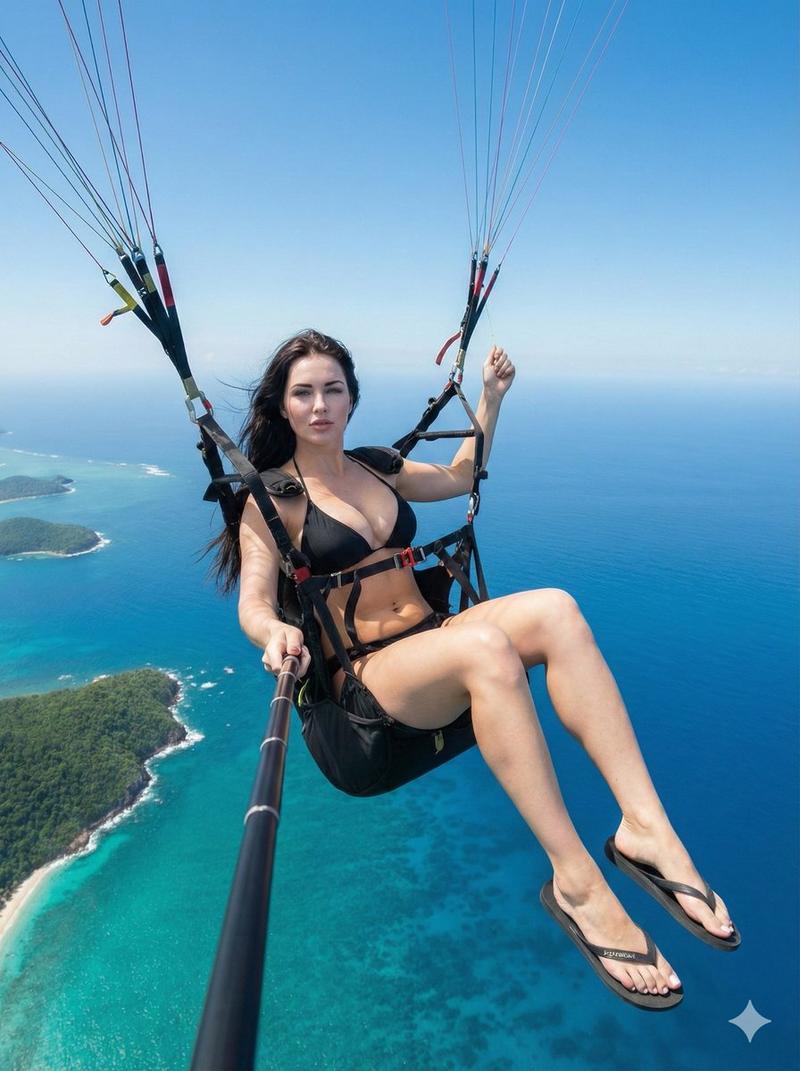
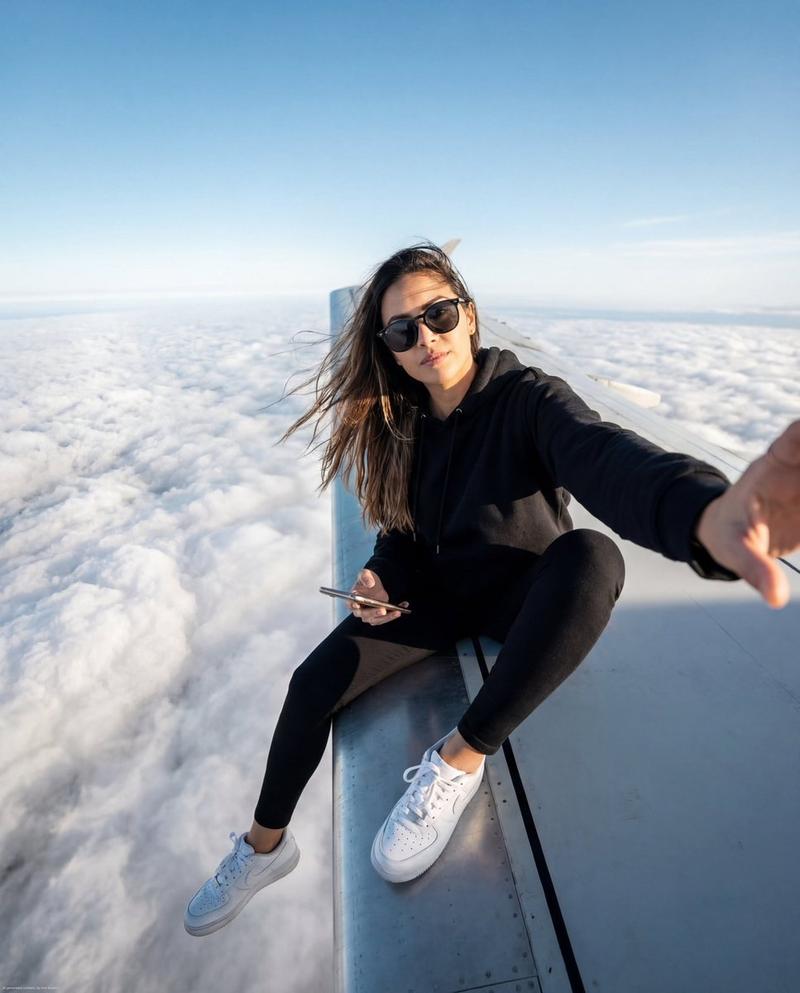
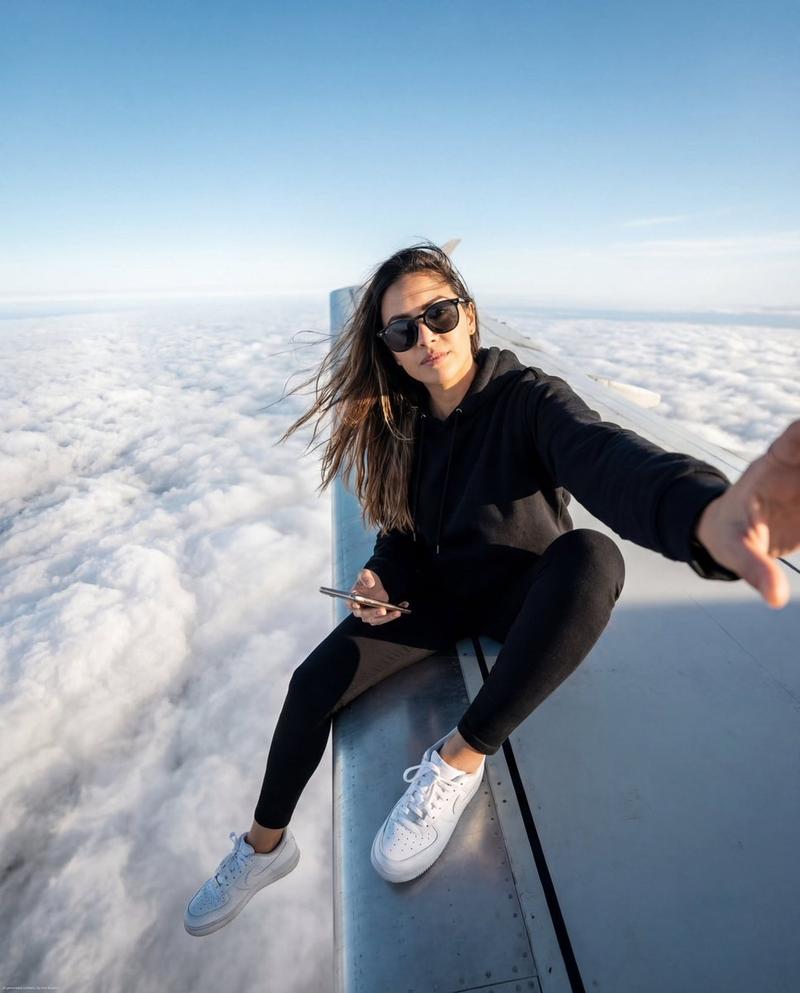
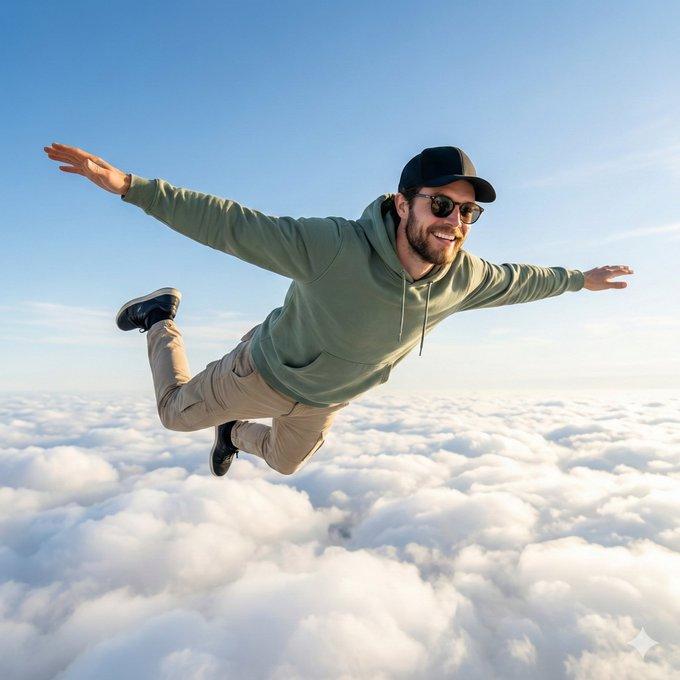
Use the same person from the reference image, same facial features and identity, realistic likeness preserved.
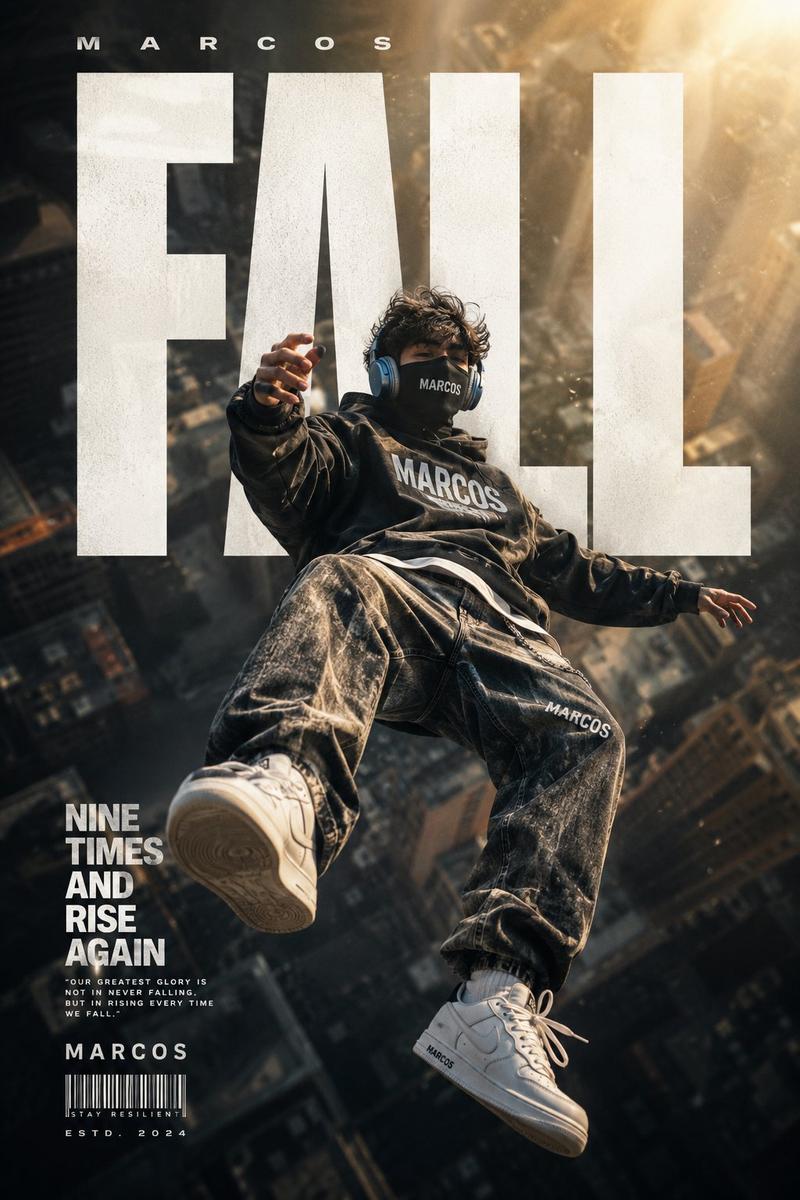
He is now wearing technical high-altitude gear:
a dark windproof jacket, reinforced harness straps, gloves, slim tactical pants, safety cables attached to his waist, modern climbing boots.
The character is standing on top of a gigantic antenna / transmission tower, thousands of kilometers above the ground.
He is taking a selfie with one arm extended, holding the camera, looking directly into the lens.
High-angle shot, camera slightly tilted downward, showing an absolutely massive void beneath him.
Below: endless clouds, tiny cities barely visible, curvature of the Earth suggested, extreme depth perception.
Strong wind, jacket flapping, cables vibrating, dramatic tension.
Ultra-realistic lighting, sharp details, cinematic contrast.
Category
Brand & Logos
Model
Nano Banana Pro
Views88
Source ID
2057
Published
Jan 17, 2026

Guide

About "高空塔尖自拍者"

What is this prompt for?

"高空塔尖自拍者" AI image prompt for Nano Banana Pro (Brand & Logos). 使用参考图片中的同一个人物,保持相同的面部特征与身份,真实 likeness 得以保留。 他现在穿着技术型高海拔装备: 深色防风夹克、加固安全带、手套、修身战术裤、腰间系有安全缆绳、现代登山靴…

The full copyable prompt and example visuals above are ready for AI image generation or one-click recreate in Picva.

How to use this prompt

  1. Step 1

    Open the prompt detail

    Review the example visuals, category, and full prompt text for "高空塔尖自拍者".

  2. Step 2

    Copy the prompt

    Copy the prompt body from this page, or load it directly in Studio.

  3. Step 3

    Pick a model (Nano Banana Pro)

    Prefer Nano Banana Pro. If you switch models, keep subject and composition and tweak style terms.

  4. Step 4

    Generate and export

    Recreate the look in Picva, or export into your workflow for editing and publishing.

FAQ

What is the "高空塔尖自拍者" prompt?
It is an AI image-generation prompt for Nano Banana Pro in the Brand & Logos category. This page includes the full prompt text, example visuals, and a one-click recreate path in Picva.
How do I use this prompt to generate an image?
Copy the prompt from this page, or use Generate / Studio. Paste it into a compatible image model, or recreate the look in Picva with optional reference images.
Which model is this prompt for?
This page lists Nano Banana Pro. Most descriptive prompts also transfer to nearby image models such as GPT Image, Flux, or Midjourney with light style tweaks.
Can I use the result commercially?
You can usually copy the prompt for creation, but commercial use of the final image depends on the model terms, reference-image rights, and the generated content. Follow the source author and platform rules.