20

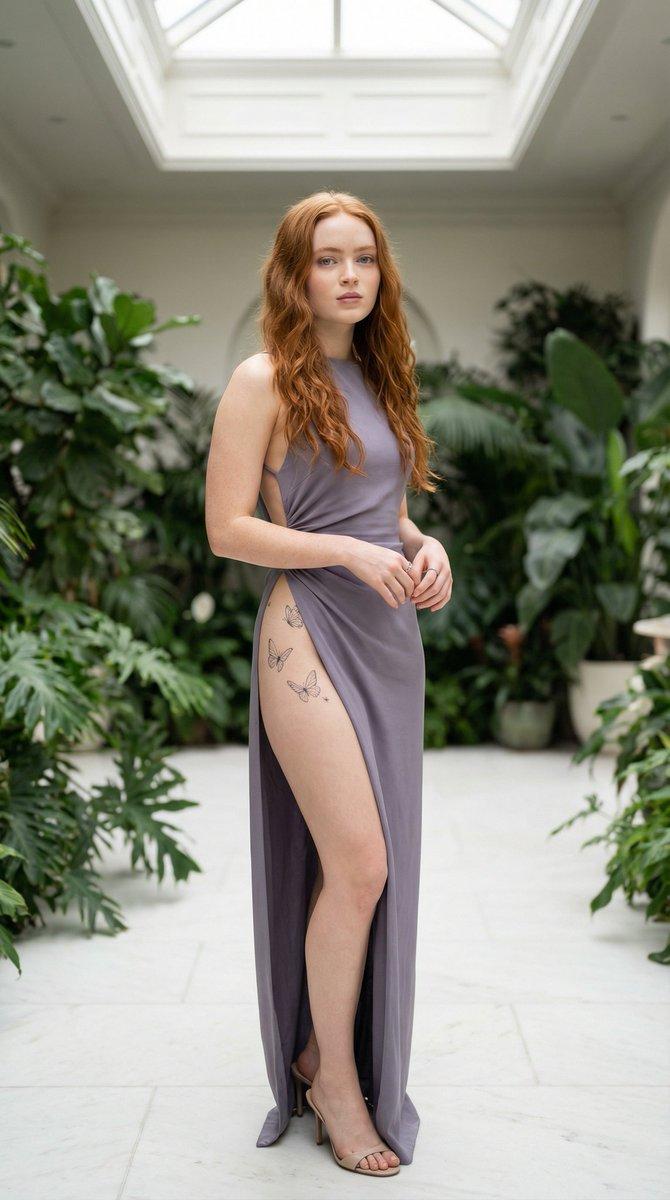
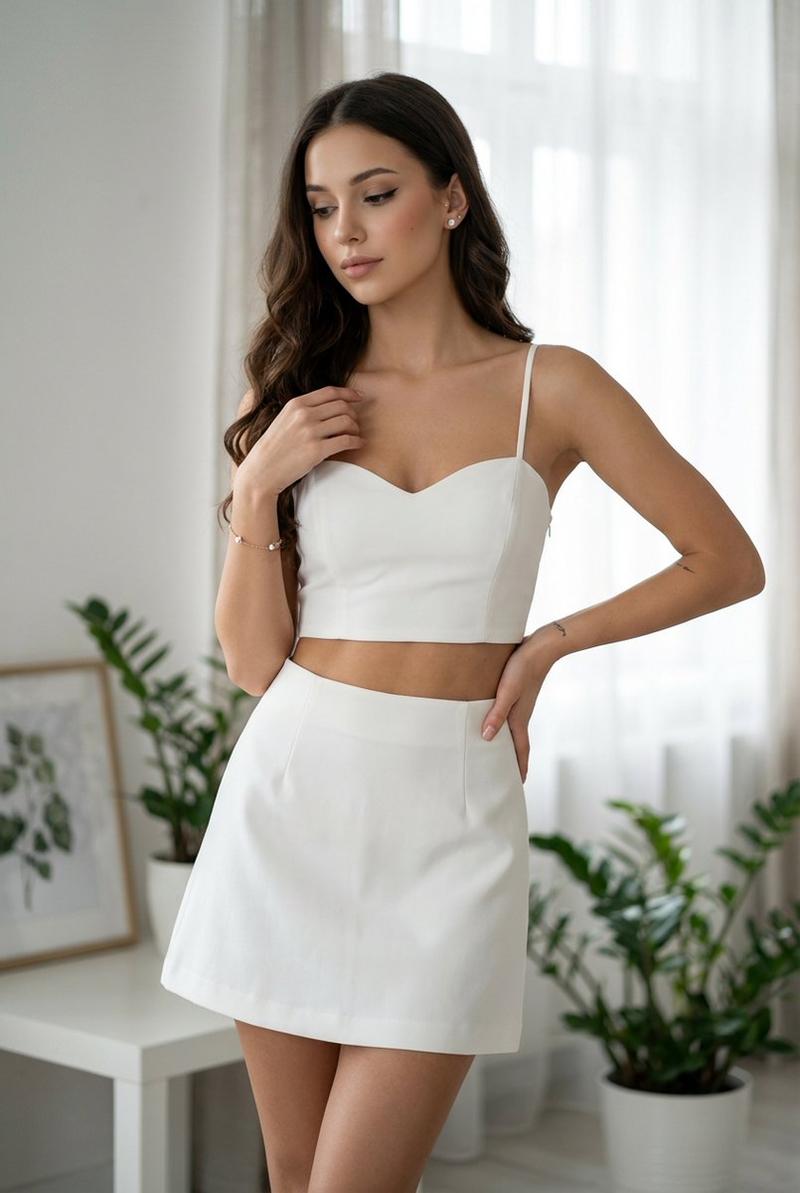
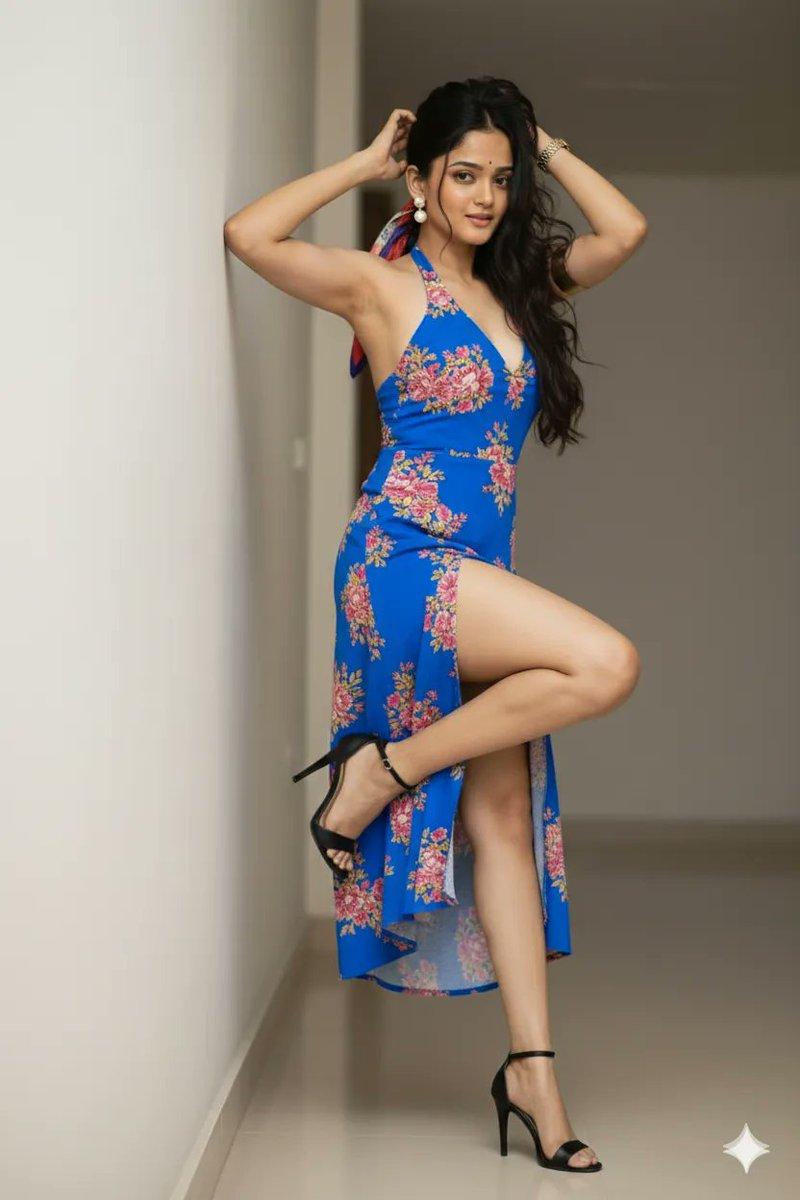
天窗柔光下的红发精灵与蝴蝶刺青
Enlarge

天窗柔光下的红发精灵与蝴蝶刺青

Prompt
{ "subject": { "person": "Sadie Sink", "appearance": { "hair": "Long natural red waves", "eyes": "Light blue", "skin": "Fair with soft warm undertones", "facial_expression": "Youthful, calm, confident" }, "pose": { "body_position": "random postion", "arms": "Hands loosely intertwined in front", "torso": "Neutral upright posture" }, "tattoo": { "location": "Upper hip transitioning slightly to upper thigh", "style": "Fine-line minimalist butterfly cluster", "details": "Tiny wings, micro-ink outlines" }, "outfit": { "dress": "High-fashion asymmetrical dress with side opening", "color": "Smoky lavender", "shoes": "Minimal open-toe heels" } }, "setting": { "location": "Soft-lit indoor garden room", "surroundings": "Green plants, white stone floor, natural ambience" }, "lighting": { "type": "Natural soft diffused light from overhead skylight", "effect": "Gentle highlights on hair and tattoo" }, "camera": { "angle": "Full-body editorial shot", "lens": "35mm", "aperture": "f/2.8", "iso": 200, "shutter_speed": "1/200s", "focus": "Face and tattoo area in balanced sharpness", "orientation": "Vertical" } }
Category
Posters & Typography
Model
Nano Banana Pro
Views108
Source ID
10290
Published
Mar 28, 2026

Guide

About "天窗柔光下的红发精灵与蝴蝶刺青"

What is this prompt for?

"天窗柔光下的红发精灵与蝴蝶刺青" AI image prompt for Nano Banana Pro (Posters & Typography). { "subject": { "person": "{argument name=\"person name\" default=\"Sadie Sink\"}"…

The full copyable prompt and example visuals above are ready for AI image generation or one-click recreate in Picva.

How to use this prompt

  1. Step 1

    Open the prompt detail

    Review the example visuals, category, and full prompt text for "天窗柔光下的红发精灵与蝴蝶刺青".

  2. Step 2

    Copy the prompt

    Copy the prompt body from this page, or load it directly in Studio.

  3. Step 3

    Pick a model (Nano Banana Pro)

    Prefer Nano Banana Pro. If you switch models, keep subject and composition and tweak style terms.

  4. Step 4

    Generate and export

    Recreate the look in Picva, or export into your workflow for editing and publishing.

FAQ

What is the "天窗柔光下的红发精灵与蝴蝶刺青" prompt?
It is an AI image-generation prompt for Nano Banana Pro in the Posters & Typography category. This page includes the full prompt text, example visuals, and a one-click recreate path in Picva.
How do I use this prompt to generate an image?
Copy the prompt from this page, or use Generate / Studio. Paste it into a compatible image model, or recreate the look in Picva with optional reference images.
Which model is this prompt for?
This page lists Nano Banana Pro. Most descriptive prompts also transfer to nearby image models such as GPT Image, Flux, or Midjourney with light style tweaks.
Can I use the result commercially?
You can usually copy the prompt for creation, but commercial use of the final image depends on the model terms, reference-image rights, and the generated content. Follow the source author and platform rules.