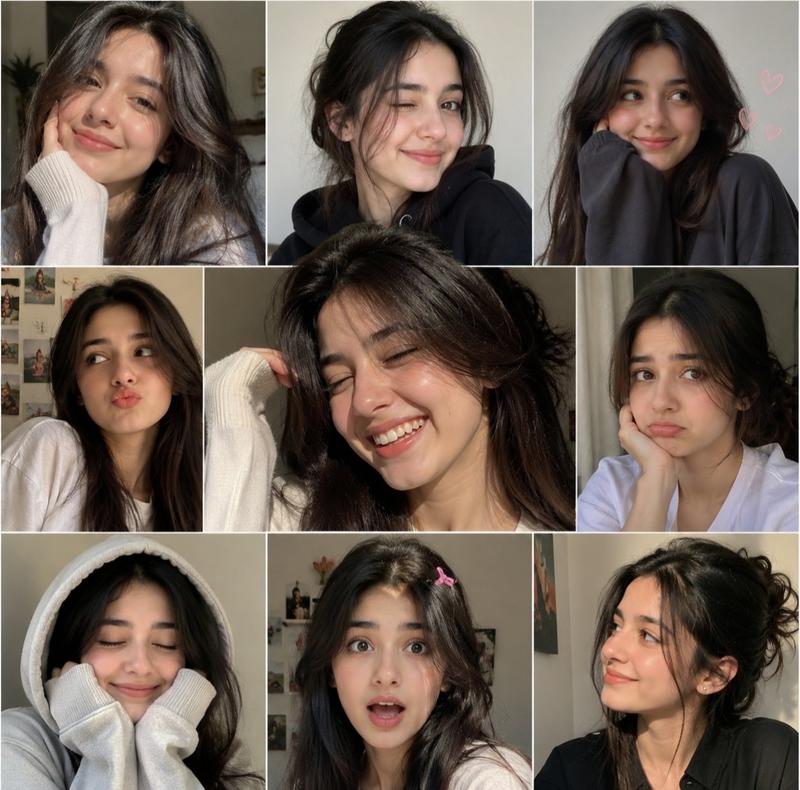
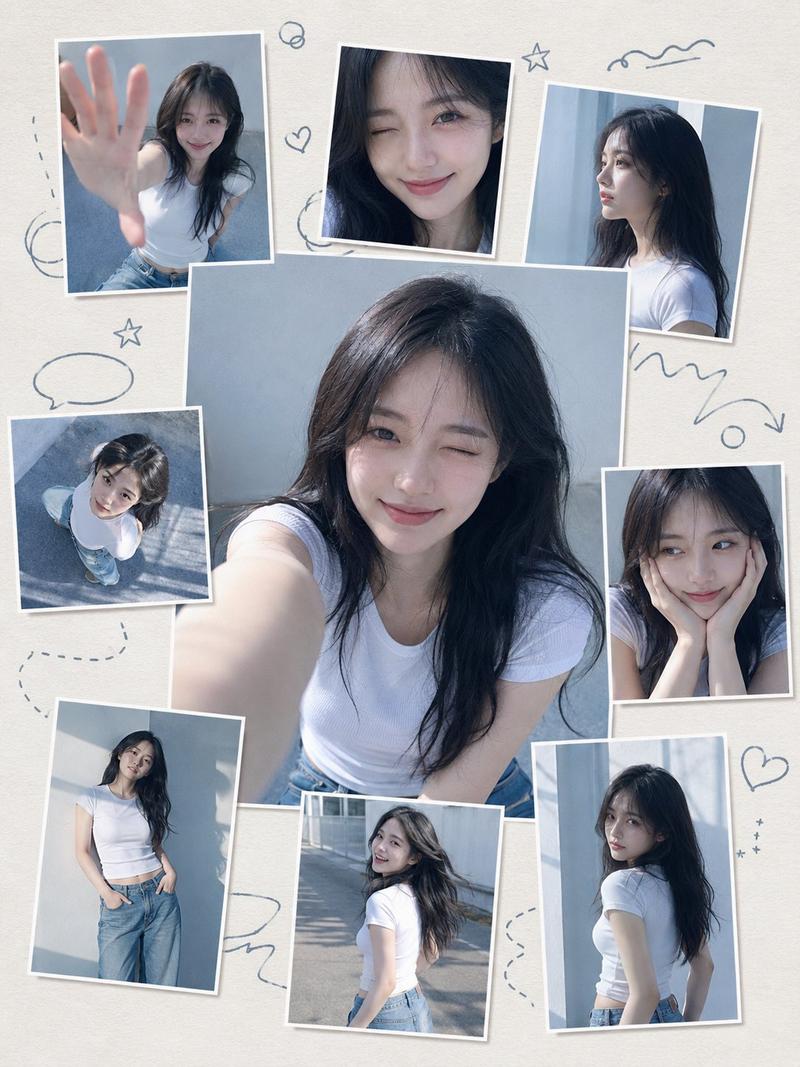
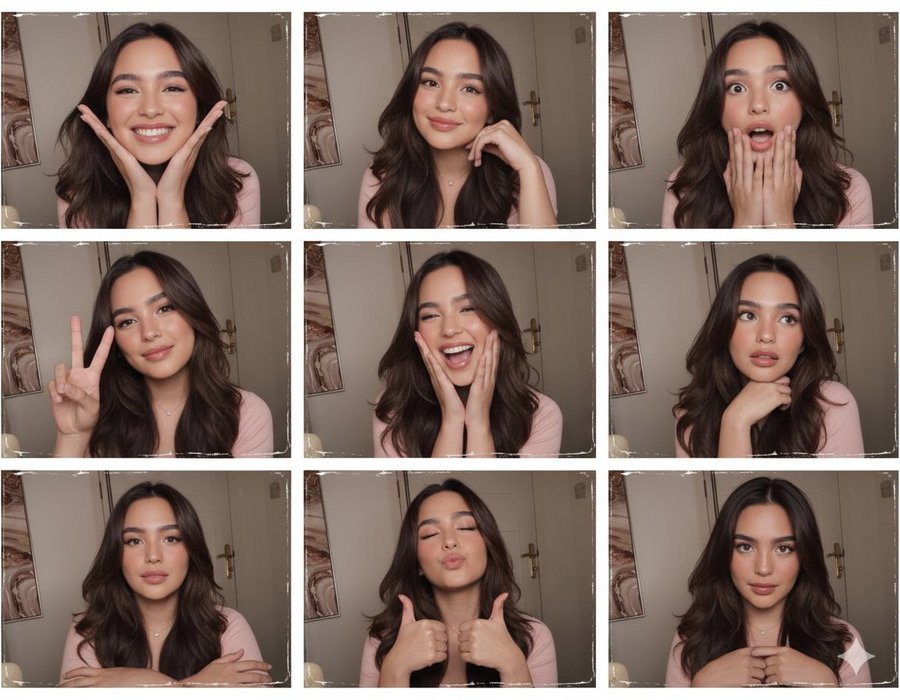
慢快门闪光灯下的韩系纯欲少女四宫格自拍
Prompt
{
    "global_style_injection": "Heavy film grain, soft focus, dreamy Pro - Mist diffusion filter, motion blur from camera panning, vintage color grading, flash photography",
    "subject": {
        "description": "A 2x2 mirror - selfie collage of a charming Korean female idol in her bedroom. The image features a distinct 'shutter drag' effect where the subject is illuminated by flash but slightly blurred due to movement, creating a dreamy, hazy aesthetic.",
        "vibes": "Sexy yet innocent, intimate, slightly intoxicated mood (drunk on atmosphere), atmospheric, lo - fi aesthetic.",
        "looks": {
            "face": "Soft features, glowing skin due to diffusion filter, 'water - color' like makeup texture",
            "eyes": "Dreamy gaze, slightly out of focus in one panel, looking directly into the lens with a soft smile in another",
            "hair": "Long black hair, moving with the motion blur, creating silky trails"
        }
    },
    "clothing": {
        "style": "Pure and sexy loungewear",
        "item": "A white silk slip dress or a translucent oversized white t - shirt falling off one shoulder",
        "texture": "Silk or soft cotton that glows under the flash and diffusion filter",
        "details": "Hint of collarbone, casual disarray"
    },
    "pose": {
        "action": "Playful and dynamic movement. Not static.",
        "panels": [
            "Panel 1: Laughing while turning head, hair in motion blur",
            "Panel 2: Close - up wink with heavy Pro - Mist bloom on the face",
            "Panel 3: Sitting on floor, camera tilted, slight double - exposure effect from movement",
            "Panel 4: Covering mouth with hand, shy but flirting"
        ]
    },
    "background": {
        "setting": "Personal bedroom, slightly messy but cozy",
        "lighting_elements": "Warm bedside lamp, fairy lights, or neon sign reflection that creates light trails (bokeh streaks) due to the camera panning motion",
        "ambiance": "Dark room illuminated by the harsh but diffused flash"
    },
    "photography": {
        "technique": "Slow shutter sync flash (Drag Shutter)",
        "filter": "Black Pro - Mist 1/4 filter (creates halation around highlights)",
        "focus": "Soft focus, slightly missed focus for artistic effect",
        "color_grading": "Vintage film stock (Kodak Portra 800 or Cinestill 800T), greenish shadows, warm glowing highlights",
        "texture": "Heavy film grain, noise, imperfection, analog feel"
    },
    "constraints": {
        "layout": "2x2 grid collage",
        "composition": "The camera panning effect should make the background lights streak horizontally or rotationally, while the flash freezes the face relatively clearly."
    }
}- Category
- Posters & Typography
- Model
- Nano Banana Pro
- Creator
- @Trenity_AI
- Source ID
- 7143
- Published
- Mar 11, 2026
Views269