18

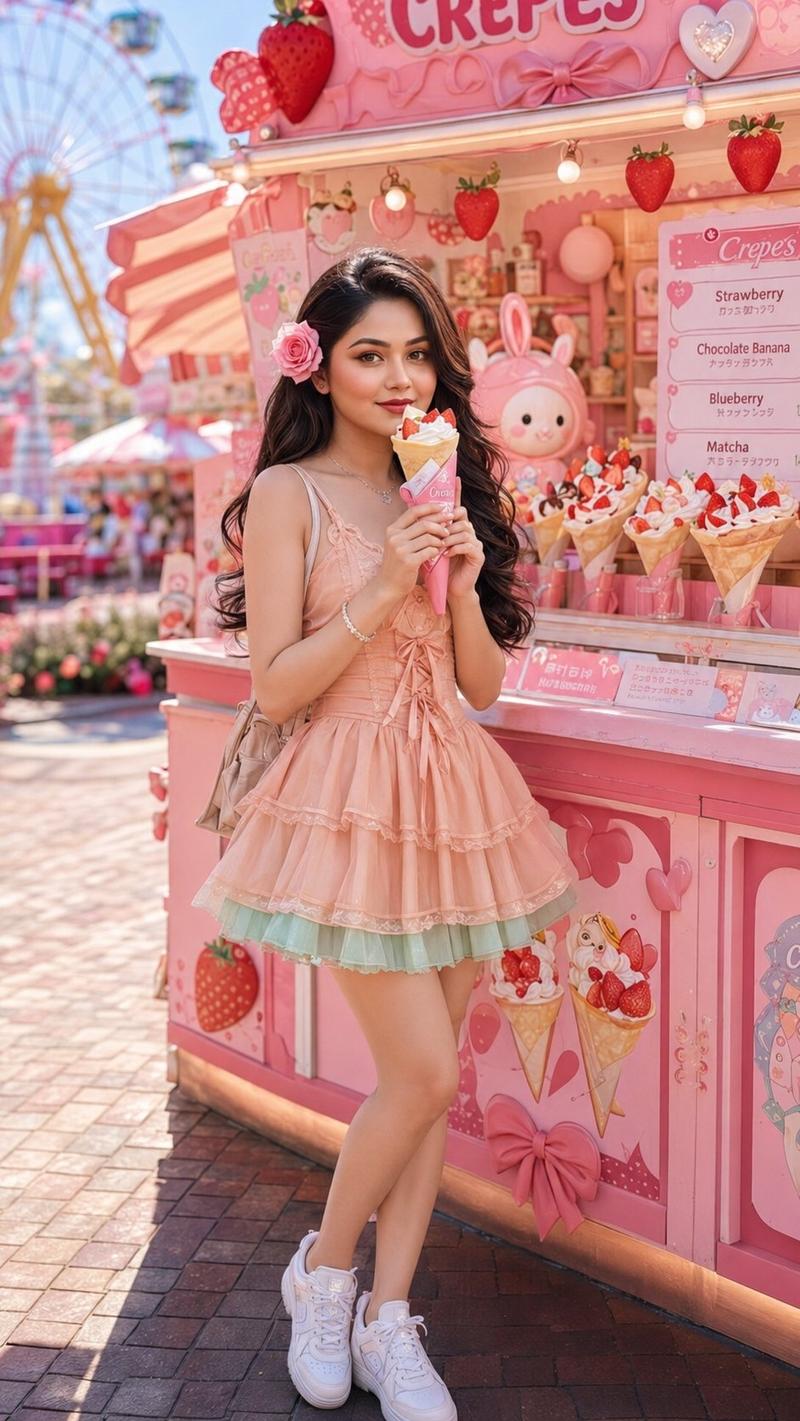
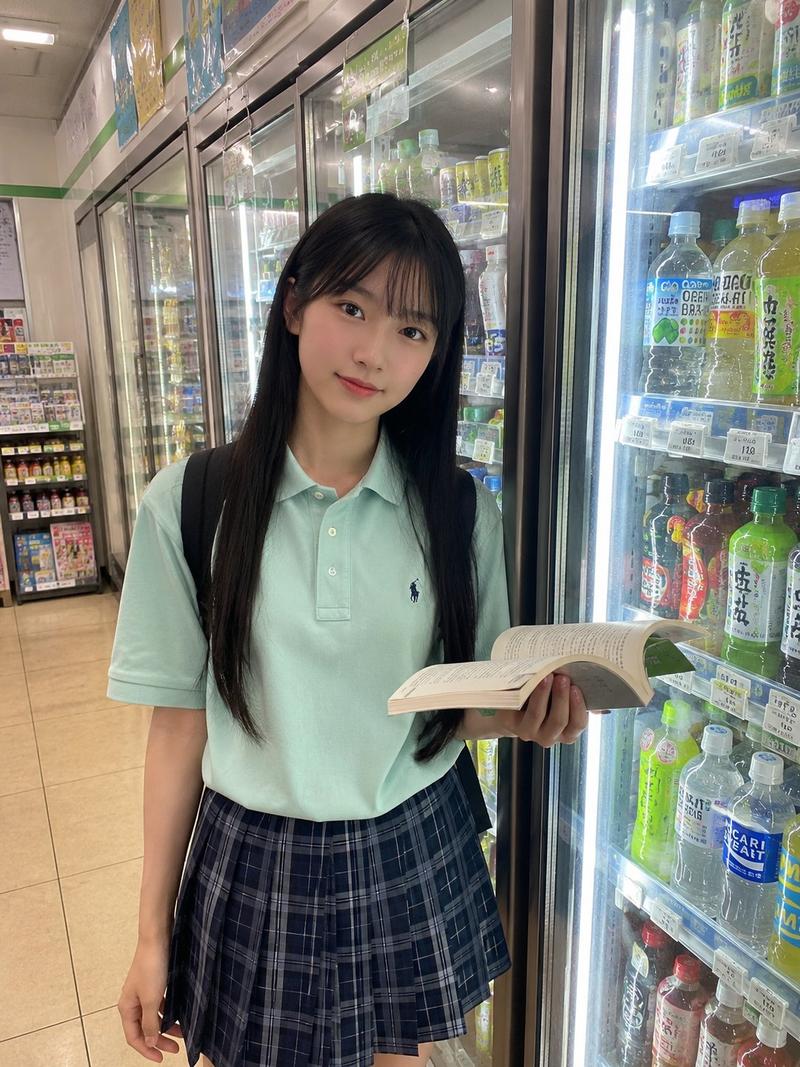
柔光CCD都市可爱娃娃机写真
Enlarge

Example images

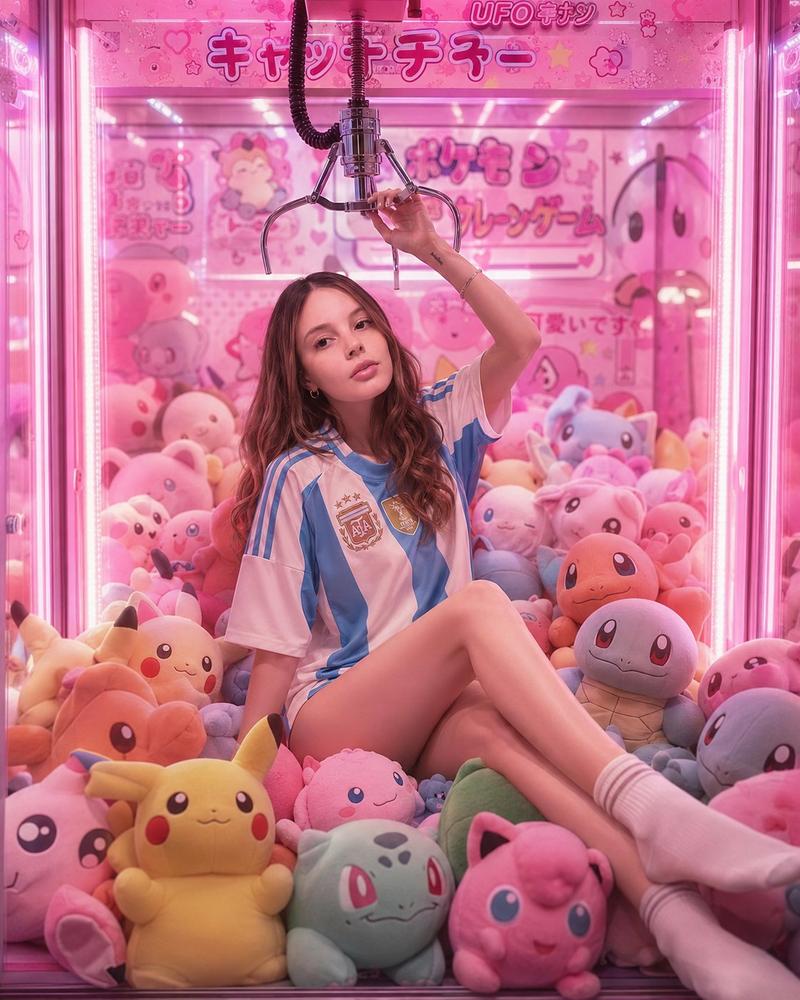
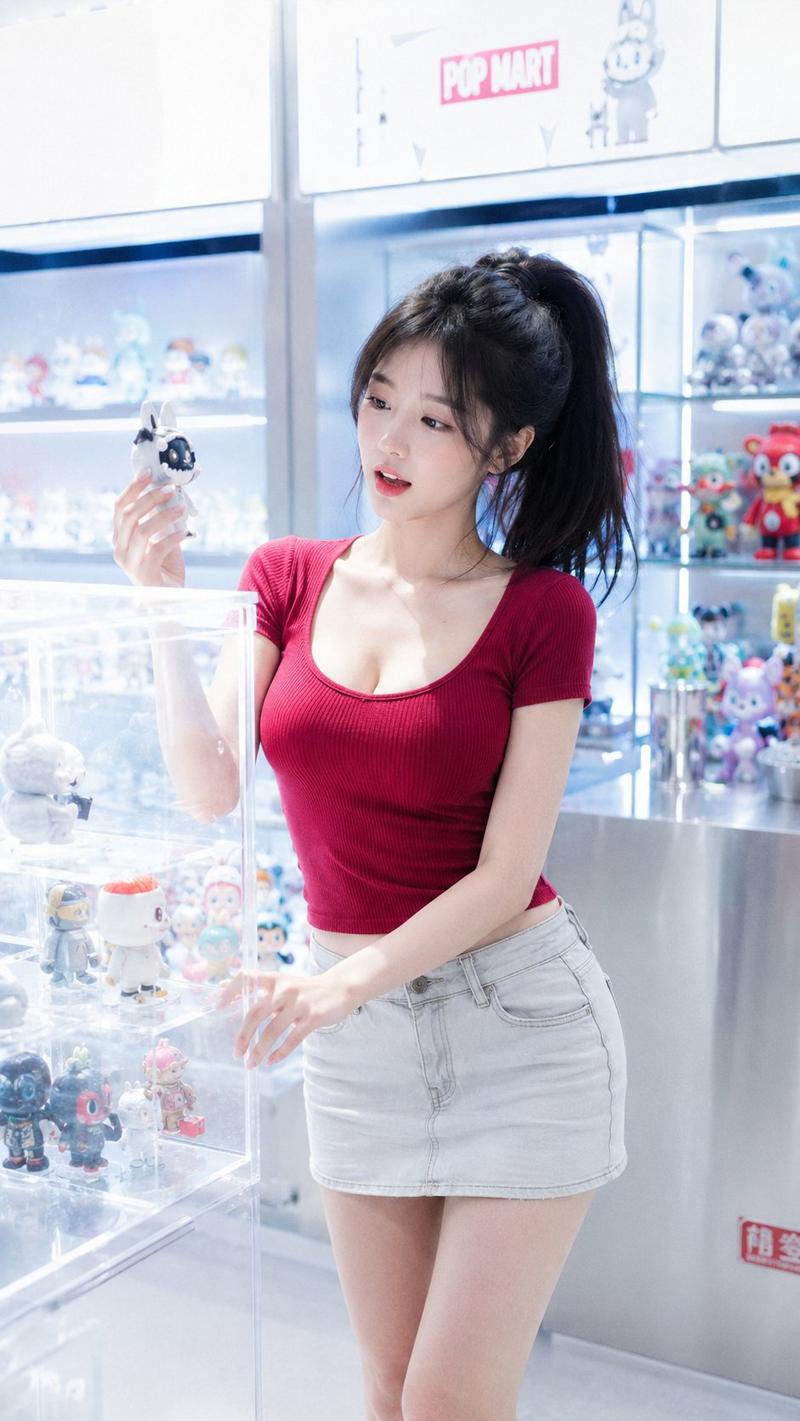
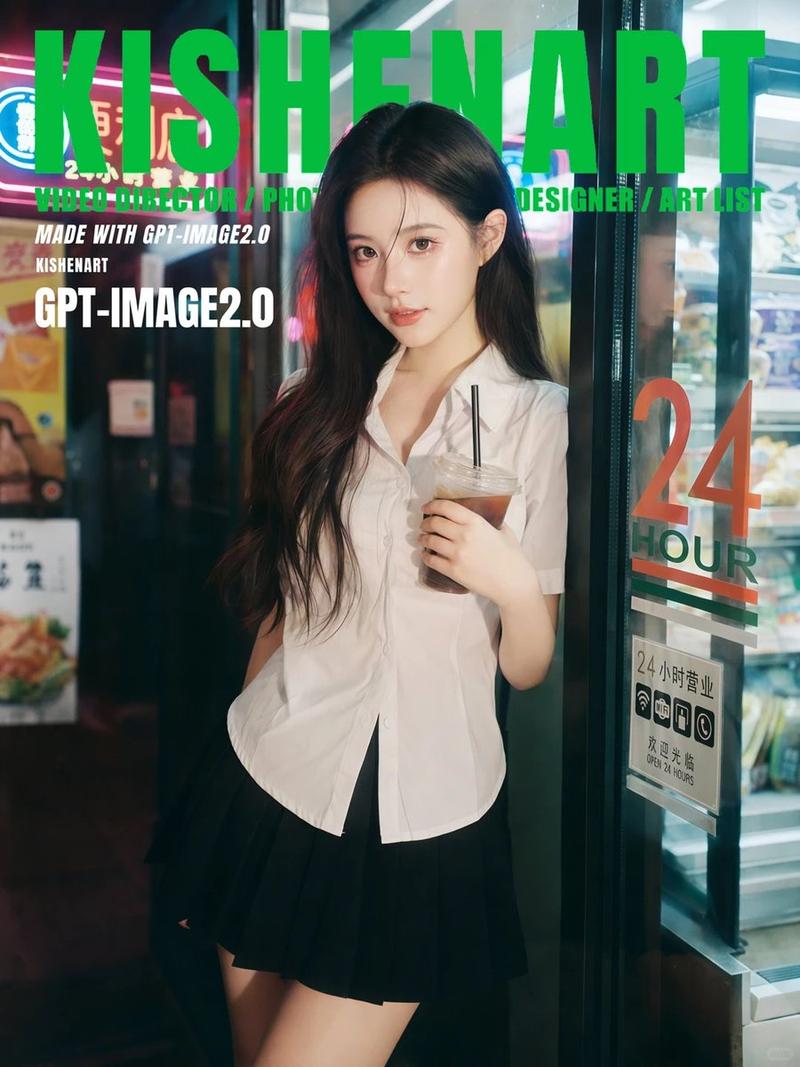
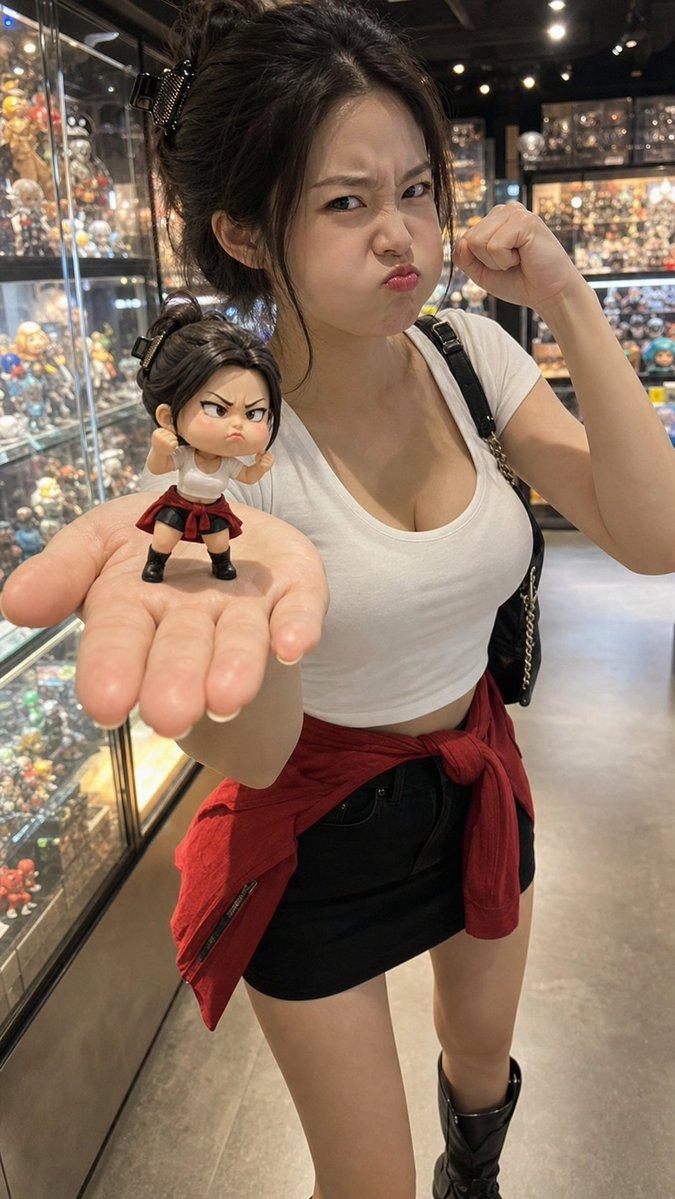
柔光CCD都市可爱娃娃机写真

Prompt
Photography style: Soft light CCD style
Portrait direction: Urban cute portrait
Scene direction: Claw machine shop / Pink and white lighting / In front of a doll wall
Clothing direction: Cream-white short-sleeved knit top + Light pink short skirt + Small bow hair accessory
Temperament tags: Cute, sweet and soft, playful, relaxed, energetic, moe feeling
Facial features direction: Sweet and cool girl face
Body direction: Well-proportioned and soft
Line emphasis: Weak
Lens direction: Half-body to thighs
Pose and action: One hand holding a caught doll, the other hand hanging naturally, looking happily at the camera
Light and atmosphere: Claw machine lighting + soft flash
Filter effect: Creamy white highlights + light grain + soft glowing effect + pink and white CCD colors
Aspect ratio: 9:16
Additional requirements: The overall should be moe, sweet, and relaxed, like a frame captured by a flash while shopping
Category
Photography & Realism
Model
ChatGPT
Creator
@liyue_ai
Views10
Source ID
15565
Published
Jun 9, 2026

Guide

About "柔光CCD都市可爱娃娃机写真"

What is this prompt for?

"柔光CCD都市可爱娃娃机写真" AI image prompt for ChatGPT (Photography & Realism). 摄影风格:柔光CCD风 写真方向:都市可爱写真 场景方向:娃娃机店 / 粉白灯光 / 玩偶墙前 服装方向:奶白短袖针织上衣 + 浅粉短裙 + 小蝴蝶结发饰 气质标签:可爱、甜软、…

The full copyable prompt and example visuals above are ready for AI image generation or one-click recreate in Picva.

How to use this prompt

  1. Step 1

    Open the prompt detail

    Review the example visuals, category, and full prompt text for "柔光CCD都市可爱娃娃机写真".

  2. Step 2

    Copy the prompt

    Copy the prompt body from this page, or load it directly in Studio.

  3. Step 3

    Pick a model (ChatGPT)

    Prefer ChatGPT. If you switch models, keep subject and composition and tweak style terms.

  4. Step 4

    Generate and export

    Recreate the look in Picva, or export into your workflow for editing and publishing.

FAQ

What is the "柔光CCD都市可爱娃娃机写真" prompt?
It is an AI image-generation prompt for ChatGPT in the Photography & Realism category. This page includes the full prompt text, example visuals, and a one-click recreate path in Picva.
How do I use this prompt to generate an image?
Copy the prompt from this page, or use Generate / Studio. Paste it into a compatible image model, or recreate the look in Picva with optional reference images.
Which model is this prompt for?
This page lists ChatGPT. Most descriptive prompts also transfer to nearby image models such as GPT Image, Flux, or Midjourney with light style tweaks.
Can I use the result commercially?
You can usually copy the prompt for creation, but commercial use of the final image depends on the model terms, reference-image rights, and the generated content. Follow the source author and platform rules.