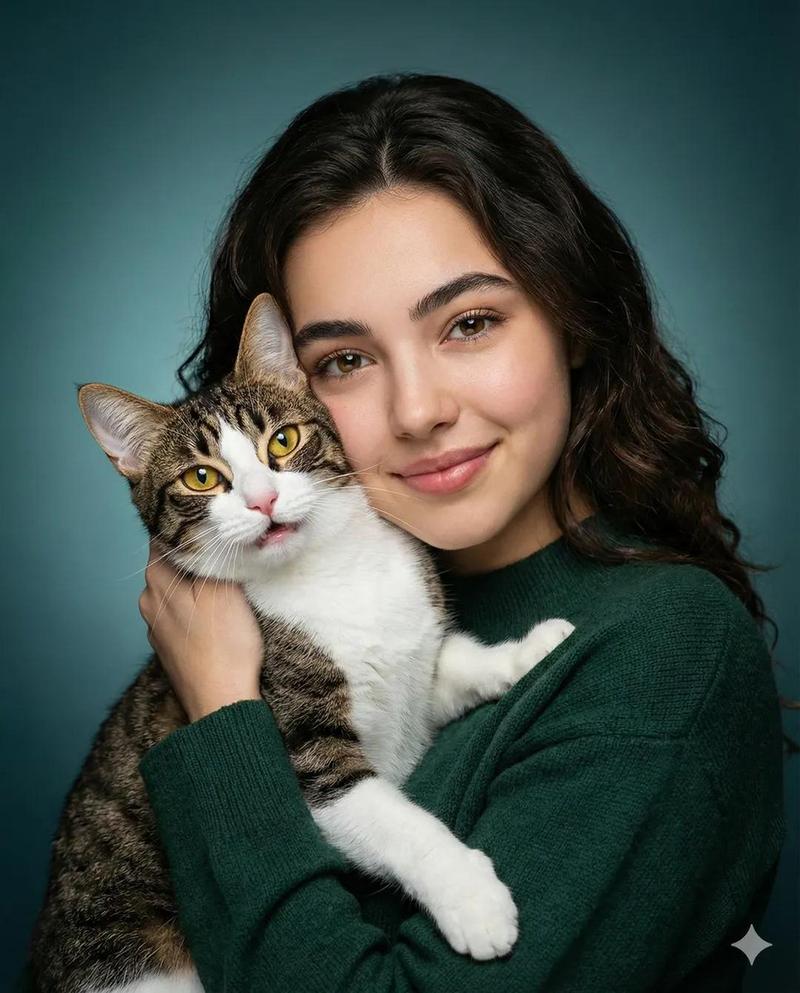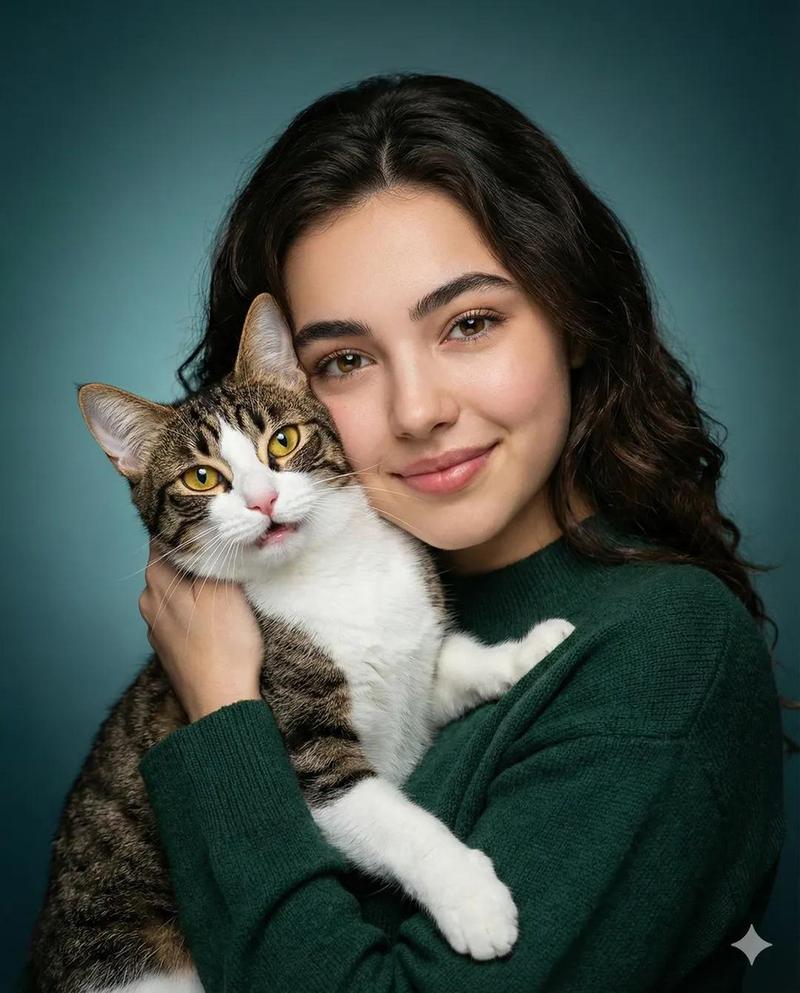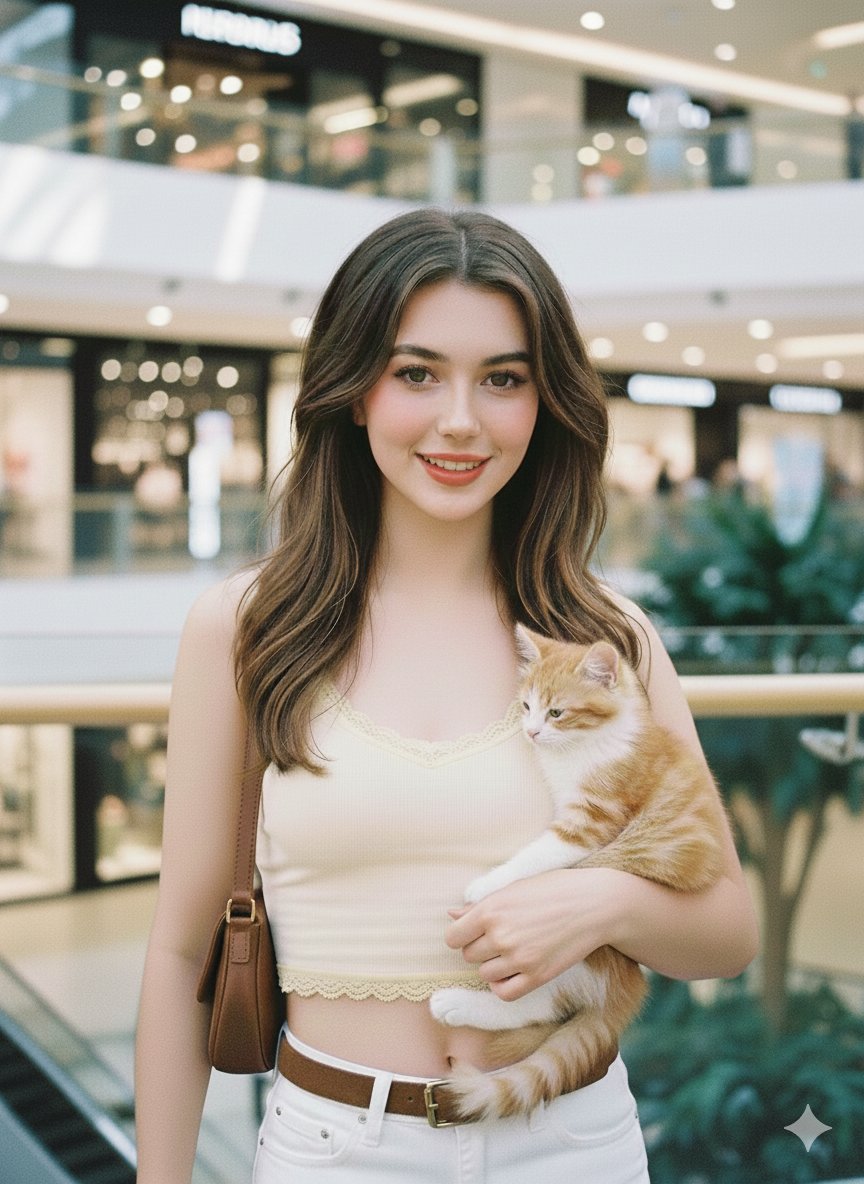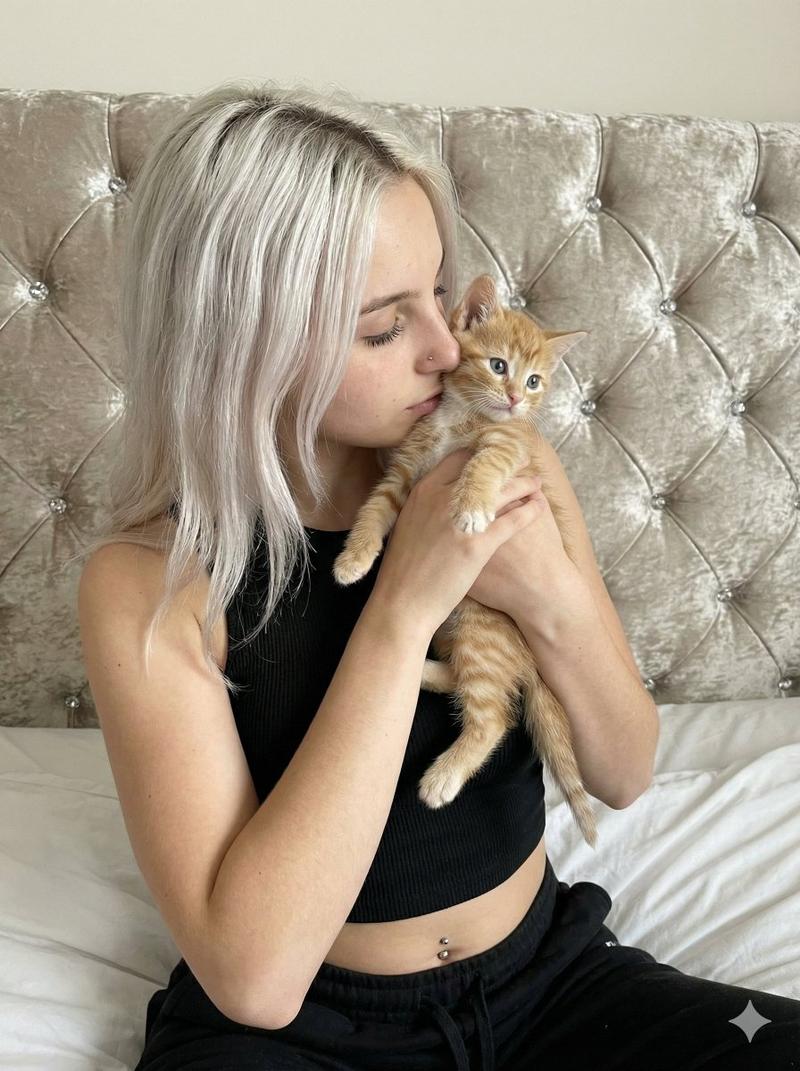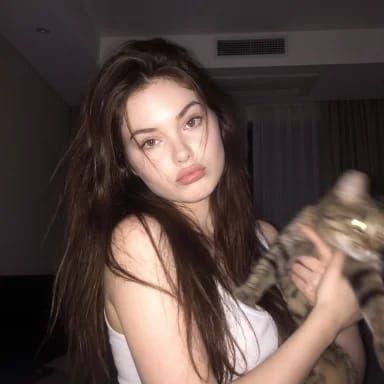
严格人脸一致性持猫少女夜间快照
Prompt
Use the provided face reference as strict identity guidance.
Exact facial resemblance to the reference image, identity locked.
Same eye shape, same eyelids, same nose bridge, same nose tip, same lip shape, same jawline, same chin, same facial proportions.
No facial modification, no beautification, no face morphing.
Facial accuracy is the highest priority.

Hair:
Very long, straight dark chocolate brown hair.
Naturally falls over both shoulders and chest.
Slightly messy with random loose strands across the face (especially near the eyes and cheeks).
Hair looks soft, natural, slightly unkempt, not styled.

Pose & Expression (ULTRA STRICT — MUST MATCH EXACTLY):
Recreate the exact body position from the reference image:

- Upper body rotated about 30–45 degrees (not front-facing)
- Left shoulder slightly forward and closer to the camera
- Right shoulder slightly pulled back
- Head tilted slightly toward the left side (toward the closer shoulder)
- Chin slightly lowered (subtle downward angle)
- Face still oriented toward camera despite angled body
- Eyes looking directly into camera

Expression:
- Closed lips, slightly pressed/pouty
- Corners of lips subtly downturned (soft neutral, not smiling wide)
- Relaxed, calm, slightly shy expression
- Eyes soft and natural, not widened, not posed

Arms & Cat Position (VERY IMPORTANT):
- One arm wrapped under the cat’s body for support
- The other hand gently holding the cat from the side/front
- Cat positioned slightly to the right side of frame (not centered)
- Cat’s body facing outward, not directly at camera
- Cat slightly blurred due to motion
- Grip looks natural, not stiff

Framing & Composition:
- Medium close-up (head to mid torso)
- Subject slightly off-center (face closer to left side of frame)
- Cat occupies right side of frame
- Slight candid feel, not symmetrical

Lighting:
Night indoor setting.

- Soft frontal light focused on face (main light source)
- Face is the brightest point
- Background darker and dim
- Subtle backlight behind hair for faint halo
- Soft bloom/glow concentrated on face only
- No strong lighting on background

Image Style:
Low-resolution, heavily blurred, grainy snapshot.

- Slight motion blur (especially on cat)
- Face slightly soft but still readable
- Background very blurred and indistinct
- Visible noise and compression artifacts

Glow Effect:
- Soft white glow concentrated on face area
- Gentle bloom around cheeks, nose, and hairline
- Minimal glow elsewhere

Background:
Dark, warm indoor apartment at night.
Ceiling, AC vent, curtains barely visible and heavily blurred.

Clothing:
White tank top, thin straps, texture lost due to blur.

Overall Feel:
Candid, imperfect, intimate night snapshot.
Exact pose replication, soft pout expression,
long messy brown hair, glowing face,
dark blurry background, dreamy low-fi aesthetic.
- Category
- Posters & Typography
- Model
- Nano Banana 2
- Creator
- @SimplyAnnisa
- Source ID
- 16026
- Published
- Jun 16, 2026
Views41