18

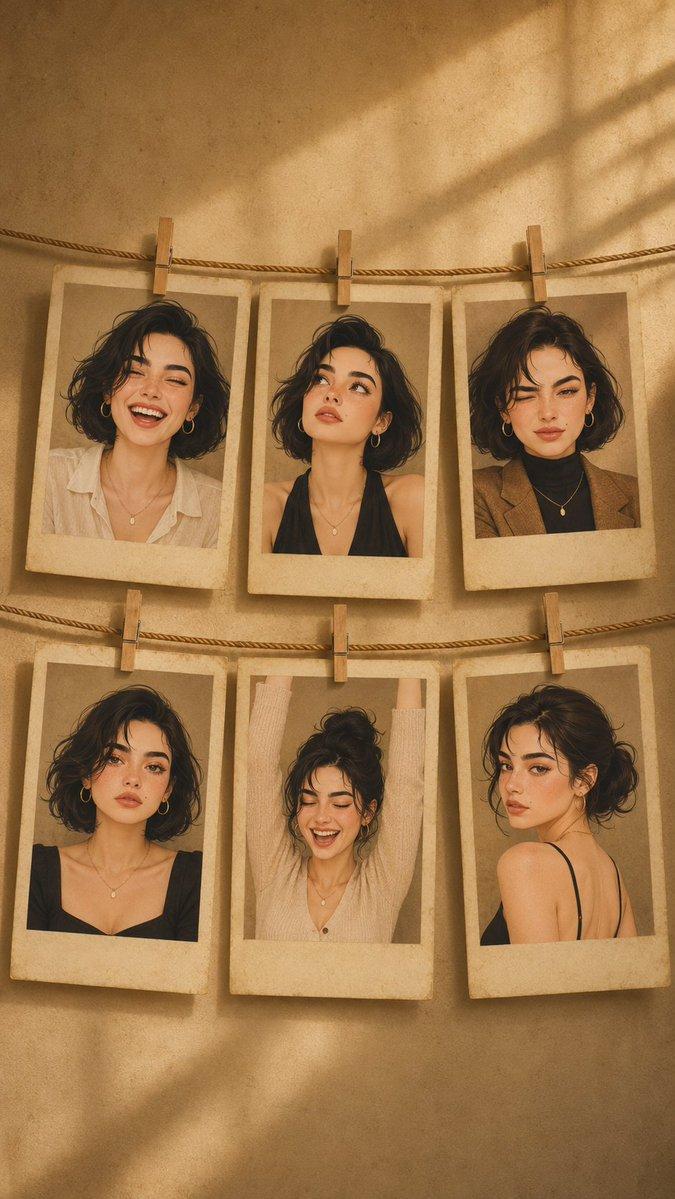
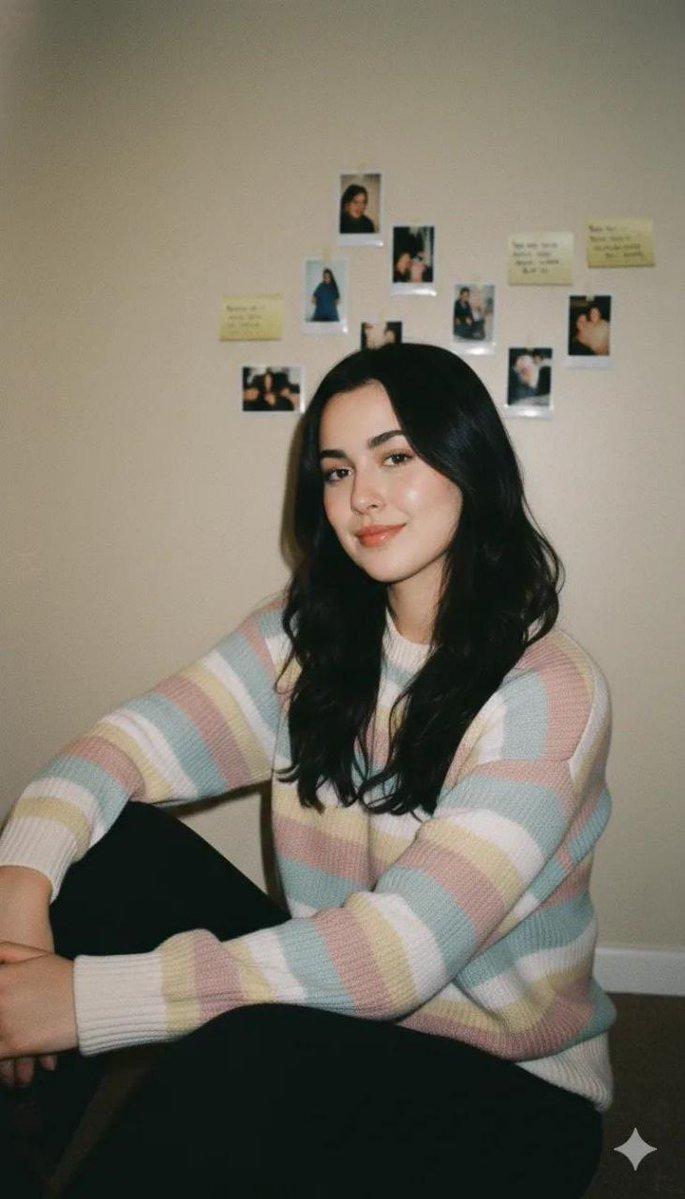
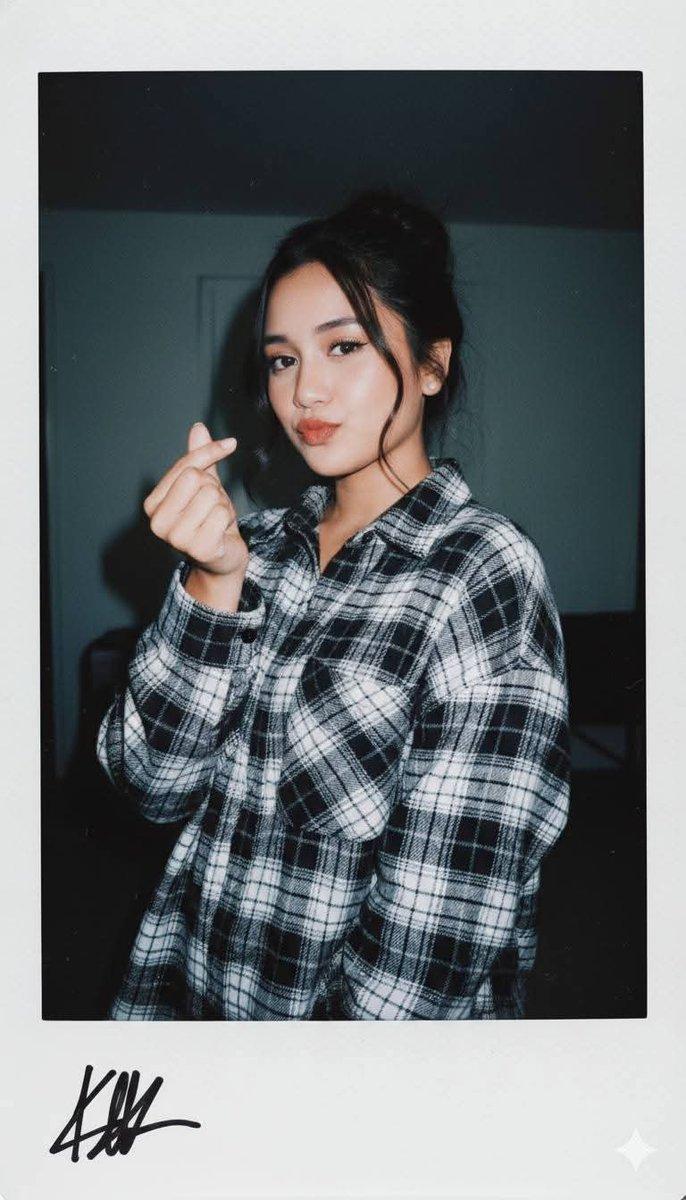
复古宝丽来人像
Enlarge

Example images

复古宝丽来人像

Prompt
A vintage Polaroid instant photograph with a classic thick white border, slightly curled at the edges. The image has been handled roughly—a faint fingerprint visible on the glossy surface, a tiny scratch near the top. A {argument name="subject" default="young Japanese woman"} with {argument name="hair style" default="long, dark, slightly messy hair"} stares directly into the camera. Her expression is not posed—a quiet, tired stillness, her chin slightly raised, her mouth a flat line, as if she was caught between thoughts. She wears a simple {argument name="outfit" default="black V-neck top"}, slightly wrinkled at the shoulder. The lighting is flat and warm, the kind from a cheap living room lamp. The background is a mottled brown-grey wall, unevenly lit, with a small crack near the top. A distinct, reddish-orange light leak bleeds across the upper right corner, and a faint vertical lens flare streaks down the frame—accidents of a dying flash. Soft film grain, slightly desaturated warm sepia tones, muted shadows. The photo feels like it was found in a shoebox, forgotten for twenty years. A stray cat tail peeks from the bottom left corner of the white border.
dutch angle, stray cat tail --ar 9:16
Category
Photography & Realism
Model
GPT Image 2
Creator
Ciri
Views0
Source ID
28375
Published
Jul 11, 2026

Guide

About "复古宝丽来人像"

What is this prompt for?

"复古宝丽来人像" AI image prompt for GPT Image 2 (Photography & Realism). 一张复古宝丽来风格的日本女性照片,捕捉了真实且未经摆拍的瞬间,带有怀旧的漏光效果和胶片颗粒感。 Copy it on Picva and recreate the look in on…

The full copyable prompt and example visuals above are ready for AI image generation or one-click recreate in Picva.

How to use this prompt

  1. Step 1

    Open the prompt detail

    Review the example visuals, category, and full prompt text for "复古宝丽来人像".

  2. Step 2

    Copy the prompt

    Copy the prompt body from this page, or load it directly in Studio.

  3. Step 3

    Pick a model (GPT Image 2)

    Prefer GPT Image 2. If you switch models, keep subject and composition and tweak style terms.

  4. Step 4

    Generate and export

    Recreate the look in Picva, or export into your workflow for editing and publishing.

FAQ

What is the "复古宝丽来人像" prompt?
It is an AI image-generation prompt for GPT Image 2 in the Photography & Realism category. This page includes the full prompt text, example visuals, and a one-click recreate path in Picva.
How do I use this prompt to generate an image?
Copy the prompt from this page, or use Generate / Studio. Paste it into a compatible image model, or recreate the look in Picva with optional reference images.
Which model is this prompt for?
This page lists GPT Image 2. Most descriptive prompts also transfer to nearby image models such as GPT Image, Flux, or Midjourney with light style tweaks.
Can I use the result commercially?
You can usually copy the prompt for creation, but commercial use of the final image depends on the model terms, reference-image rights, and the generated content. Follow the source author and platform rules.