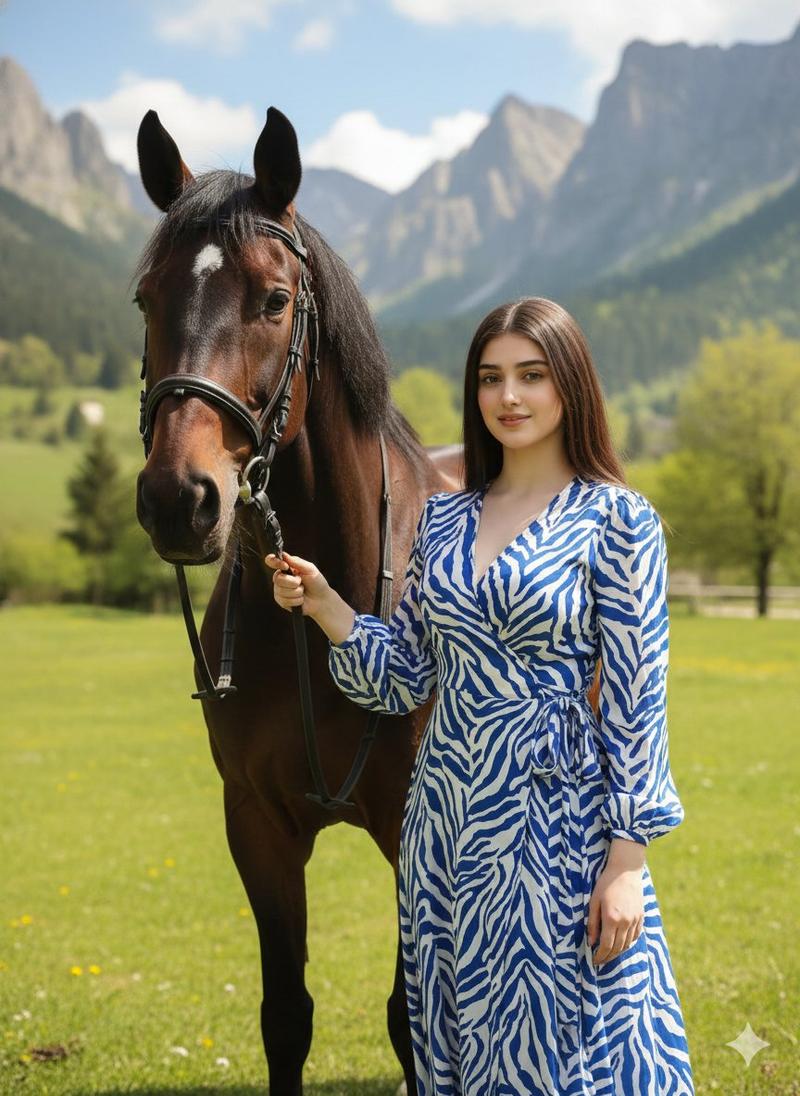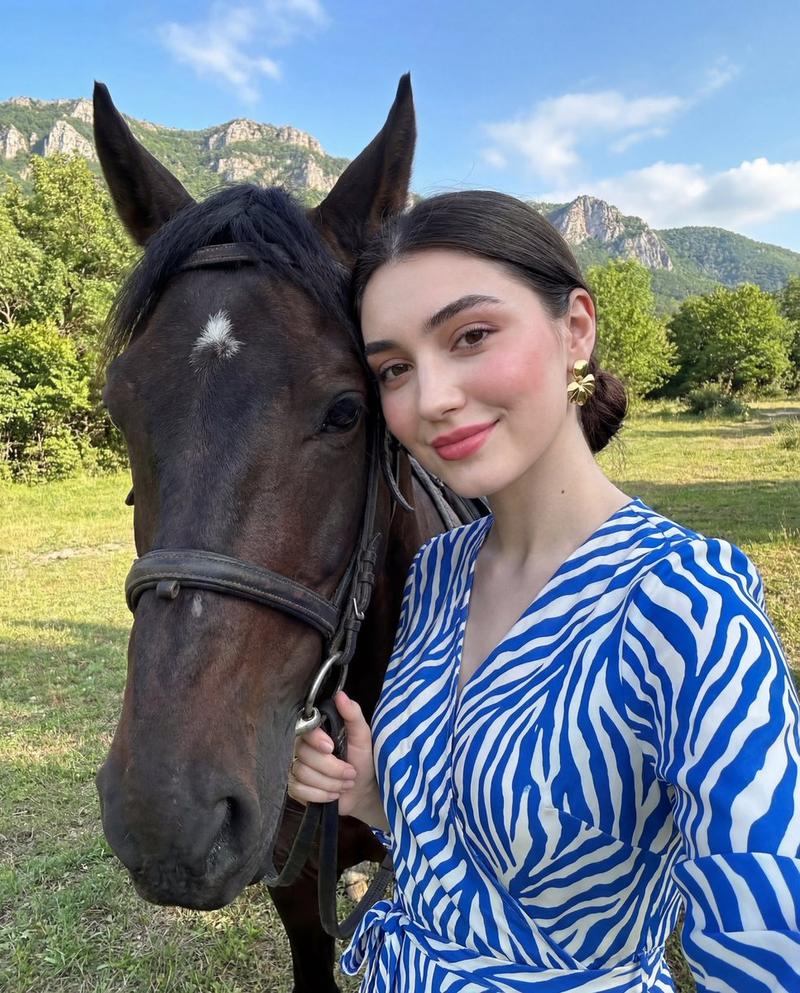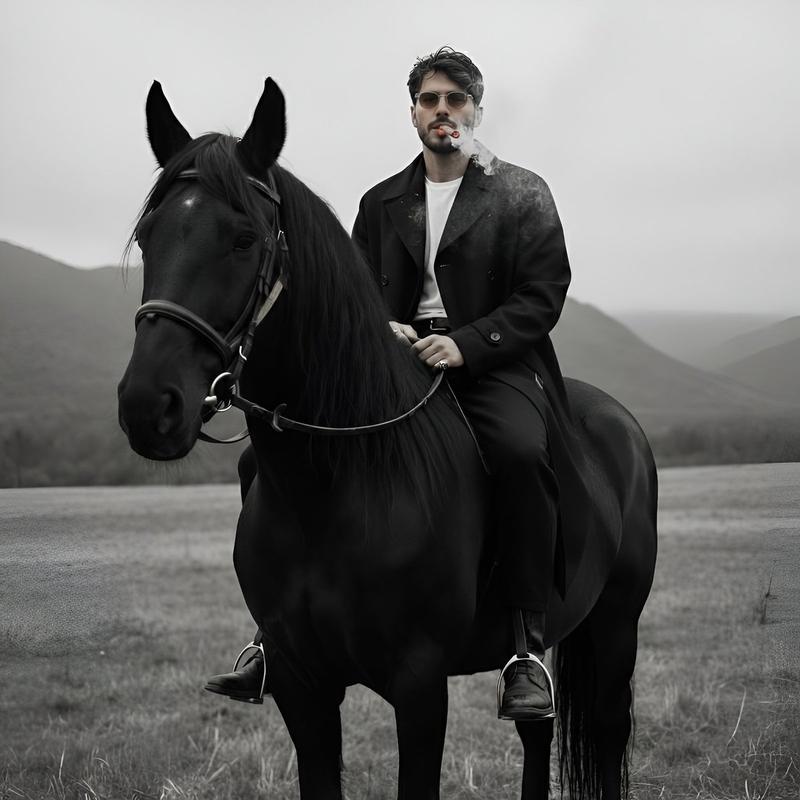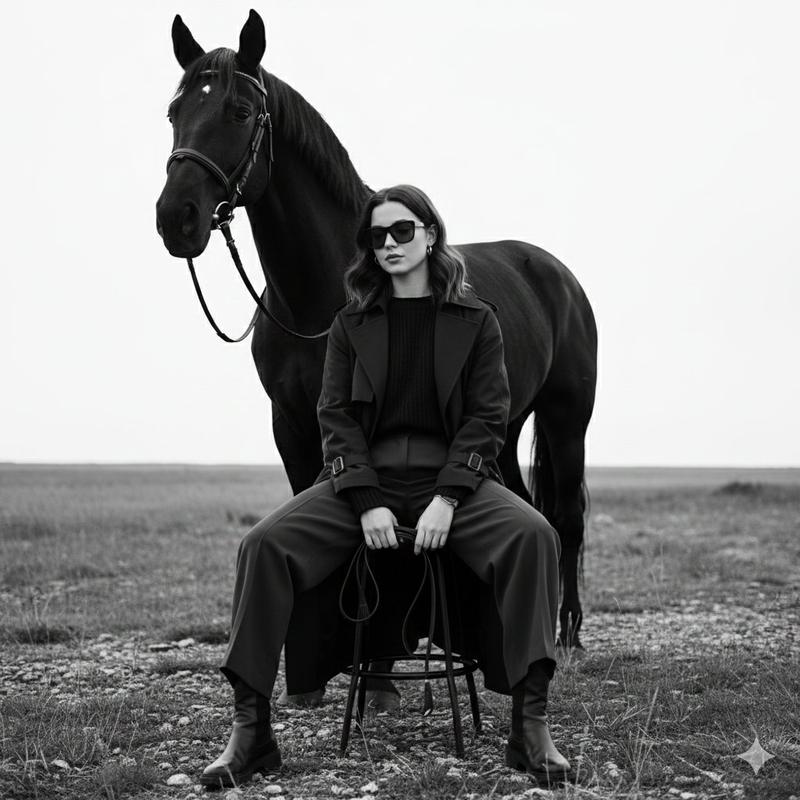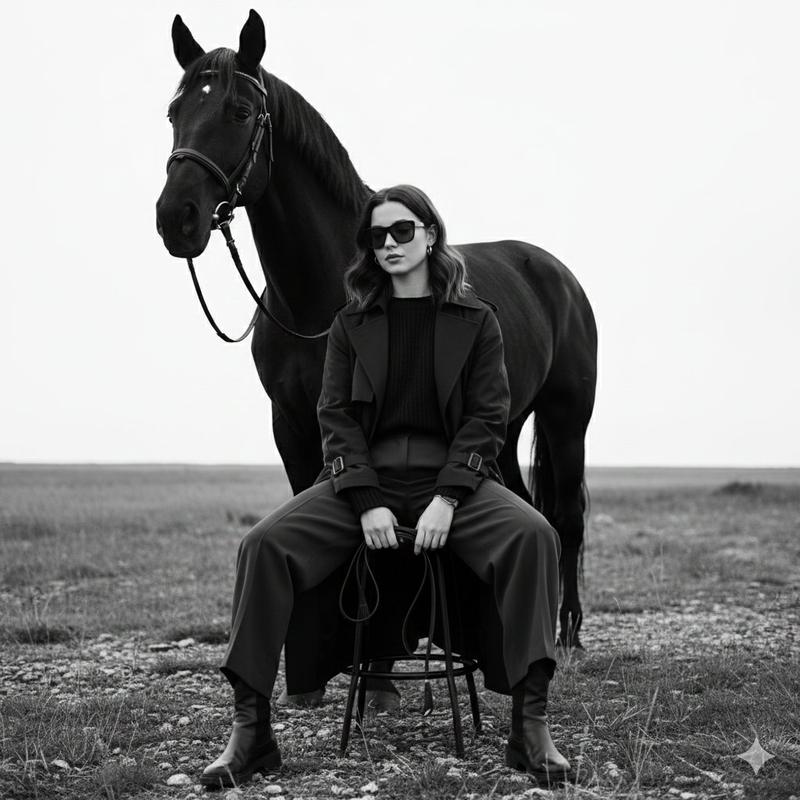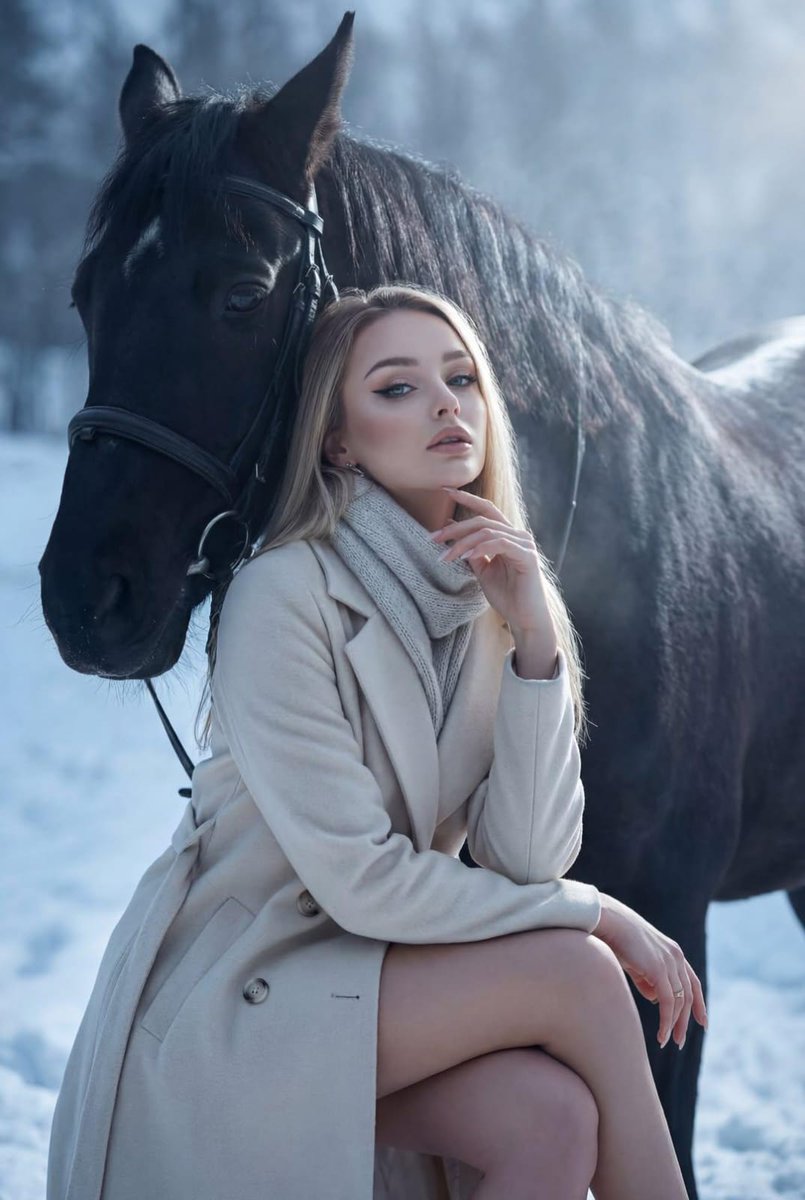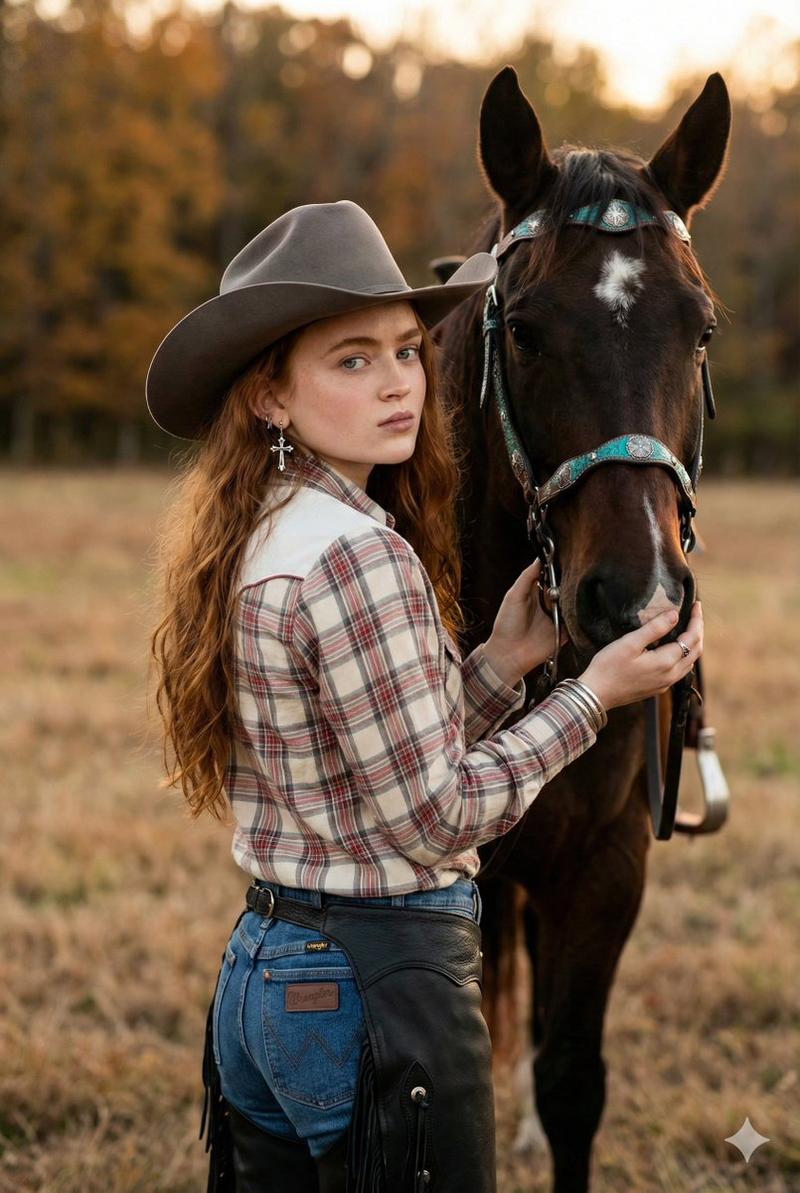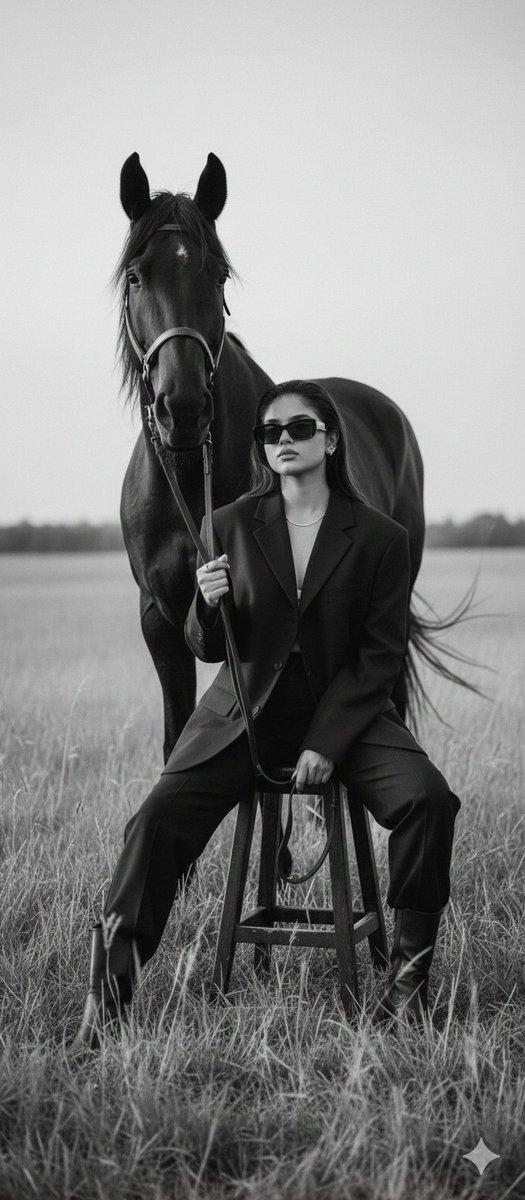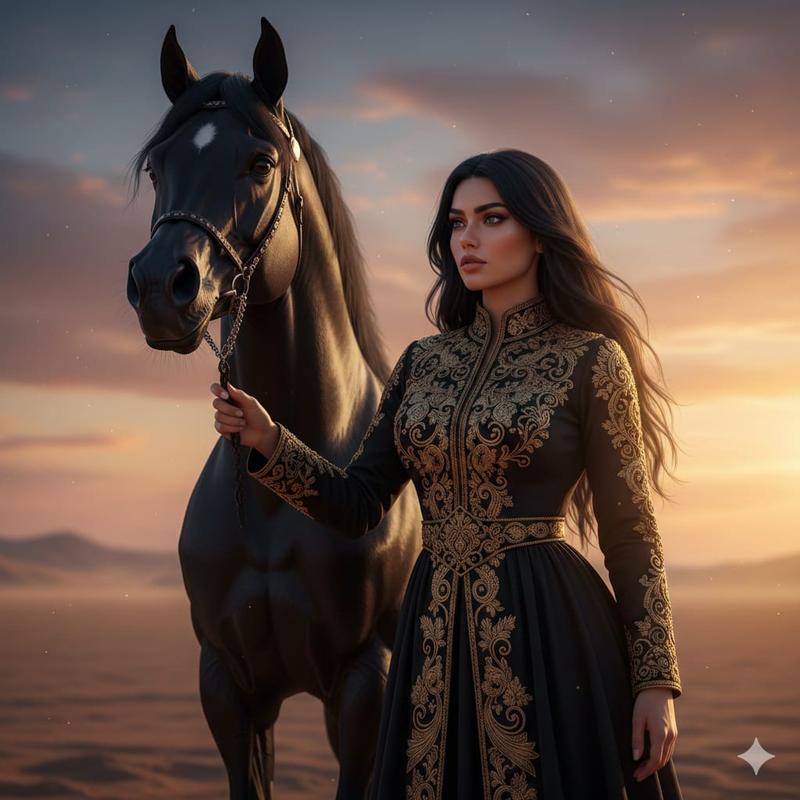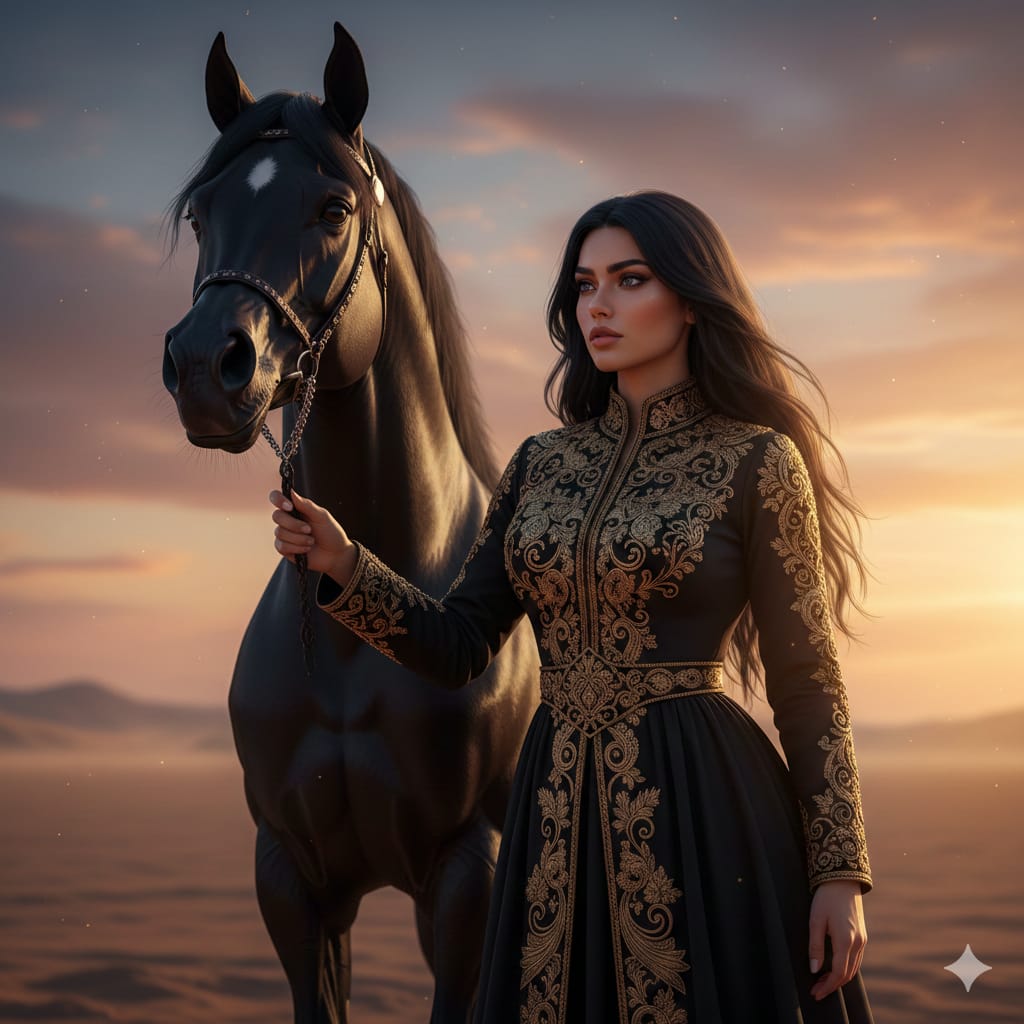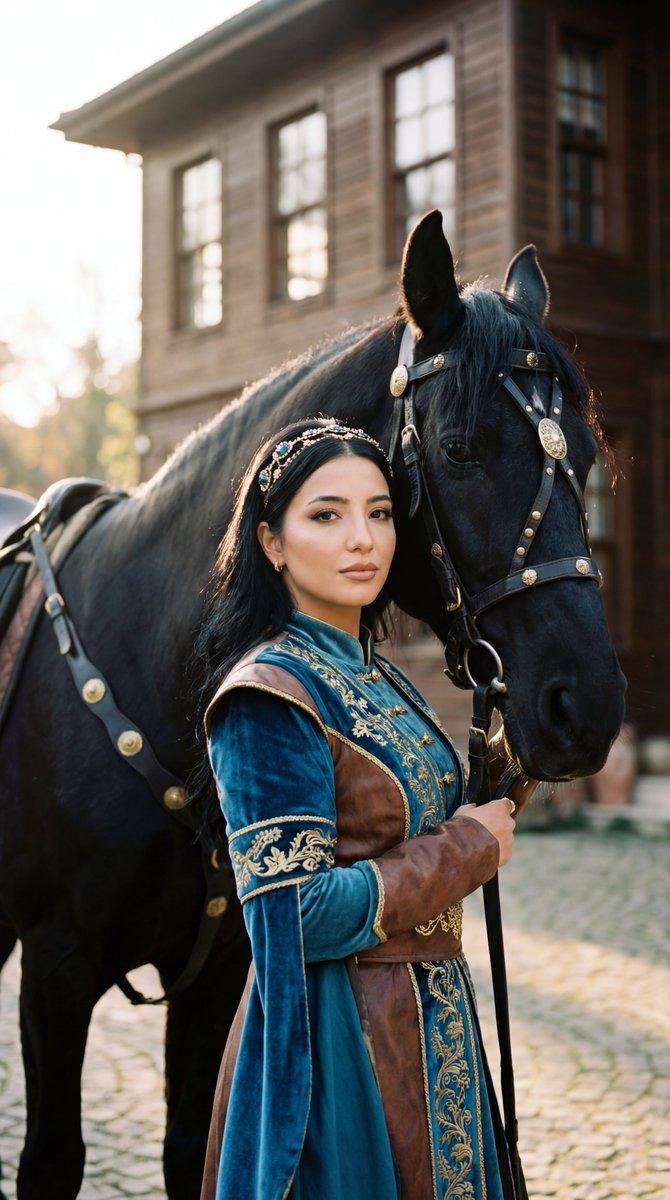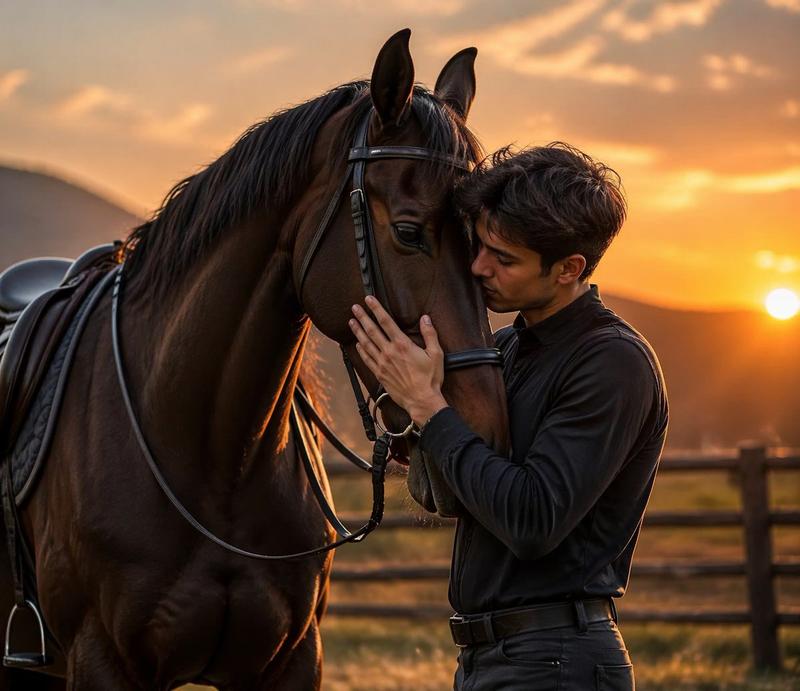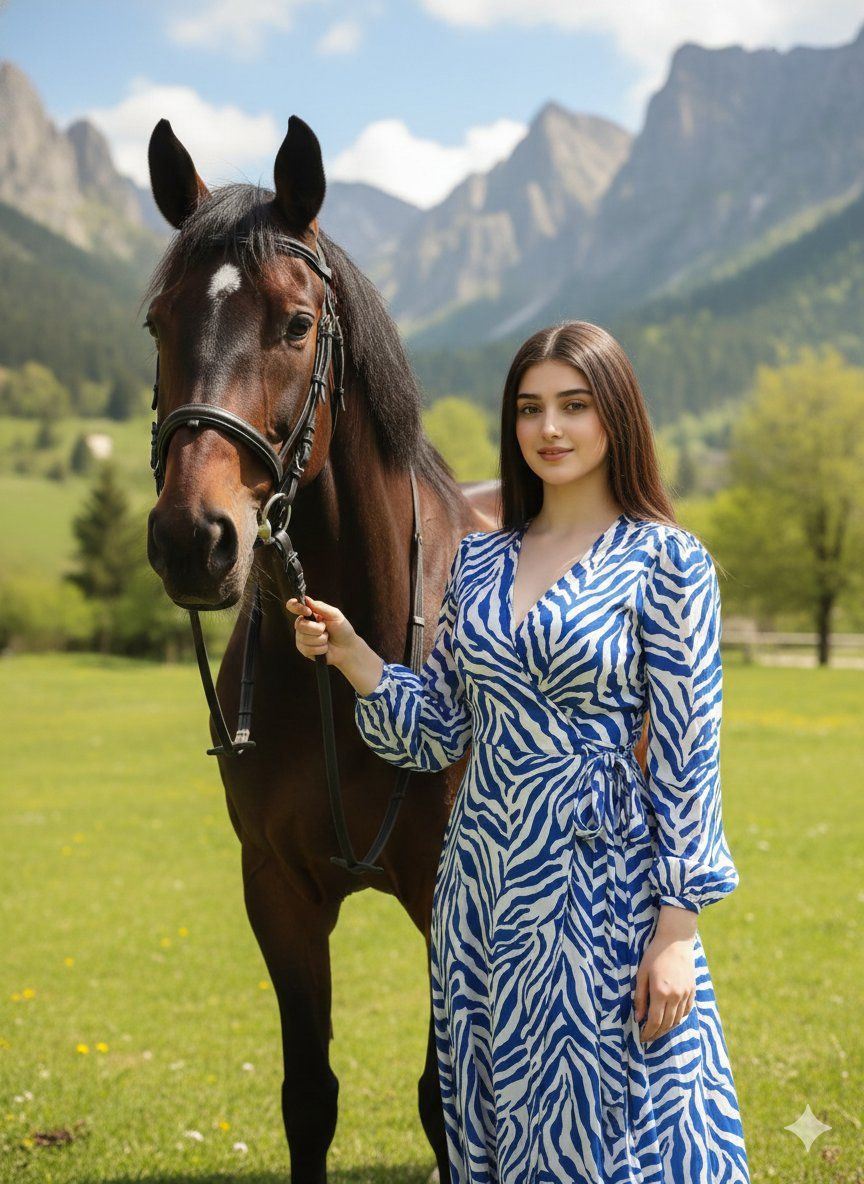
阳光下的优雅名媛与爱马亲密自拍
Prompt
{ "image_type": "photograph", "genre": "lifestyle portrait with animal", "composition": { "framing": "vertical portrait orientation", "shot_type": "medium close-up selfie-style composition", "camera_angle": "slightly elevated arm-length angle", "subject_positioning": "human subject on right third, horse head occupying left third, faces close and parallel", "depth_of_field": "moderate, subjects sharp with softly blurred background", "balance": "asymmetrical balance between human face and horse head" }, "subjects": [ { "type": "human", "description": "young woman", "pose": "standing beside horse, leaning head gently toward horse", "expression": "soft smile, relaxed and confident", "gaze": "directly toward camera", "hair": { "color": "dark brown/black", "style": "pulled back into a low bun or ponytail", "texture": "smooth" }, "makeup": { "style": "polished natural glam", "details": "defined eyebrows, subtle eyeshadow, eyeliner, rosy blush, pink lipstick" }, "accessories": [ "gold statement earrings" ], "clothing": { "type": "long-sleeve wrap-style dress", "pattern": "abstract zebra-like stripes", "colors": [ "white", "royal blue" ], "fabric": "lightweight flowing fabric" } }, { "type": "animal", "species": "horse", "coat_color": "dark brown", "markings": "small white star on forehead", "tack": { "bridle": "dark leather bridle with metal fittings", "reins": "black reins held by human subject" }, "pose": "standing calmly, head slightly lowered" } ], "environment": { "setting": "outdoor natural landscape", "location_type": "countryside or mountainous area", "background_elements": [ "green grass", "trees", "rocky mountain formation", "blue sky with scattered clouds" ], "season": "spring or summer" }, "lighting": { "type": "natural daylight", "direction": "front-left sunlight", "quality": "soft yet bright", "shadows": "gentle shadows under chin and along horse’s contours", "overall_exposure": "well-exposed with vibrant highlights" }, "color_palette": { "dominant_colors": [ "blue", "white", "green", "brown" ], "tone": "fresh, vibrant, natural", "contrast": "moderate", "saturation": "medium-high" }, "technical_details": { "camera_type": "smartphone or mirrorless camera", "lens_equivalent": "wide to standard (approximately 24–35mm)", "focus": "face-detection focus on human subject", "image_clarity": "high resolution, sharp details", "noise": "minimal" }, "artistic_style": { "aesthetic": "luxury lifestyle meets nature", "mood": "serene, elegant, intimate", "influences": [ "fashion editorial", "travel lifestyle photography" ] }, "post_processing": { "retouching": "light skin smoothing and color correction", "color_grading": "cool blues balanced with warm skin tones", "sharpening": "moderate, focused on faces" }, "background_blur": { "type": "natural depth-of-field blur", "intensity": "subtle" }, "overall_description": "An elegant outdoor lifestyle portrait capturing a stylish woman and her horse in a sunlit natural setting, b"- Category
- Posters & Typography
- Model
- Nano Banana Pro
- Creator
- @kashmir_ki_lark
- Source ID
- 6901
- Published
- Mar 19, 2026
Views85