18

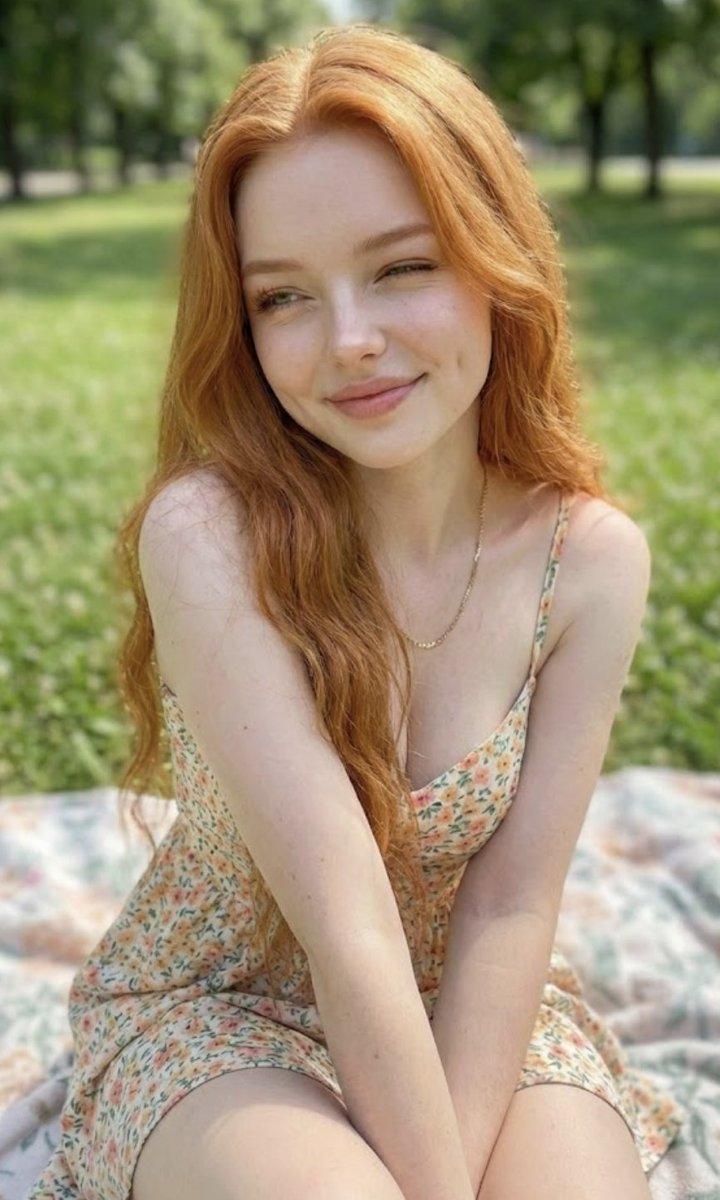
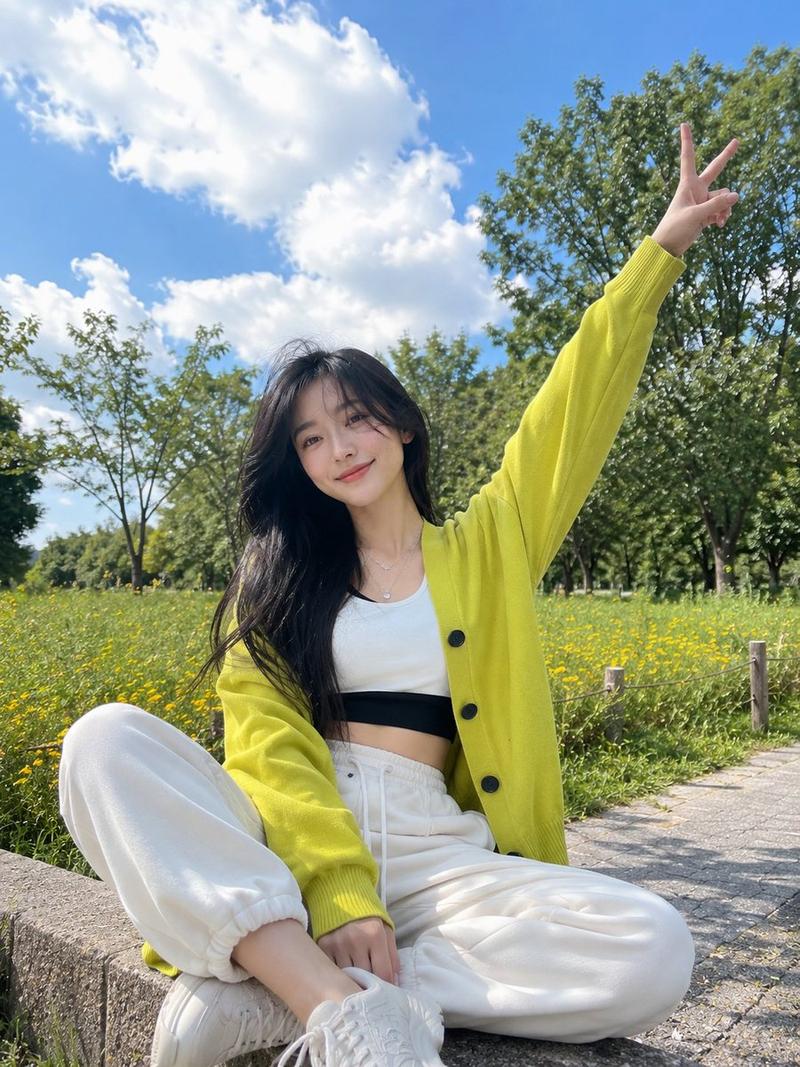
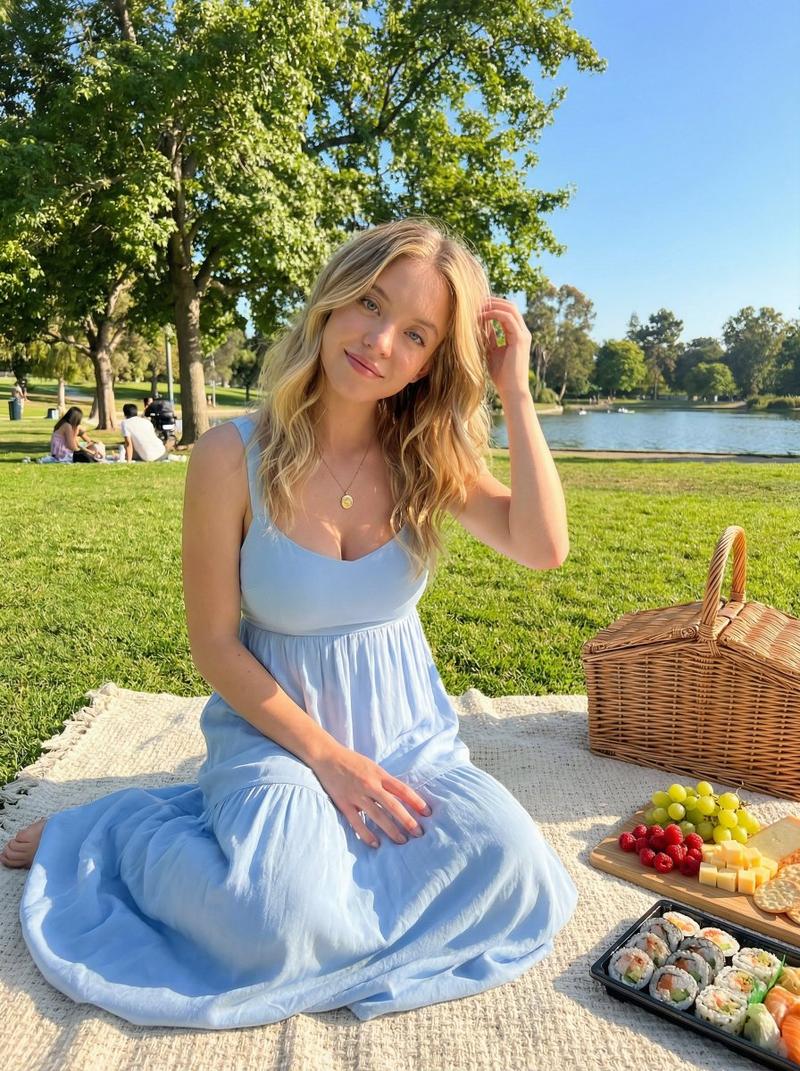
阳光下草坪上穿黄色碎花裙的少女
Enlarge

阳光下草坪上穿黄色碎花裙的少女

Prompt
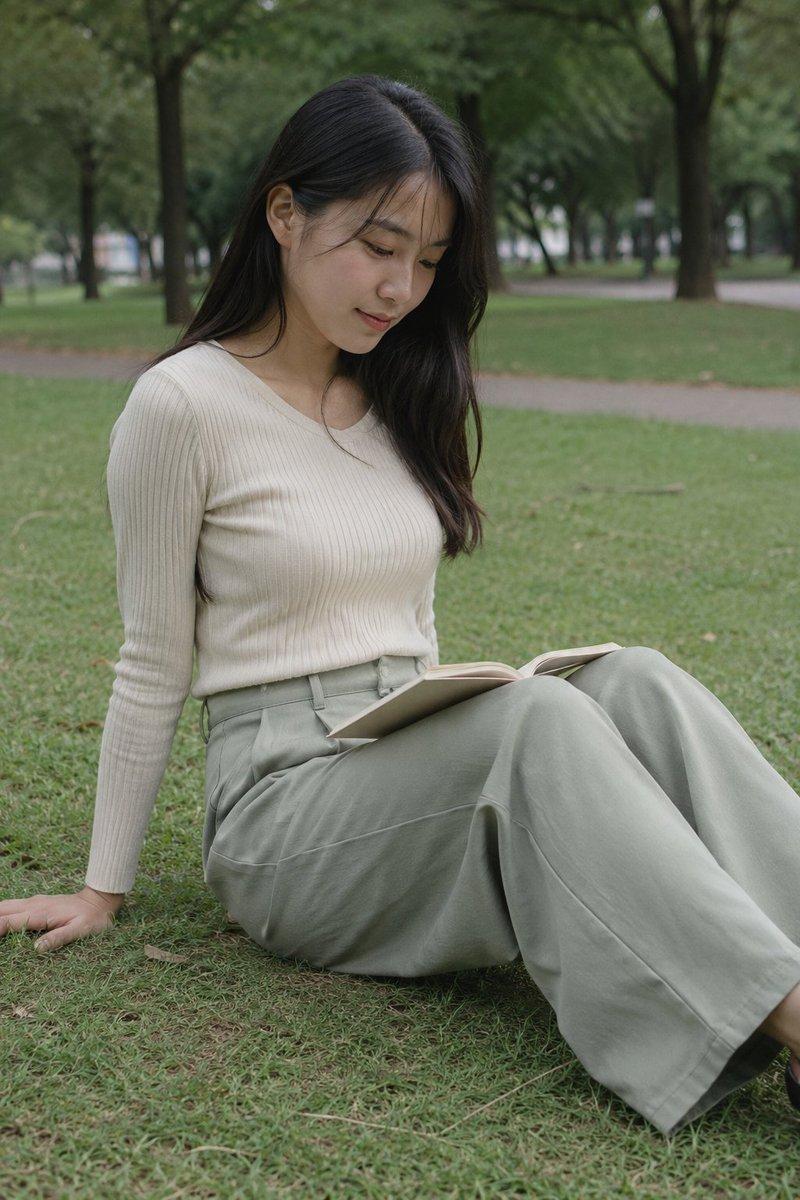
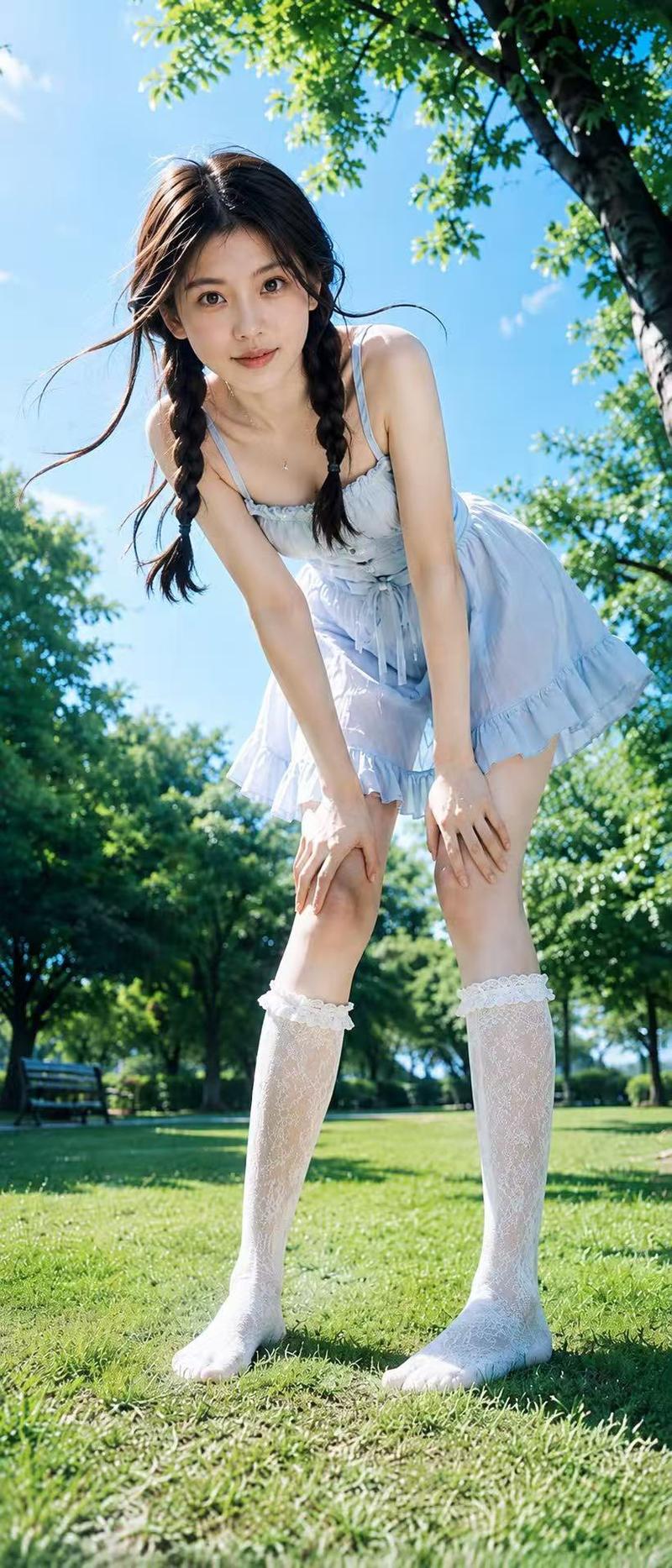
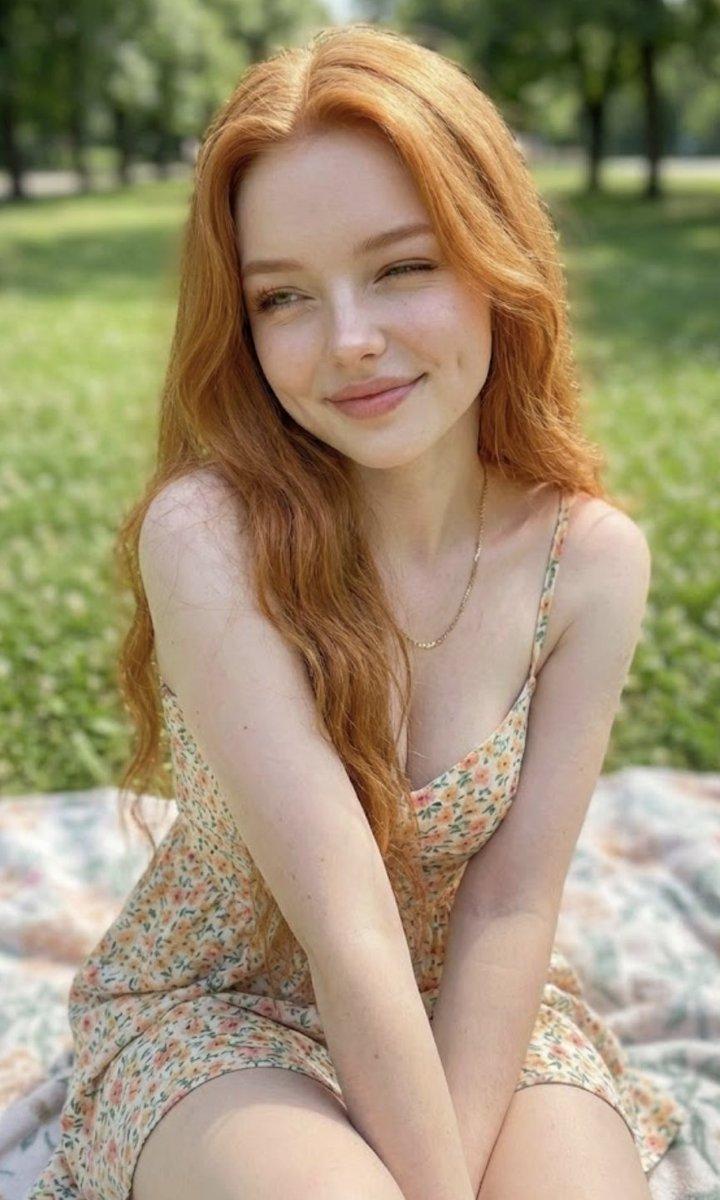
Ultra-realistic full-body outdoor portrait of a young woman sitting on green grass in a sunlit park, keeping the same facial features, soft glowing skin, natural blush, almond-shaped brown eyes, straight delicate nose, soft pink lips, and a gentle calm smile. Long dark brown natural hair with soft face-framing strands, slightly tousled by the breeze. Wearing a pastel yellow floral maxi dress with puff sleeves and a tied bow neckline, paired with white sneakers, a delicate silver bracelet, and a minimal flower pendant necklace. One hand raised over her forehead to block bright sunlight, relaxed sitting pose with legs folded naturally. Background filled with lush green trees, soft shadows on the grass, bright blue sky, warm golden summer sunlight, natural candid aesthetic, DSLR photography, realistic skin texture, cinematic editorial quality, high detail, vibrant fresh colors, peaceful summer vibe.
Category
Charts & Infographics
Model
ChatGPT
Views14
Source ID
17163
Published
Jun 30, 2026

Guide

About "阳光下草坪上穿黄色碎花裙的少女"

What is this prompt for?

"阳光下草坪上穿黄色碎花裙的少女" AI image prompt for ChatGPT (Charts & Infographics). 阳光明媚的公园里,一位年轻女性坐在绿草地上的超写实全身户外肖像,保持相同的面部特征,柔和发光的皮肤,自然的面颊红晕,杏仁状的棕色眼睛,笔直精致的鼻子,柔和的粉色嘴唇,以及温柔平…

The full copyable prompt and example visuals above are ready for AI image generation or one-click recreate in Picva.

How to use this prompt

  1. Step 1

    Open the prompt detail

    Review the example visuals, category, and full prompt text for "阳光下草坪上穿黄色碎花裙的少女".

  2. Step 2

    Copy the prompt

    Copy the prompt body from this page, or load it directly in Studio.

  3. Step 3

    Pick a model (ChatGPT)

    Prefer ChatGPT. If you switch models, keep subject and composition and tweak style terms.

  4. Step 4

    Generate and export

    Recreate the look in Picva, or export into your workflow for editing and publishing.

FAQ

What is the "阳光下草坪上穿黄色碎花裙的少女" prompt?
It is an AI image-generation prompt for ChatGPT in the Charts & Infographics category. This page includes the full prompt text, example visuals, and a one-click recreate path in Picva.
How do I use this prompt to generate an image?
Copy the prompt from this page, or use Generate / Studio. Paste it into a compatible image model, or recreate the look in Picva with optional reference images.
Which model is this prompt for?
This page lists ChatGPT. Most descriptive prompts also transfer to nearby image models such as GPT Image, Flux, or Midjourney with light style tweaks.
Can I use the result commercially?
You can usually copy the prompt for creation, but commercial use of the final image depends on the model terms, reference-image rights, and the generated content. Follow the source author and platform rules.