17

公园里的愉悦生活肖像
Enlarge

Example images

公园里的愉悦生活肖像

Prompt
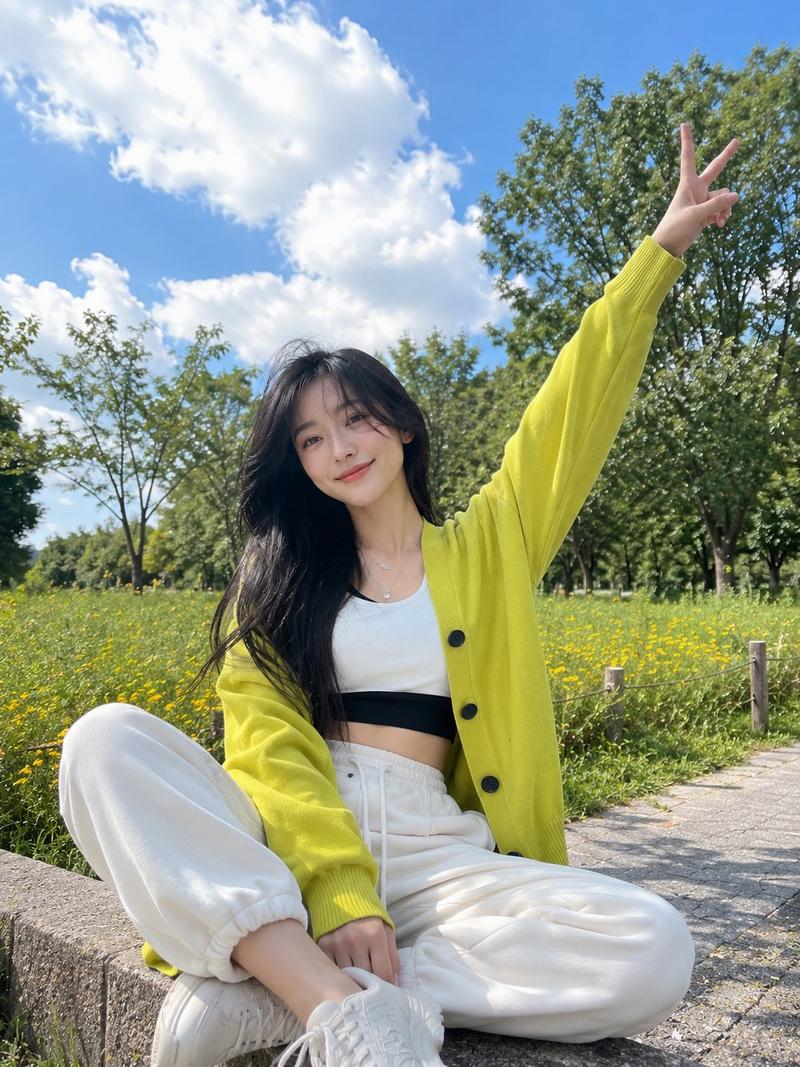
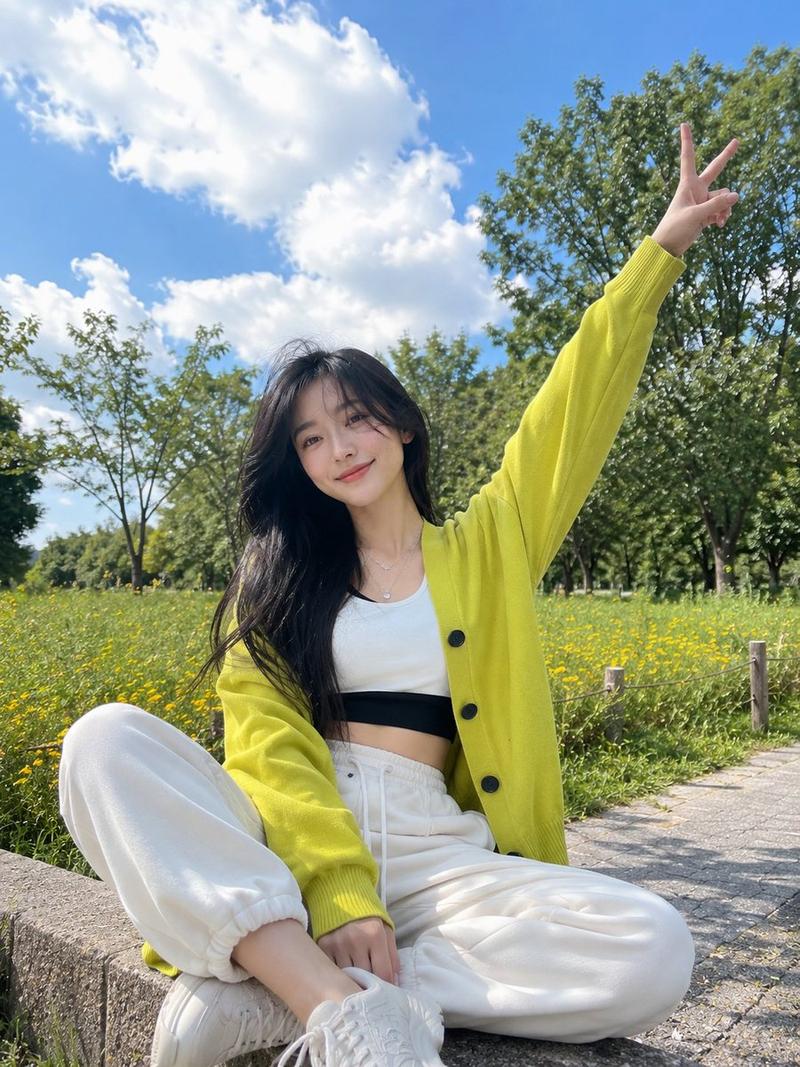
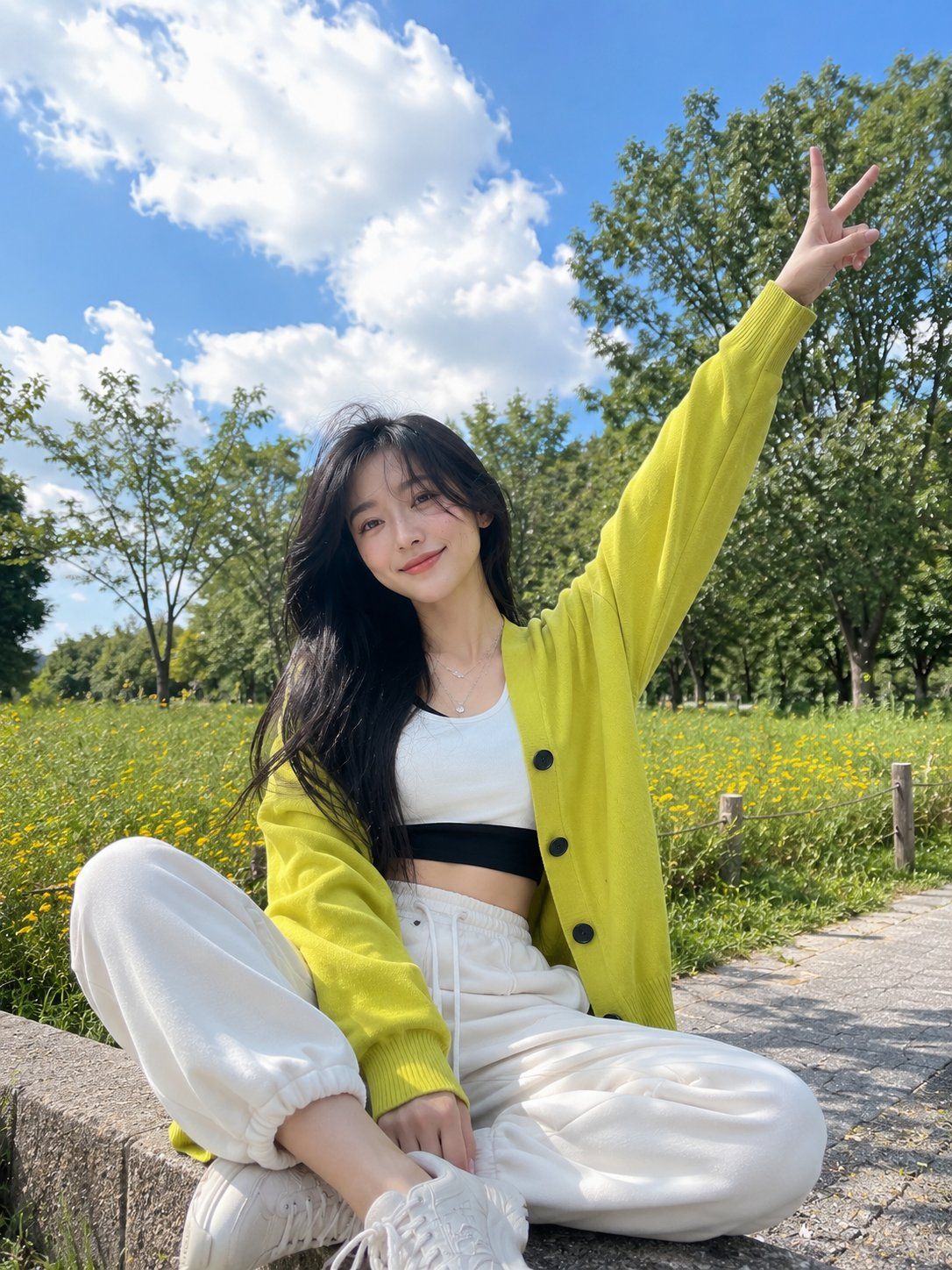
Ultra-realistic outdoor lifestyle portrait of a {argument name="subject" default="cheerful young woman"} sitting on a concrete ledge in a lush park, arms stretched wide in a carefree pose, one hand making a peace sign. She has long flowing dark hair, a bright natural smile, and a playful youthful energy. Wearing an {argument name="outfit" default="oversized neon yellow cardigan with large buttons, a fitted white crop top layered over a black banded inner top, cream wide-leg drawstring pants"}, and delicate silver necklaces.
{argument name="setting" default="Beautiful spring garden setting with vibrant green trees, blooming yellow flowers"}, and a dramatic turquoise-blue sky filled with large soft clouds. Low-angle perspective, dynamic composition, fresh outdoor atmosphere, gentle breeze moving her hair and clothing. Bright natural daylight, soft shadows, vivid colors, dreamy yet realistic mood, travel photography aesthetic.
Shot on a full-frame camera, 35mm lens, f/2.8, ultra-detailed face, realistic skin texture, sharp focus, cinematic color grading, vibrant greens and blues, high dynamic range, professional fashion photography, candid moment, Instagram-worthy composition, photorealistic, 8K quality.
Negative Prompt:
blurry, low quality, low resolution, overprocessed skin, cartoon, anime, CGI, painting, extra fingers, deformed hands, distorted face, duplicate limbs, bad anatomy, watermark, logo, text, cropped body, oversaturated colors, heavy noise, motion blur, unrealistic proportions, dull lighting, gloomy atmosphere.
Category
Brand & Logos
Model
GPT Image 2
Views3
Source ID
28583
Published
Jul 13, 2026

Guide

About "公园里的愉悦生活肖像"

What is this prompt for?

"公园里的愉悦生活肖像" AI image prompt for GPT Image 2 (Brand & Logos). 一张充满活力的户外肖像,拍摄了一位年轻女性在春日花园中的场景,捕捉了自然且欢快的审美风格。 Copy it on Picva and recreate the look in one click.

The full copyable prompt and example visuals above are ready for AI image generation or one-click recreate in Picva.

How to use this prompt

  1. Step 1

    Open the prompt detail

    Review the example visuals, category, and full prompt text for "公园里的愉悦生活肖像".

  2. Step 2

    Copy the prompt

    Copy the prompt body from this page, or load it directly in Studio.

  3. Step 3

    Pick a model (GPT Image 2)

    Prefer GPT Image 2. If you switch models, keep subject and composition and tweak style terms.

  4. Step 4

    Generate and export

    Recreate the look in Picva, or export into your workflow for editing and publishing.

FAQ

What is the "公园里的愉悦生活肖像" prompt?
It is an AI image-generation prompt for GPT Image 2 in the Brand & Logos category. This page includes the full prompt text, example visuals, and a one-click recreate path in Picva.
How do I use this prompt to generate an image?
Copy the prompt from this page, or use Generate / Studio. Paste it into a compatible image model, or recreate the look in Picva with optional reference images.
Which model is this prompt for?
This page lists GPT Image 2. Most descriptive prompts also transfer to nearby image models such as GPT Image, Flux, or Midjourney with light style tweaks.
Can I use the result commercially?
You can usually copy the prompt for creation, but commercial use of the final image depends on the model terms, reference-image rights, and the generated content. Follow the source author and platform rules.