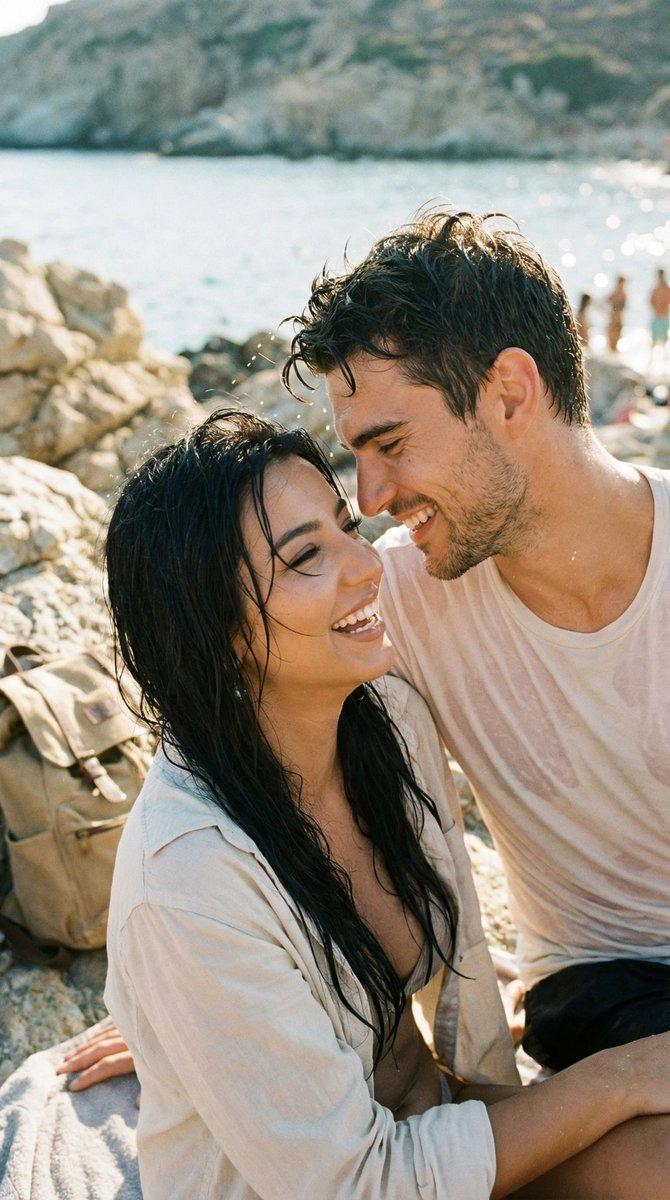
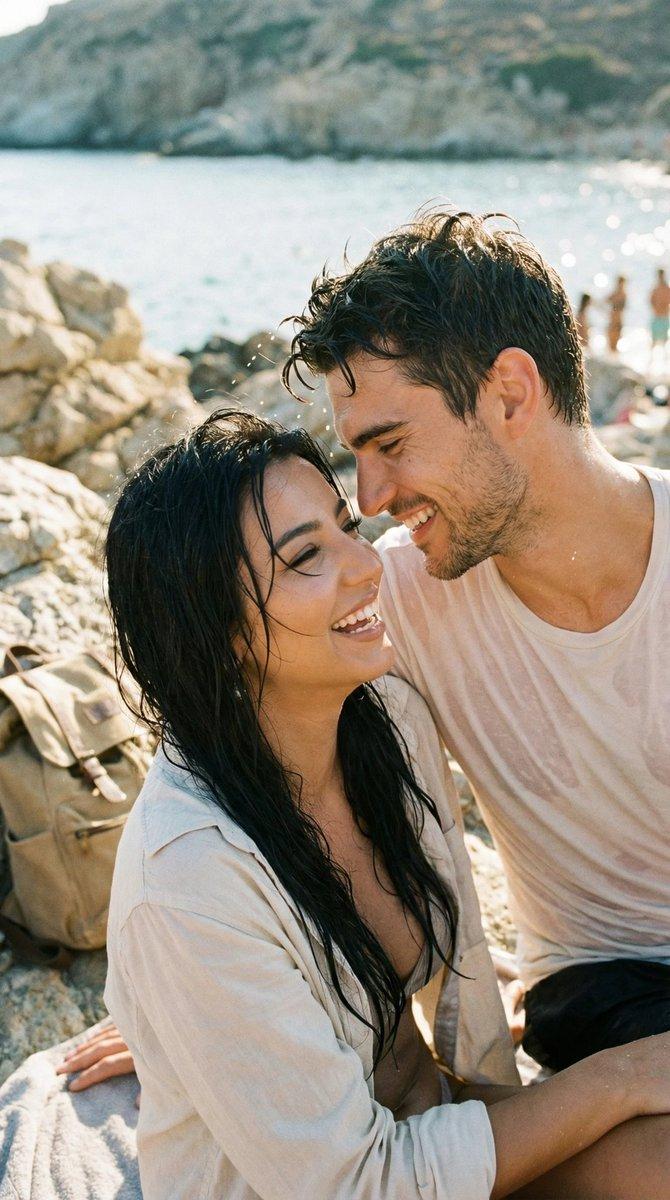
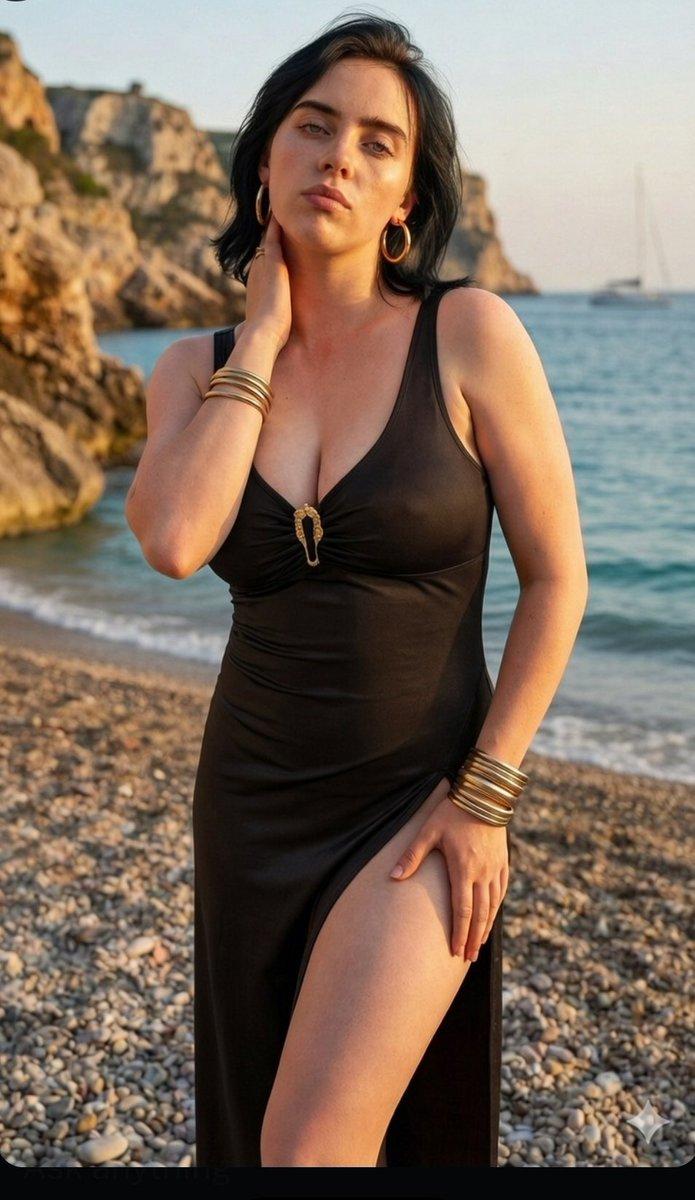
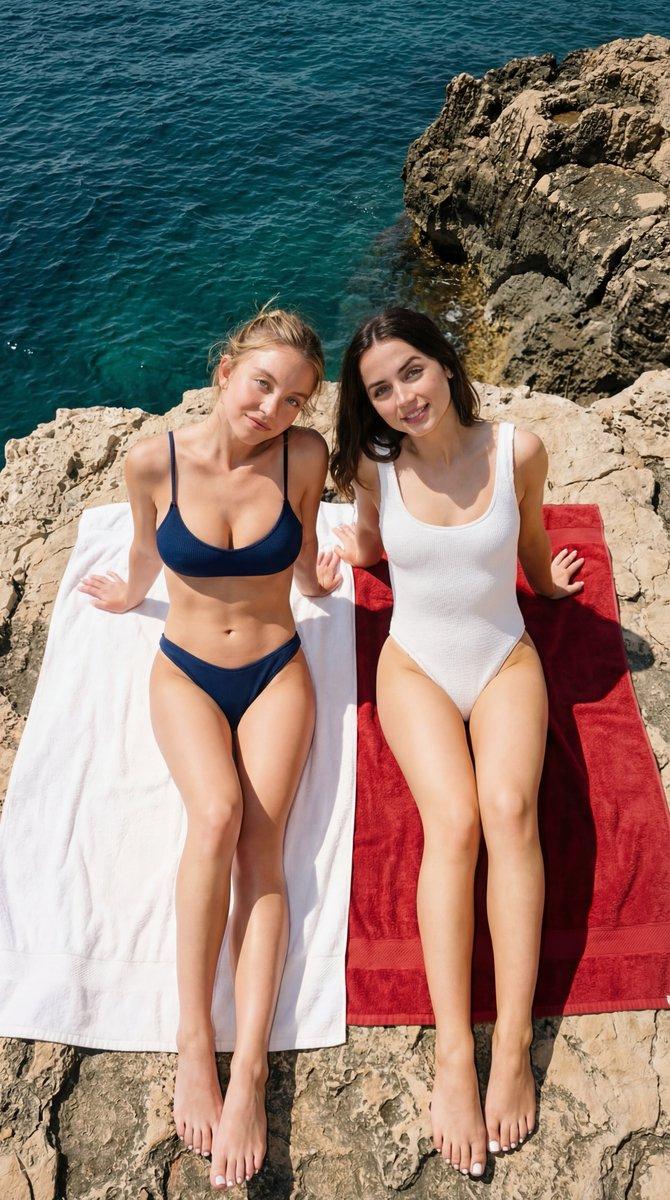
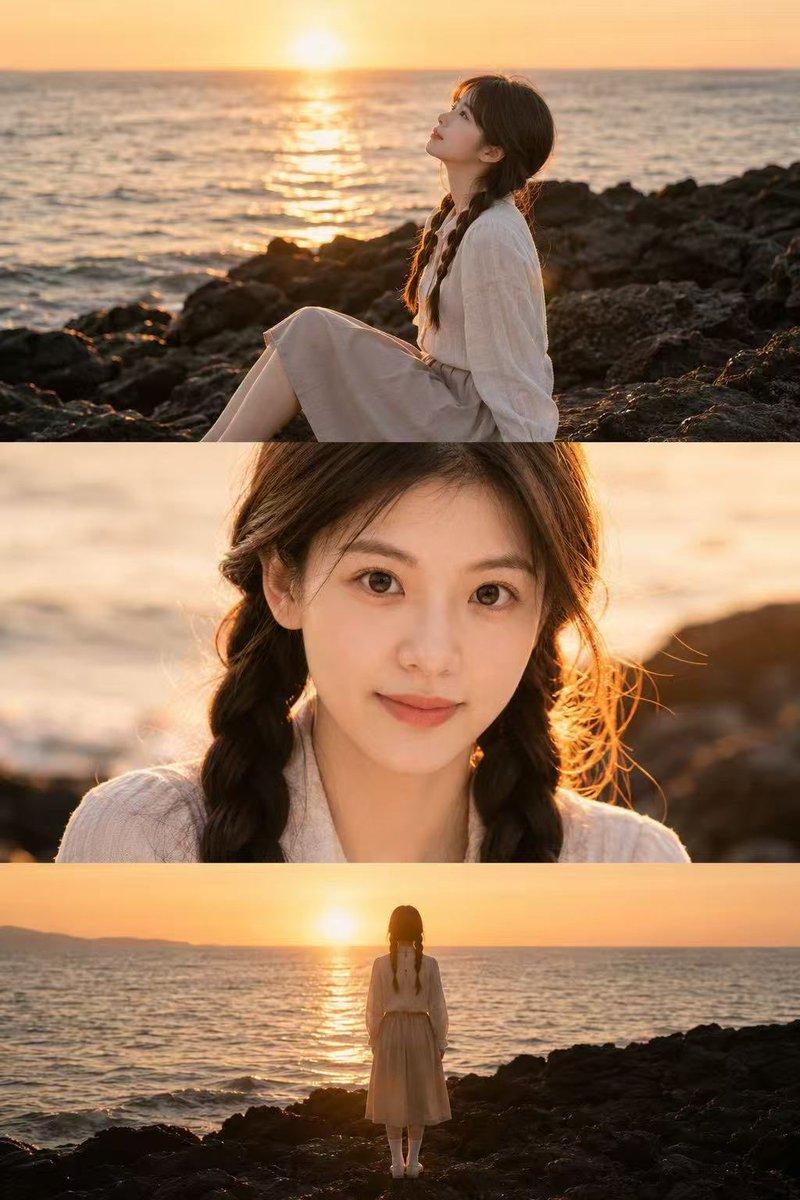
日落海岸礁石上的黑裙少女写实摄影
Prompt
{
  "character_reference": {
    "source": "Use the uploaded image as the exact face, body, and identity reference",
    "consistency": "Preserve facial structure, proportions, skin tone, body type, and overall identity exactly as in the reference image",
    "modification_rule": "Do not change facial features or identity. Only adapt pose, outfit, lighting, and environment as described below."
  },
  "expression": {
    "mood": "calm, slightly serious",
    "lips": "soft neutral lips",
    "eye_contact": "directly at camera, soft but engaging"
  },
  "hair": {
    "rule": "Keep the same color, length, and texture as in the reference image",
    "styling_adjustment": "natural, slightly wind-tousled look"
  },
  "accessories": {
    "earrings": "small minimal stud earrings (only if ears are visible)",
    "other": "no necklace, no visible bracelets"
  },
  "pose": {
    "position": "sitting on a large coastal rock",
    "legs": "both legs extended forward and slightly bent at the knees",
    "feet": "barefoot, relaxed toes",
    "arms": "one arm resting on knee, other hand gently touching side of face near ear",
    "hands": "fingers relaxed and natural"
  },
  "posture": {
    "spine": "upright but relaxed",
    "shoulders": "slightly angled",
    "head_tilt": "very subtle tilt toward raised hand"
  },
  "outfit": {
    "dress_type": "black sleeveless summer dress",
    "fit": "fitted at torso, slightly flared skirt",
    "length": "above knee",
    "fabric": "lightweight, soft flowing fabric",
    "details": "minimalist design, no patterns"
  },
  "camera": {
    "angle": "slightly low and front-facing",
    "framing": "full body, vertical composition (4:5 ratio)",
    "lens": "50mm lens",
    "depth_of_field": "moderate depth, subject sharp, background slightly softened",
    "focus": "sharp focus on eyes"
  },
  "lighting": {
    "time_of_day": "golden hour, near sunset",
    "direction": "soft side lighting from right side",
    "quality": "natural light, diffused",
    "highlights": "soft warm highlights on hair and skin",
    "shadows": "gentle natural shadows"
  },
  "background": {
    "location_type": "rocky seashore",
    "elements": "large textured rocks, calm shallow water near feet",
    "horizon": "distant mountains faintly visible",
    "sky": "blue sky with soft scattered clouds",
    "atmosphere": "clear weather"
  },
  "color_palette": {
    "dominant_colors": [
      "black",
      "warm beige rocks",
      "soft blue sky"
    ],
    "contrast": "natural balanced contrast",
    "grading": "cinematic, slightly warm tone"
  },
  "quality_settings": {
    "style": "ultra realistic, high detail, editorial photography",
    "resolution": "high resolution, 8k",
    "skin_texture": "natural skin texture, not overly smoothed",
    "realism": "photographic realism, no illustration style"
  }
}- Category
- Posters & Typography
- Model
- Nano Banana 2
- Creator
- @JustBethanyai
- Source ID
- 2847
- Published
- Mar 1, 2026
Views173