20

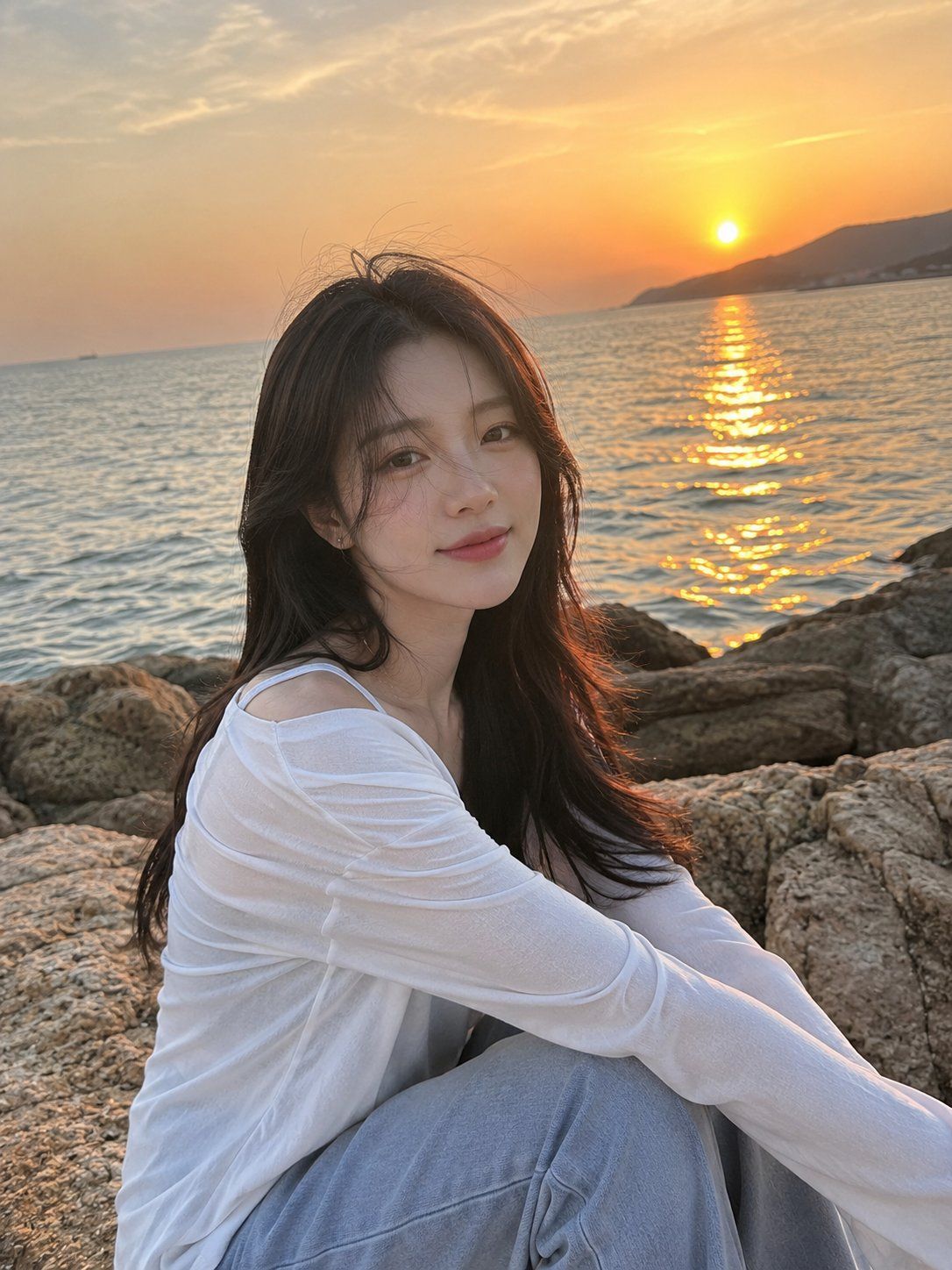
海滨日落人像
Enlarge

Example images

海滨日落人像

Prompt
Ultra-realistic iPhone photograph taken by the {argument name="setting" default="seaside during sunset"}. A {argument name="subject" default="handsome Korean young man"} is sitting naturally on a large coastal rock, captured from slightly to the side in a waist-up composition. His soft dark hair reaches his ears and gently blows in the ocean breeze, with a few strands falling across his face. He has smooth light warm-toned skin, delicate Korean facial features, straight brows, soft lips, and a calm, peaceful expression with a subtle smile. He is wearing a {argument name="clothing" default="relaxed white linen button-up shirt"} with a few top buttons undone, loose light gray-blue wide-leg trousers, and gray Nike Dunk sneakers. His physique is lean and athletic with broad shoulders and a slim waist. Around his neck is a delicate silver necklace with the letter "N" surrounded by small diamonds. The background features a calm gray-blue sea and a glowing golden sunset reflecting softly on the water. He is looking slightly toward the camera instead of directly at it, creating a candid atmosphere. His face is perfectly visible and sharply focused. Natural skin texture, realistic details, soft cinematic lighting, gentle wind movement, authentic iPhone photography aesthetic, ultra-photorealistic, high detail, serene mood, shallow depth of field, editorial lifestyle photography.
Category
Photography & Realism
Model
GPT Image 2
Creator
Johnn
Views18
Source ID
26599
Published
Jun 23, 2026

Guide

About "海滨日落人像"

What is this prompt for?

"海滨日落人像" AI image prompt for GPT Image 2 (Photography & Realism). 一个超写实的 iPhone 风格摄影提示词,用于拍摄海滨日落时分的自然男性人像。 Copy it on Picva and recreate the look in one click.

The full copyable prompt and example visuals above are ready for AI image generation or one-click recreate in Picva.

How to use this prompt

  1. Step 1

    Open the prompt detail

    Review the example visuals, category, and full prompt text for "海滨日落人像".

  2. Step 2

    Copy the prompt

    Copy the prompt body from this page, or load it directly in Studio.

  3. Step 3

    Pick a model (GPT Image 2)

    Prefer GPT Image 2. If you switch models, keep subject and composition and tweak style terms.

  4. Step 4

    Generate and export

    Recreate the look in Picva, or export into your workflow for editing and publishing.

FAQ

What is the "海滨日落人像" prompt?
It is an AI image-generation prompt for GPT Image 2 in the Photography & Realism category. This page includes the full prompt text, example visuals, and a one-click recreate path in Picva.
How do I use this prompt to generate an image?
Copy the prompt from this page, or use Generate / Studio. Paste it into a compatible image model, or recreate the look in Picva with optional reference images.
Which model is this prompt for?
This page lists GPT Image 2. Most descriptive prompts also transfer to nearby image models such as GPT Image, Flux, or Midjourney with light style tweaks.
Can I use the result commercially?
You can usually copy the prompt for creation, but commercial use of the final image depends on the model terms, reference-image rights, and the generated content. Follow the source author and platform rules.



