18

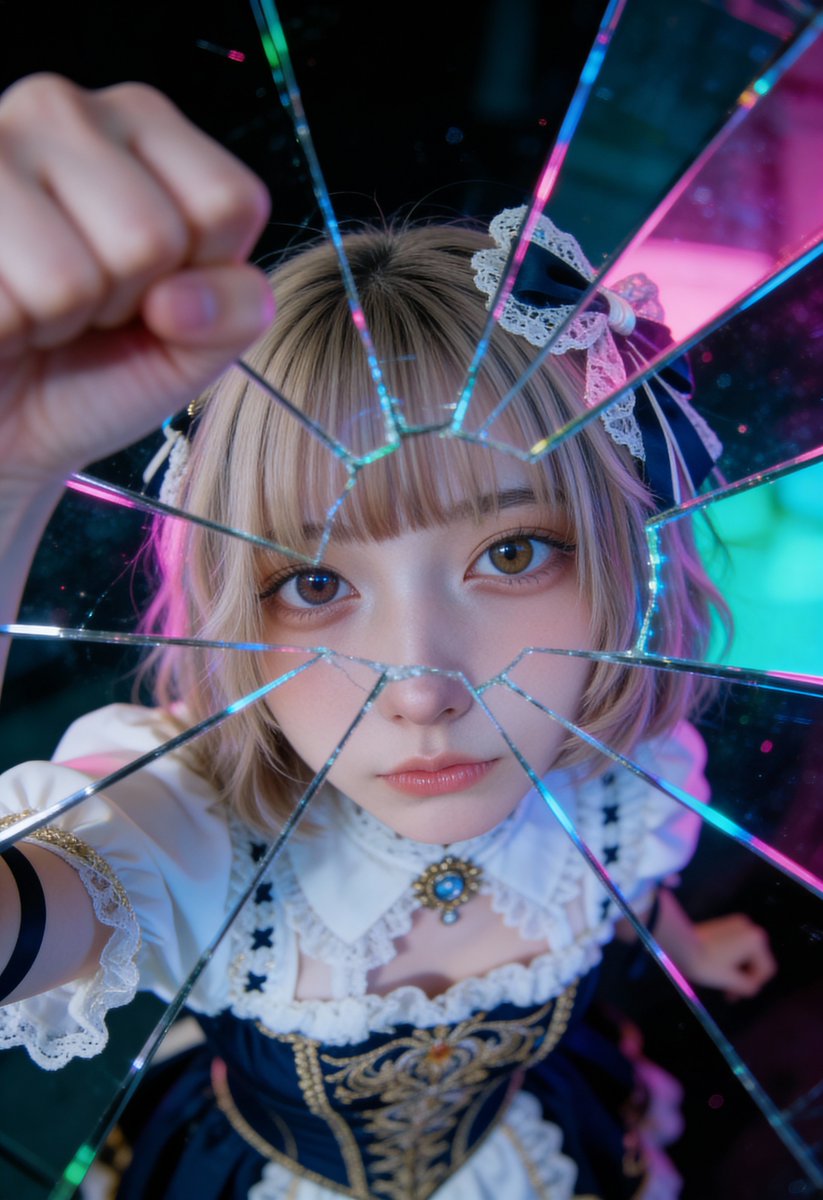
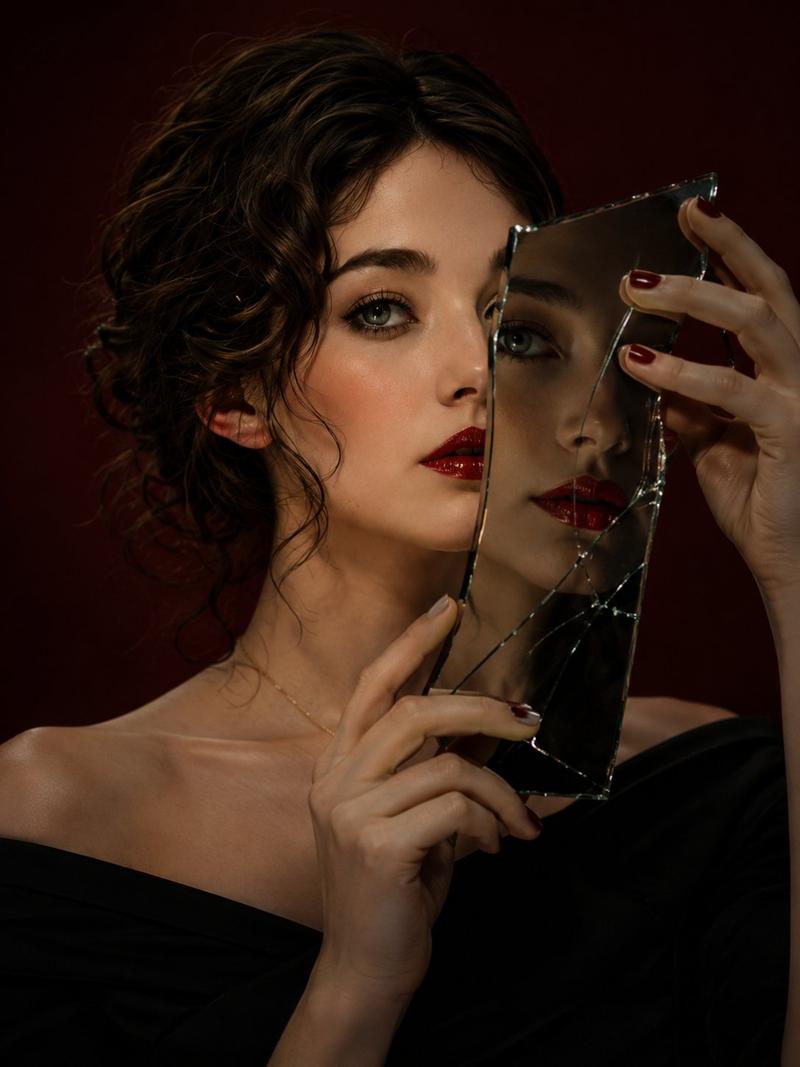
裂镜凝视超现实肖像
Enlarge

裂镜凝视超现实肖像

Prompt
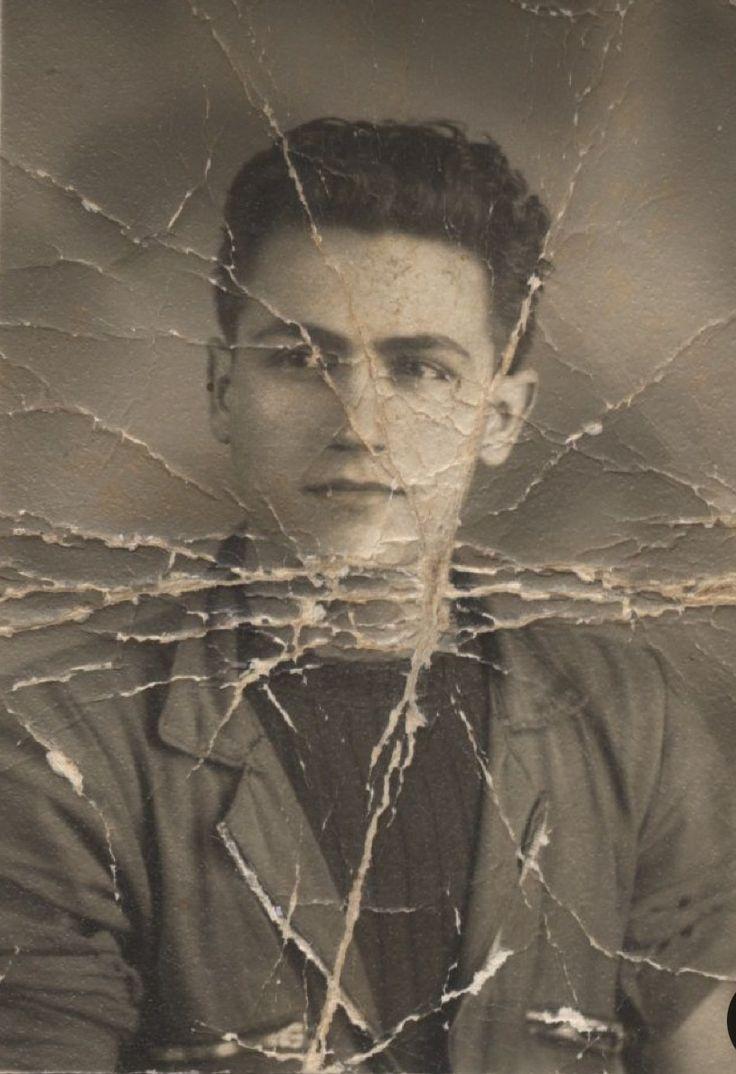
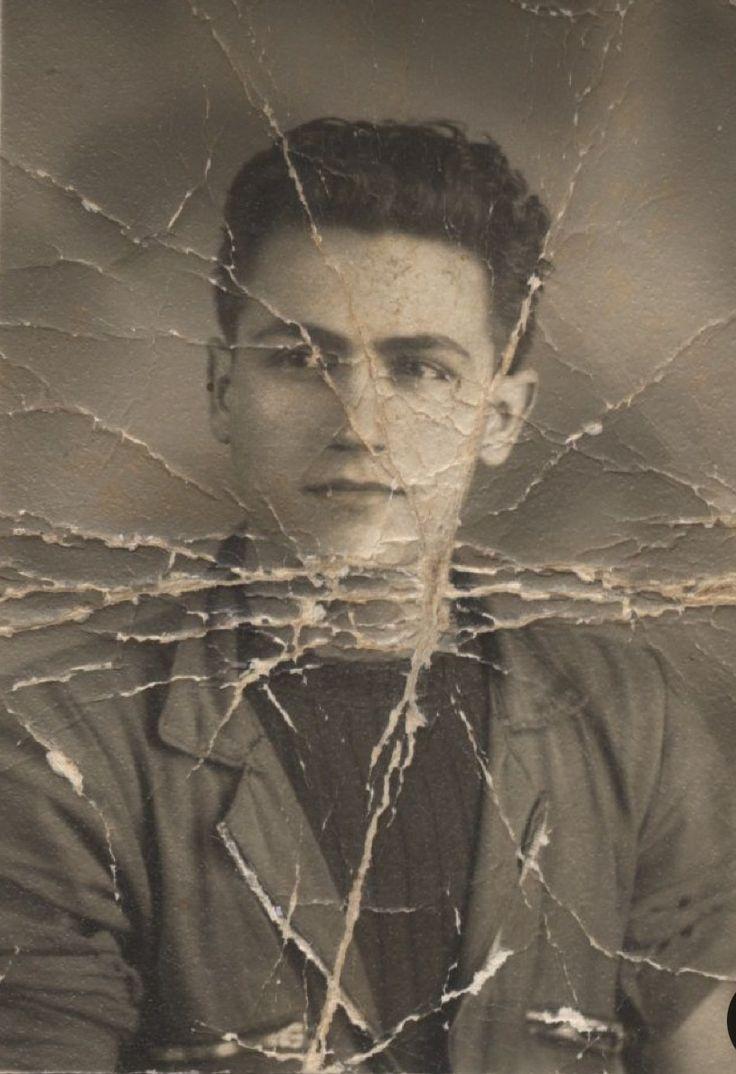
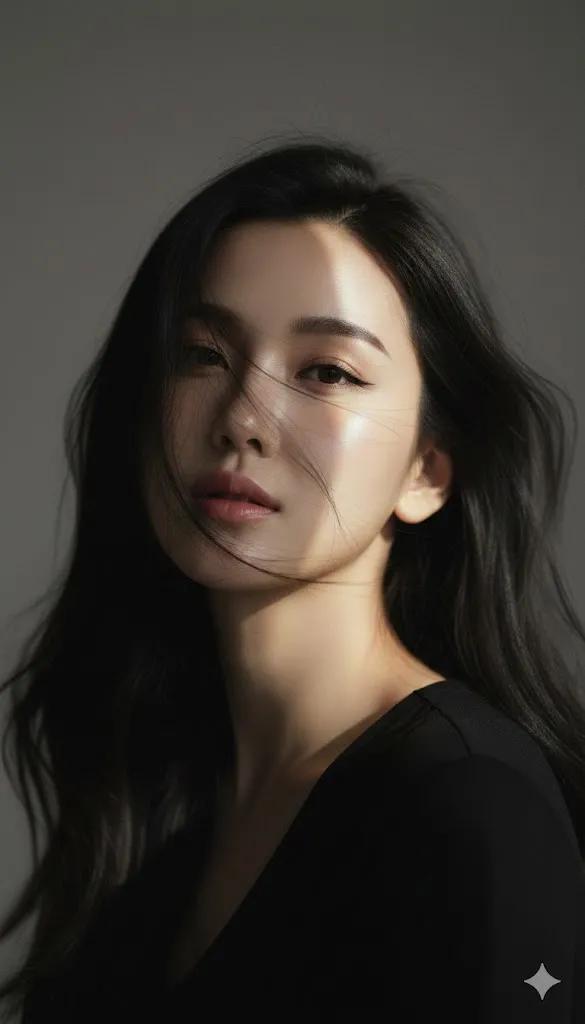
A surreal, cinematic portrait of a young woman gazing into a cracked mirror, her reflection fragmented by shattered glass lines spreading across her face and neck. Transparent glass shards wrap around her shoulders like a sculptural collar, catching soft light. Autumn-orange leaves float gently through the air, frozen mid-motion, contrasting against a cool gray background. Ultra-detailed skin texture, pale porcelain complexion, soft natural makeup, expressive blue eyes with a calm yet introspective expression. Shallow depth of field, dramatic lighting with soft highlights and moody shadows, hyper-realistic style, fine art photography aesthetic, high resolution, sharp focus, ethereal and emotional atmosphere.
Category
Photography & Realism
Model
Nano Banana Pro
Views96
Source ID
2086
Published
Jan 19, 2026

Guide

About "裂镜凝视超现实肖像"

What is this prompt for?

"裂镜凝视超现实肖像" AI image prompt for Nano Banana Pro (Photography & Realism). 一幅超现实、电影感的年轻女性肖像,她凝视着一面破裂的镜子,她的倒影被蔓延至面部与颈部的碎玻璃线条所分割。透明玻璃碎片如雕塑感颈圈般环绕她的肩膀,捕捉柔和光线。秋橙色叶片在空…

The full copyable prompt and example visuals above are ready for AI image generation or one-click recreate in Picva.

How to use this prompt

  1. Step 1

    Open the prompt detail

    Review the example visuals, category, and full prompt text for "裂镜凝视超现实肖像".

  2. Step 2

    Copy the prompt

    Copy the prompt body from this page, or load it directly in Studio.

  3. Step 3

    Pick a model (Nano Banana Pro)

    Prefer Nano Banana Pro. If you switch models, keep subject and composition and tweak style terms.

  4. Step 4

    Generate and export

    Recreate the look in Picva, or export into your workflow for editing and publishing.

FAQ

What is the "裂镜凝视超现实肖像" prompt?
It is an AI image-generation prompt for Nano Banana Pro in the Photography & Realism category. This page includes the full prompt text, example visuals, and a one-click recreate path in Picva.
How do I use this prompt to generate an image?
Copy the prompt from this page, or use Generate / Studio. Paste it into a compatible image model, or recreate the look in Picva with optional reference images.
Which model is this prompt for?
This page lists Nano Banana Pro. Most descriptive prompts also transfer to nearby image models such as GPT Image, Flux, or Midjourney with light style tweaks.
Can I use the result commercially?
You can usually copy the prompt for creation, but commercial use of the final image depends on the model terms, reference-image rights, and the generated content. Follow the source author and platform rules.