18

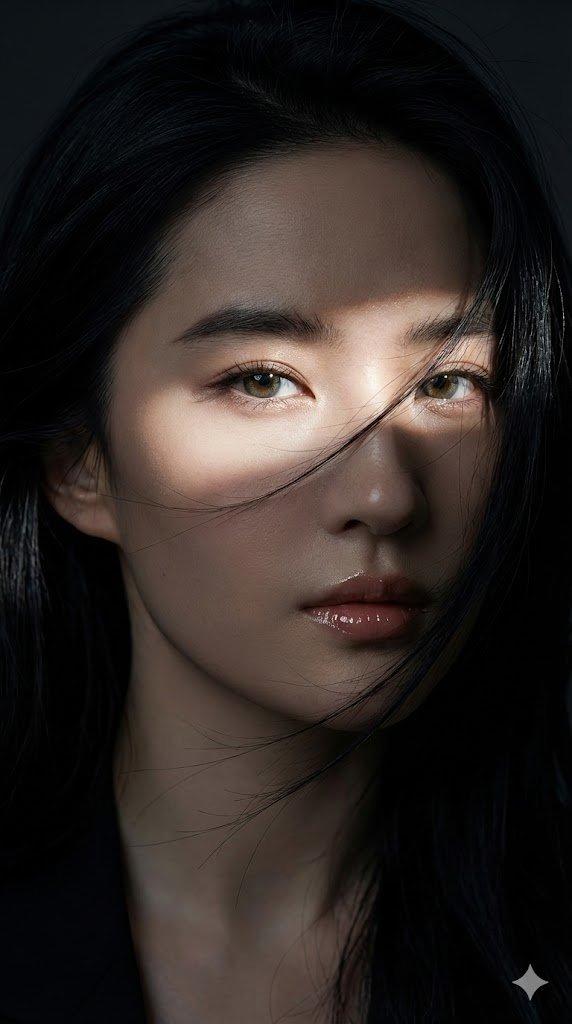
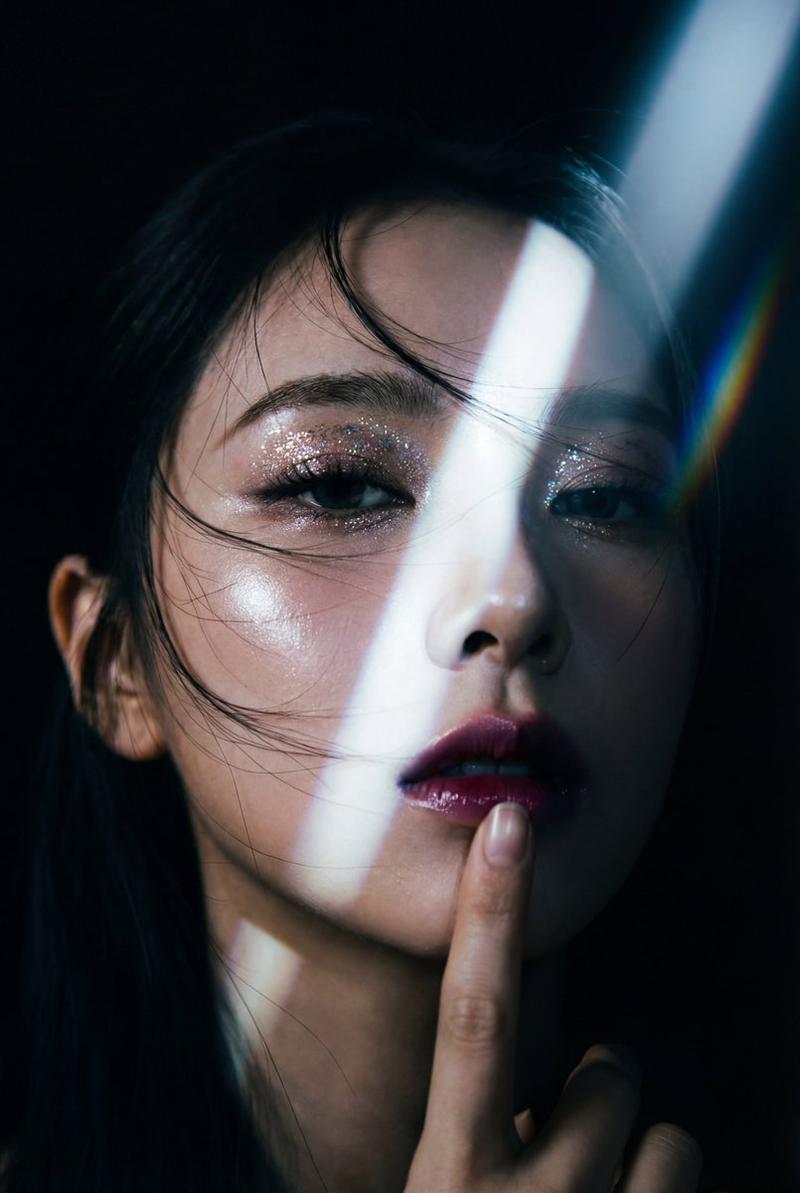
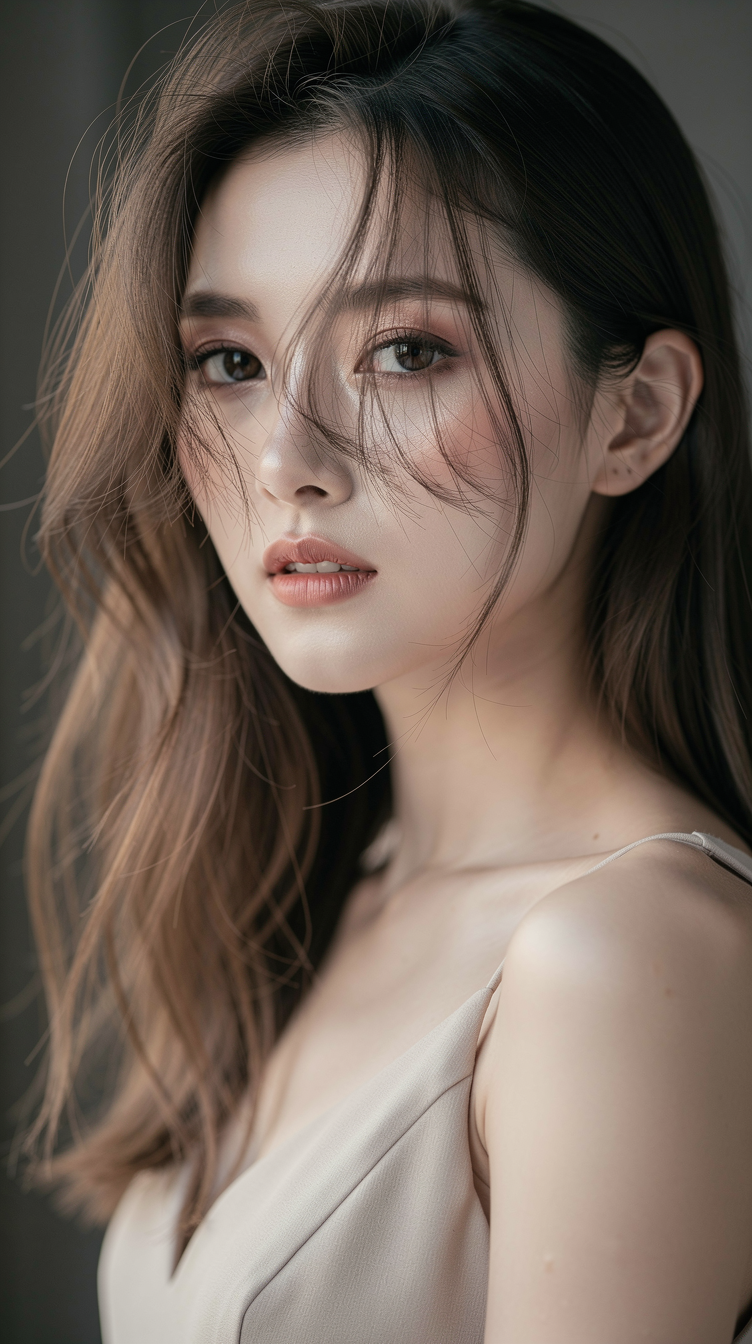
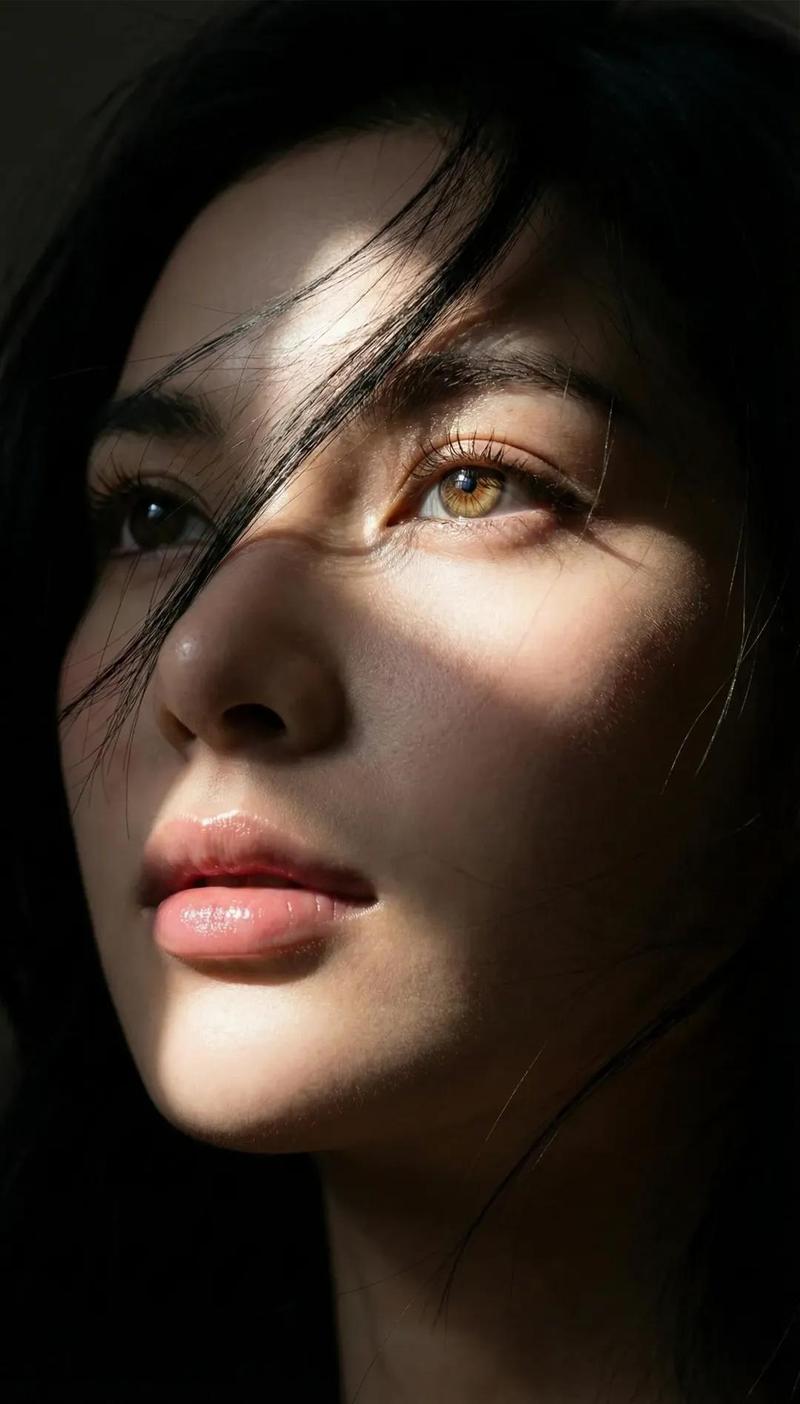
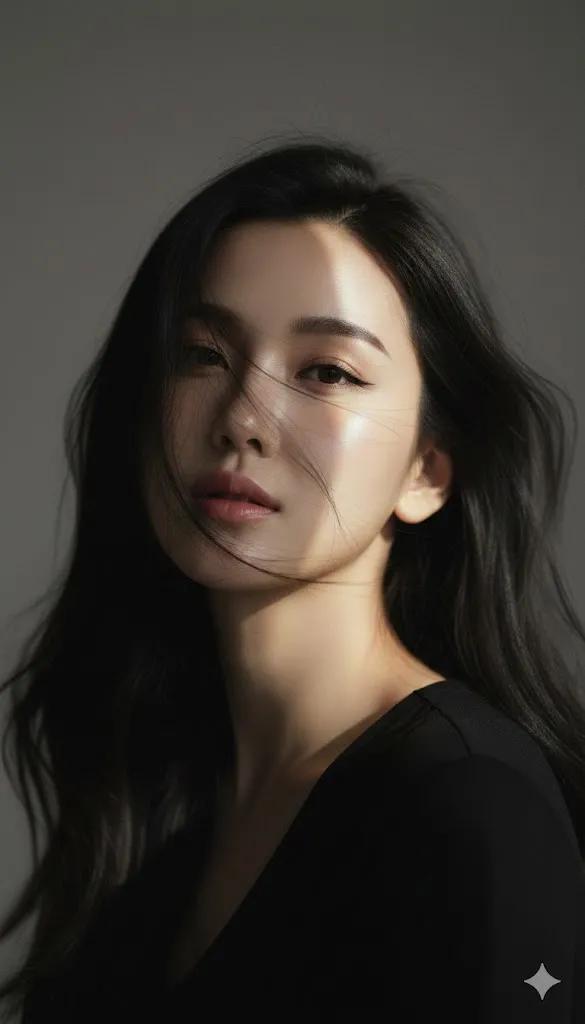
年轻女性的韩式时尚特写肖像
Enlarge

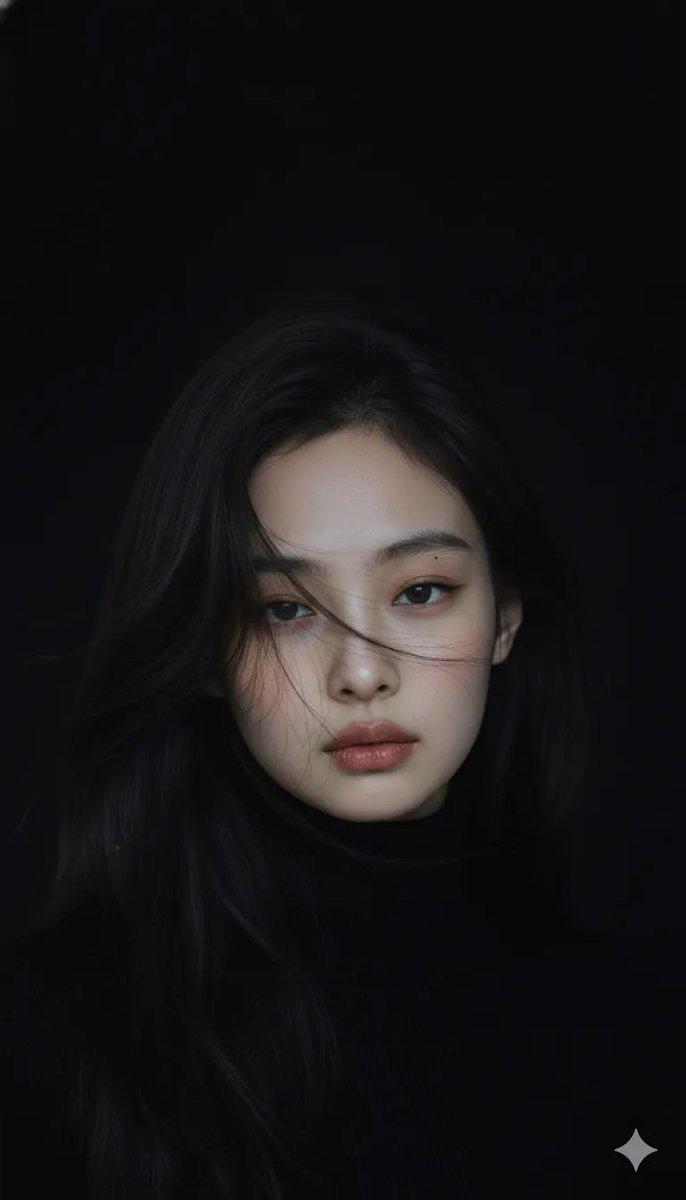
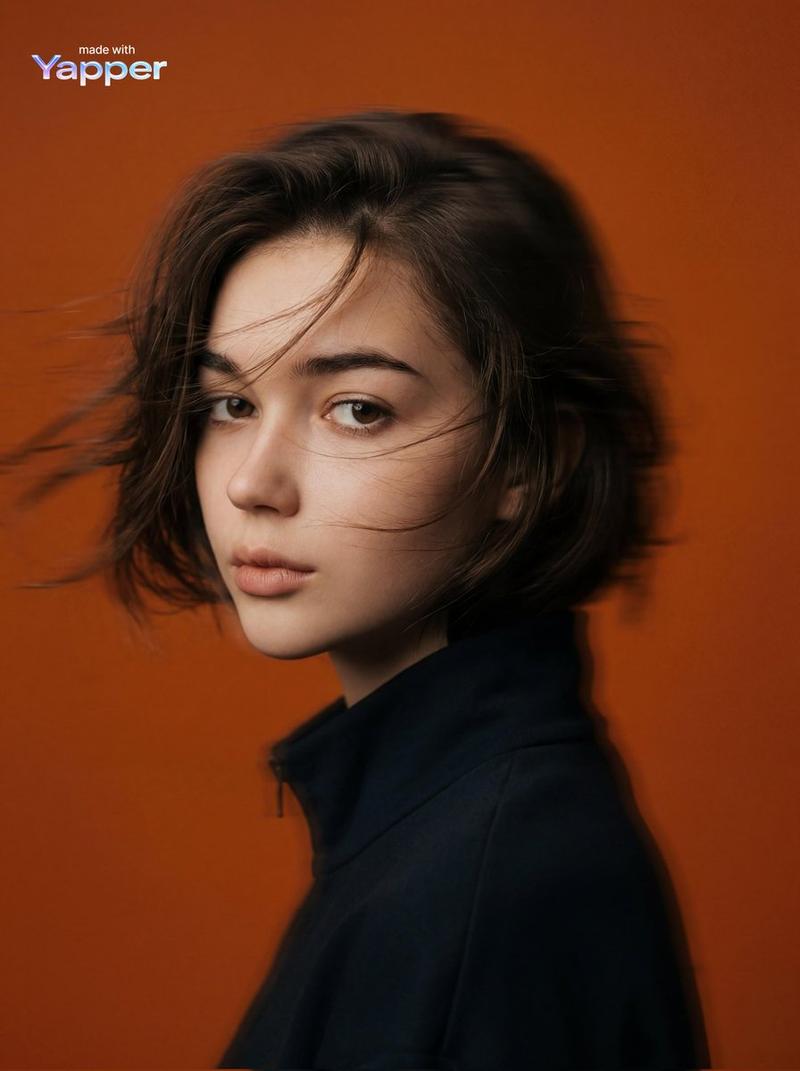
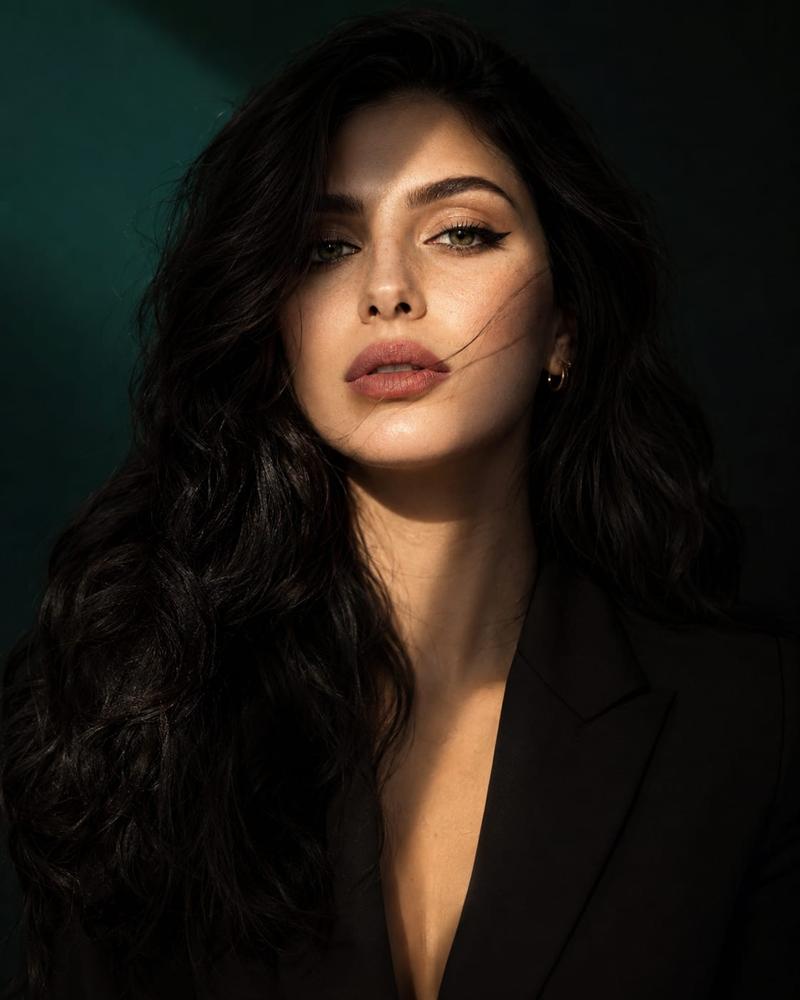
Example images

年轻女性的韩式时尚特写肖像

Prompt
"subject": {
"description": "A Korean-editorial close-up portrait of a young woman use attached photo with porcelain-white skin, captured in a fleeting instant as wind lifts her black hair mid-motion. A single narrow hard light beam strikes her face from a 45-degree diagonal angle, illuminating only the facial planes while everything else falls into deep shadow. A very faint prism/refraction rainbow appears subtly within the lit area, creating a cool, sharp, effortless swagger.", "mirror_rules": null, "age": "early 20s", "expression": { "eyes": { "look": "steady, unbothered", "energy": "cool confidence, detached", "direction": "toward the camera with a slight side gaze" }, "mouth": { "position": "slightly parted", "energy": "controlled, unapologetic" }, "overall": "cool, restrained, sharp swagger" }, "face": { "preserve_original": true, "makeup": "K-beauty clean matte look: softly structured brows, minimal eyeliner, low-saturation lips, porcelain skin with
}
Category
creative_scene
Model
Nano Banana Pro
Views6
Source ID
572b8d4e-2d1f-443b-bc91-cb6f000815e9
Published
Dec 27, 2025

Guide

About "年轻女性的韩式时尚特写肖像"

What is this prompt for?

"年轻女性的韩式时尚特写肖像" AI image prompt for Nano Banana Pro (creative_scene). creative_scene Copy it on Picva and recreate the look in one click.

The full copyable prompt and example visuals above are ready for AI image generation or one-click recreate in Picva.

How to use this prompt

  1. Step 1

    Open the prompt detail

    Review the example visuals, category, and full prompt text for "年轻女性的韩式时尚特写肖像".

  2. Step 2

    Copy the prompt

    Copy the prompt body from this page, or load it directly in Studio.

  3. Step 3

    Pick a model (Nano Banana Pro)

    Prefer Nano Banana Pro. If you switch models, keep subject and composition and tweak style terms.

  4. Step 4

    Generate and export

    Recreate the look in Picva, or export into your workflow for editing and publishing.

FAQ

What is the "年轻女性的韩式时尚特写肖像" prompt?
It is an AI image-generation prompt for Nano Banana Pro in the creative_scene category. This page includes the full prompt text, example visuals, and a one-click recreate path in Picva.
How do I use this prompt to generate an image?
Copy the prompt from this page, or use Generate / Studio. Paste it into a compatible image model, or recreate the look in Picva with optional reference images.
Which model is this prompt for?
This page lists Nano Banana Pro. Most descriptive prompts also transfer to nearby image models such as GPT Image, Flux, or Midjourney with light style tweaks.
Can I use the result commercially?
You can usually copy the prompt for creation, but commercial use of the final image depends on the model terms, reference-image rights, and the generated content. Follow the source author and platform rules.