20

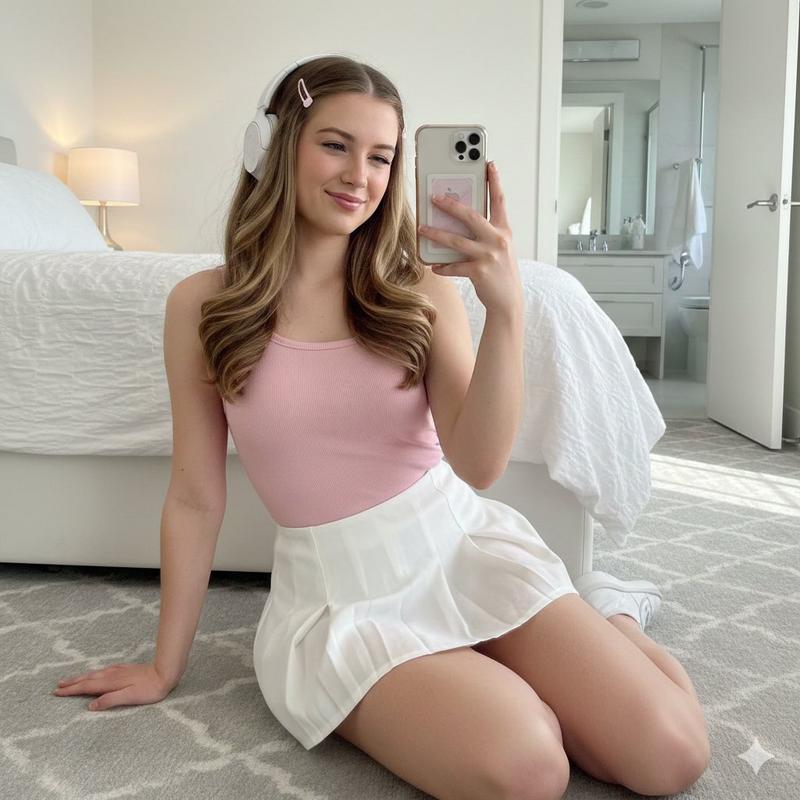
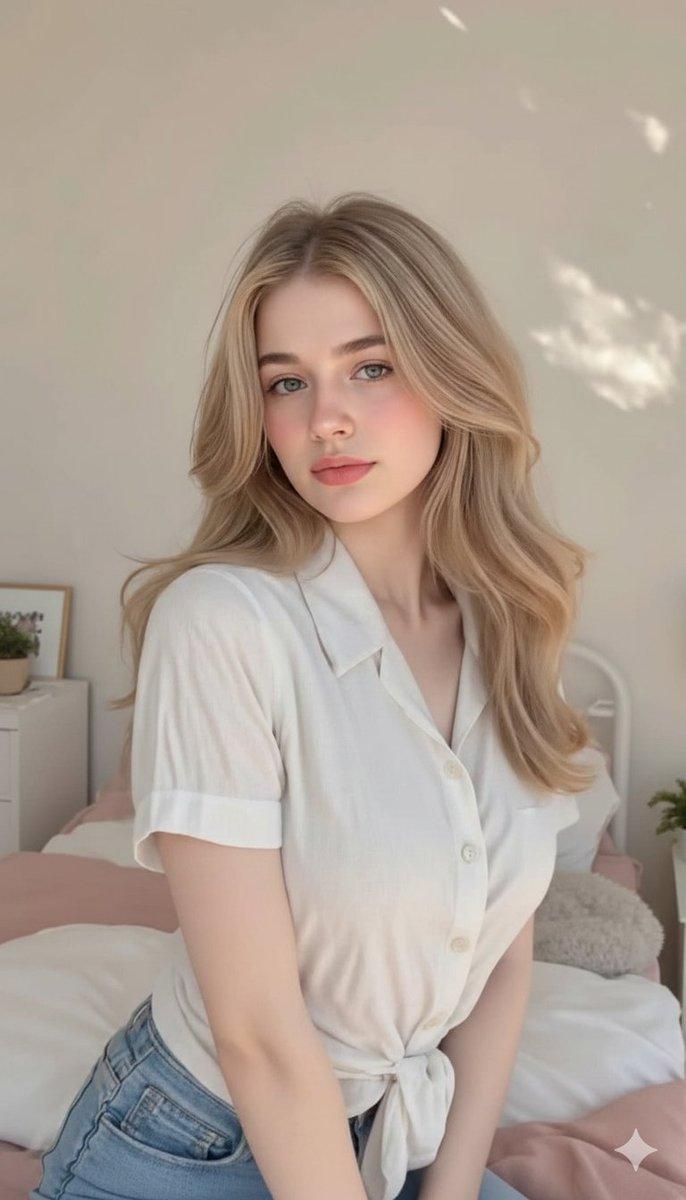
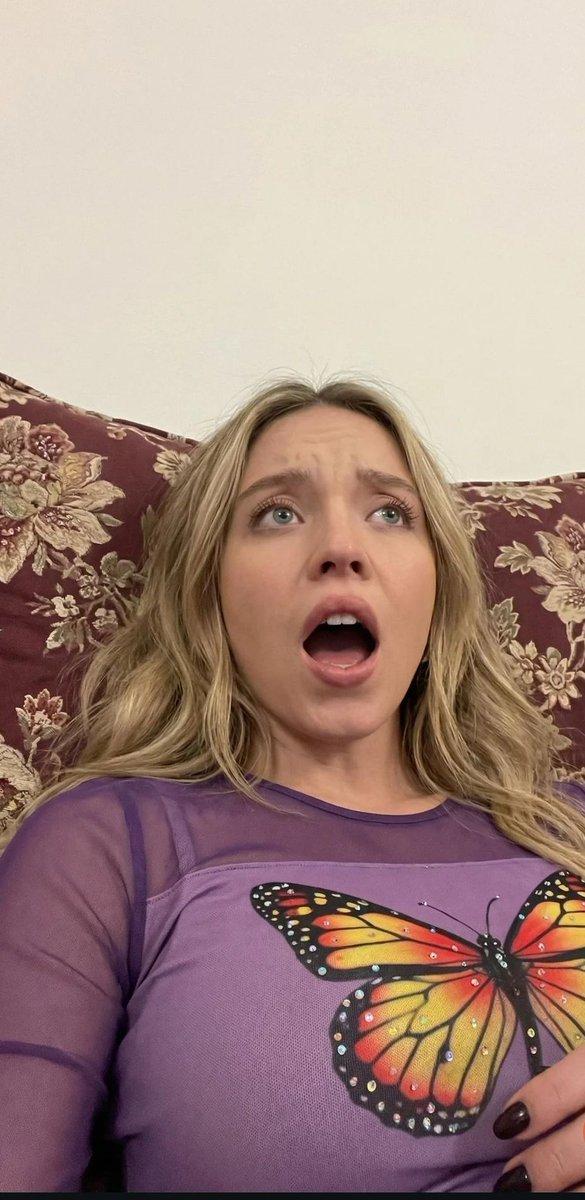
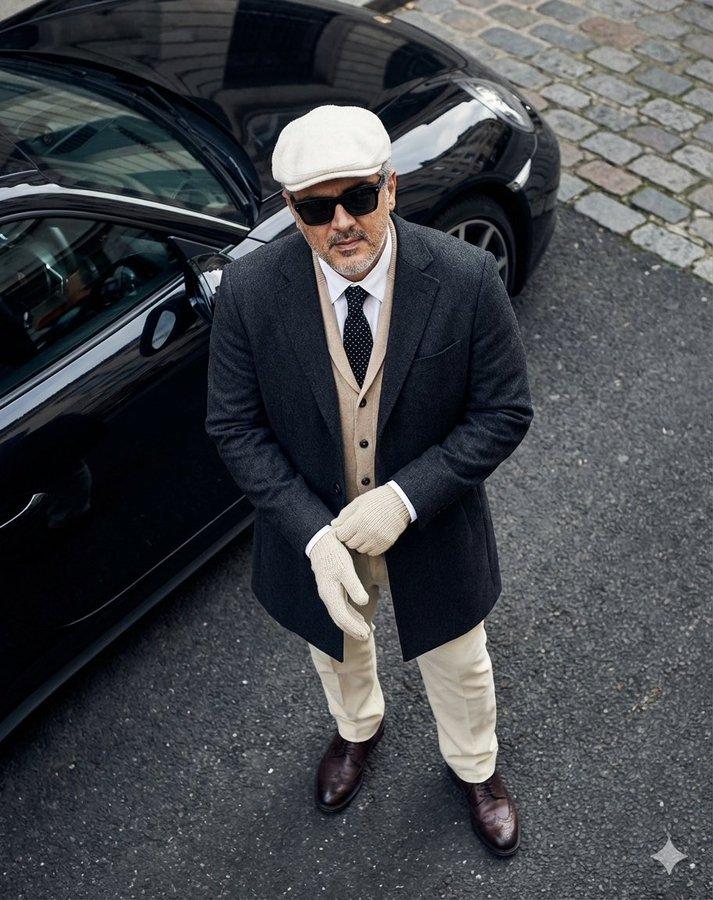
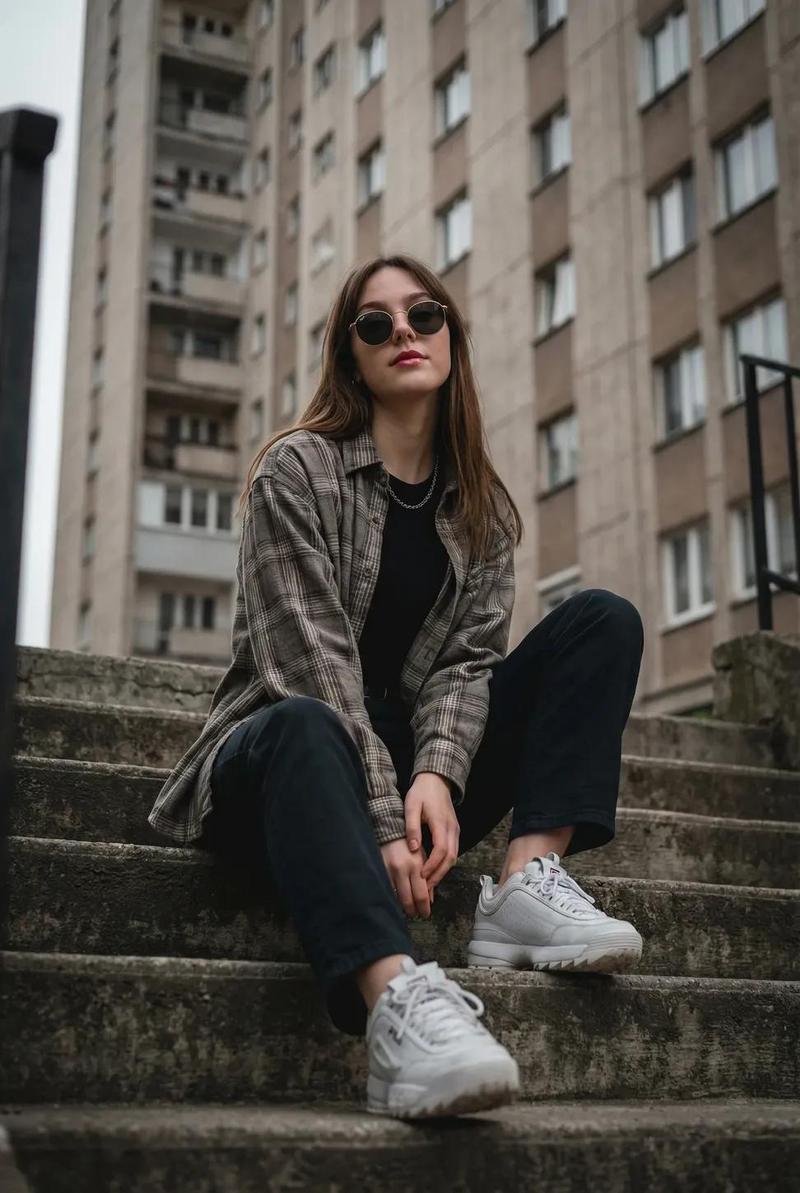
韩系温馨卧室少女粉色卫衣人像
Enlarge

Example images

韩系温馨卧室少女粉色卫衣人像

Prompt
Ultra-realistic cozy bedroom portrait of a beautiful Korean woman sitting on her bed at night, turning slightly over her shoulder toward the camera with a soft shy smile, wearing an oversized fluffy pastel pink hoodie. Long silky black hair flowing naturally down her back, glossy eyes, soft blushy makeup, natural skin texture, dreamy youthful Korean beauty aesthetic. Warm ambient bedroom lighting mixed with subtle iPhone flash photography for realistic highlights and soft shadows. Cute cozy bedroom with cream bedding, soft pillows, tiny warm lamps, pastel decor, photo cards on the wall, soft curtains, nighttime city lights outside the window. Romantic slice-of-life atmosphere, soft pink and cream tones, candid pose, cozy feminine aesthetic, shallow depth of field, cinematic composition, highly detailed, photorealistic Korean room vibe, soft glow, intimate late-night mood.
Category
Architecture & Spaces
Model
ChatGPT
Creator
@john_my07
Views74
Source ID
14564
Published
May 18, 2026

Guide

About "韩系温馨卧室少女粉色卫衣人像"

What is this prompt for?

"韩系温馨卧室少女粉色卫衣人像" AI image prompt for ChatGPT (Architecture & Spaces). 极具真实感的温馨卧室人像,一位美丽的韩国女性在夜晚坐在床上,微微回眸看向镜头,带着羞涩温柔的微笑,穿着一件大号蓬松的浅粉色连帽衫。柔顺的黑色长发自然披散在背后,清澈明亮的眼睛,柔…

The full copyable prompt and example visuals above are ready for AI image generation or one-click recreate in Picva.

How to use this prompt

  1. Step 1

    Open the prompt detail

    Review the example visuals, category, and full prompt text for "韩系温馨卧室少女粉色卫衣人像".

  2. Step 2

    Copy the prompt

    Copy the prompt body from this page, or load it directly in Studio.

  3. Step 3

    Pick a model (ChatGPT)

    Prefer ChatGPT. If you switch models, keep subject and composition and tweak style terms.

  4. Step 4

    Generate and export

    Recreate the look in Picva, or export into your workflow for editing and publishing.

FAQ

What is the "韩系温馨卧室少女粉色卫衣人像" prompt?
It is an AI image-generation prompt for ChatGPT in the Architecture & Spaces category. This page includes the full prompt text, example visuals, and a one-click recreate path in Picva.
How do I use this prompt to generate an image?
Copy the prompt from this page, or use Generate / Studio. Paste it into a compatible image model, or recreate the look in Picva with optional reference images.
Which model is this prompt for?
This page lists ChatGPT. Most descriptive prompts also transfer to nearby image models such as GPT Image, Flux, or Midjourney with light style tweaks.
Can I use the result commercially?
You can usually copy the prompt for creation, but commercial use of the final image depends on the model terms, reference-image rights, and the generated content. Follow the source author and platform rules.