17

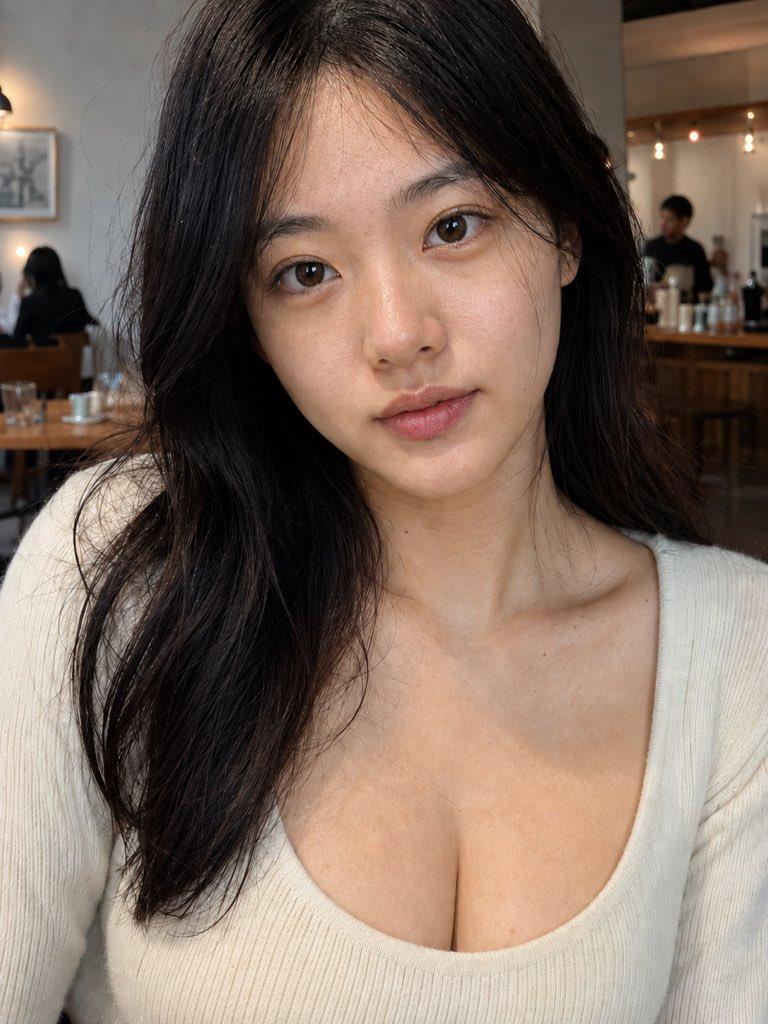
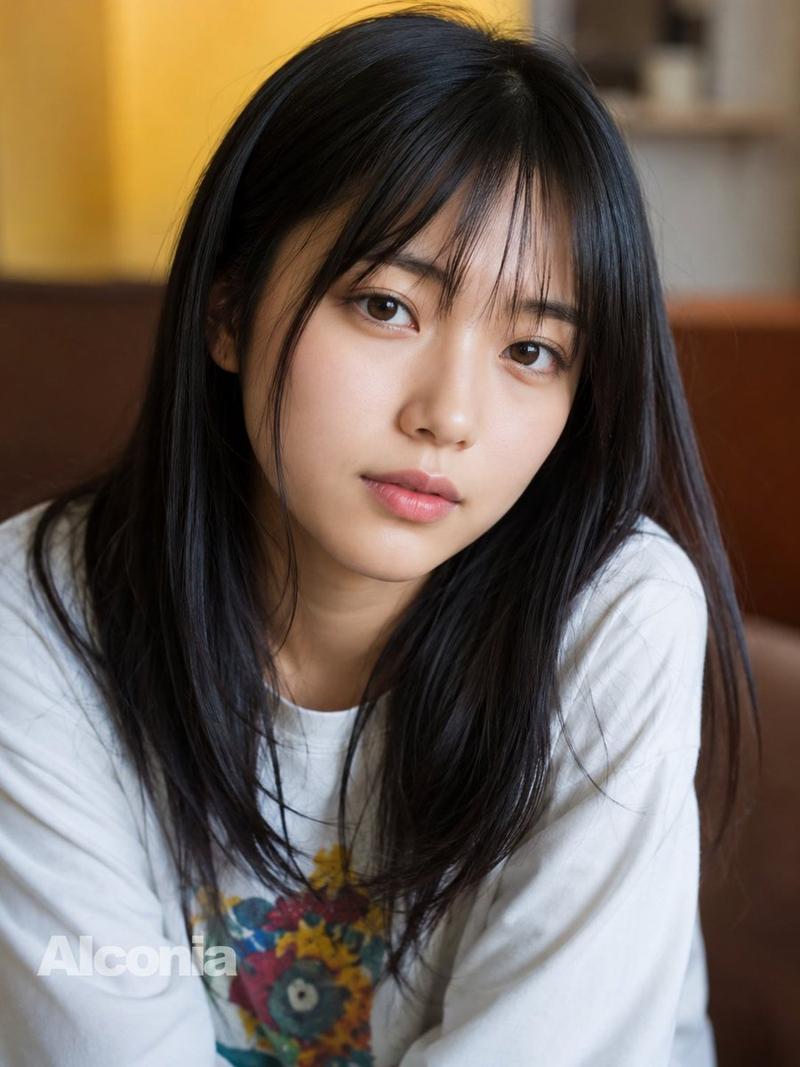
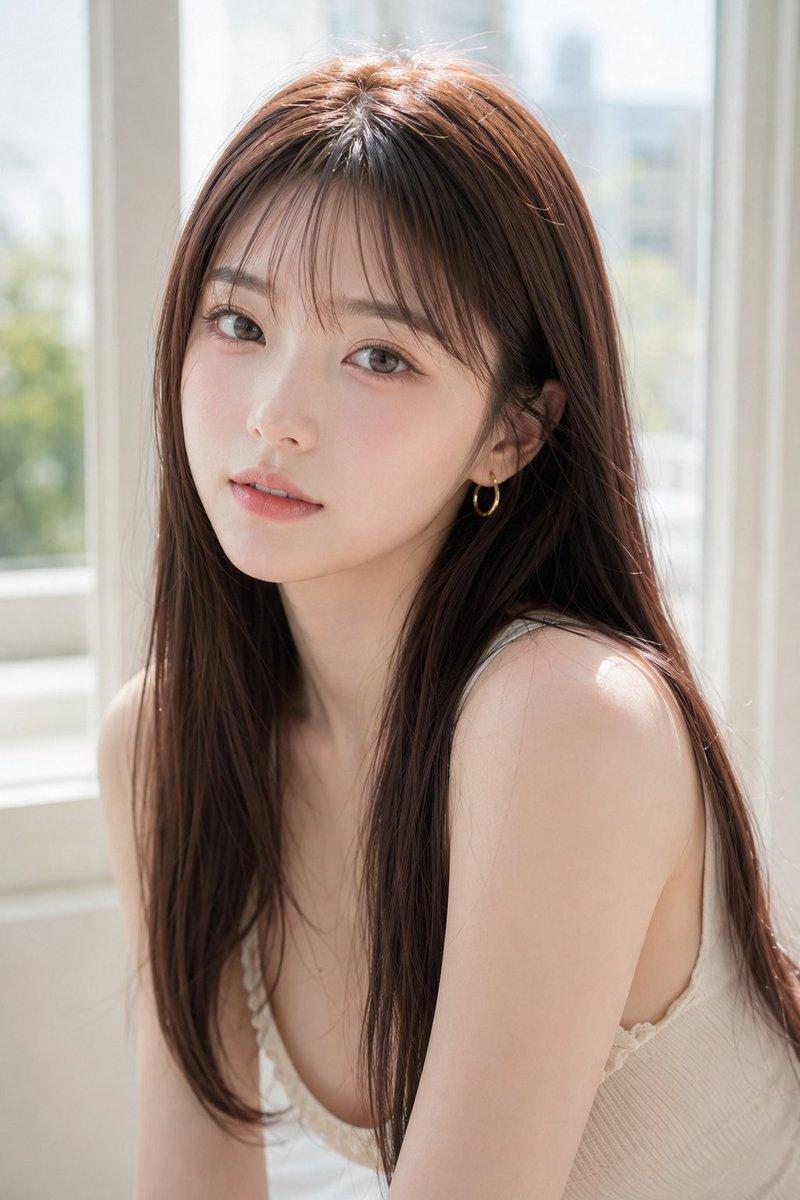
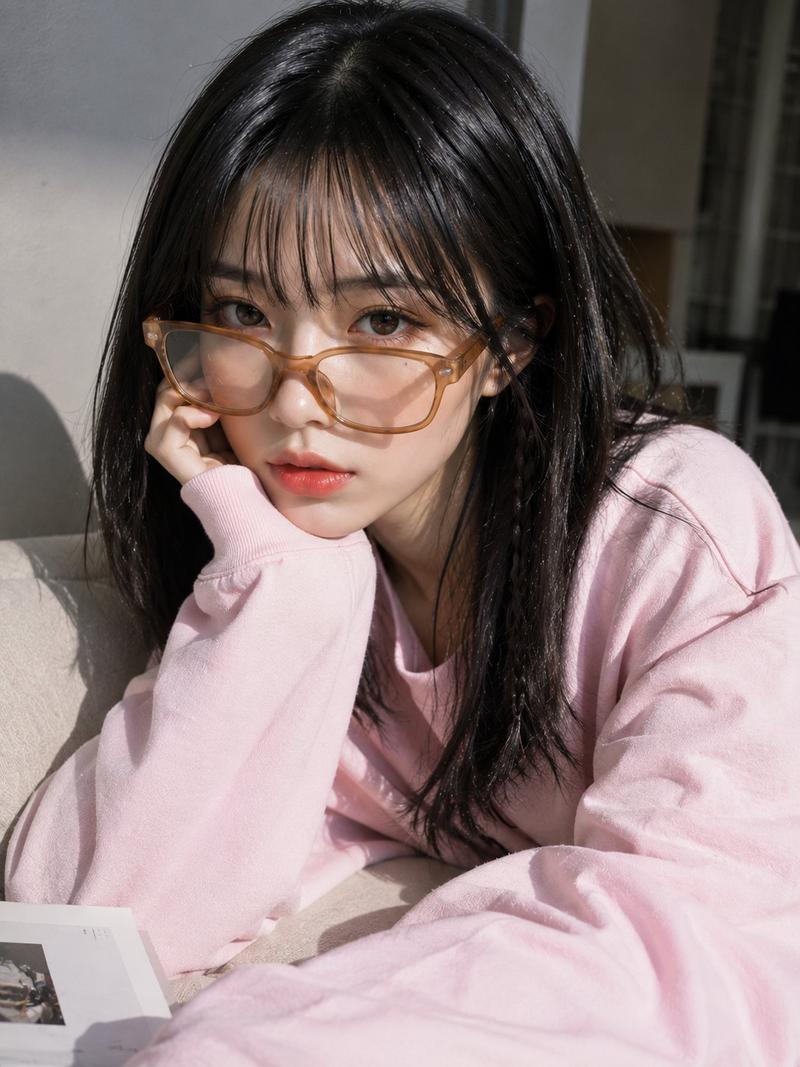
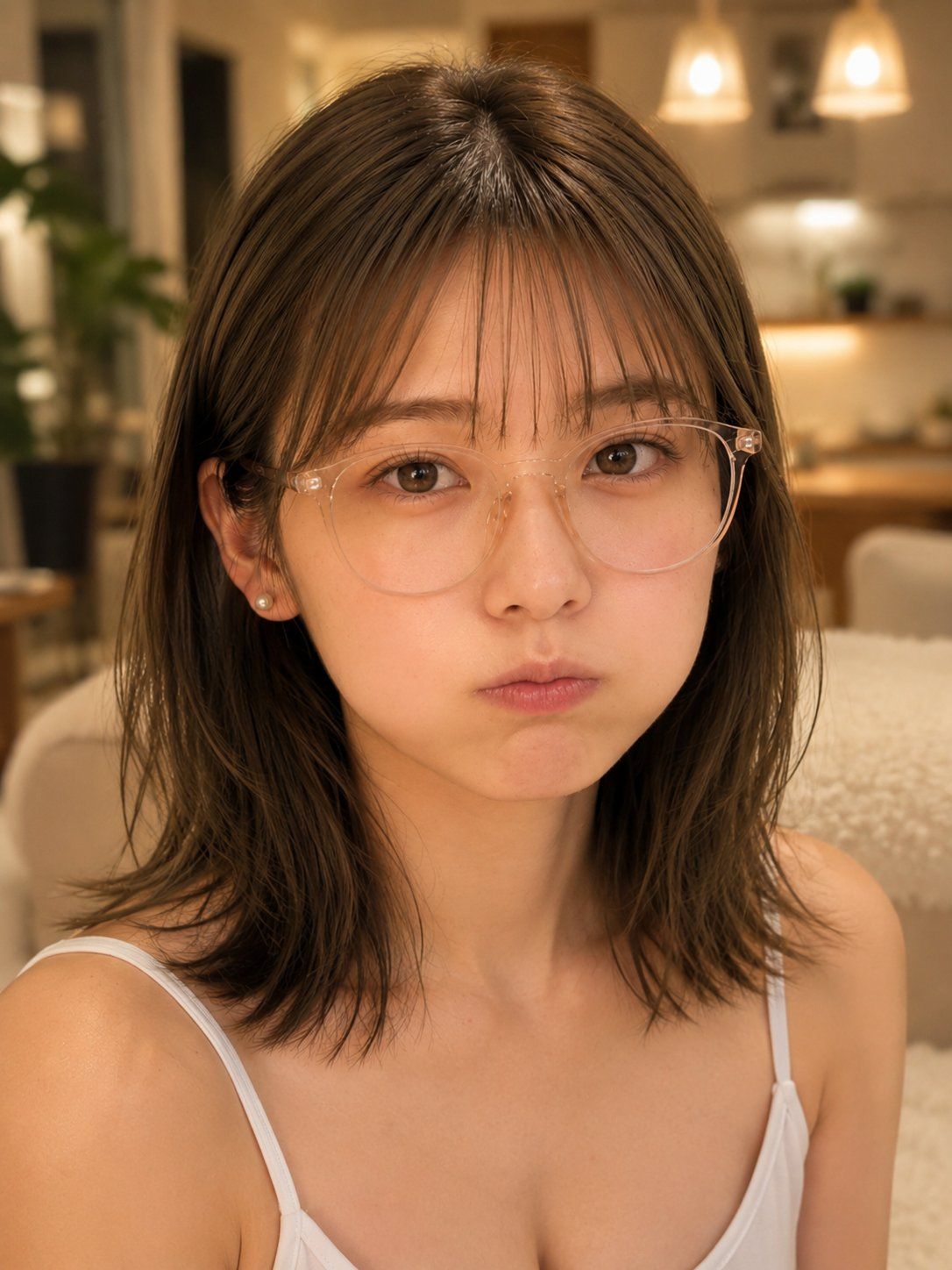
温馨室内嘟嘴自拍人像
Enlarge

Example images

温馨室内嘟嘴自拍人像

Prompt
Create a realistic vertical close-up selfie portrait of a young East Asian woman with {argument name="hair color" default="dark brown"} shoulder-length slightly messy layered hair and thin wispy bangs, wearing transparent round eyeglasses, small pearl stud earrings, and a simple white camisole with thin straps. She faces the camera directly from a slightly high selfie angle, centered tightly from upper chest to top of head, with soft natural skin texture, large brown eyes, and a cute mildly pouting expression with puffed cheeks and closed lips, looking a little worried or sulky. Use warm cozy indoor lighting in a modern apartment or café-like kitchen/living room at night, with creamy beige tones, blurred pendant lights glowing in the background, a soft sofa or chair, wood cabinetry, and a leafy green plant on the left. Make the background strongly defocused with shallow depth of field, while the face and glasses are sharply detailed. Style should be photorealistic smartphone portrait, warm color grading, soft bokeh, intimate casual mood, no text, no watermark.
Category
Architecture & Spaces
Model
GPT Image 2
Views6
Source ID
26992
Published
Jun 27, 2026

Guide

About "温馨室内嘟嘴自拍人像"

What is this prompt for?

"温馨室内嘟嘴自拍人像" AI image prompt for GPT Image 2 (Architecture & Spaces). 生成一张照片级逼真的温馨室内自拍人像,主角是一位戴着透明眼镜、表情可爱嘟嘴的年轻女性。 Copy it on Picva and recreate the look in one…

The full copyable prompt and example visuals above are ready for AI image generation or one-click recreate in Picva.

How to use this prompt

  1. Step 1

    Open the prompt detail

    Review the example visuals, category, and full prompt text for "温馨室内嘟嘴自拍人像".

  2. Step 2

    Copy the prompt

    Copy the prompt body from this page, or load it directly in Studio.

  3. Step 3

    Pick a model (GPT Image 2)

    Prefer GPT Image 2. If you switch models, keep subject and composition and tweak style terms.

  4. Step 4

    Generate and export

    Recreate the look in Picva, or export into your workflow for editing and publishing.

FAQ

What is the "温馨室内嘟嘴自拍人像" prompt?
It is an AI image-generation prompt for GPT Image 2 in the Architecture & Spaces category. This page includes the full prompt text, example visuals, and a one-click recreate path in Picva.
How do I use this prompt to generate an image?
Copy the prompt from this page, or use Generate / Studio. Paste it into a compatible image model, or recreate the look in Picva with optional reference images.
Which model is this prompt for?
This page lists GPT Image 2. Most descriptive prompts also transfer to nearby image models such as GPT Image, Flux, or Midjourney with light style tweaks.
Can I use the result commercially?
You can usually copy the prompt for creation, but commercial use of the final image depends on the model terms, reference-image rights, and the generated content. Follow the source author and platform rules.