13

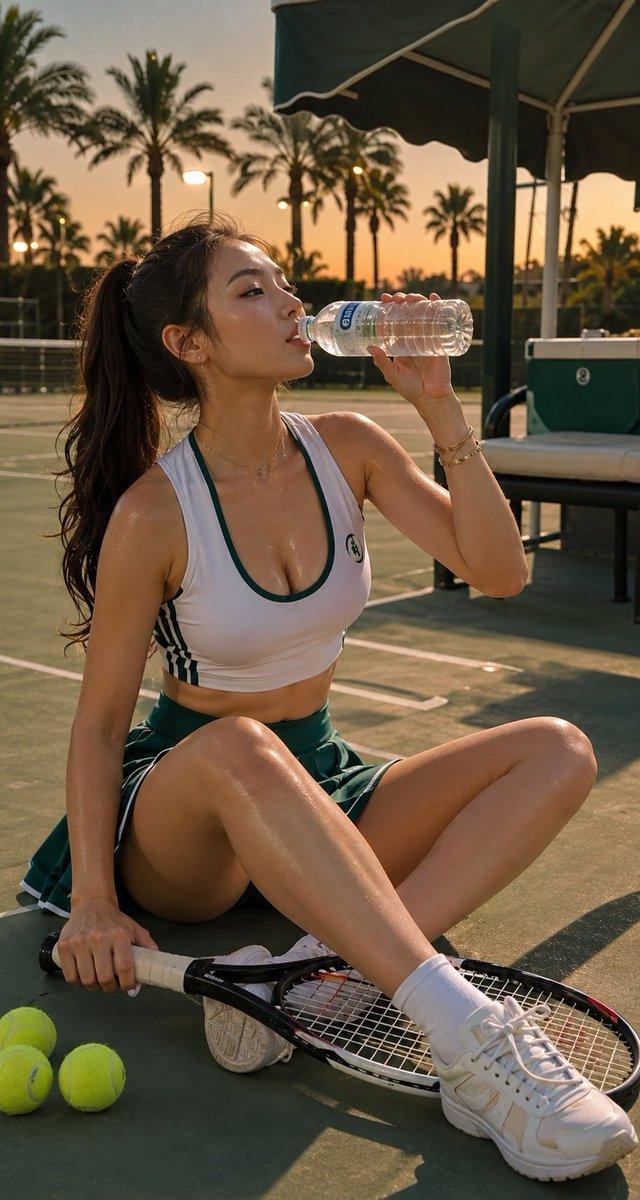
网球场慵懒午后:奢华运动风人像
Enlarge

网球场慵懒午后:奢华运动风人像

Prompt
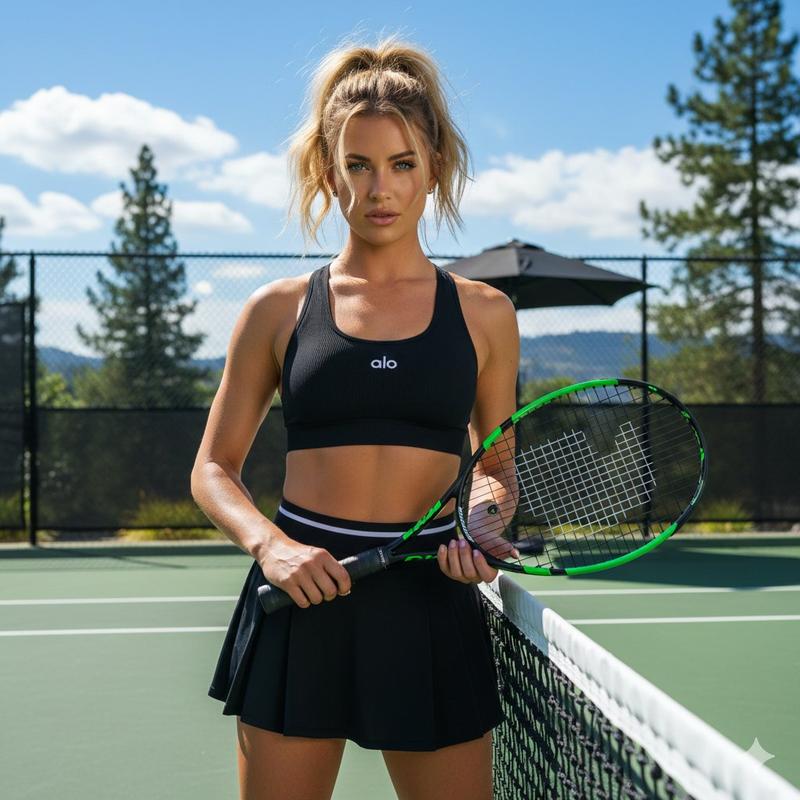
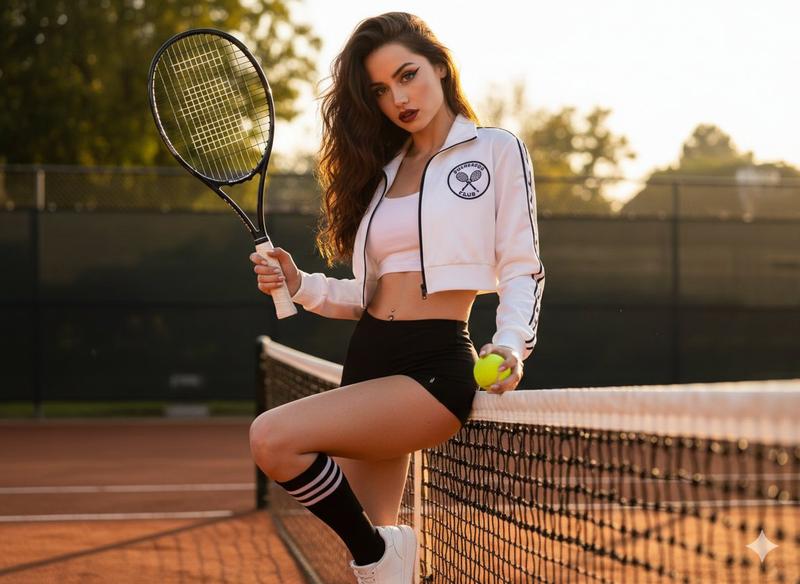
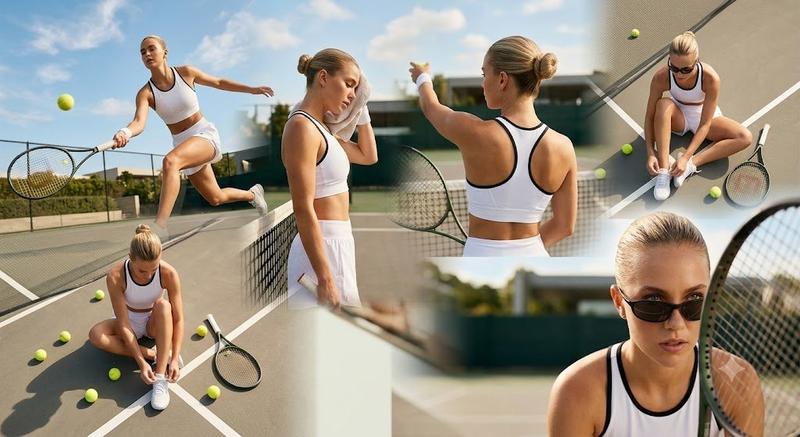
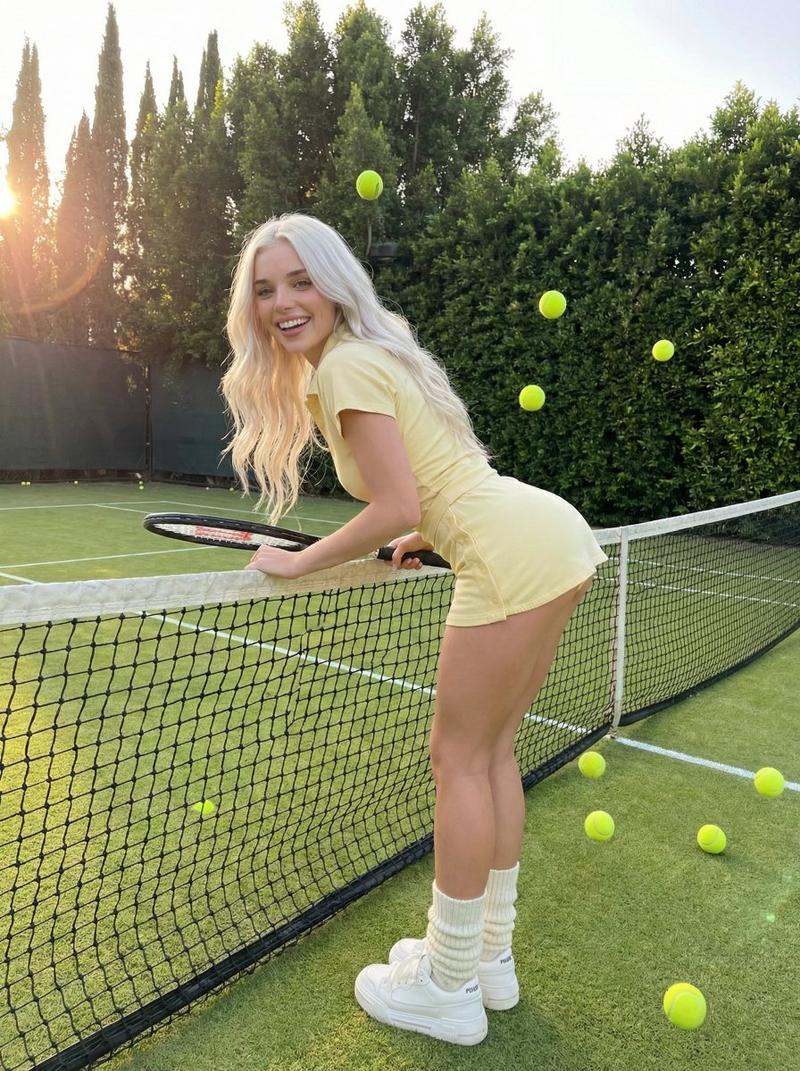
Ultra-realistic lifestyle sports portrait of a beautiful curly-haired girl sitting on an outdoor tennis court in front of the net, holding a neon yellow tennis ball softly against her cheek, calm dreamy expression looking away from camera. She wears a navy blue fitted tennis dress with white trim, white sneakers and crew socks, with scattered tennis balls and a racket beside her. Bright natural sunlight, soft cinematic shadows, clean luxury sports aesthetic, shallow depth of field, glossy skin highlights, relaxed editorial pose, modern athletic fashion campaign vibe, realistic textures, warm summer atmosphere, centered composition, high-end sportswear photography, 85mm lens look, ultra-detailed, 1:1 aspect ratio.
Category
Posters & Typography
Model
ChatGPT
Views49
Source ID
14140
Published
May 11, 2026

Guide

About "网球场慵懒午后:奢华运动风人像"

What is this prompt for?

"网球场慵懒午后:奢华运动风人像" AI image prompt for ChatGPT (Posters & Typography). 一张超写实的时尚运动人像:一位留着卷发的优雅女孩坐在户外网球场的球网前。她将一颗霓虹黄网球轻轻贴在脸颊,神情沉静梦幻,目光看向远方。她穿着一件藏青色白边修身网球裙,搭配白色运动鞋…

The full copyable prompt and example visuals above are ready for AI image generation or one-click recreate in Picva.

How to use this prompt

  1. Step 1

    Open the prompt detail

    Review the example visuals, category, and full prompt text for "网球场慵懒午后:奢华运动风人像".

  2. Step 2

    Copy the prompt

    Copy the prompt body from this page, or load it directly in Studio.

  3. Step 3

    Pick a model (ChatGPT)

    Prefer ChatGPT. If you switch models, keep subject and composition and tweak style terms.

  4. Step 4

    Generate and export

    Recreate the look in Picva, or export into your workflow for editing and publishing.

FAQ

What is the "网球场慵懒午后:奢华运动风人像" prompt?
It is an AI image-generation prompt for ChatGPT in the Posters & Typography category. This page includes the full prompt text, example visuals, and a one-click recreate path in Picva.
How do I use this prompt to generate an image?
Copy the prompt from this page, or use Generate / Studio. Paste it into a compatible image model, or recreate the look in Picva with optional reference images.
Which model is this prompt for?
This page lists ChatGPT. Most descriptive prompts also transfer to nearby image models such as GPT Image, Flux, or Midjourney with light style tweaks.
Can I use the result commercially?
You can usually copy the prompt for creation, but commercial use of the final image depends on the model terms, reference-image rights, and the generated content. Follow the source author and platform rules.